

v2.0.2
acr_cloud_sdk
이것은 Flutter에서 사운드와 음악을 인식하기 위한 비공식 ACR Cloud SDK입니다
31좋아요 17930일 다운로드130Pub 점수
AndroidiOSmacOS
🎵 🎶 ACR Cloud SDK for Flutter

아래는 영문 원문 스냅샷입니다. 최신 내용은 GitHub에서 확인하세요.
** This is an unofficial SDK for flutter
Automatic content recognition (ACR) is an identification technology to recognise content played on a media device or present in a media file. This enables users quickly obtain detailed information about the content they have just experienced without any text based input or search efforts.
ACR can help users deal with multimedia more effective and make applications more intelligent. More info.
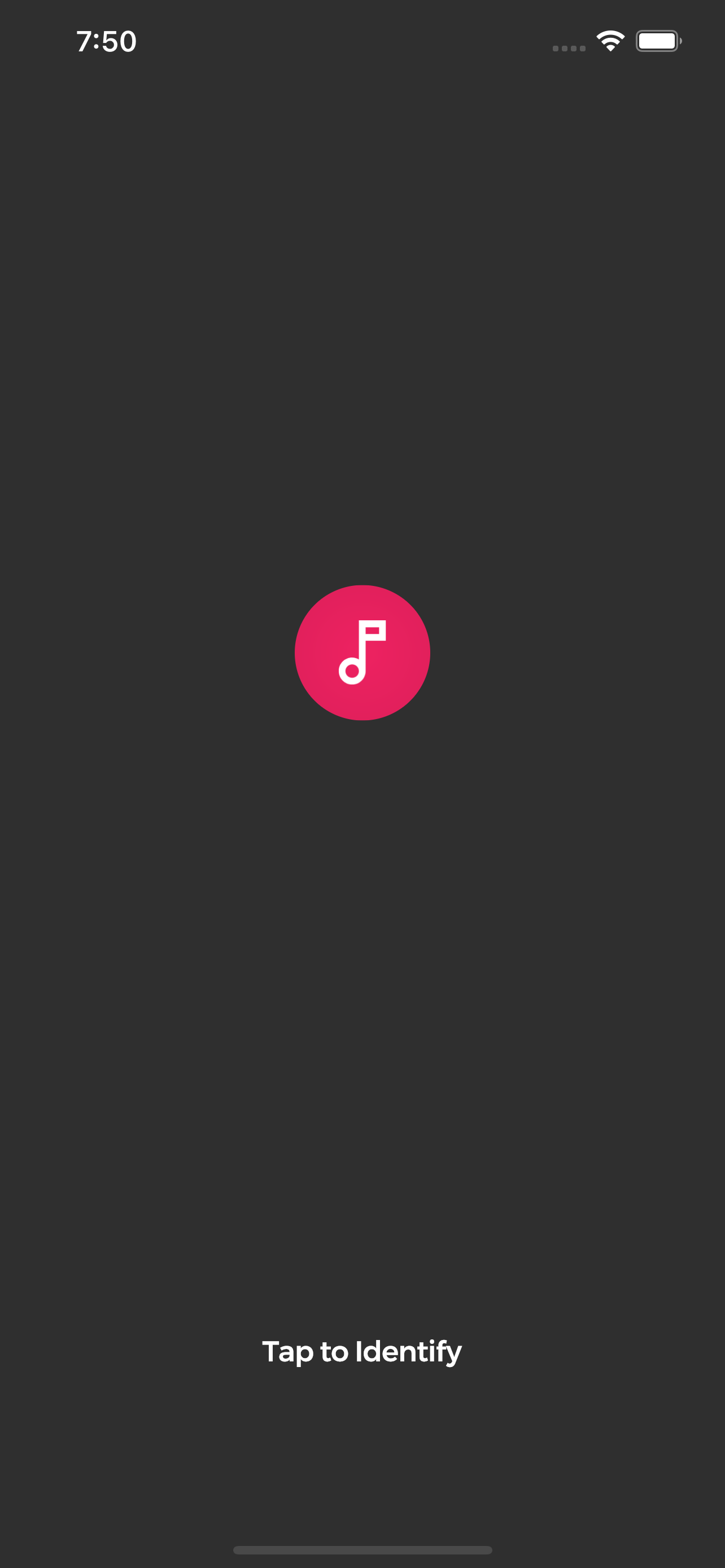
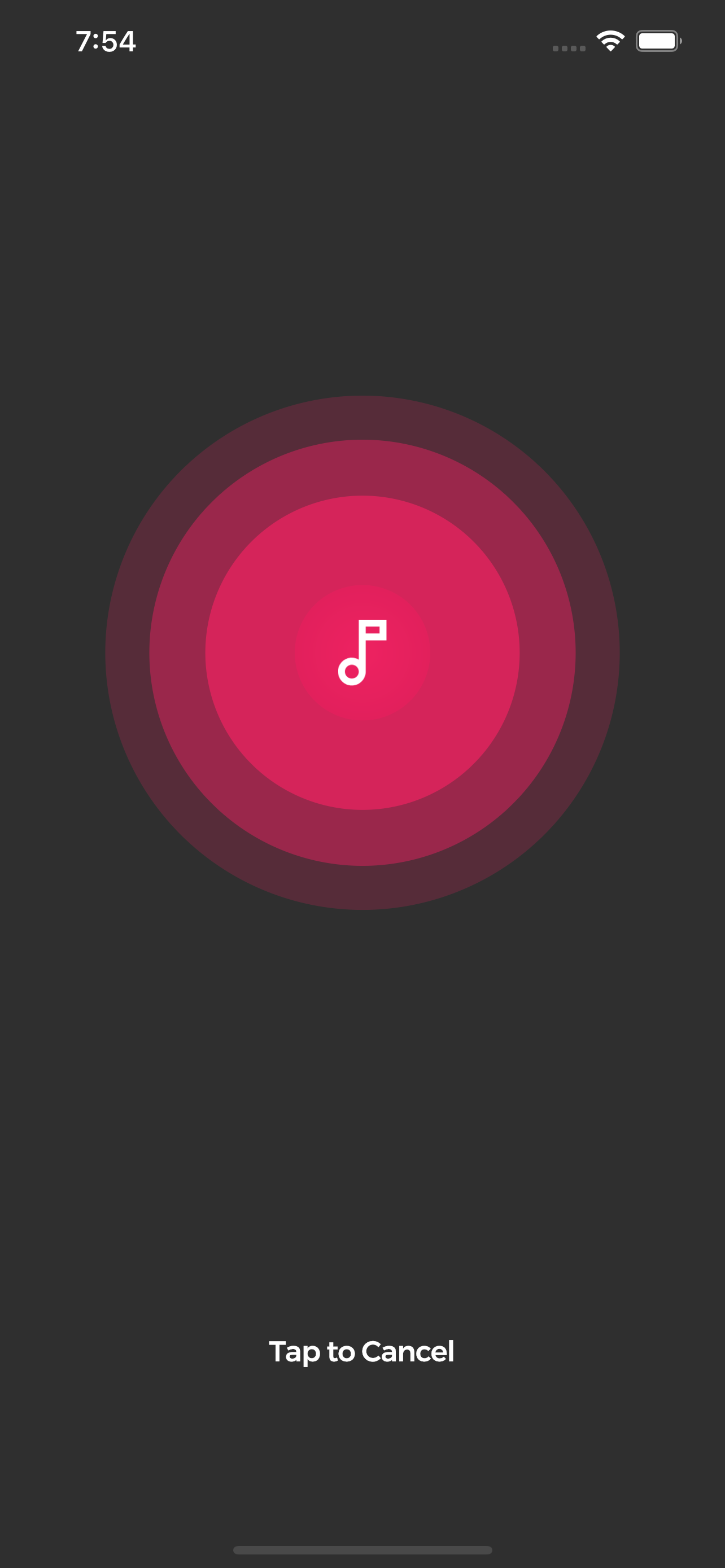
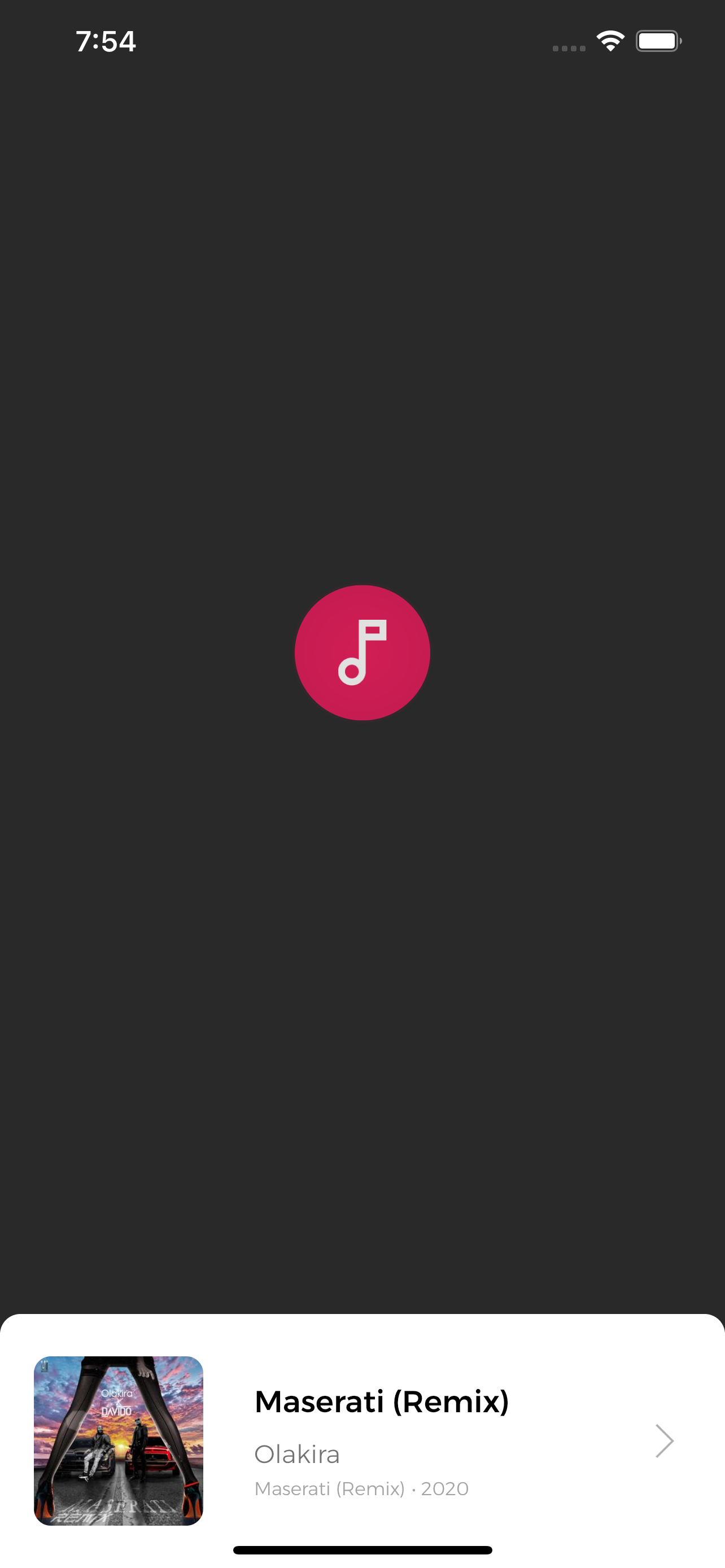
  final AcrCloudSdk arc = AcrCloudSdk();

      arc..init(
          host: '', // obtain from https://www.acrcloud.com/
          accessKey: '', // obtain from https://www.acrcloud.com/
          accessSecret: '', // obtain from https://www.acrcloud.com/
          setLog: false,
        )..songModelStream.listen(searchSong);

  void searchSong(SongModel song) async {
      print(song); // Recognized song data
  }
Initialize sdk and listen for song recognition events.
bool started = await arc.start();
bool started = await arc.stop();
Lots of PR's would be needed to improve this plugin. So lots of suggestions and PRs are welcome.
의존성 목록 4 개
{"sdk":"flutter"}^10.2.0{"sdk":"flutter"}any사용 목적에 따라 검색하고 개발 활동을 비교한 뒤 원본 저장소에서 요구 사항을 확인하세요.
“A repository is the most basic element of GitHub.”
GitHub Docs — About repositories ↗