

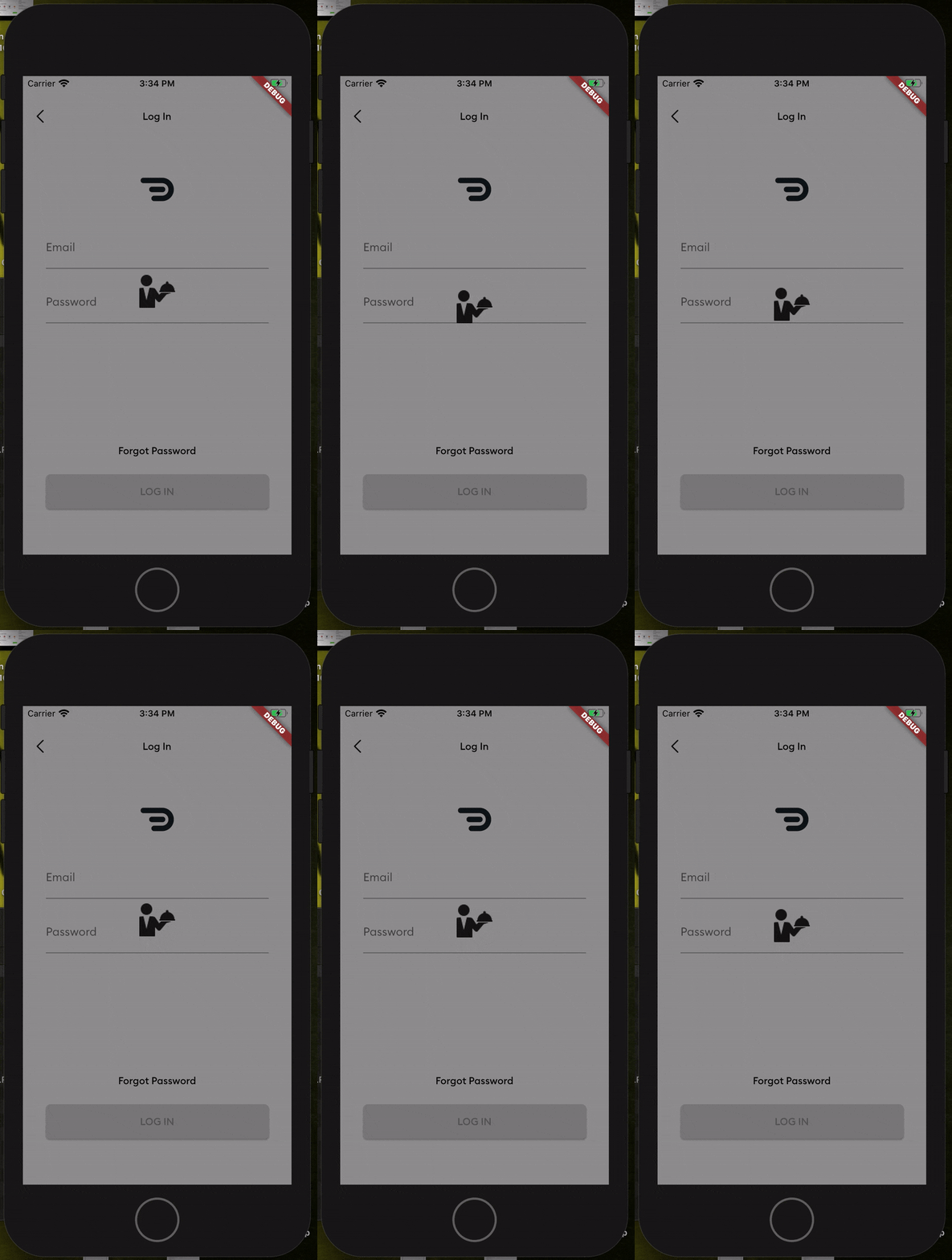
 v2.0.0
easy_loader
Flutter에서 간단한 전체 화면 로더를 처리하는 가장 쉬운 방법. Dart로 작성됨. 완전히 사용자 정의 가능.
16좋아요 7530일 다운로드160Pub 점수
AndroidiOSWebmacOSWindowsLinux
Flutter에서 간단한 전체 화면 로더를 처리하는 가장 쉬운 방법. Dart로 작성됨.

아래는 영문 원문 스냅샷입니다. 최신 내용은 GitHub에서 확인하세요.
The easiest way to handle a simple full screen loader in Flutter. Written in Dart. Fully customizable.
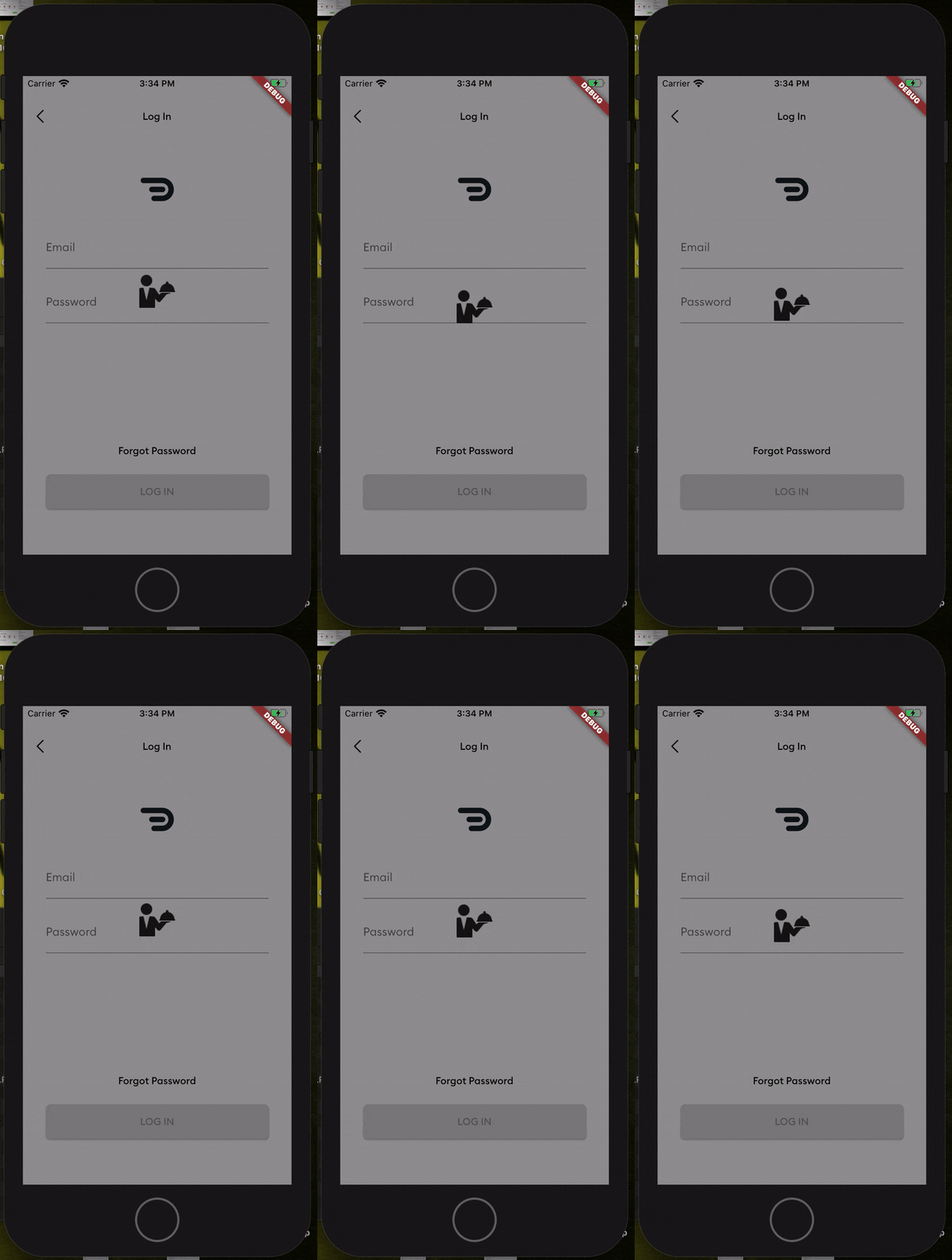
Add this to your package's pubspec.yaml file
dependencies:
  easy_loader: ^1.0.3
Next, you just have to import the package using:
import 'package:easy_loader/easy_loader.dart';
Then wrap your body within a Stack and place the EasyLoader() widget at the end of the Stack
  Widget build(BuildContext context) {
    return Scaffold(
      //// Wrap your body in a stack
      body: Stack(
        children: <Widget>[
          Center(
            child: Text("Lorem Ipsum"),
          ),
          //// Put the loader widget at the end of the stack. You can set it to appear based on a boolean. E.g. a loading flag.
          EasyLoader(image: AssetImage('assets/loading.png'),)
        ],
      ),
    );
  }
All done! You can customize other things like the icon size, background color, icon color and the animation by passing the values into the constructor.
의존성 목록 2 개
{"sdk":"flutter"}{"sdk":"flutter"}사용 목적에 따라 검색하고 개발 활동을 비교한 뒤 원본 저장소에서 요구 사항을 확인하세요.
“A repository is the most basic element of GitHub.”
GitHub Docs — About repositories ↗