
telpo-flutter-sdk
🖨 Telpo 열식 프린터 장치용 Flutter 플러그인.
- 스타
- 24
- 포크
- 17
- 최근 푸시(UTC)
- 2022. 11. 4.
- 프로젝트 상태
- 활성
원본 README
아래는 영문 원문 스냅샷입니다. 최신 내용은 GitHub에서 확인하세요.
telpo_flutter_sdk

A Flutter plugin for handling connection and communication with Telpo thermal printer devices.
💡 Motivation
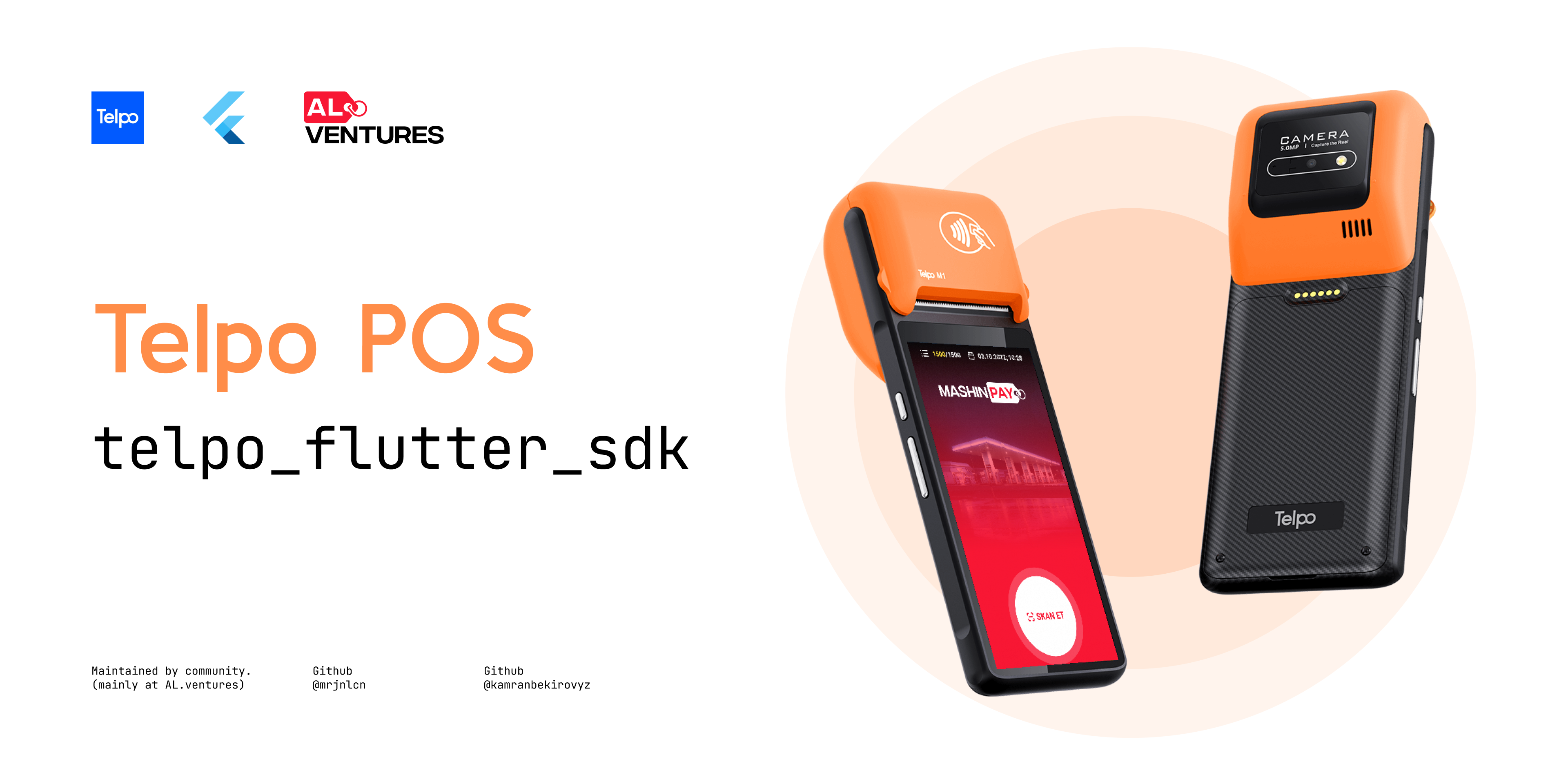
While developing MASHINPAY payment solution we've purchased Telpo thermal printers ("M1"s specifically) for printing invoice files after users' successful transaction. The Telpo devices come with a native SDK and documentation for it. Since there wasn't an official plugin for Flutter, we had to customize the plugin by ourselves. We've added so many useful methods for better handling exceptions, customizable print layout and etc.
⚙️ Android setup
- Add
url "https://jitpack.io"formavento project levelbuild.gradlefile (android/build.gradle).
allprojects {
    repositories {
        ...
        maven { url "https://jitpack.io" }
        ...
    }
}
- Set the
minSdkVersionas 19 in application levelbuild.gradlefile (android/app/build.gradle).
android {
    defaultConfig {
        ...
        minSdkVersion 19
        ...
    }
}
🕹️ Usage
Initialization
To get started, create an instance of TelpoFlutterChannel:
final _telpoFlutterChannel = TelpoFlutterChannel();
Connecting with Telpo:
final bool connected = await _telpoFlutterChannel.connect();
// Result: true, false.
Checking Telpo's status:
final TelpoStatus status = await _telpoFlutterChannel.checkStatus();
// Result: ok, noPaper, overHeat, cacheIsFull, unknown.
Checking connection status with Telpo:
final bool status = await _telpoFlutterChannel.isConnected();
// Result: true, false.
Printing a sheet:
// Creating an empty sheet
final sheet = TelpoPrintSheet();

// Creating a text element
const textData = PrintData.text(
  'TelpoFlutterSdk',
  alignment: PrintAlignment.center,
  fontSize: PrintedFontSize.size34,
);

// Creating 8-line empty space
const spacing = PrintData.space(step: 8);

// Inserting previously created text element to the sheet.
sheet.addElement(textData);

// Inserting previously created spacing element to the sheet.
sheet.addElement(spacing);

final PrintResult result = await _telpoFlutterChannel.print(sheet);
// Result: success, noPaper, lowBattery, overHeat, dataCanNotBeTransmitted, other.
📝 Roadmap
✅ Well-written documentation 🤓
✅ Document the platform-specific configurations.
✅ Add explanations for Enum values of PrintResult and TelpoStatus.
⏳ Print image file.
⏳ Toggle printing event via NFC. 🤩
⏳ Toggle printing event via BlueTooth, may be?
⏳ Checking if Telpo is available on the device?
🤓 Contributors


🙏 Credits
While we were trying to understand and port the Telpo device to the Flutter framework we got very inspiring code samples and examples from Efikas's plugin (flutter_telpo) for Flutter which can be considered as a basic version of our plugin and our plugin can be considered as more customized of his since both of us used the same native implementation of the Telpo's Android SDK which comes together with the Telpo device.
🐞 Bugs/Requests
If you encounter any problems please open an issue. If you feel the library is missing a feature, please raise a ticket on GitHub and we'll look into it. Pull requests are welcome.
📃 License

Aljan Shikhiyev ↗
분류
사용 중인 의존성
의존성 목록 3 개
- flutter
{"sdk":"flutter"} - flutter_test개발 의존성
{"sdk":"flutter"} - flutter_lints개발 의존성
^2.0.0
프로젝트에 맞는 저장소를 선택하려면?
사용 목적에 따라 검색하고 개발 활동을 비교한 뒤 원본 저장소에서 요구 사항을 확인하세요.
- 이름, 작성자 또는 설명으로 검색하고 기술 주제로 범위를 좁힙니다.
- 스타, 포크, 최근 푸시를 함께 비교하세요. 스타는 관심의 지표이며 품질을 보장하지 않습니다.
- 사용하기 전에 GitHub에서 README, 라이선스, Issues를 확인하세요.
출처 및 관리
“A repository is the most basic element of GitHub.”
GitHub Docs — About repositories ↗