

v3.0.1
anitex
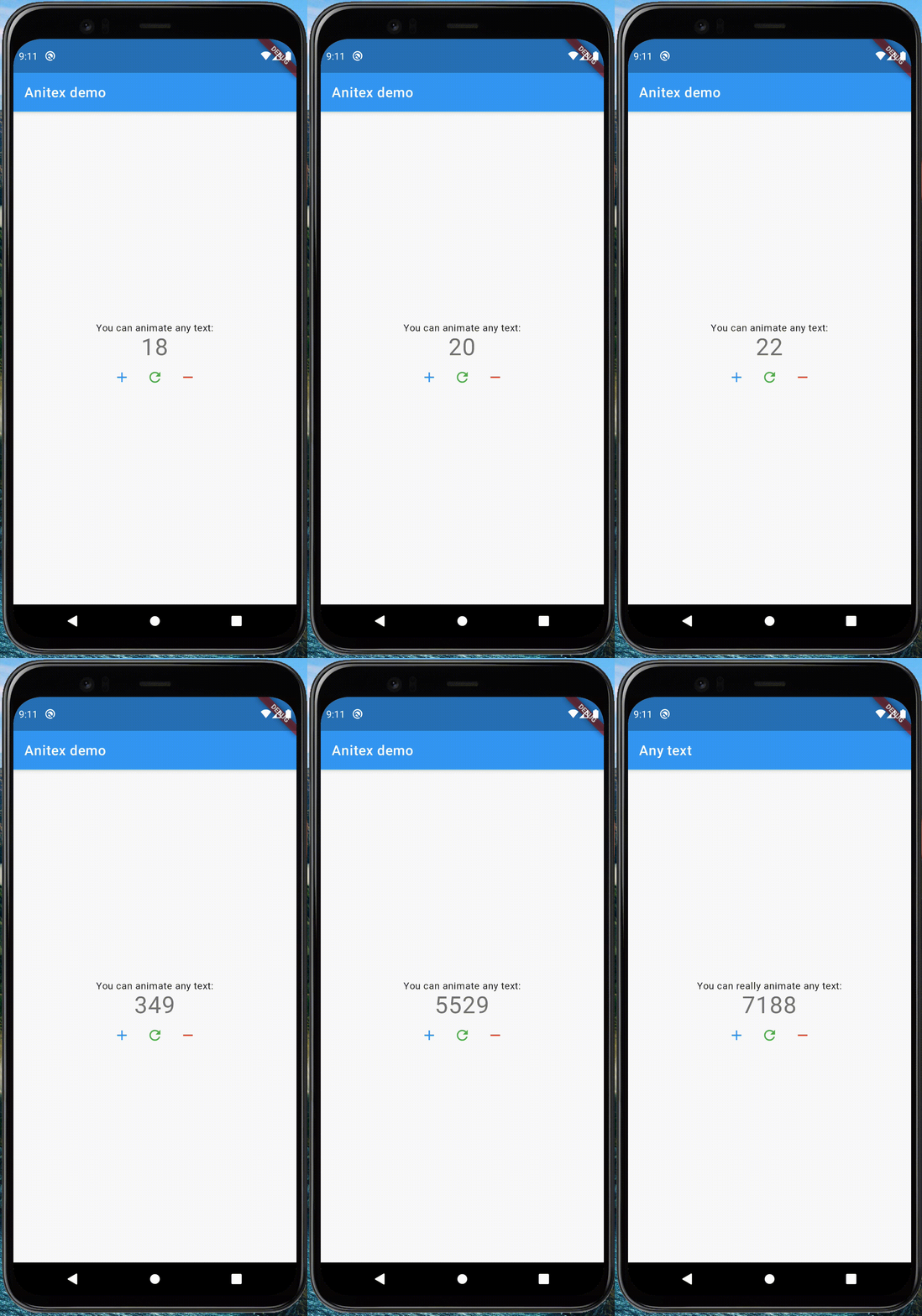
Anitex는 전달된 텍스트 변경 시 애니메이션되는 암시적 애니메이션 텍스트 위젯입니다
29좋아요 48030일 다운로드150Pub 점수
AndroidiOSWebmacOSWindowsLinux
애니메이션 텍스트 위젯

아래는 영문 원문 스냅샷입니다. 최신 내용은 GitHub에서 확인하세요.
Anitex - is a simple package, which give you access to implicitly animate any text. The most impressive animation is achieve if the old and new lines are the same length, or don't differ too much in length.
  /// ...
  @override
  Widget build(BuildContext context) {
    return Scaffold(
      appBar: AppBar(
        title: AnimatedText(
          title, // This is just a [String]
          style: Theme.of(context).textTheme.headline6.copyWith(color: Colors.white),
          duration: const Duration(seconds: 1),
        ),
      ),
      body: Center(
        child: AnimatedText(
          content,
          reversed: true,
        ),
      ),
    );
  }
의존성 목록 3 개
{"sdk":"flutter"}{"sdk":"flutter"}^2.0.1사용 목적에 따라 검색하고 개발 활동을 비교한 뒤 원본 저장소에서 요구 사항을 확인하세요.
“A repository is the most basic element of GitHub.”
GitHub Docs — About repositories ↗