

 v3.0.1
rounded_loading_button_plus
Flutter용 간단한 애니메이션 로딩 버튼 위젯 구현
79좋아요 2.7천30일 다운로드155Pub 점수
AndroidiOSWebmacOSWindowsLinux
flutter_rounded_loading_button_plus

아래는 영문 원문 스냅샷입니다. 최신 내용은 GitHub에서 확인하세요.


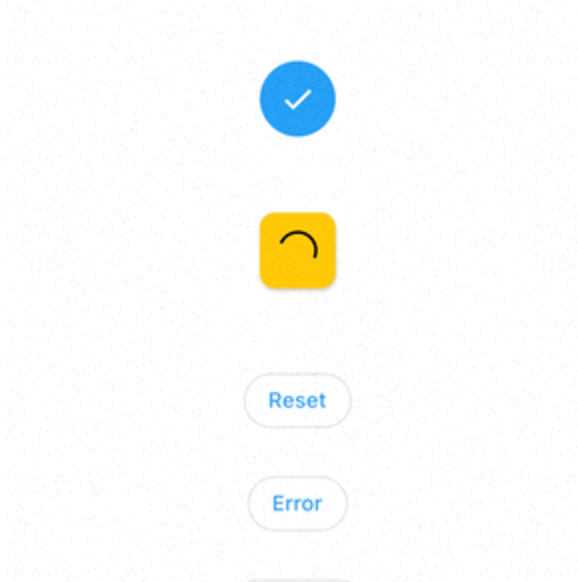
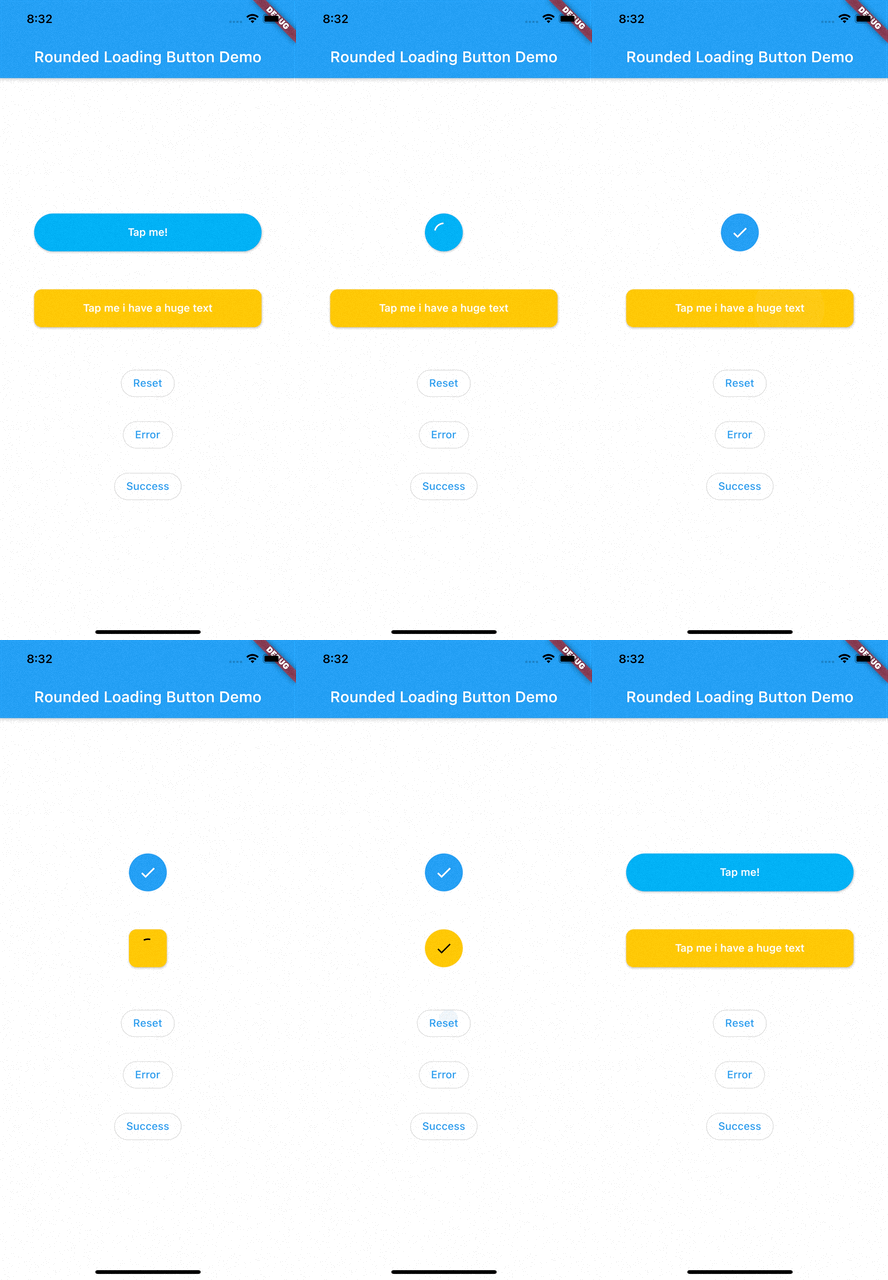
RoundedLoadingButton is a Flutter package with a simple implementation of an animated loading button, complete with success and error animations.
Add this to your pubspec.yaml:
dependencies:
    rounded_loading_button_plus: ^2.0.8
import 'package:rounded_loading_button_plus/rounded_loading_button_plus.dart';
final RoundedLoadingButtonController _btnController = RoundedLoadingButtonController();

void _doSomething() async {
    Timer(Duration(seconds: 3), () {
        _btnController.success();
    });
}

RoundedLoadingButton(
    child: Text('Tap me!', style: TextStyle(color: Colors.white)),
    controller: _btnController,
    onPressed: _doSomething,
)
The Rounded Loading Button has many configurable properties, including:
duration - The duration of the button animationloaderSize - The size of the CircularProgressIndicatoranimateOnTap - Whether to trigger the loading animation on the tap eventresetAfterDuration - Reset the animation after specified duration, defaults to 15 secondserrorColor - The color of the button when it is in the error statesuccessColor - The color of the button when it is in the success statesuccessIcon - The icon for the success statefailedIcon - The icon for the failed stateAll contributions are welcome!
의존성 목록 4 개
{"sdk":"flutter"}>=0.27.7{"sdk":"flutter"}^1.3.2사용 목적에 따라 검색하고 개발 활동을 비교한 뒤 원본 저장소에서 요구 사항을 확인하세요.
“A repository is the most basic element of GitHub.”
GitHub Docs — About repositories ↗