

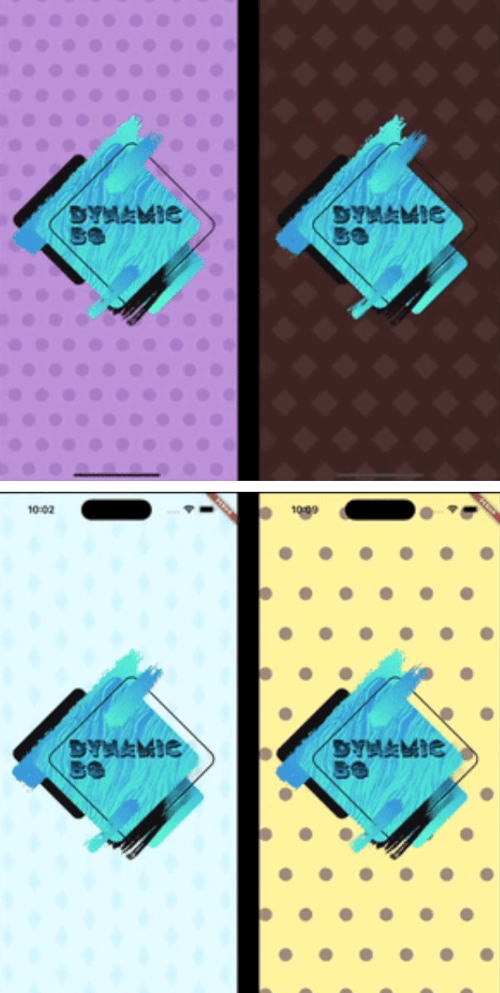
 v0.6.0
dynamic_background
개발자가 Flutter 앱용 애니메이션 배경을 만들 수 있도록 허용합니다.
52좋아요 51230일 다운로드160Pub 점수
AndroidiOSWebmacOSWindowsLinux
개발자가 Flutter 앱용 애니메이션 배경을 만들 수 있도록 허용합니다.

아래는 영문 원문 스냅샷입니다. 최신 내용은 GitHub에서 확인하세요.

Dynamic Background is a Flutter package that transforms your app's background into a captivating canvas of animated elements. Whether you prefer sleek stripes, mesmerizing gradients, or playful shapes, Dynamic Background provides an easy-to-use solution to breathe life into your UI. This versatile package offers customizable options to suit any design aesthetic, effortlessly elevating your app's visual appeal. Take your Flutter development to the next level with Dynamic Background – where stunning visuals meet effortless implementation for an immersive and visually striking app interface.
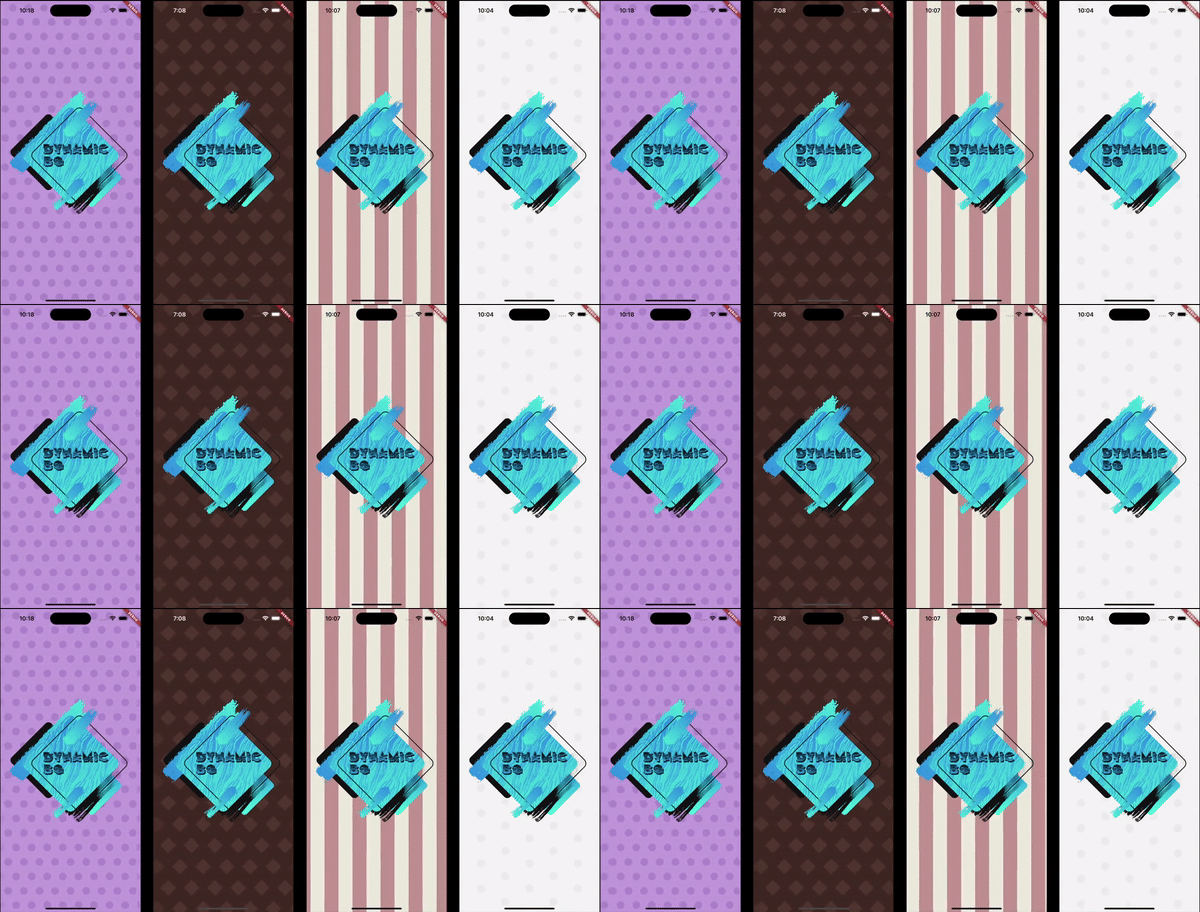
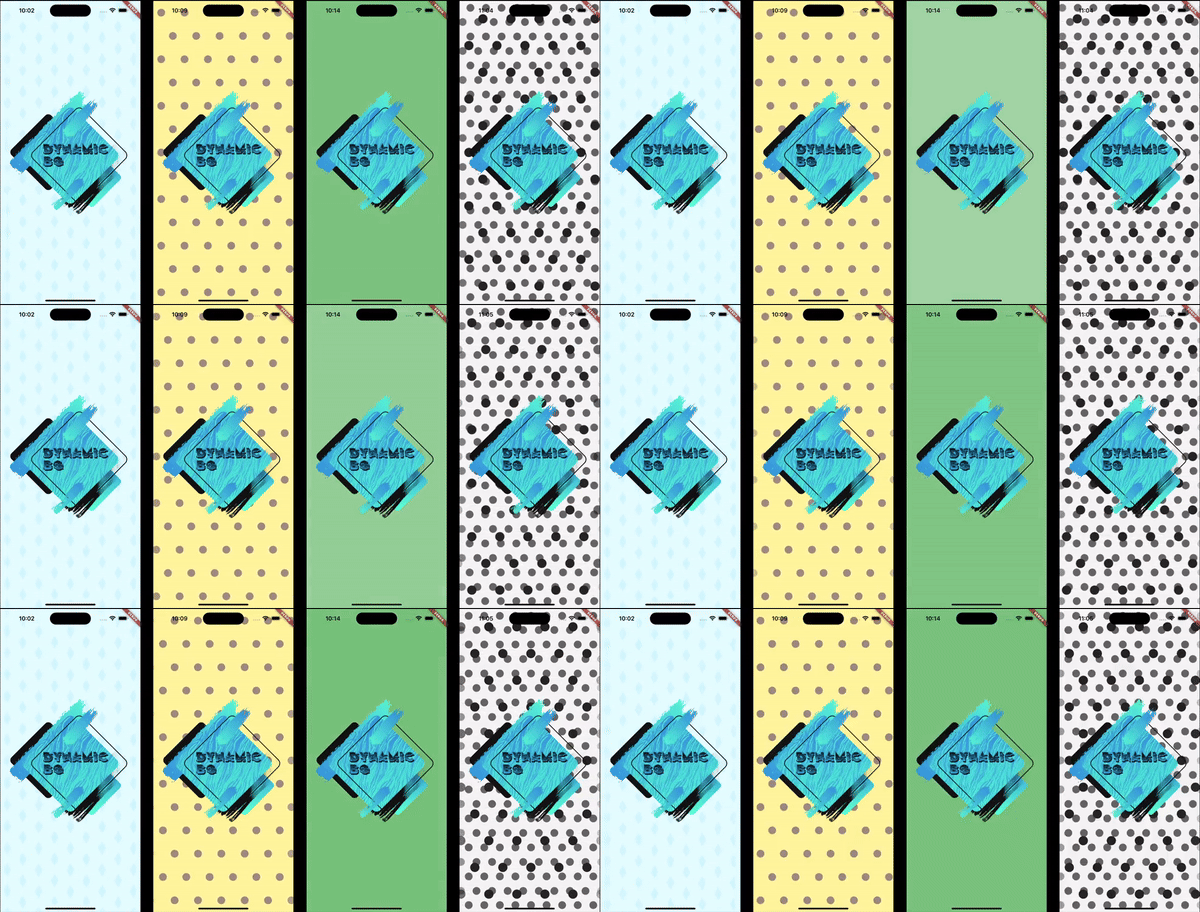
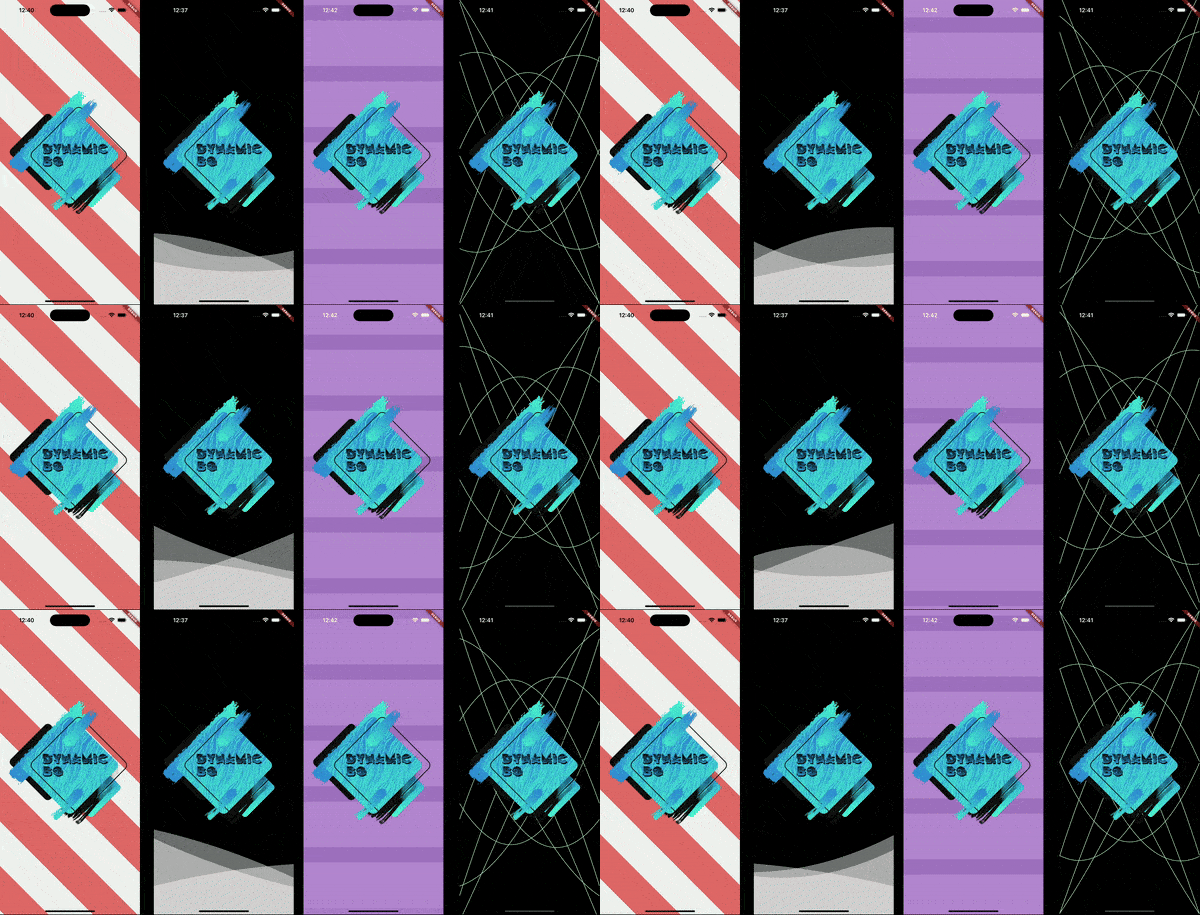
In the pubspec.yaml of your project, add the following dependency:
dependencies:
  dynamic_background: ^0.5.0
Import it to each file you use it in:
import 'package:dynamic_background/dynamic_background.dart';
This example shows how to set up an animated background that shows blue circles scrolling from right to left on a pale blue background.
Note: The colors being used are provided with this package.
DynamicBg(
  painterData: ScrollerPainterData(
    shape: ScrollerShape.circles,
    backgroundColor: ColorSchemes.gentleBlueBg,
    color: ColorSchemes.gentleBlueFg,
    shapeOffset: ScrollerShapeOffset.shiftAndMesh,
  ),
  child: yourPageHere(),
),
This example shows how to set up an animated background that fades gently and randomly between different shades of blue.
Note: The colors being used are provided with this package.
DynamicBg(
  painterData: FaderPainterData(
    behavior: FaderBehavior.random,
    colors: ColorSchemes.gentleBlue,
  ),
  child: yourPageHere(),
),
This example shows how to set up an animated background with a blue, sine wave line in the middle of the screen.
Note: The colors being used are provided with this package.
DynamicBg(
  duration: const Duration(seconds: 5),
  painterData: WavePainterData(
    waves: [
      Wave(
        direction: WaveDirection.left2Right,
        amplitude: 50.0,
        offset: 0.5,
        color: Colors.transparent,
        lineColor: ColorSchemes.gentleBlueBg,
        lineThickness: 3.0,
      ),
    ],
  ),
  child: yourPageHere(),
),
This example shows how to set up an animated background with moving circles to have a lava lamp effect.
Note: The colors being used are provided with this package.
DynamicBg(
  duration: const Duration(seconds: 35),
  painterData: LavaPainterData(
    width: 250.0,
    widthTolerance: 75.0,
    growAndShrink: true,
    growthRate: 10.0,
    growthRateTolerance: 5.0,
    blurLevel: 25.0,
    numBlobs: 5,
    backgroundColor: ColorSchemes.gentleWhiteBg,
    colors: [
      ColorSchemes.vibrantOrangeBg,
      ColorSchemes.vibrantOrangeFg,
      ColorSchemes.vibrantYellowBg,
      ColorSchemes.vibrantYellowFg,
    ],
    allSameColor: false,
    fadeBetweenColors: true,
    changeColorsTogether: false,
    speed: 20.0,
    speedTolerance: 5.0,
  ),
  child: yourPageHere(),
),
This example shows how to use prebuilt backgrounds.
This example also show the use of a custom duration. The prebuilt backgrounds give suggestions in their comments on how best to use them; this includes duration and platform brightness.
DynamicBg(
  duration: const Duration(seconds: 45),
  painterData: PrebuiltPainters.chocolate,
  child: yourPageHere(),
),
This example shows how to modify prebuilt backgrounds to best fit your needs.
The copyWith method can also be used on your own custom backgrounds.
DynamicBg(
  duration: const Duration(seconds: 45),
  painterData: PrebuiltPainters.chocolate.copyWith(
    backgroundColor: ColorSchemes.gentleYellowBg,
  ),
  child: yourPageHere(),
),
This example shows how to stack backgrounds for interesting new effects.
DynamicBg(
  painterData: ScrollerPainterData(
    direction: ScrollDirection.left2Right,
    backgroundColor: ColorSchemes.gentleWhiteBg,
    color: ColorSchemes.gentleBlackFg,
    shapeOffset: ScrollerShapeOffset.shiftAndMesh,
  ),
  child: DynamicBg(
    duration: const Duration(seconds: 45),
    painterData: ScrollerPainterData(
      backgroundColor: Colors.transparent,
      color: ColorSchemes.vibrantBlackFg,
      shapeWidth: 28.0,
      spaceBetweenShapes: 55.0,
      shapeOffset: ScrollerShapeOffset.shiftAndMesh,
    ),
    child: yourPageHere(),
  ),
),
This example shows that you can apply dynamic backgrounds to widgets rather than the entire screen. Here is a button with an animated background.
final double buttonWidth = 500.0;
final double buttonHeight = 65.0;
final BorderRadius buttonRadius = BorderRadius.circular(5.0);

ClipRRect(
  borderRadius: buttonRadius,
  child: DynamicBg(
    width: buttonWidth,
    height: buttonHeight,
    painterData: ScrollerPainterData(
      direction: ScrollDirection.right2Left,
      shape: ScrollerShape.stripesDiagonalForward,
      backgroundColor: Color.fromARGB(255, 214, 232, 185),
      color: Color.fromARGB(255, 198, 225, 151),
      shapeWidth: 24.0,
      spaceBetweenShapes: 24.0,
      fadeEdges: false,
    ),
    child: Material(
      color: Colors.transparent,
      child: InkWell(
        onTap: () {
          print('Button pressed');
        },
        borderRadius: buttonRadius,
        child: Center(
          child: Text(
            'Save',
            style: TextStyle(
              color: Colors.white,
              fontSize: 25.0,
              fontWeight: FontWeight.w800,
            ),
          ),
        ),
      ),
    ),
  ),
),



의존성 목록 5 개
^1.18.0{"sdk":"flutter"}^5.0.0{"sdk":"flutter"}^5.1.1사용 목적에 따라 검색하고 개발 활동을 비교한 뒤 원본 저장소에서 요구 사항을 확인하세요.
“A repository is the most basic element of GitHub.”
GitHub Docs — About repositories ↗