패키지, 저장소 및 앱 카테고리 검색

dynamic_background 표지
패키지 상세v0.6.0

dynamic_background

개발자가 Flutter 앱용 애니메이션 배경을 만들 수 있도록 허용합니다.

AndroidiOSWebmacOSWindowsLinux
30일 다운로드
512
좋아요
52
Pub 점수
160

패키지 설치

flutter pub add dynamic_background

패키지 개요

공개 정보를 바탕으로 생성한 선택 가이드입니다.

dynamic_background 패키지는 Flutter 개발자가 애플리케이션에 부드럽고 애니메이션 배경을 쉽게 구현할 수 있도록 도와줍니다. 그레디언트 애니메이션, 샷터 기반 시각 효과, 사용자 정의 가능한 움직임 패턴과 같은 다양한 시각적 효과를 지원합니다. 크로스플랫폼 사용을 위해 설계되어 Android, iOS, Web, macOS, Windows, Linux에서 원활하게 작동합니다. 간단한 pub add 명령어를 통해 기존 Flutter 프로젝트에 쉽게 통합되며, 애니메이션 속도, 방향, 색상 전환을 세밀하게 조정할 수 있는 유연한 API를 제공합니다. 무거운 성능 오버헤드 없이 앱의 미적 요소를 향상시키기에 이상적입니다.

사용 사례

  • 몰입형 스플래시 화면 만들기
  • 온보딩 경험 향상
  • 다시보드에 시각적 매력 추가하기
  • 모션을 통한 사용자 참여도 향상
  • 테마 기반 앱 인터페이스 디자인

주요 기능

  • 애니메이션 그라디언트 배경
  • 셰이더 기반 시각 효과
  • 사용자 정의 가능한 애니메이션 속도 및 방향
  • 크로스 플랫폼 호환성
  • 경량이고 성능이 뛰어남
  • pub.dev를 통한 간편한 통합

적합한 대상

  • 동적 시각 효과를 찾는 UI 디자이너
  • 매력적인 온보딩 흐름을 구축하는 개발자
  • 현대적이고 애니메이션 배경이 필요한 앱
  • 다중 플랫폼을 대상으로 하는 프로젝트
  • 창의적 또는 라이프스타일 애플리케이션 개발

고려 사항

  • 저사양 기기에서 성능에 영향을 미칠 수 있습니다
  • 최적의 프레임 속도를 위해 신중한 튜닝이 필요합니다
  • 제공된 매개변수를 초과한 사용자 정의는 제한적
  • 최소한의 전경 콘텐츠와 함께 사용하는 것이 가장 좋습니다
  • 정적 또는 미니멀리스트 디자인에 적합하지 않습니다

원본 README

연결된 소스 저장소의 README 원문 스냅샷입니다. 최신 내용은 저장소에서 확인하세요.

Dynamic Background

A blue and black logo for Dynamic BG

Dynamic Background is a Flutter package that transforms your app's background into a captivating canvas of animated elements. Whether you prefer sleek stripes, mesmerizing gradients, or playful shapes, Dynamic Background provides an easy-to-use solution to breathe life into your UI. This versatile package offers customizable options to suit any design aesthetic, effortlessly elevating your app's visual appeal. Take your Flutter development to the next level with Dynamic Background – where stunning visuals meet effortless implementation for an immersive and visually striking app interface.

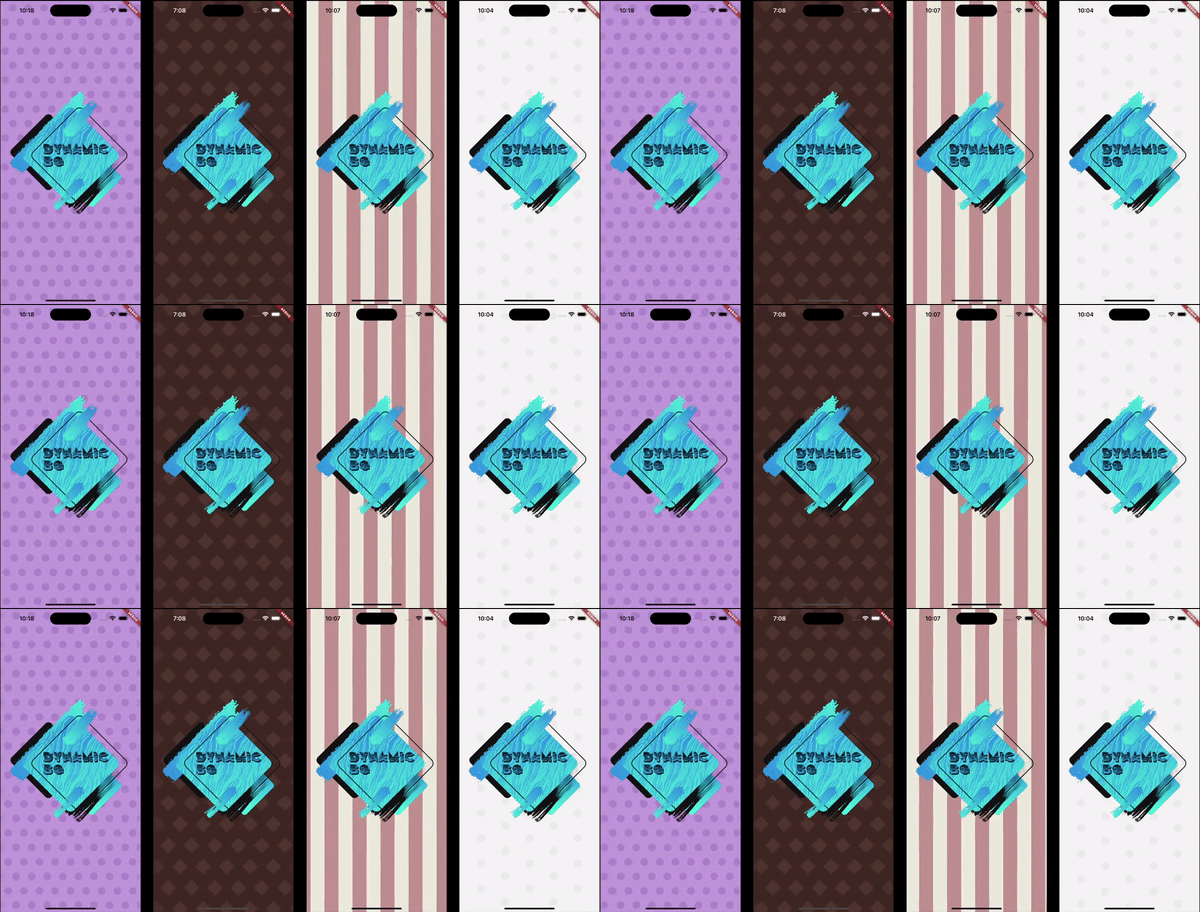
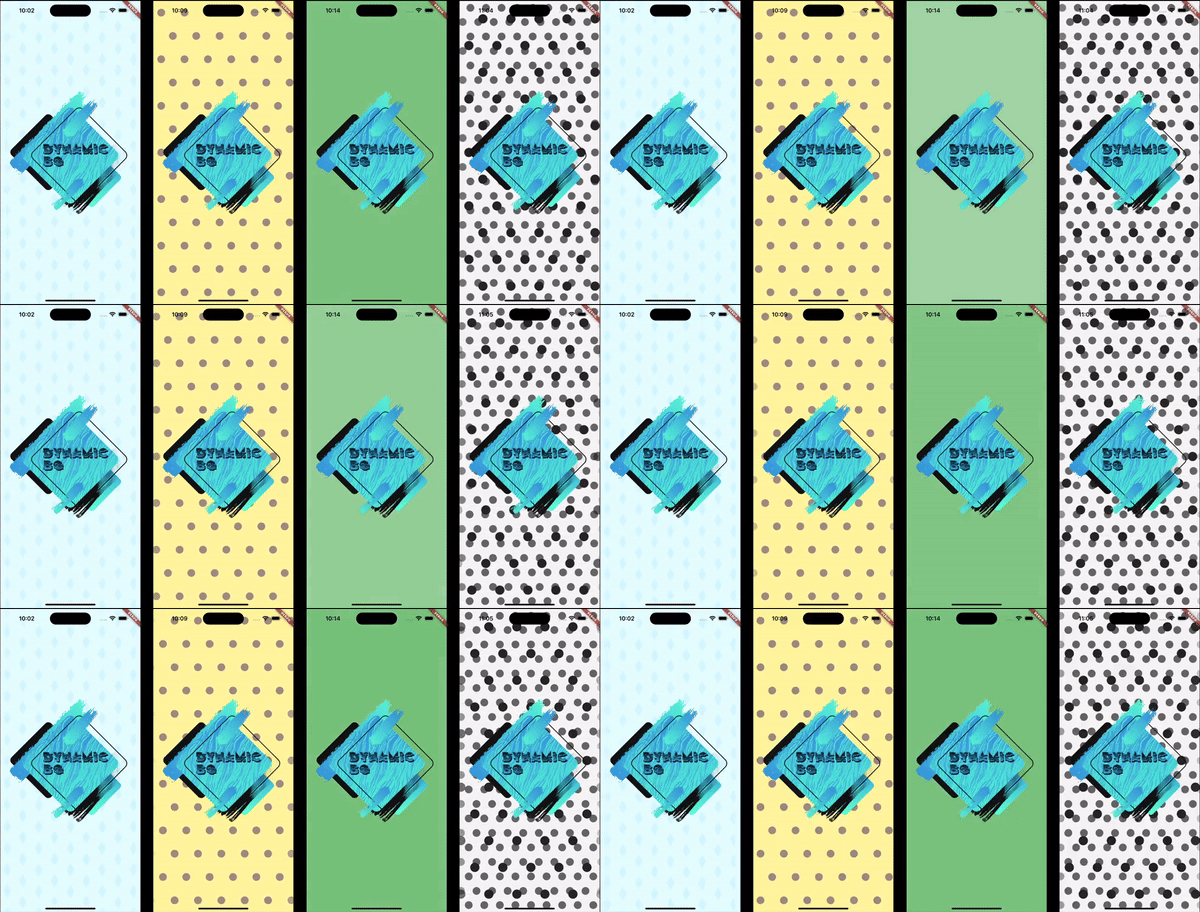
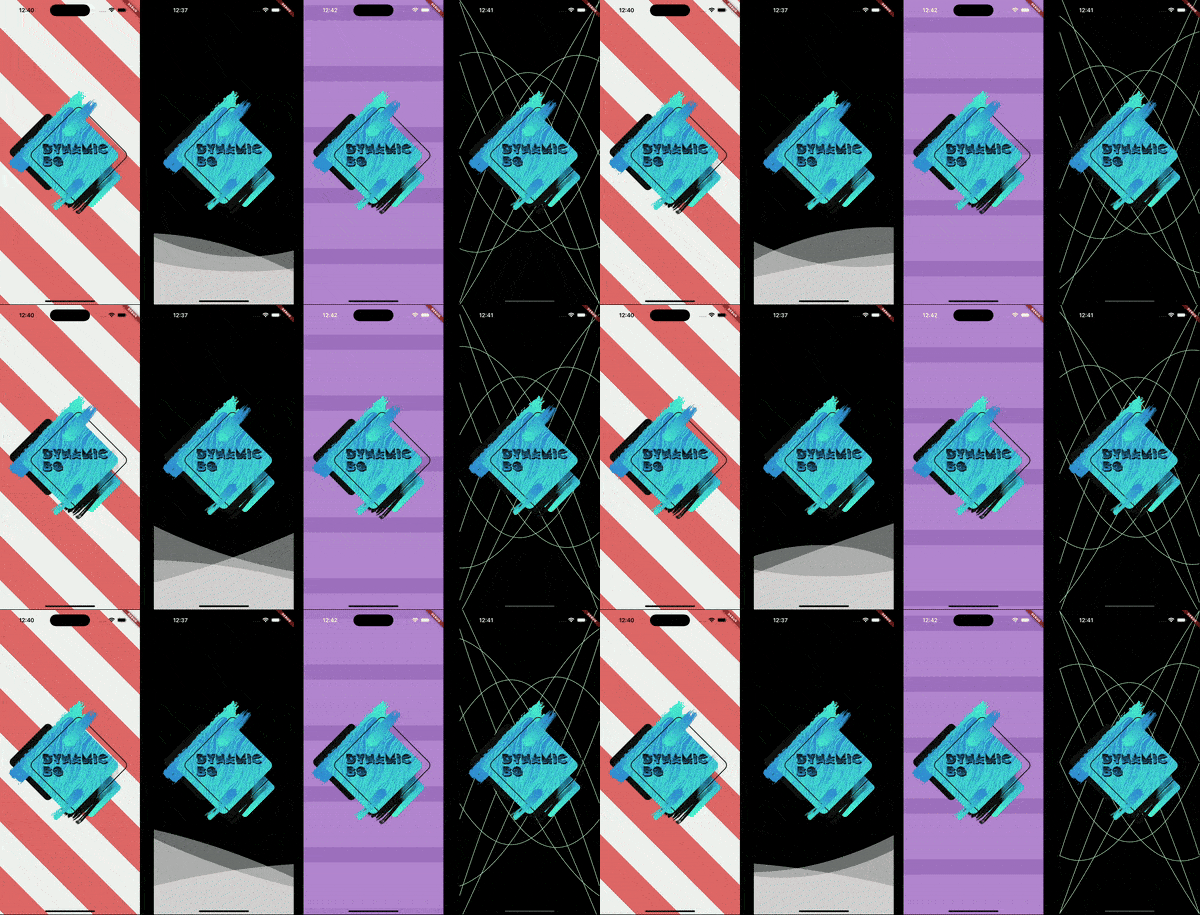
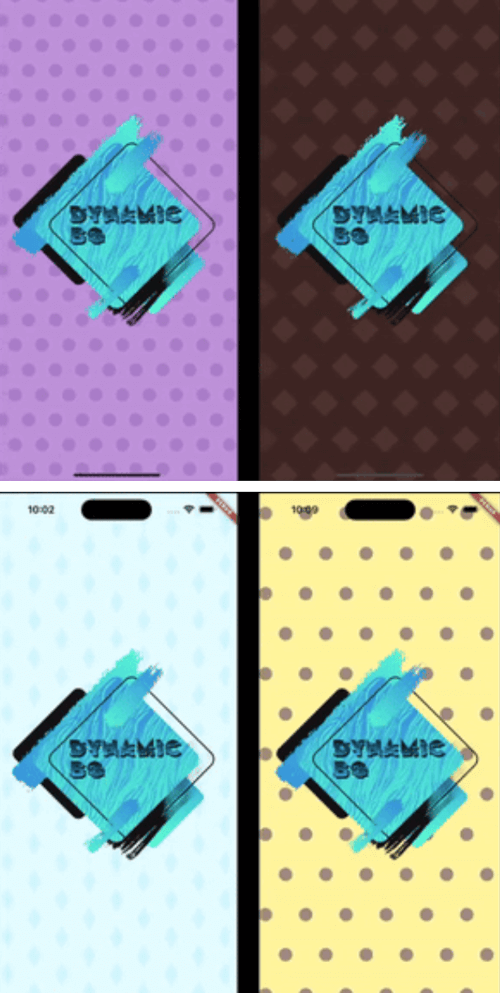
Four examples of different animated backgrounds. Four examples of different animated backgrounds. Four examples of different animated backgrounds.

Installation

In the pubspec.yaml of your project, add the following dependency:

dependencies:
  dynamic_background: ^0.5.0

Import it to each file you use it in:

import 'package:dynamic_background/dynamic_background.dart';

Usage

Example 1 - Simple circles scrolling

This example shows how to set up an animated background that shows blue circles scrolling from right to left on a pale blue background.

Note: The colors being used are provided with this package.

DynamicBg(
  painterData: ScrollerPainterData(
    shape: ScrollerShape.circles,
    backgroundColor: ColorSchemes.gentleBlueBg,
    color: ColorSchemes.gentleBlueFg,
    shapeOffset: ScrollerShapeOffset.shiftAndMesh,
  ),
  child: yourPageHere(),
),
Example 2 - Simple blue fader

This example shows how to set up an animated background that fades gently and randomly between different shades of blue.

Note: The colors being used are provided with this package.

DynamicBg(
  painterData: FaderPainterData(
    behavior: FaderBehavior.random,
    colors: ColorSchemes.gentleBlue,
  ),
  child: yourPageHere(),
),
Example 3 - Simple wave

This example shows how to set up an animated background with a blue, sine wave line in the middle of the screen.

Note: The colors being used are provided with this package.

DynamicBg(
  duration: const Duration(seconds: 5),
  painterData: WavePainterData(
    waves: [
      Wave(
        direction: WaveDirection.left2Right,
        amplitude: 50.0,
        offset: 0.5,
        color: Colors.transparent,
        lineColor: ColorSchemes.gentleBlueBg,
        lineThickness: 3.0,
      ),
    ],
  ),
  child: yourPageHere(),
),
Example 4 - Simple Lava Lamp

This example shows how to set up an animated background with moving circles to have a lava lamp effect.

Note: The colors being used are provided with this package.

DynamicBg(
  duration: const Duration(seconds: 35),
  painterData: LavaPainterData(
    width: 250.0,
    widthTolerance: 75.0,
    growAndShrink: true,
    growthRate: 10.0,
    growthRateTolerance: 5.0,
    blurLevel: 25.0,
    numBlobs: 5,
    backgroundColor: ColorSchemes.gentleWhiteBg,
    colors: [
      ColorSchemes.vibrantOrangeBg,
      ColorSchemes.vibrantOrangeFg,
      ColorSchemes.vibrantYellowBg,
      ColorSchemes.vibrantYellowFg,
    ],
    allSameColor: false,
    fadeBetweenColors: true,
    changeColorsTogether: false,
    speed: 20.0,
    speedTolerance: 5.0,
  ),
  child: yourPageHere(),
),
Example 5 - Prebuilt backgrounds

This example shows how to use prebuilt backgrounds.

This example also show the use of a custom duration. The prebuilt backgrounds give suggestions in their comments on how best to use them; this includes duration and platform brightness.

DynamicBg(
  duration: const Duration(seconds: 45),
  painterData: PrebuiltPainters.chocolate,
  child: yourPageHere(),
),
Example 6 - Modify prebuilt backgrounds

This example shows how to modify prebuilt backgrounds to best fit your needs.

The copyWith method can also be used on your own custom backgrounds.

DynamicBg(
  duration: const Duration(seconds: 45),
  painterData: PrebuiltPainters.chocolate.copyWith(
    backgroundColor: ColorSchemes.gentleYellowBg,
  ),
  child: yourPageHere(),
),
Example 7 - Stack backgrounds

This example shows how to stack backgrounds for interesting new effects.

DynamicBg(
  painterData: ScrollerPainterData(
    direction: ScrollDirection.left2Right,
    backgroundColor: ColorSchemes.gentleWhiteBg,
    color: ColorSchemes.gentleBlackFg,
    shapeOffset: ScrollerShapeOffset.shiftAndMesh,
  ),
  child: DynamicBg(
    duration: const Duration(seconds: 45),
    painterData: ScrollerPainterData(
      backgroundColor: Colors.transparent,
      color: ColorSchemes.vibrantBlackFg,
      shapeWidth: 28.0,
      spaceBetweenShapes: 55.0,
      shapeOffset: ScrollerShapeOffset.shiftAndMesh,
    ),
    child: yourPageHere(),
  ),
),
Example 8 - Backgrounds for smaller widgets

This example shows that you can apply dynamic backgrounds to widgets rather than the entire screen. Here is a button with an animated background.

final double buttonWidth = 500.0;
final double buttonHeight = 65.0;
final BorderRadius buttonRadius = BorderRadius.circular(5.0);

ClipRRect(
  borderRadius: buttonRadius,
  child: DynamicBg(
    width: buttonWidth,
    height: buttonHeight,
    painterData: ScrollerPainterData(
      direction: ScrollDirection.right2Left,
      shape: ScrollerShape.stripesDiagonalForward,
      backgroundColor: Color.fromARGB(255, 214, 232, 185),
      color: Color.fromARGB(255, 198, 225, 151),
      shapeWidth: 24.0,
      spaceBetweenShapes: 24.0,
      fadeEdges: false,
    ),
    child: Material(
      color: Colors.transparent,
      child: InkWell(
        onTap: () {
          print('Button pressed');
        },
        borderRadius: buttonRadius,
        child: Center(
          child: Text(
            'Save',
            style: TextStyle(
              color: Colors.white,
              fontSize: 25.0,
              fontWeight: FontWeight.w800,
            ),
          ),
        ),
      ),
    ),
  ),
),

If you found this helpful, please consider donating. Thanks!

buy me a coffee      paypal      venmo


카테고리

의존성

의존성 목록 1 개

소스 저장소

이 패키지를 사용하는 프로젝트

아직 데이터가 없습니다.