
v0.0.4
animated_visibility
AnimatedVisibility를 사용하여 나타남과 사라짐 애니메이션 만들기
44좋아요 3.2천30일 다운로드150Pub 점수
AndroidiOSWebmacOSWindowsLinux
Flutter - AnimatedVisibility 위젯을 사용하여 사전에 구축된 효과를 통해 나타남과 사라짐을 애니메이션 처리합니다.
아래는 영문 원문 스냅샷입니다. 최신 내용은 GitHub에서 확인하세요.
Animate appearance and disappearance using pre-built effects with the AnimatedVisibility widget.
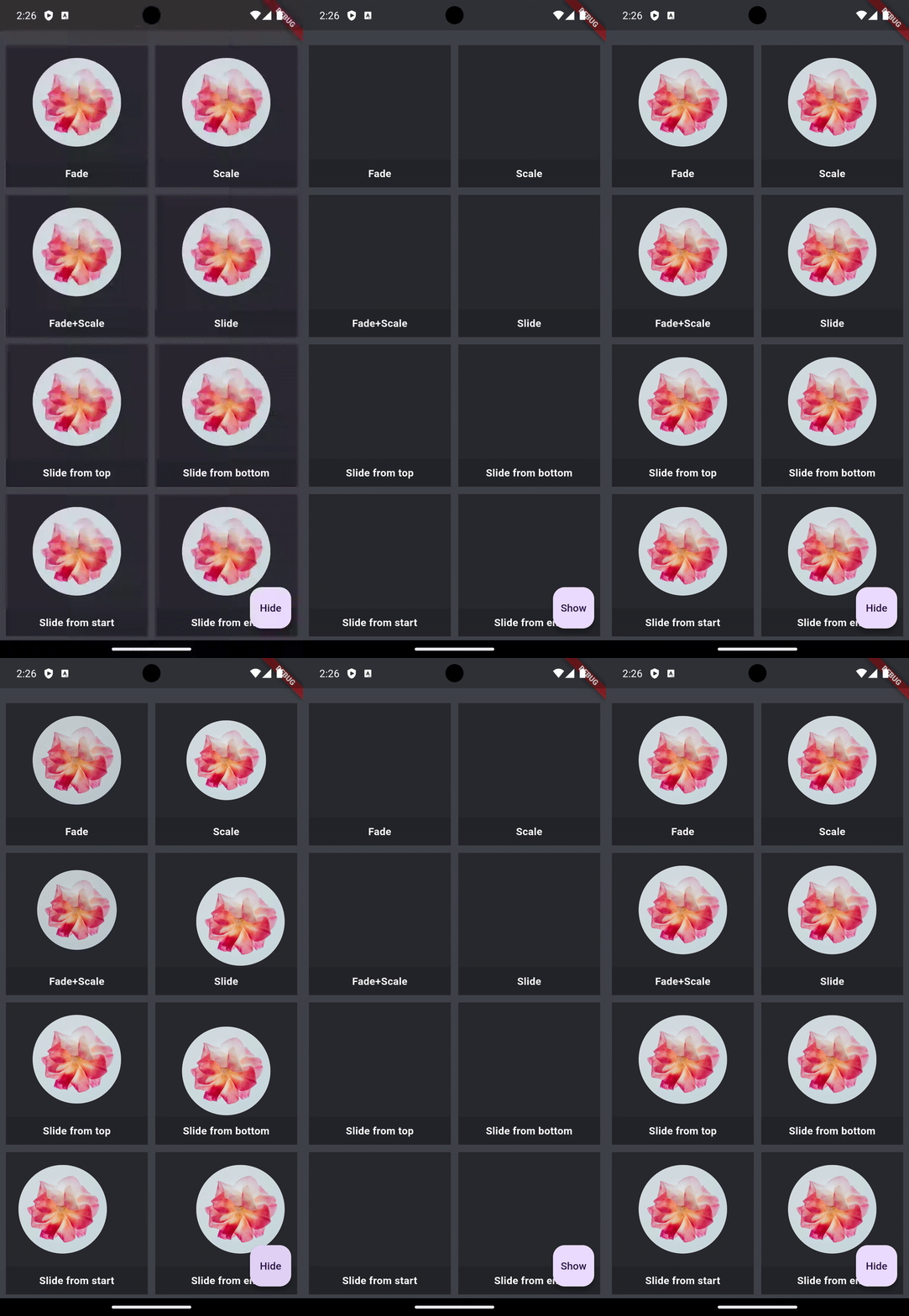
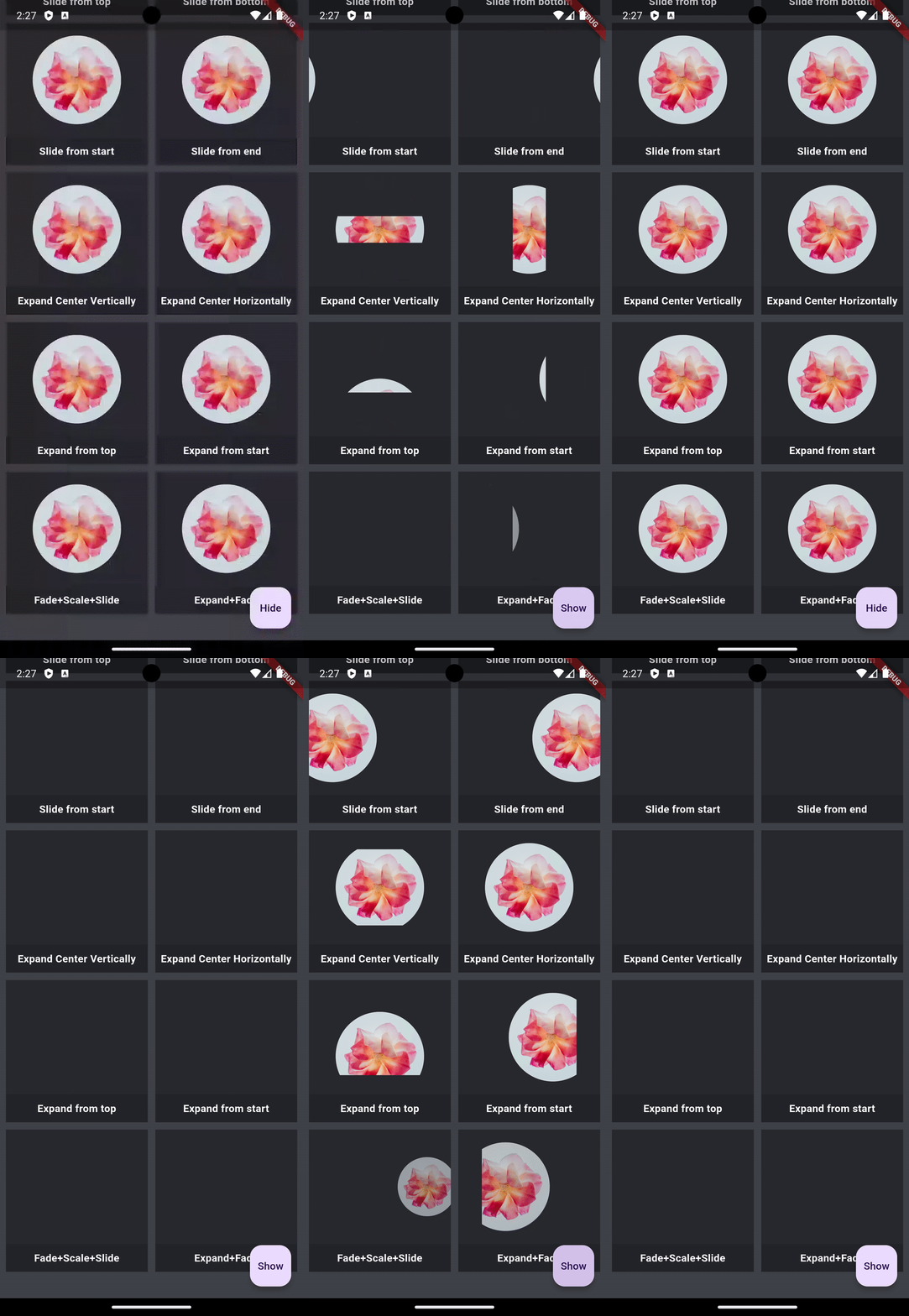
In the pubspec.yaml of your flutter project, add the following dependency:
dependencies:
  animated_visibility: <latest_version>
In your library add the following import:
import 'package:animated_visibility/animated_visibility.dart';
      AnimatedVisibility(
        visible: _isShow,
        enter: fadeIn() + scaleIn(),
        exit: fadeOut() + slideOutHorizontally(),
        child: <content to show/hide>,
      );
Sample app demonstrates how simple the usage of the library actually is.
For bugs, questions and discussions please use the Github Issues.
animated_visibility is owned and maintained by the Canopas team. You can follow them on X at @canopassoftware for project updates and releases.

의존성 목록 3 개
{"sdk":"flutter"}{"sdk":"flutter"}^2.0.0사용 목적에 따라 검색하고 개발 활동을 비교한 뒤 원본 저장소에서 요구 사항을 확인하세요.
“A repository is the most basic element of GitHub.”
GitHub Docs — About repositories ↗