

 v1.1.0
floating_chat_button
화면 어디로든 드래그할 수 있는 플로팅 버튼으로 사용자에게 메시지를 표시할 수 있습니다
56좋아요 23530일 다운로드150Pub 점수
AndroidiOSWebmacOSWindowsLinux
cu-apps/floating_chat_button open-source repository details.

아래는 영문 원문 스냅샷입니다. 최신 내용은 GitHub에서 확인하세요.
Show a draggable floating chat icon button and show messages on screens
A widget for displaying a chat icon (or custom widget) on top of a background widget.
It can show and hide messages or display a message that is passed in its constructor.
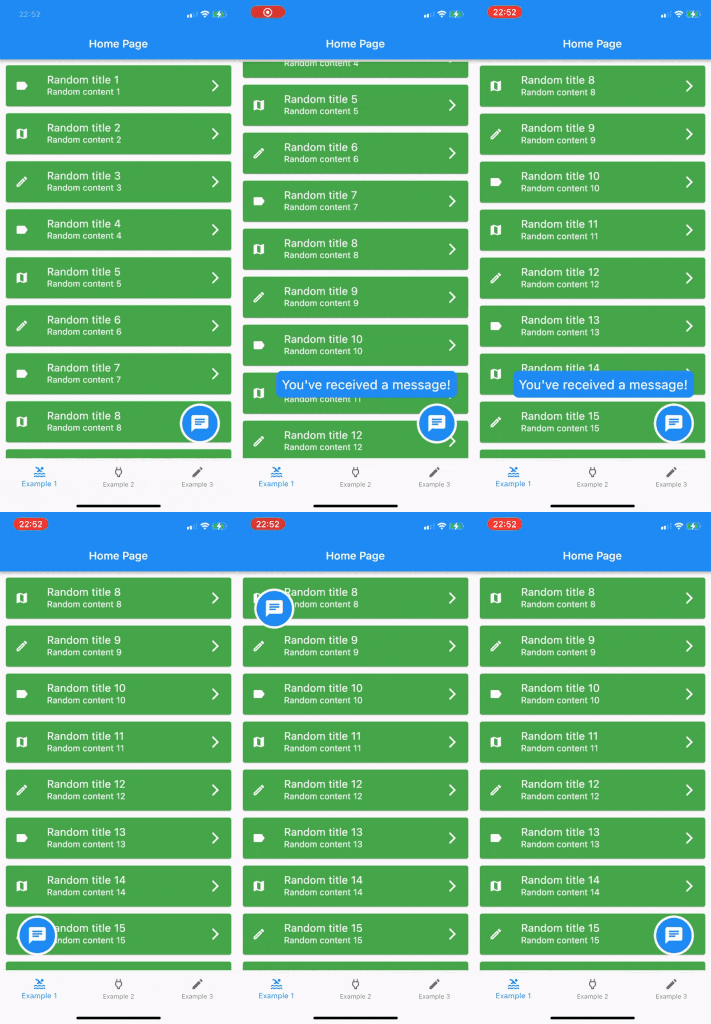
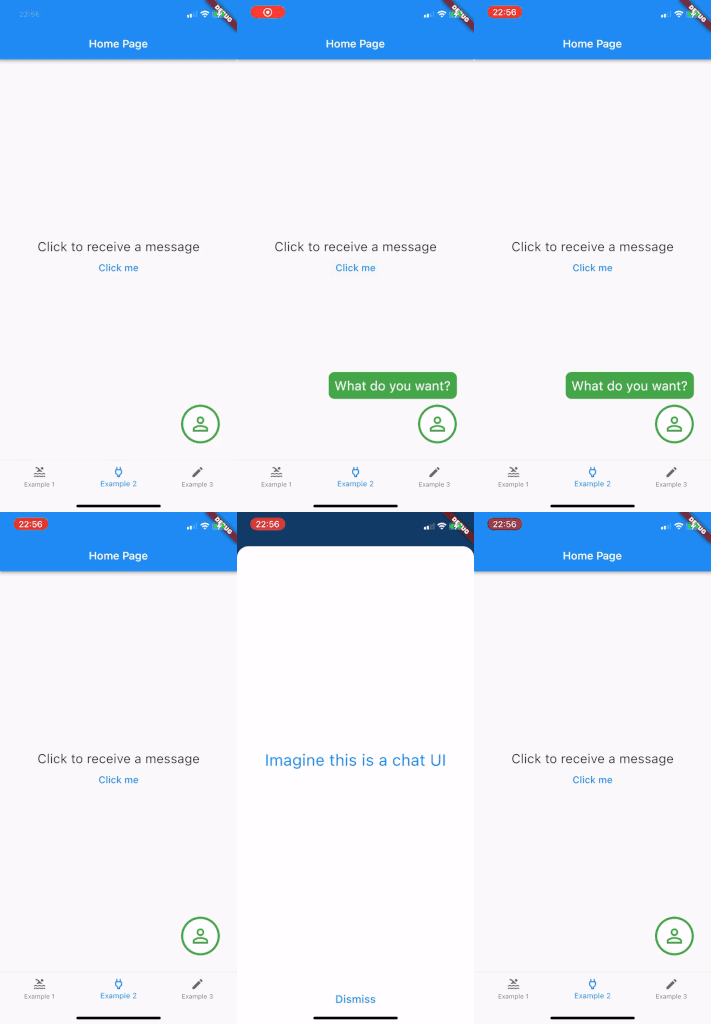
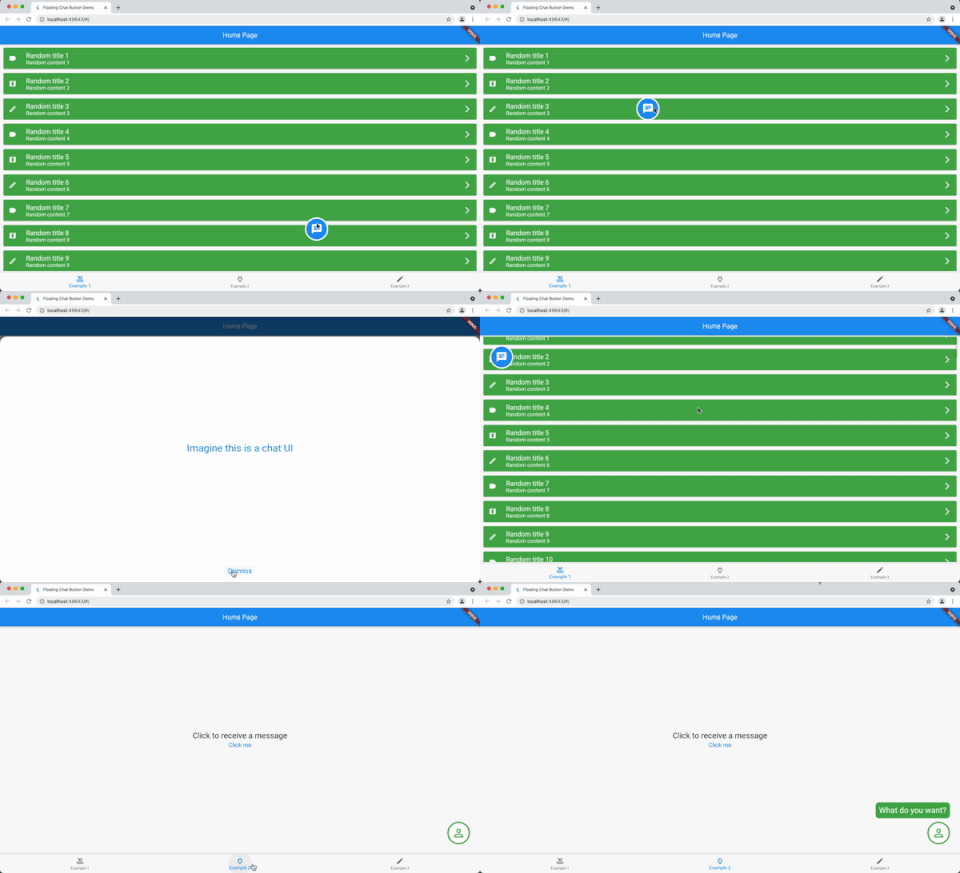
Add it as the body of a scaffold (or other full screen view) and then supply the widget that should be shown under the chat widget as the background parameter.
Alternately, use a stack view to position the chat widget and leave the background as null.
The FloatingChatIcon will default to a blue circle with white chat icon and the messageWidget will default to a blue rounded rectangle with white text. All of these colours can be configured or custom widgets can be passed to chatIconWidget, messageWidget or messageTextWidget.
The ShowMessageParameters allows you to show the message passed to the constructor after a given delayDuration, for the amount of time specified in durationToShowMessage and at a random frequency (eg "Only show this message 50% of the time that the widget is instantiated") with showMessageFrequency.
@override
  Widget build(BuildContext context) {
    return Scaffold(
      appBar: AppBar(
        title: Text(widget.title),
      ),
      body: FloatingChatButton(
          background: BackgroundWidget(),
          onTap: (_) {
            _showBottomSheet(context);
          },
          messageText: "I like this package",
      )
    );
  }
의존성 목록 3 개
{"sdk":"flutter"}{"sdk":"flutter"}^4.0.0사용 목적에 따라 검색하고 개발 활동을 비교한 뒤 원본 저장소에서 요구 사항을 확인하세요.
“A repository is the most basic element of GitHub.”
GitHub Docs — About repositories ↗