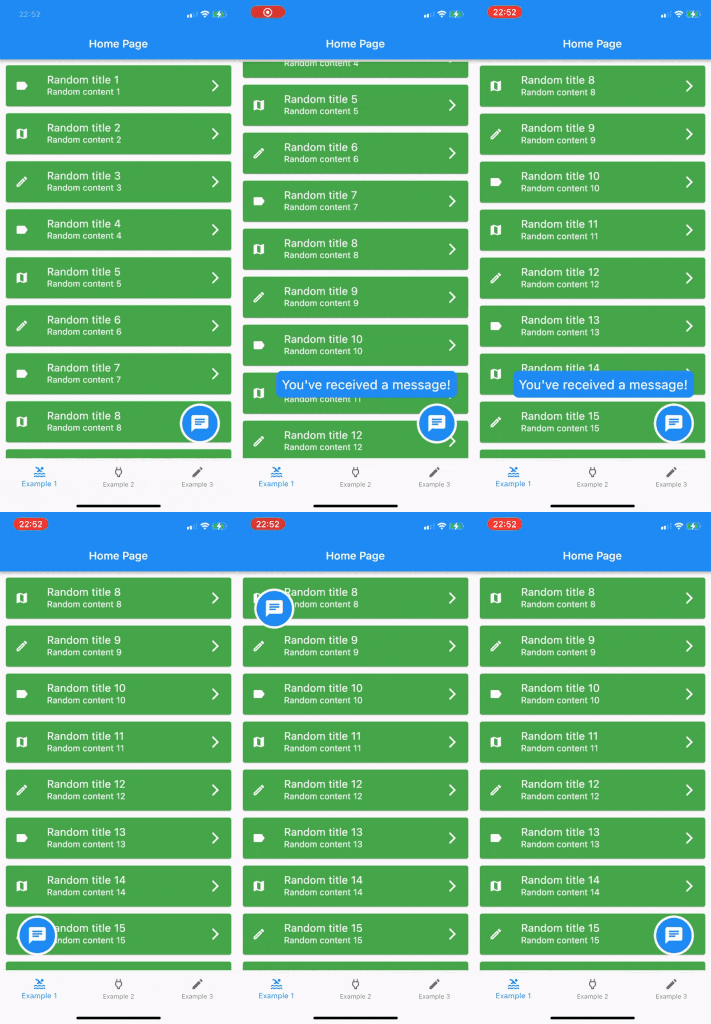
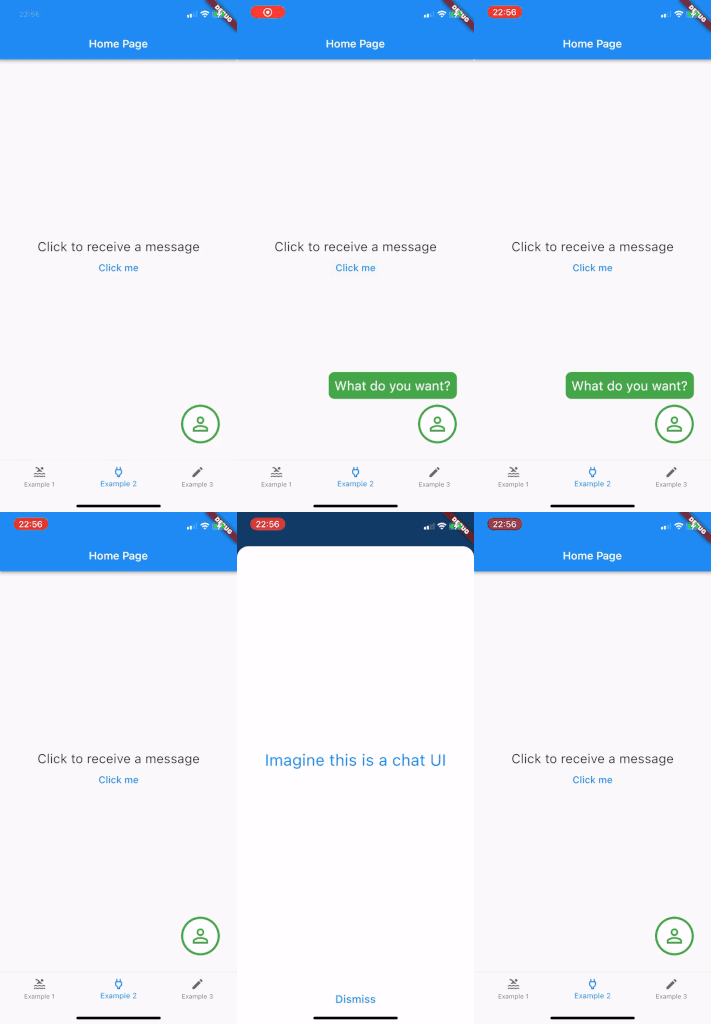
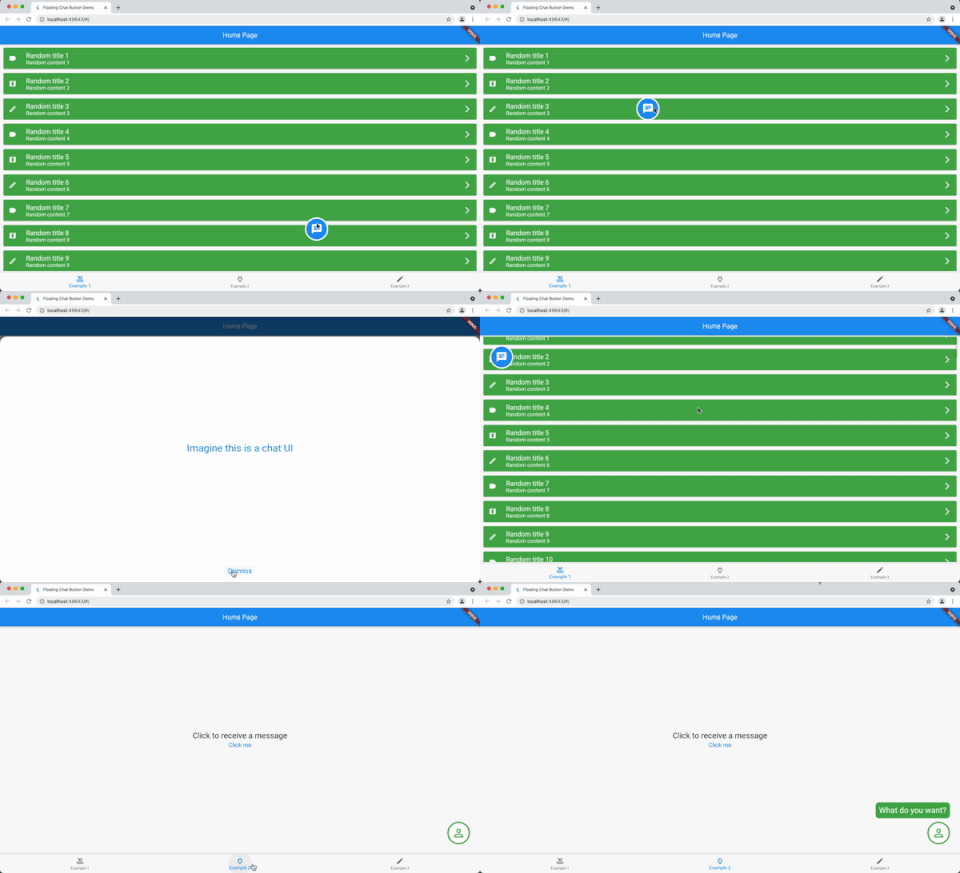
사용자에게 메시지를 표시하기 위해 드래그 가능한 플로팅 버튼을 제공하는 플러터 패키지입니다. 버튼은 화면 어디든 자유롭게 이동할 수 있어 인터랙티브한 채팅 인터페이스나 앱 내 알림에 적합합니다. Android, iOS, Web, macOS, Windows, Linux 등 여러 플랫폼을 지원하여 기기 간 일관된 동작을 보장합니다. 단순성과 사용 편의성을 고려해 설계되었으며, 지속적이고 접근하기 쉬운 커뮤니케이션 요소를 제공함으로써 사용자 참여도를 높입니다.
사용 사례
앱 내 메시징 시스템
사용자 지원 챗 위젯
인터랙티브 UI 요소
실시간 알림 표시
모바일 우선 채팅 인터페이스
주요 기능
드래그 가능한 인터페이스
크로스 플랫폼 호환성
메시지 표시 기능
사용자 정의 가능한 위치 지정
반응형 디자인
Flutter와의 간편한 통합
적합한 대상
채팅 앱을 개발하는 개발자
상호작용 요소를 찾는 UI 디자이너
지속적인 사용자 알림이 필요한 앱
크로스 플랫폼 모바일 애플리케이션
간단하지만 효과적인 소통 도구
고려 사항
복잡한 레이아웃을 위해 추가 스타일링이 필요할 수 있습니다
저사양 장치에 대한 성능 영향
기본 메시지 렌더링에 제한됨
고용량 채팅 스트림에 적합하지 않습니다
UI 혼잡을 피하기 위해 신중한 배치가 필요합니다
원본 README
연결된 소스 저장소의 README 원문 스냅샷입니다. 최신 내용은 저장소에서 확인하세요.
Show a draggable floating chat icon button and show messages on screens
Features
A widget for displaying a chat icon (or custom widget) on top of a background widget.
It can show and hide messages or display a message that is passed in its constructor.
Getting started
Add it as the body of a scaffold (or other full screen view) and then supply the widget that should be shown under the chat widget as the background parameter.
Alternately, use a stack view to position the chat widget and leave the background as null.
The FloatingChatIcon will default to a blue circle with white chat icon and the messageWidget will default to a blue rounded rectangle with white text. All of these colours can be configured or custom widgets can be passed to chatIconWidget, messageWidget or messageTextWidget.
The ShowMessageParameters allows you to show the message passed to the constructor after a given delayDuration, for the amount of time specified in durationToShowMessage and at a random frequency (eg "Only show this message 50% of the time that the widget is instantiated") with showMessageFrequency.
Usage
@overrideWidgetbuild(BuildContext context) {
returnScaffold(
appBar: AppBar(
title: Text(widget.title),
),
body: FloatingChatButton(
background: BackgroundWidget(),
onTap: (_) {
_showBottomSheet(context);
},
messageText: "I like this package",
)
);
}