

 v0.1.10
flutter_zalo_login
사용자가 네이티브 안드로이드 및 iOS Zalo 로그인 SDK를 사용하여 인증할 수 있도록 해주는 플러터 플러그인입니다.
25좋아요 6330일 다운로드150Pub 점수
AndroidiOS
사용자가 네이티브 안드로이드 및 iOS Zalo 로그인 SDK를 사용하여 인증할 수 있도록 해주는 플러터 플러그인입니다.

아래는 영문 원문 스냅샷입니다. 최신 내용은 GitHub에서 확인하세요.

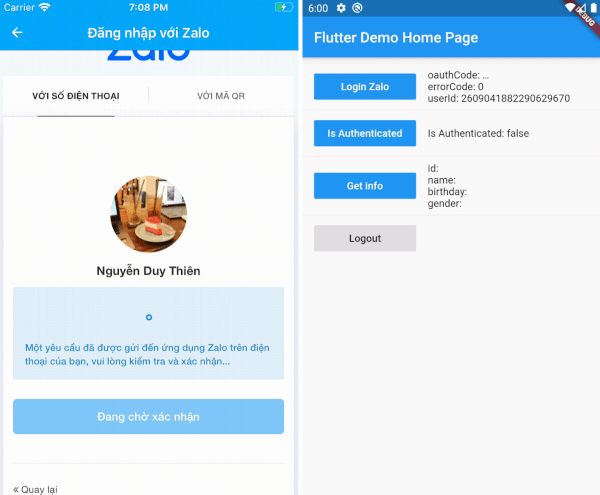
Flutter Zalo Login
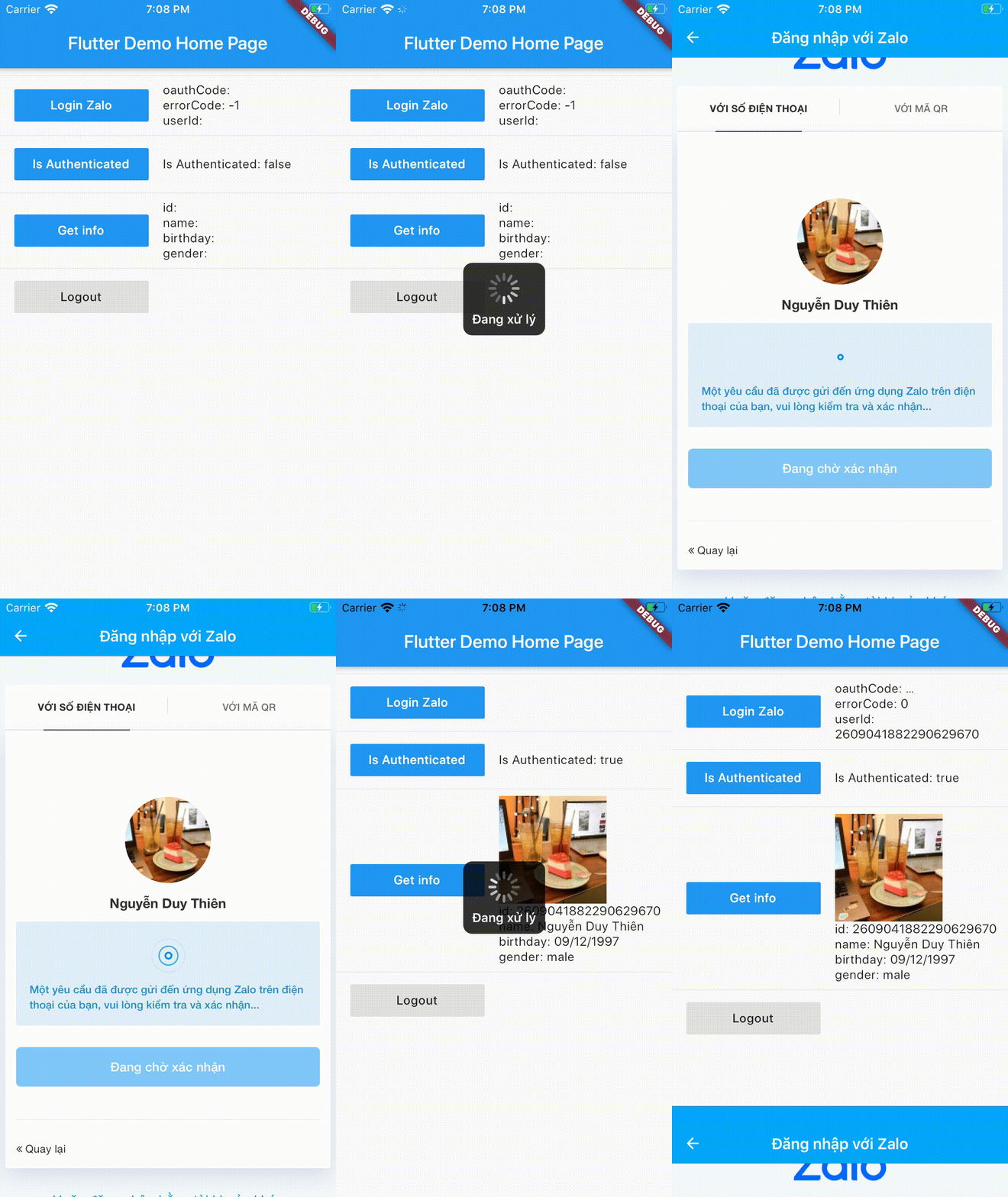
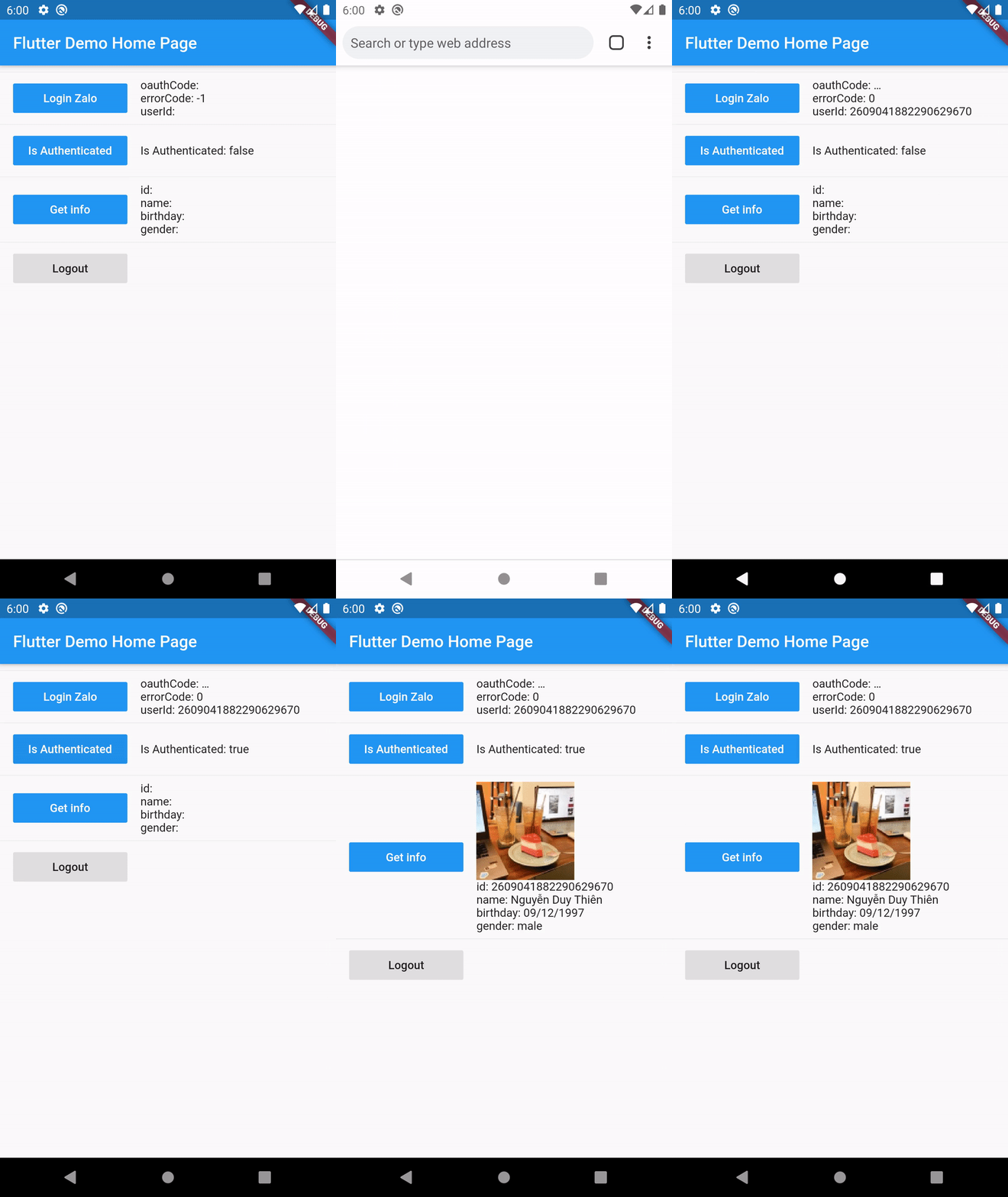
Add this to your package's pubspec.yaml file:
dependencies:
  flutter_zalo_login:
Call init function on initState
ZaloLogin().init();
Login function return type https://pub.dev/documentation/flutter_zalo_login/latest/flutter_zalo_login/ZaloLoginResult-class.html
| Properties | Type |
|---|---|
| userId | String |
| errorCode | int |
| errorMessage | String |
| oauthCode | String |
ZaloLoginResult res = await ZaloLogin().logIn();
Check is authenticated
bool isAuthenticated = await ZaloLogin().isAuthenticated();
Logout
await ZaloLogin().logOut();
Get info from user return type https://pub.dev/documentation/flutter_zalo_login/latest/flutter_zalo_login/ZaloProfileModel-class.html
| Properties | Type |
|---|---|
| id | String |
| name | String |
| birthday | String |
| gender | String |
| picture.data.url | String |
ZaloProfileModel info = await ZaloLogin().getInfo();
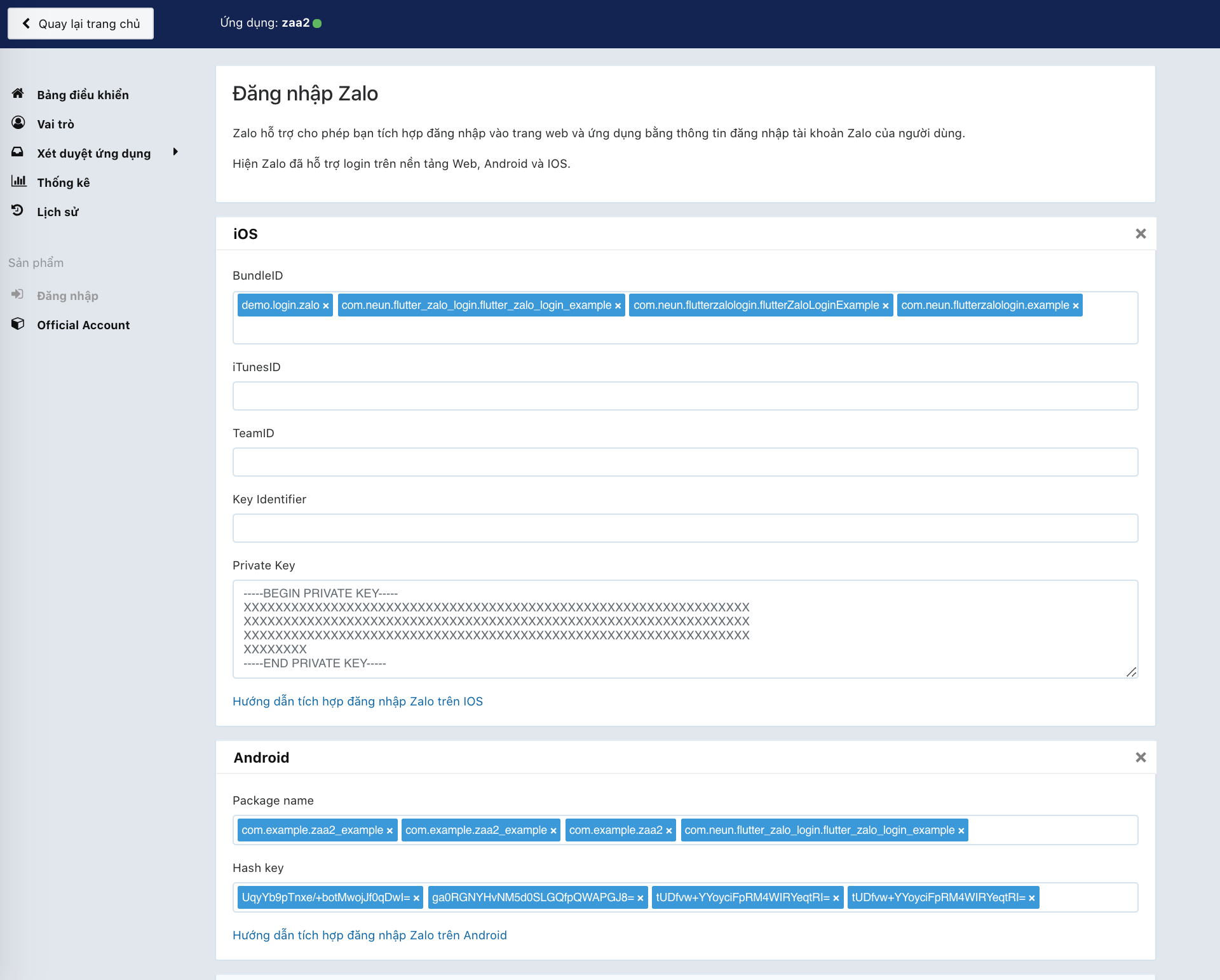
To make this plugin working we need to have there key:
First go to this page: https://developers.zalo.me and create account/new app
It will have 2 value
ID: YOUR_ZALO_APP_ID
Secret Key: YOUR_ZALO_APP_SECRET_KEY
IOS will need
YOUR_ZALO_APP_IDandYOUR_ZALO_APP_SECRET_KEY
Android will need
YOUR_ZALO_APP_IDandHash Key
Android Hash Key will be show on console log when you run ZaloLogin().init(); like below
V/ZaloLogin(28932): ---------------------------------------------------------------------------
V/ZaloLogin(28932): |     Please add this Hash Key to Zalo developers dashboard for Login     |
V/ZaloLogin(28932): tUDfvw+YYoyciFpRM4WIRYeqtRI= <-- YOUR ANDROID HASH CODE
V/ZaloLogin(28932): ---------------------------------------------------------------------------
As of
0.2.0the Android side uses Zalo SDK v4 (me.zalo:sdk-*on Maven Central) with the OAuth PKCE flow, AGP 8, Gradle 8.9 and compileSdk 35. iOS usesZaloSDK ~> 4.1with deployment target 12.0.
Open android/app/build.gradle and edit
minSdkVersion 21 // or bigger
/android/app/src/main/AndroidManifest.xml and add config on bottom under flutterEmbedding block <application
android:name=".FlutterApplication"
android:label="zaa_example"
android:icon="@mipmap/ic_launcher">
<!-- ... -->
<!-- ... -->
<!-- Don't delete the meta-data below.
This is used by the Flutter tool to generate GeneratedPluginRegistrant.java -->
<meta-data
android:name="flutterEmbedding"
android:value="2" />
<!-- ADD HERE -->
<meta-data
android:name="com.zing.zalo.zalosdk.appID"
android:value="@string/appID" />
<activity
android:name="com.zing.zalo.zalosdk.oauth.BrowserLoginActivity">
<intent-filter>
<action android:name="android.intent.action.VIEW"/>
<category android:name="android.intent.category.DEFAULT"/>
<category android:name="android.intent.category.BROWSABLE"/>
<data android:scheme="@string/zalosdk_login_protocol_schema"/>
</intent-filter>
</activity>
<!-- ADD HERE -->
<!-- ... -->
</application>
string.xml file on folder /android/app/src/main/res/values/string.xmland change YOUR_ZALO_APP_ID to your app_id
<?xml version="1.0" encoding="utf-8"?>
<resources>
    <string name="app_name">zaa2</string>
    <string name="appID">YOUR_ZALO_APP_ID</string>
    <string name="zalosdk_app_id">YOUR_ZALO_APP_ID</string>
    <string name="zalosdk_login_protocol_schema">zalo-YOUR_ZALO_APP_ID</string>
</resources>
:warning: Replace package your.app.name with your app's package name. If you don't know your package name, you can find it at the 1st line in MainActivity.kt.
package your.app.name;  // <-- replace this

import io.flutter.app.FlutterApplication;
import io.flutter.plugin.common.PluginRegistry;
import com.zing.zalo.zalosdk.oauth.ZaloSDKApplication;

class MyApplication : FlutterApplication(), PluginRegistry.PluginRegistrantCallback {
  override fun onCreate() {
    super.onCreate();
    ZaloSDKApplication.wrap(this);
  }
  override fun registerWith(registry: PluginRegistry) {}
}
:warning: Replace package your.app.name with your app's package name. If you don't know your package name, you can find it at the 1st line in MainActivity.kt.
package your.app.name;  // <-- replace this

import io.flutter.embedding.android.FlutterActivity
import android.content.Intent
import com.zing.zalo.zalosdk.oauth.ZaloSDK // <-- Add this

class MainActivity: FlutterActivity() {
    override fun onActivityResult(requestCode:Int, resultCode:Int, data:Intent) {
        super.onActivityResult(requestCode, resultCode, data)
        ZaloSDK.Instance.onActivityResult(this, requestCode, resultCode, data) // <-- Add this
    }
}
:warning: MyApplication, MainActivity should be the same with the code have been edit
    <application
        android:name=".MyApplication"
        ...
        <activity
            android:name=".MainActivity"
String hashKey = await ZaloLogin().init();
if project have been setup success it will show like this:
V/ZaloLogin(28932): ---------------------------------------------------------------------------
V/ZaloLogin(28932): |     Please add this Hash Key to Zalo developers dashboard for Login     |
V/ZaloLogin(28932): tUDfvw+YYoyciFpRM4WIRYeqtRI= <-- YOUR ANDROID HASH CODE
V/ZaloLogin(28932): ---------------------------------------------------------------------------
Same with 4. Setup for Android Kotlin
Check folder example/android for java code version of
MyApplication.kt and MainActivity.kt
/ios/Runner/Info.plist and add the following: ...
<key>CFBundleURLTypes</key>
<array>
<dict>
<key>CFBundleTypeRole</key>
<string>Editor</string>
<key>CFBundleURLName</key>
<string>zalo</string>
<key>CFBundleURLSchemes</key>
<array>
<string>zalo-<YOUR_ZALO_APP_ID></string>
</array>
</dict>
</array>
<key>ZaloAppID</key>
<string><YOUR_ZALO_APP_ID></string>
<key>ZaloAppKey</key>
<string><YOUR_ZALO_APP_SECRET_KEY></string>
...
ios/Runner/AppDelegate.swift and add code below: ...
override func application(
_ application: UIApplication,
open url: URL,
sourceApplication: String?,
annotation: Any
) -> Bool {
return ZDKApplicationDelegate.sharedInstance().application(application,
open: url,
sourceApplication: sourceApplication,
annotation: annotation
)
}
@available(iOS 9.0, *)
override func application(
_ app: UIApplication,
open url: URL,
options: [UIApplication.OpenURLOptionsKey : Any] = [:]) -> Bool {
return ZDKApplicationDelegate
.sharedInstance()
.application(app,
open: url as URL?,
sourceApplication: options[UIApplication.OpenURLOptionsKey.sourceApplication] as! String?,
annotation: options[UIApplication.OpenURLOptionsKey.annotation]
)
return false
}
override func application(
_ application: UIApplication,
didFinishLaunchingWithOptions launchOptions: [UIApplication.LaunchOptionsKey: Any]?
) -> Bool {
GeneratedPluginRegistrant.register(with: self)
return super.application(application, didFinishLaunchingWithOptions: launchOptions)
}
ios/Runner/AppDelegate.m:
...

- (BOOL)application:(UIApplication *)application openURL:(nonnull NSURL *)url options:(nonnull NSDictionary<NSString *,id> *)options {
  return [[ZDKApplicationDelegate sharedInstance] application:application openURL:url options:options];
}
TODO: Lấy danh sách bạn bè More info: https://developers.zalo.me/docs/sdk/android-sdk/open-api/lay-danh-sach-ban-be-post-437
TODO: Gửi tin nhắn tới bạn bè More info: https://developers.zalo.me/docs/sdk/android-sdk/open-api/gui-tin-nhan-toi-ban-be-post-1205
TODO: Đăng bài viết More info: https://developers.zalo.me/docs/sdk/android-sdk/open-api/dang-bai-viet-post-1212
TODO: Mời sử dụng ứng dụng More info: https://developers.zalo.me/docs/sdk/android-sdk/open-api/moi-su-dung-ung-dung-post-1218
TODO: Gửi tin nhắn tới bạn bè More info: https://developers.zalo.me/docs/sdk/android-sdk/tuong-tac-voi-app-zalo/gui-tin-nhan-toi-ban-be-post-452 Future shareMessage() async {}
TODO: Đăng bài viết More info: https://developers.zalo.me/docs/sdk/android-sdk/tuong-tac-voi-app-zalo/dang-bai-viet-post-447
의존성 목록 2 개
{"sdk":"flutter"}{"sdk":"flutter"}사용 목적에 따라 검색하고 개발 활동을 비교한 뒤 원본 저장소에서 요구 사항을 확인하세요.
“A repository is the most basic element of GitHub.”
GitHub Docs — About repositories ↗