
 v2.5.0
any_image_view
PNG, JPG, WebP, GIF, TIFF, RAW, SVG, Lottie, XFile 및 네트워크 이미지를 지원하는 유연한 Flutter 이미지 뷰어로 최고의 해상도를 제공합니다. 모든 기능이 하나의 원활한 패키지에 통합되어 있습니다.
100좋아요 85430일 다운로드160Pub 점수
AndroidiOSmacOSWindowsLinux
farhansadikgalib/any_image_view open-source repository details.

{"sdk":"flutter"}^6.0.0{"sdk":"flutter"}아래는 영문 원문 스냅샷입니다. 최신 내용은 GitHub에서 확인하세요.
Any Image View
Show any image with one widget. Network, asset, file, XFile, SVG or Lottie:
hand it to AnyImageView and it takes care of loading, caching, retries and
errors. Zero dependencies.
dependencies:
  any_image_view: ^2.5.0
import 'package:any_image_view/any_image_view.dart';
// Network (cached on disk after the first load)
AnyImageView(imagePath: 'https://example.com/photo.jpg', height: 200, width: 200)

// Asset
AnyImageView(imagePath: 'assets/photo.png', height: 200, width: 200)

// SVG, asset or network, optionally tinted
AnyImageView(imagePath: 'assets/icon.svg', height: 40, width: 40, svgColor: Colors.blue)

// Lottie, loops automatically
AnyImageView(imagePath: 'assets/loader.json', height: 120, width: 120)

// Local file or image_picker result
AnyImageView(imagePath: '/path/to/photo.jpg', height: 200, width: 200)
AnyImageView(imagePath: pickedXFile, height: 200, width: 200)

// Circular avatar
AnyImageView(imagePath: url, height: 80, width: 80, shape: BoxShape.circle)

// Tap for a fullscreen viewer with pan, pinch and double-tap zoom
AnyImageView(imagePath: url, height: 200, width: 200, enableFullscreen: true)

// Styling and custom states
AnyImageView(
  imagePath: url,
  height: 200,
  width: 300,
  fit: BoxFit.cover,
  borderRadius: BorderRadius.circular(16),
  placeholderWidget: const CircularProgressIndicator(),
  errorWidget: const Icon(Icons.broken_image),
)
| Type | Formats |
|---|---|
| Raster | PNG, JPG, WebP, GIF, BMP, ICO |
| Platform-decoded | AVIF, HEIC on Android 12+, iOS 16+, macOS 13+ and web |
| Vector | SVG |
| Animation | Lottie .json, .zip, .lottie |
| Sources | Network URL, asset, file path, file:// URI, XFile, File |
The source is detected from the path. Matching is case-insensitive and ignores query strings and fragments.
| Parameter | Type | Default | Purpose |
|---|---|---|---|
imagePath |
Object? |
URL, asset path, file path, XFile or File |
|
height, width |
double? |
Size | |
fit |
BoxFit? |
cover |
How the image fills the box (contain for SVG and Lottie) |
alignment |
Alignment? |
Alignment inside the container | |
shape |
BoxShape |
rectangle |
rectangle or circle |
borderRadius |
BorderRadius? |
Rounded corners | |
border |
BoxBorder? |
Border | |
boxShadow |
List<BoxShadow>? |
Shadows | |
margin, padding |
EdgeInsetsGeometry? |
Outer and inner spacing | |
placeholderWidget |
Widget? |
shimmer | Shown while loading |
errorWidget |
Widget? |
broken-image icon | Shown on failure |
fadeDuration |
Duration |
400 ms | Fade-in |
maxRetryAttempts |
int |
3 | Retries after a failed network load; 0 disables |
httpHeaders |
Map<String, String>? |
Headers for network requests | |
enableZoom |
bool |
false |
Inline pinch-to-zoom |
enableFullscreen |
bool |
false |
Tap opens a fullscreen viewer |
onTap |
VoidCallback? |
Custom tap handler | |
svgColor |
Color? |
Tint for SVGs | |
svgColorFilter |
ColorFilter? |
Custom SVG color filter |
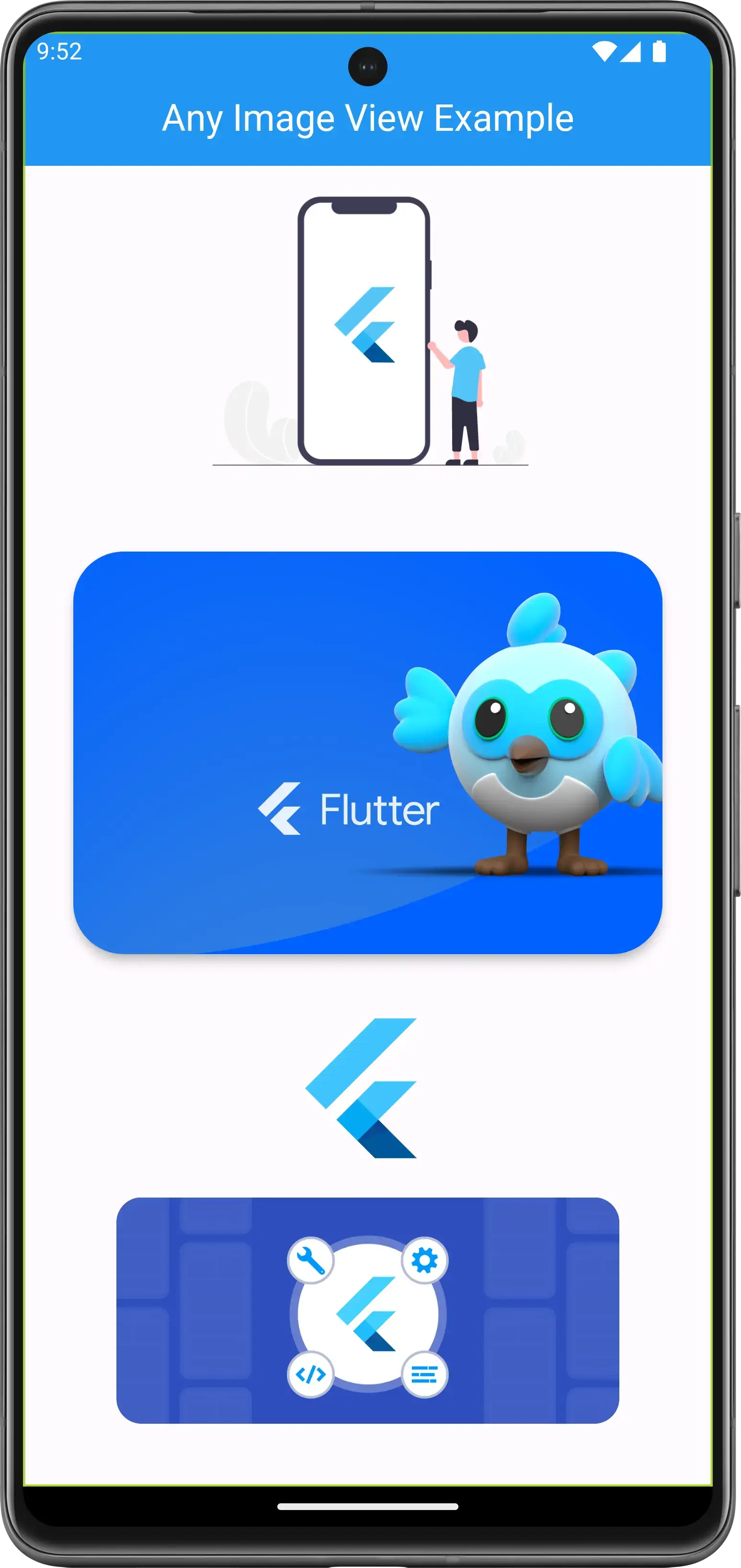
| Network, PNG, SVG | AVIF | Lottie, avatar, error | Fullscreen |
|---|---|---|---|
| Network image, PNG and SVG | AVIF asset and network AVIF | Lottie, circular avatar and error widget | Fullscreen viewer |