
flutter_vignettes
gskinner가 구글과 협력하여 만든 재미있는 플러터 실험 모음.
- 스타
- 4.8천
- 포크
- 1천
- 최근 푸시(UTC)
- 2024. 4. 30.
- 프로젝트 상태
- 활성
원본 README
아래는 영문 원문 스냅샷입니다. 최신 내용은 GitHub에서 확인하세요.


The Flutter Vignettes
A collection of explorations into the exciting user experience possibilities enabled by the Flutter platform. Built by gskinner in partnership with Google, these vignettes range from the practical to the novel. They aim to inspire both developers and designers to build delightful and beautiful experiences with Flutter.
In addition to forking and reviewing the MIT licensed code available here, you can also check out more information on the Vignette Showcase Website.
About gskinner
We exist to build inovative digital experiences for smart clients, and we love how easy Flutter makes that. Don't hesitate to stop by our site to learn more about what we do. We'd love to hear from you!
The Vignettes
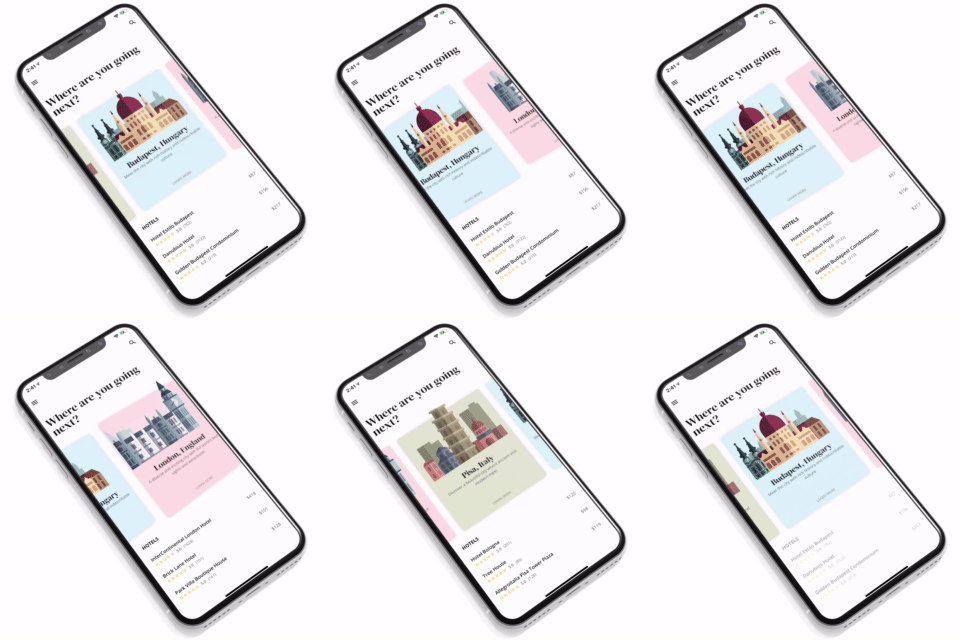
Use a Stack widget to create a parallax effect inside of a list, while also using a Transform to give it a 3D card effect.
View Code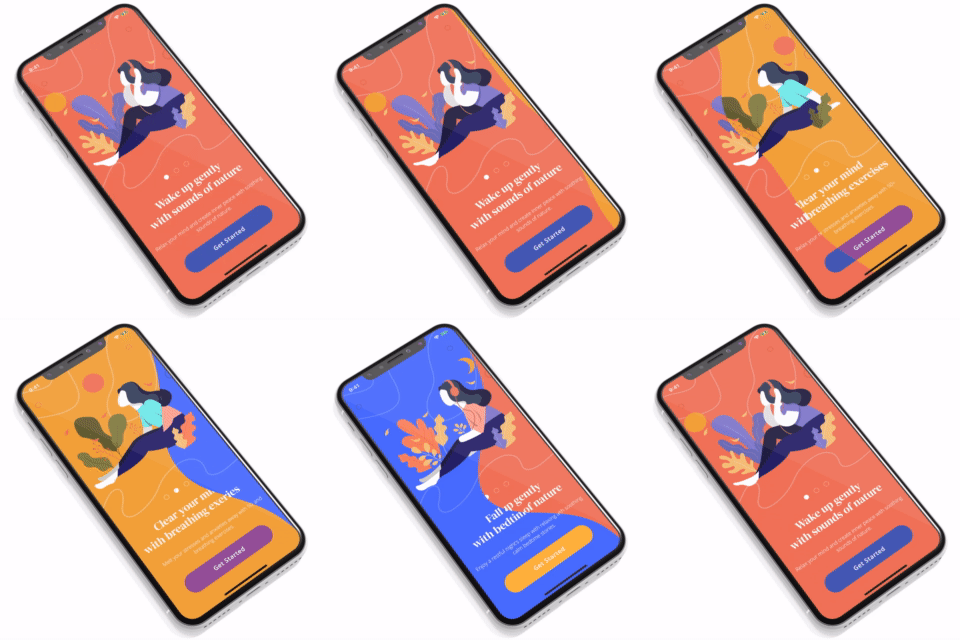
Draw curved vector paths and use them to mask content. Utilizes a small physics simulation to calculate tension between a set of points.
View Code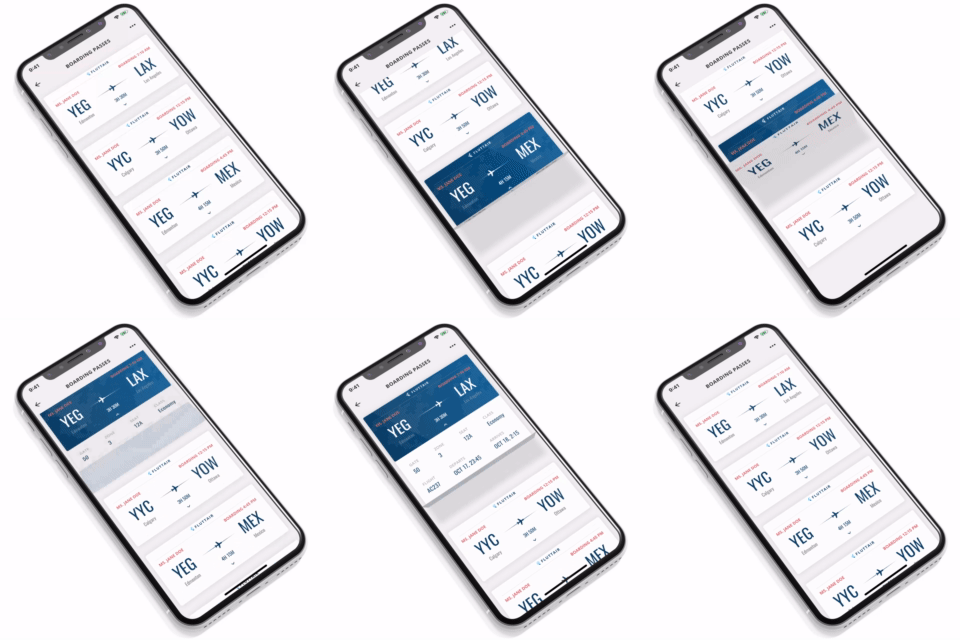
Uses the Transform widget to create a folding card effect. In this case a boarding pass with multiple folds, each fold containing a child widget.
View Code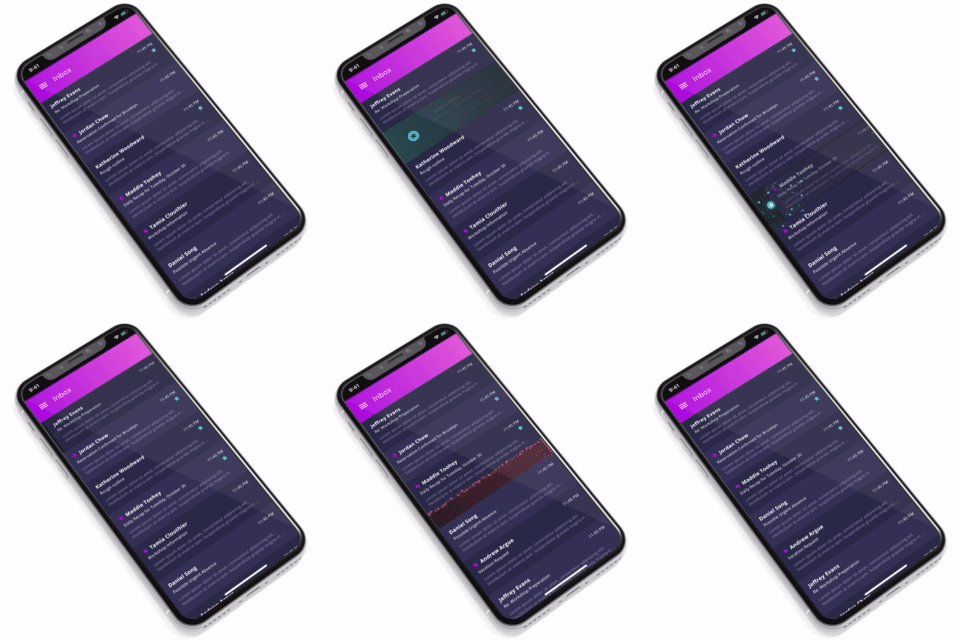
Demonstrates how you can use particles in your Flutter app and how to tie multiple actions to a list swipe.
View Code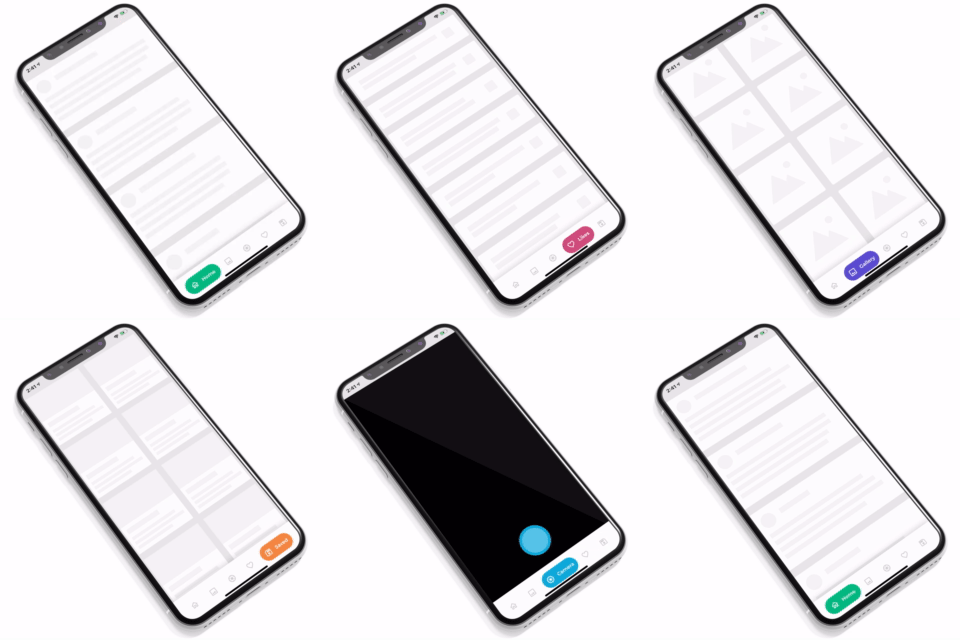
Example of a bespoke NavigationBar with animated buttons that change size, shape, and color when selected.
View Code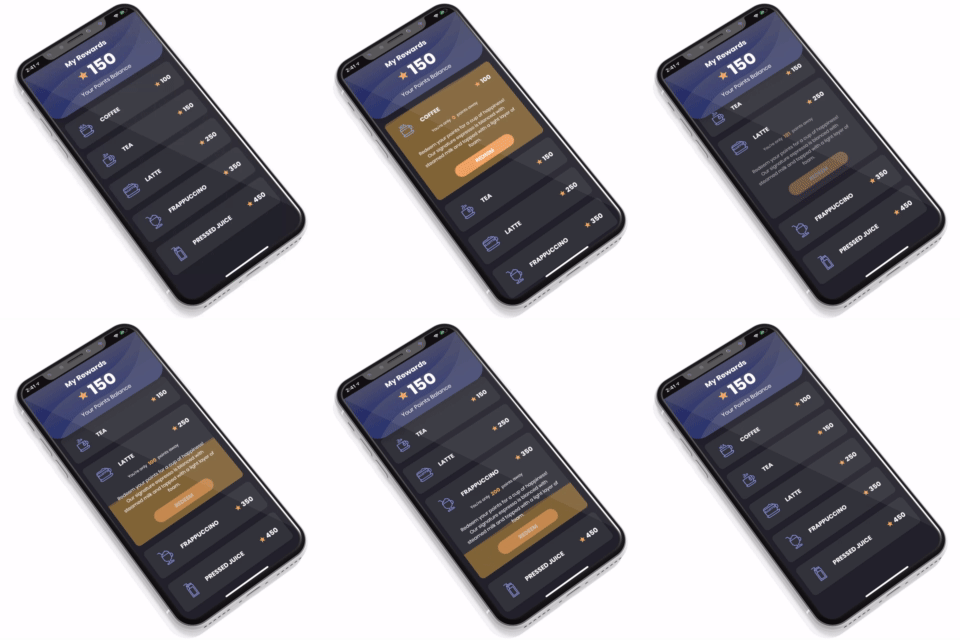
Shows how to easily create resizeable list items using AnimatedContainer; also uses the Canvas API to simulate a liquid effect.
View Code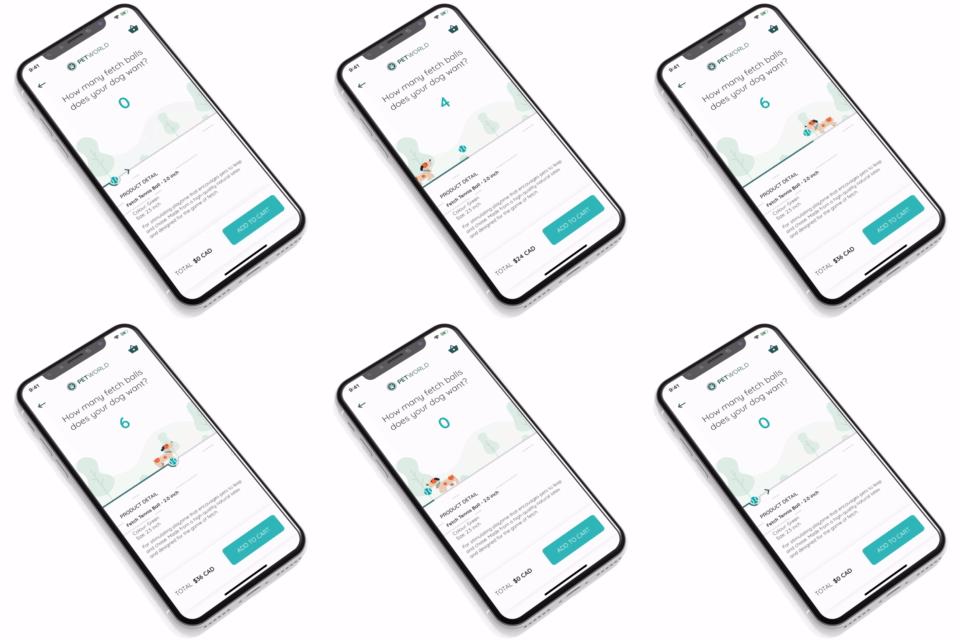
Use a Flare animation to create a custom Slider control. Creates a custom FlareControl class for playback while the slider itself is painted on a Canvas.
View Code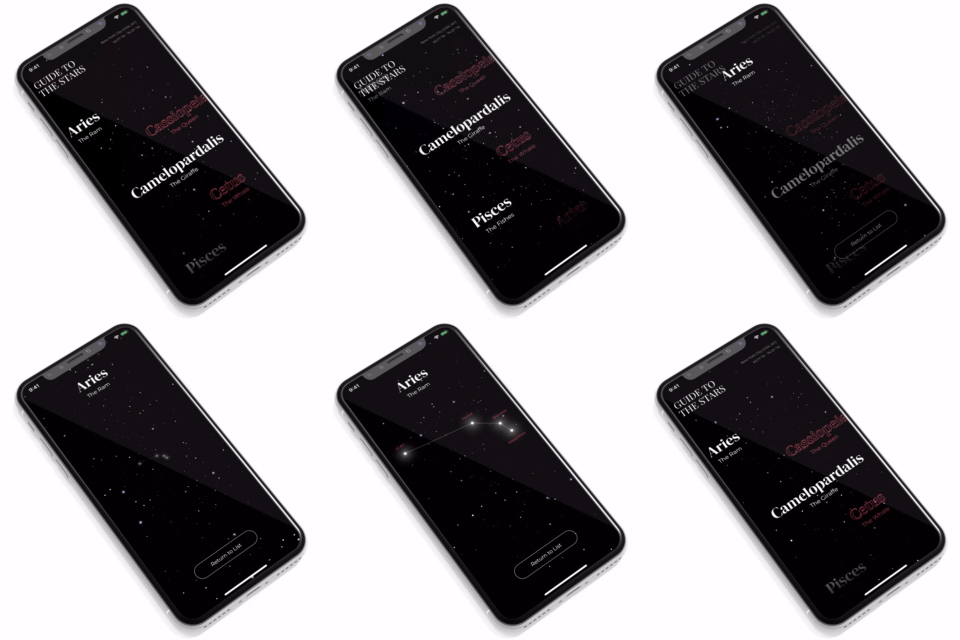
Shows how to use an animated Canvas as the primary background for your app. In this case, a starfield effect that controls its animation speed based on user scrolling and page transitions.
View Code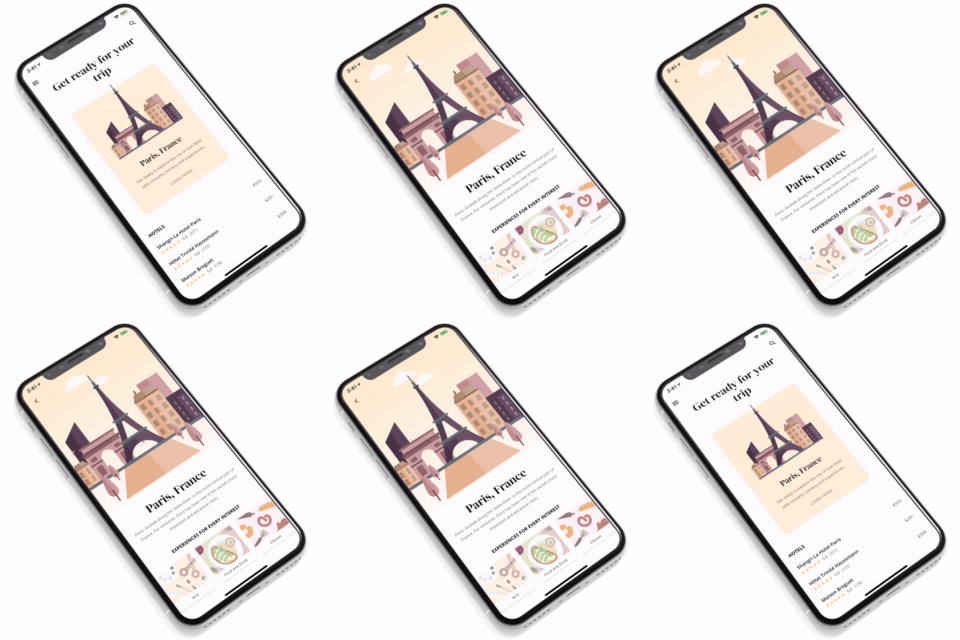
Shows how you can create a custom Hero effect that contains complex animations and retains its state between pages.
View Code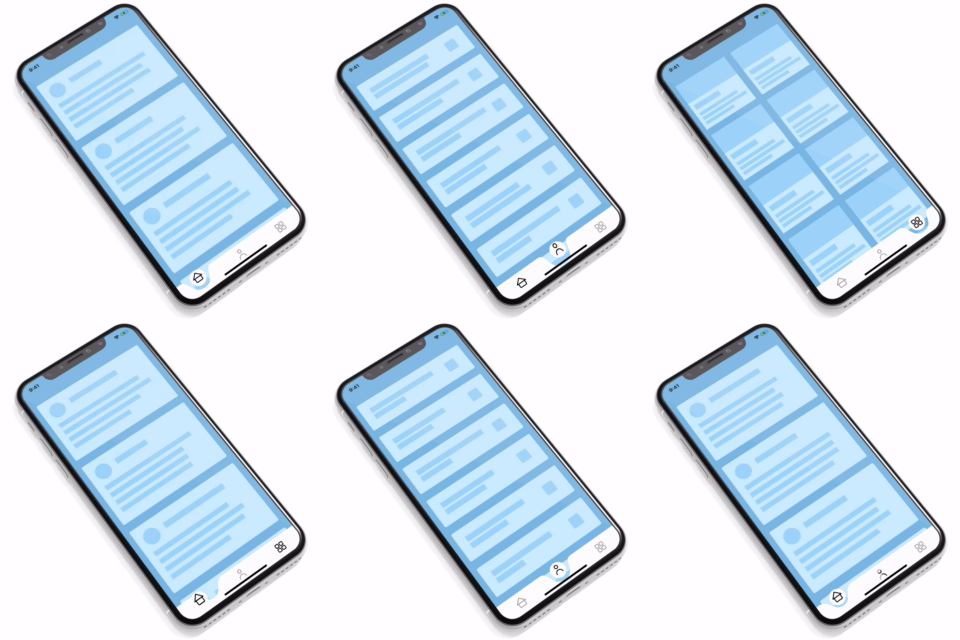
Uses a Canvas to create a fluid-style navigation bar that has a fun bouncy feel to it; also shows how to use the Path API to draw, and animate some custom icons.
View Code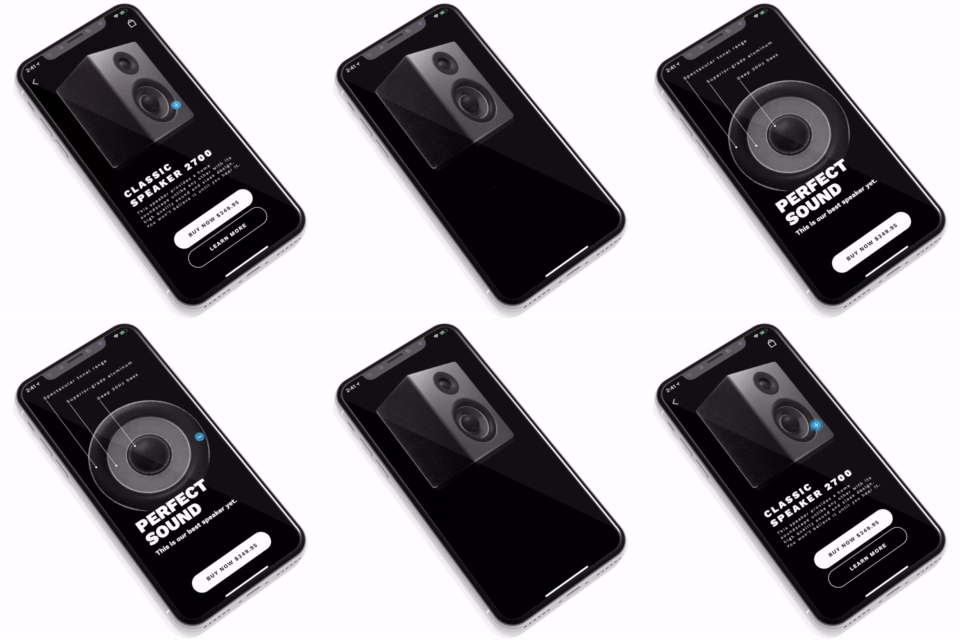
Example of an animated png sequence within a Hero animation; also uses a Canvas to render and animate a product detail overlay.
View Code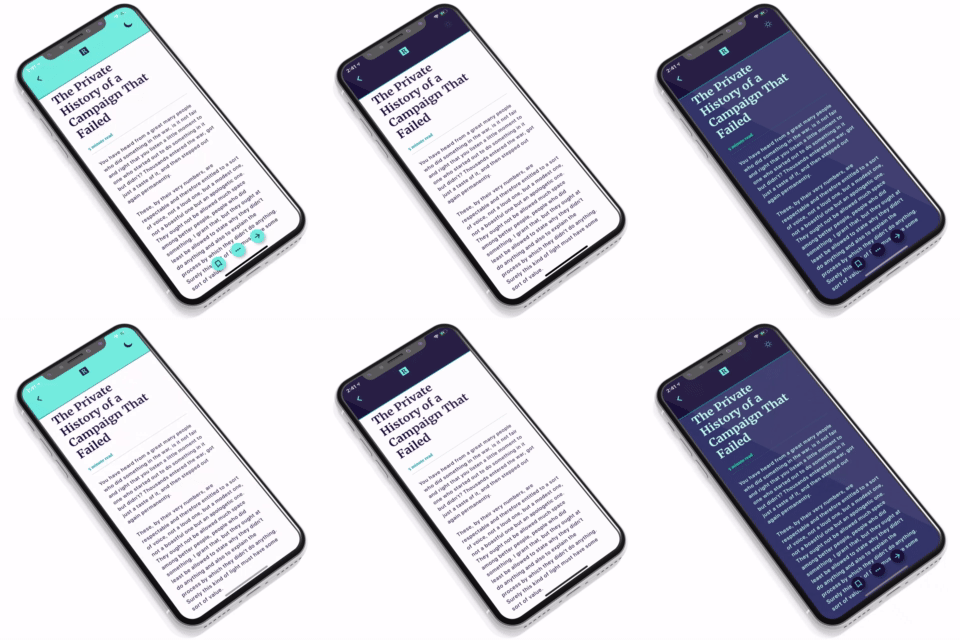
Shows how a png sequence can be used to mask an arbitrary widget. Here that technique is used in a page transition between light and dark themes.
View Code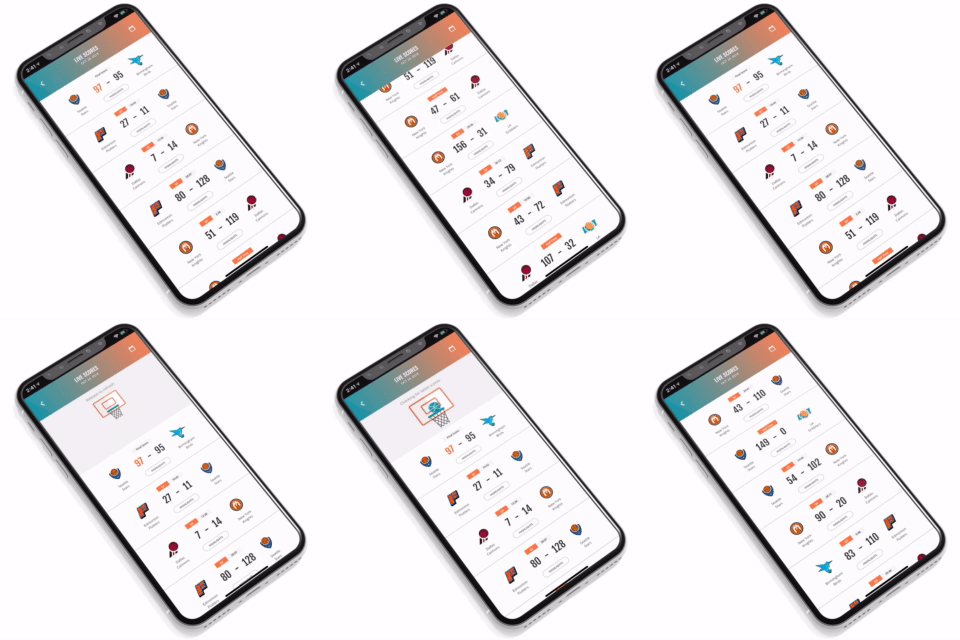
Shows how to create a custom pull to refresh animation. In this example, we used a sprite sequence to render a basketball spinning around the hoop as it loads.
View Code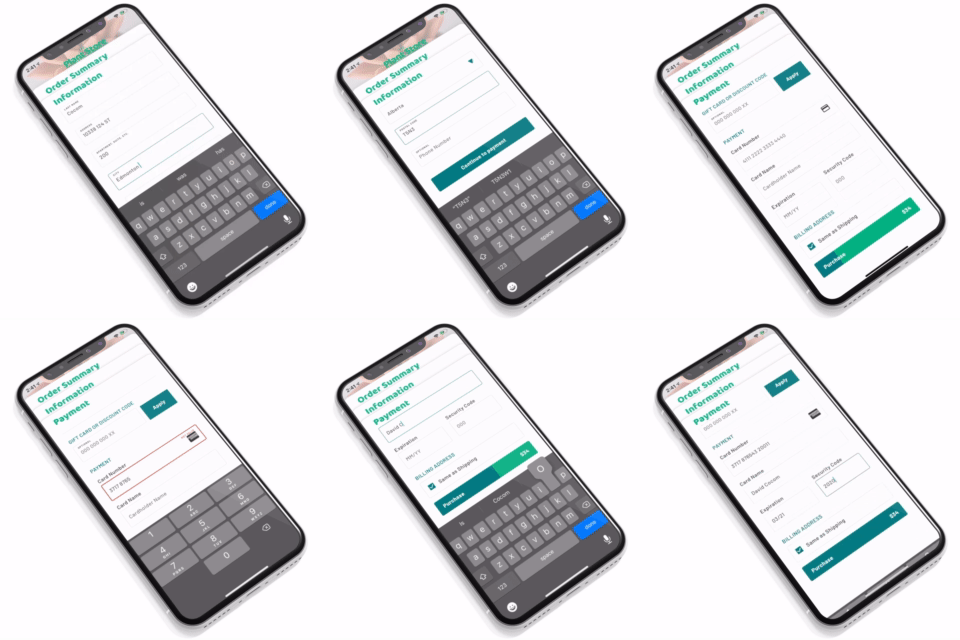
An example of multi-part form validation and the ability to customize the form contents based on the country the user has selected.
View Code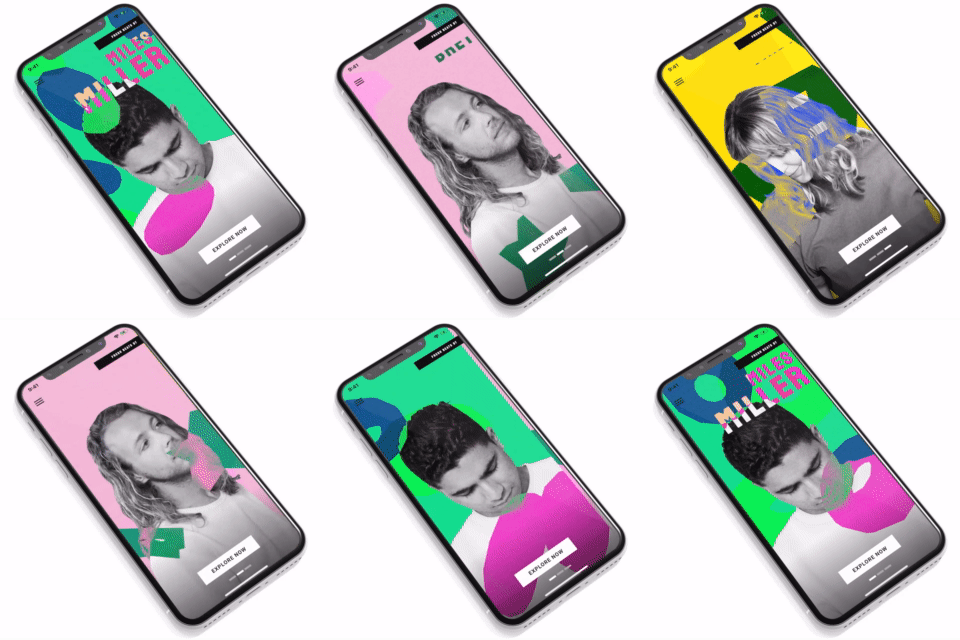
Uses a custom 3D model renderer and blending mask to create a fun and unique background effect.
View Code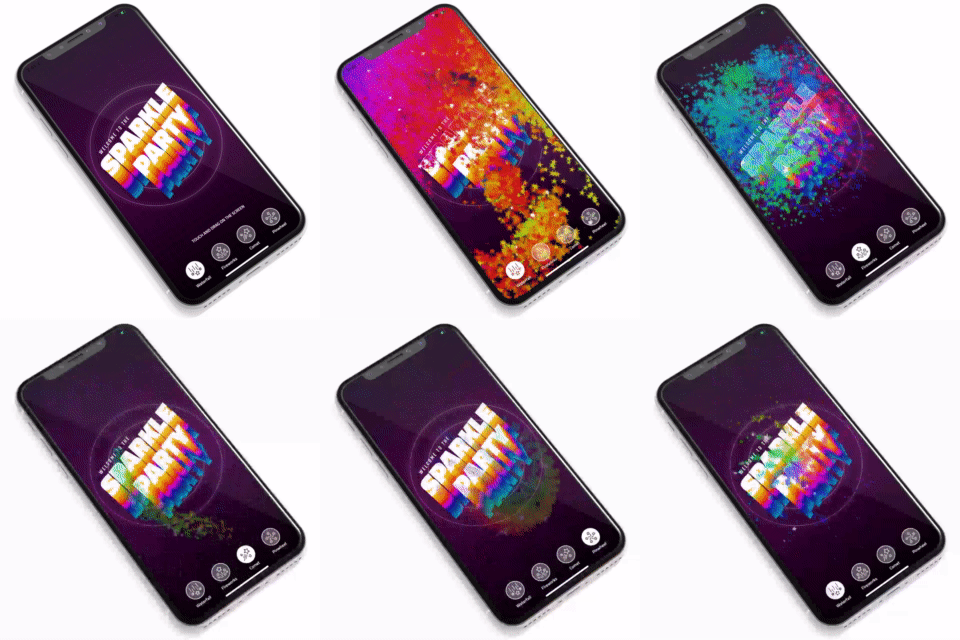
Uses the drawVertices API to draw a ton of particles extremely quickly. The particles are animated using a sprite sheet and comes with 4 different presets.
View Code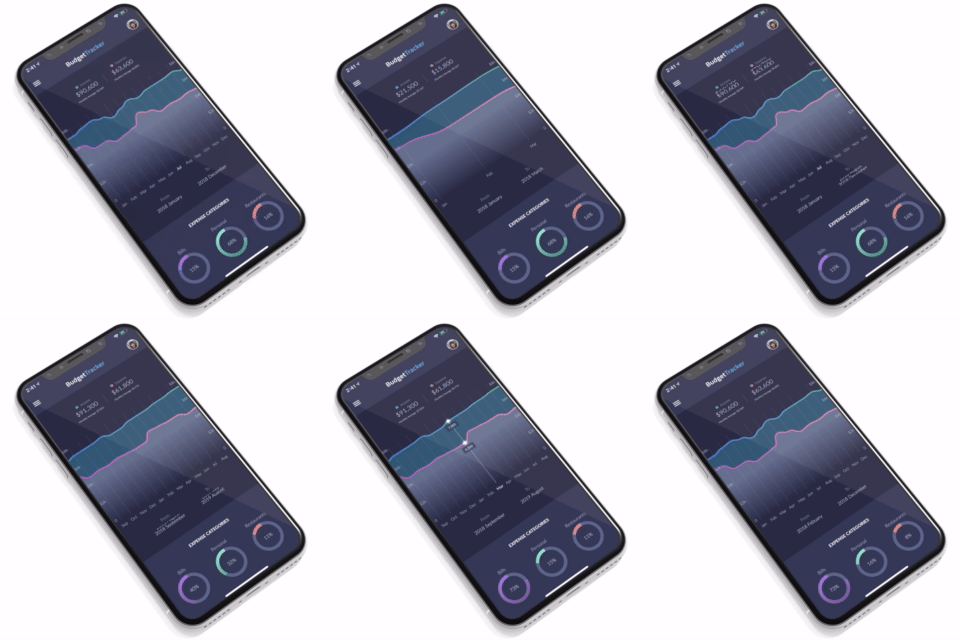
Demonstrates how charts and graphs can be implemented using the Canvas API. It also provides an example of arbitrary panning and scrolling in a view.
View CodeInstallation
If you're new to Flutter the first thing you'll need is to follow the setup instructions. Once you're set up and can compile the sample Flutter app, you're ready to run some vignettes!
Each vignette is stored in its own folder in the repository. Using your IDE of choice, open the vignette directory you'd like to run. Then, using the terminal inside your IDE, run flutter pub get to fetch any dependencies, and flutter run to deploy to your connected device or simulator.
If you would like to try these for Flutter for web, you can use flutter run -d chrome. Note that Flutter for web is currently a technical preview and not all of the vignettes will work correctly. For more information on enabling Flutter for web follow the setup instructions.
License
These vignettes are released under the MIT license. You can use the code for any purpose, including commercial projects.


gskinner team ↗
순위
프로젝트에 맞는 저장소를 선택하려면?
사용 목적에 따라 검색하고 개발 활동을 비교한 뒤 원본 저장소에서 요구 사항을 확인하세요.
- 이름, 작성자 또는 설명으로 검색하고 기술 주제로 범위를 좁힙니다.
- 스타, 포크, 최근 푸시를 함께 비교하세요. 스타는 관심의 지표이며 품질을 보장하지 않습니다.
- 사용하기 전에 GitHub에서 README, 라이선스, Issues를 확인하세요.
출처 및 관리
“A repository is the most basic element of GitHub.”
GitHub Docs — About repositories ↗