
 v0.12.1
awesome_notifications
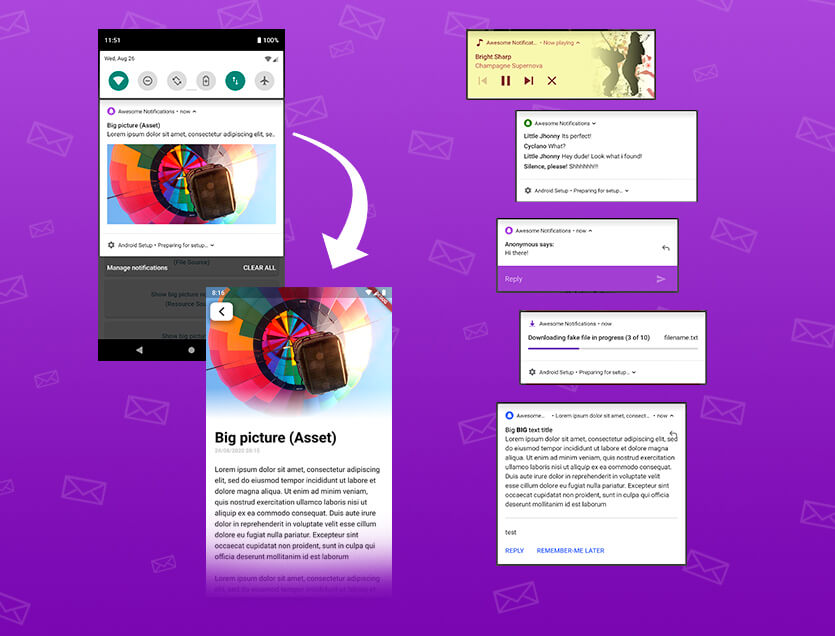
로컬 및 푸시 알림을 생성하기 위한 완전한 솔루션으로 버튼, 이미지, 사운드, 이모티콘을 사용자 지정하고 Flutter 앱에 다양한 레이아웃을 적용할 수 있습니다.
3.4천좋아요 7.5만30일 다운로드130Pub 점수
AndroidiOSWebmacOSWindowsLinux
FireNoti는 Firebase Cloud Messaging (FCM)를 사용하여 실시간 푸시 알림을 통해 사용자 참여도를 높이기 위해 Flutter 기반 모바일 애플리케이션으로 설계되었습니다. 이 프로젝트는 사용자가 장치에서 즉각적인 경고 및 업데이트를 받을 수 있도록 하여 원활한 알림 경험을 제공합니다.
아래는 영문 원문 스냅샷입니다. 최신 내용은 GitHub에서 확인하세요.
FireNoti is a Flutter-based mobile application that leverages Firebase Cloud Messaging (FCM) for sending and managing push notifications. This project aims to provide a seamless notification experience by integrating Firebase FCM, enabling real-time alerts and updates for users.

We would like to acknowledge the valuable contributions made by Imran to the Fire-Noti project.
Podfile and including necessary configurations in Debug.xcconfig and Release.xcconfig.Runner.xcodeproj to include Pods frameworks and configurations.Assets.xcassets and updated Contents.json for proper asset management.Info.plist to include user tracking usage description and background modes for notifications.NotificationCalendar class to allow mutable properties: year, month, day, hour, minute, second, and millisecond.Thank you, Imran, for your dedication and excellent work on improving the Fire-Noti project!
Before you begin, ensure you have met the following requirements:
Add these dependencies to your pubspec.yaml file:
dependencies:
  flutter:
    sdk: flutter
  firebase_core: ^3.6.0
  firebase_messaging: ^15.1.3
  awesome_notifications: ^0.10.0
git clone https://github.com/Puneetsharma5525/Fire-Noti.git
cd FireNoti
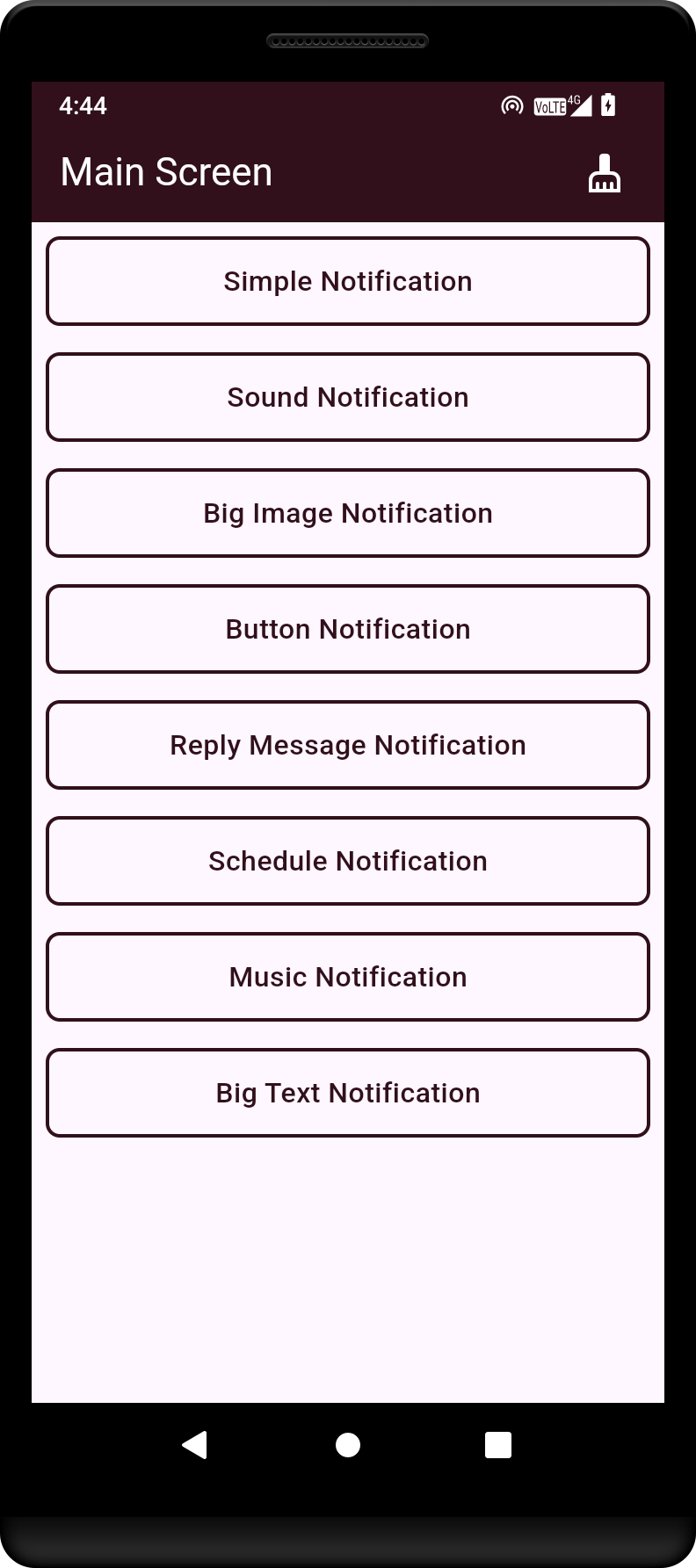
This is the main screen of the Flutter application, showcasing the primary user interface.
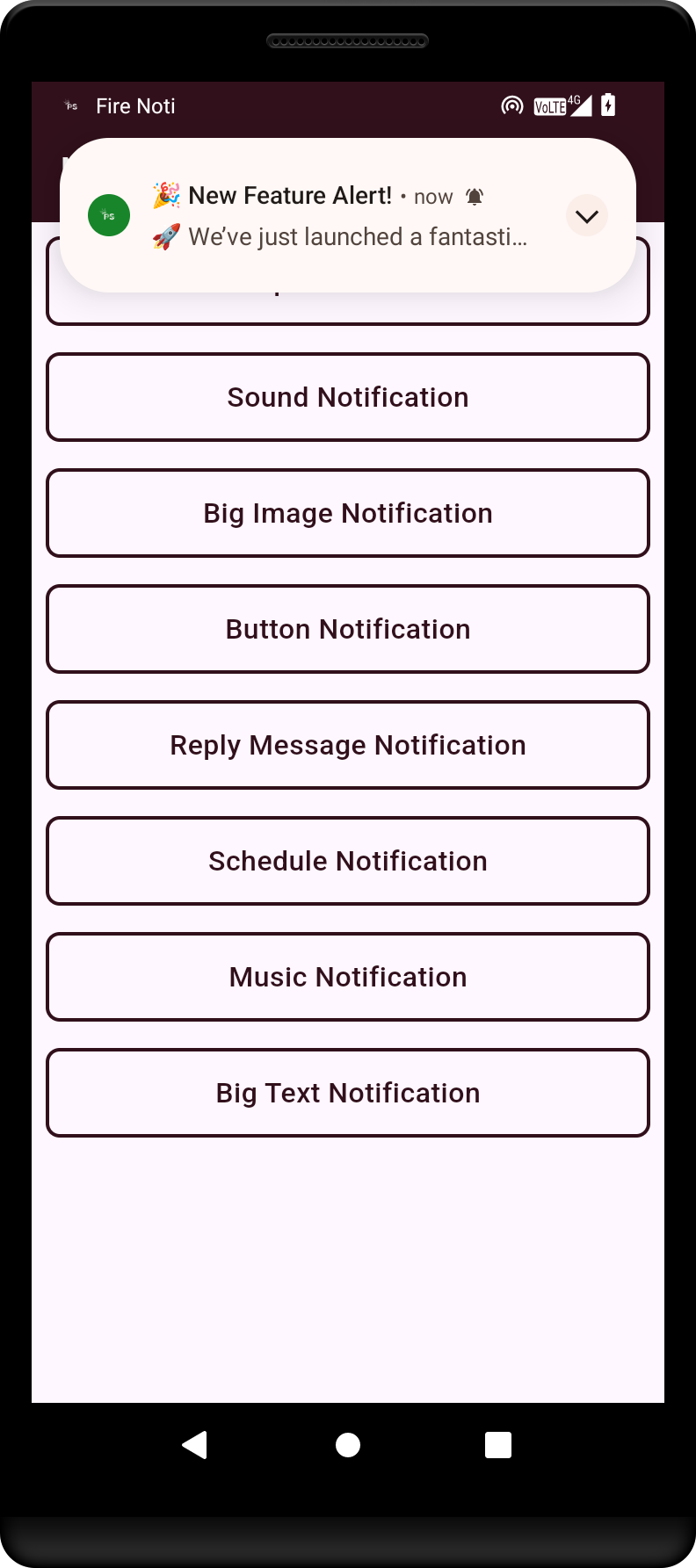
Example of a simple notification that alerts the user to a new message or event.
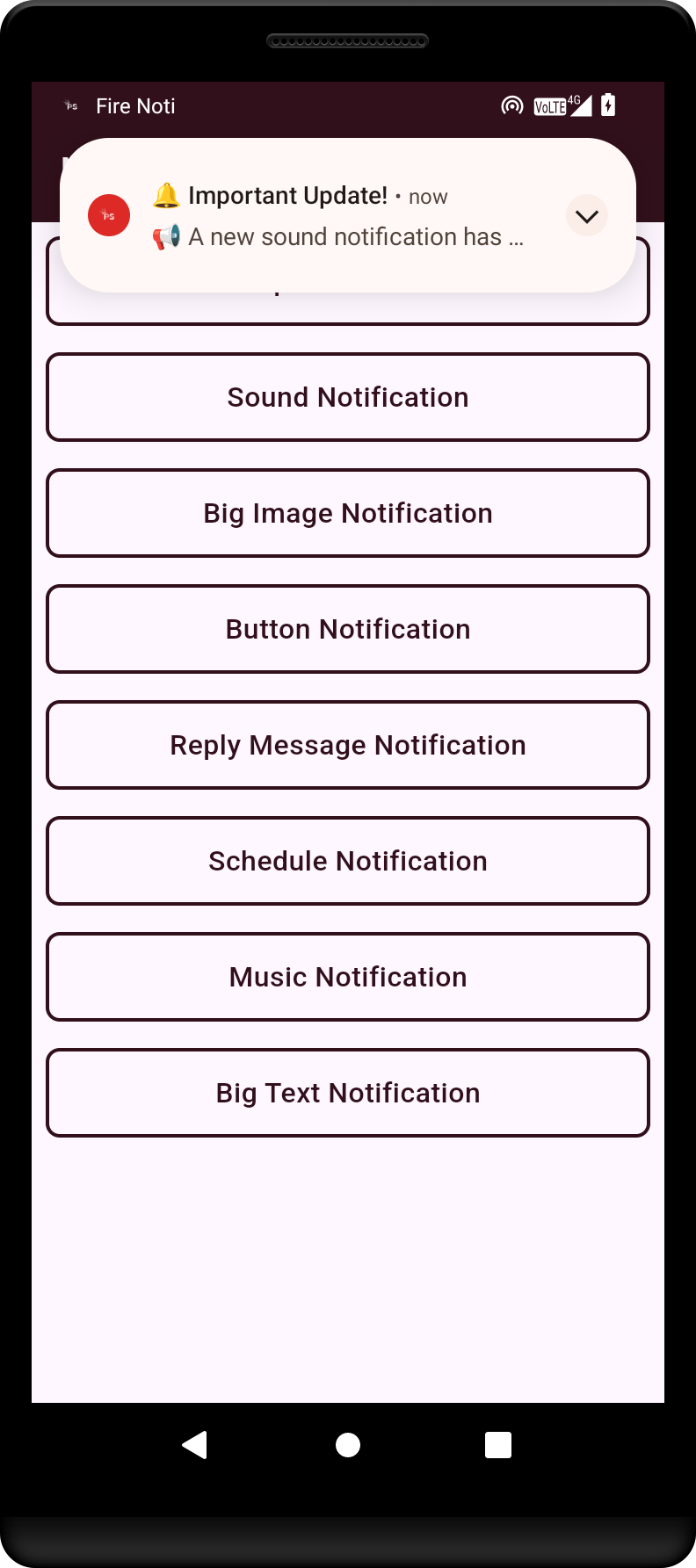
Demonstration of a notification with sound, enhancing user engagement through audio cues.
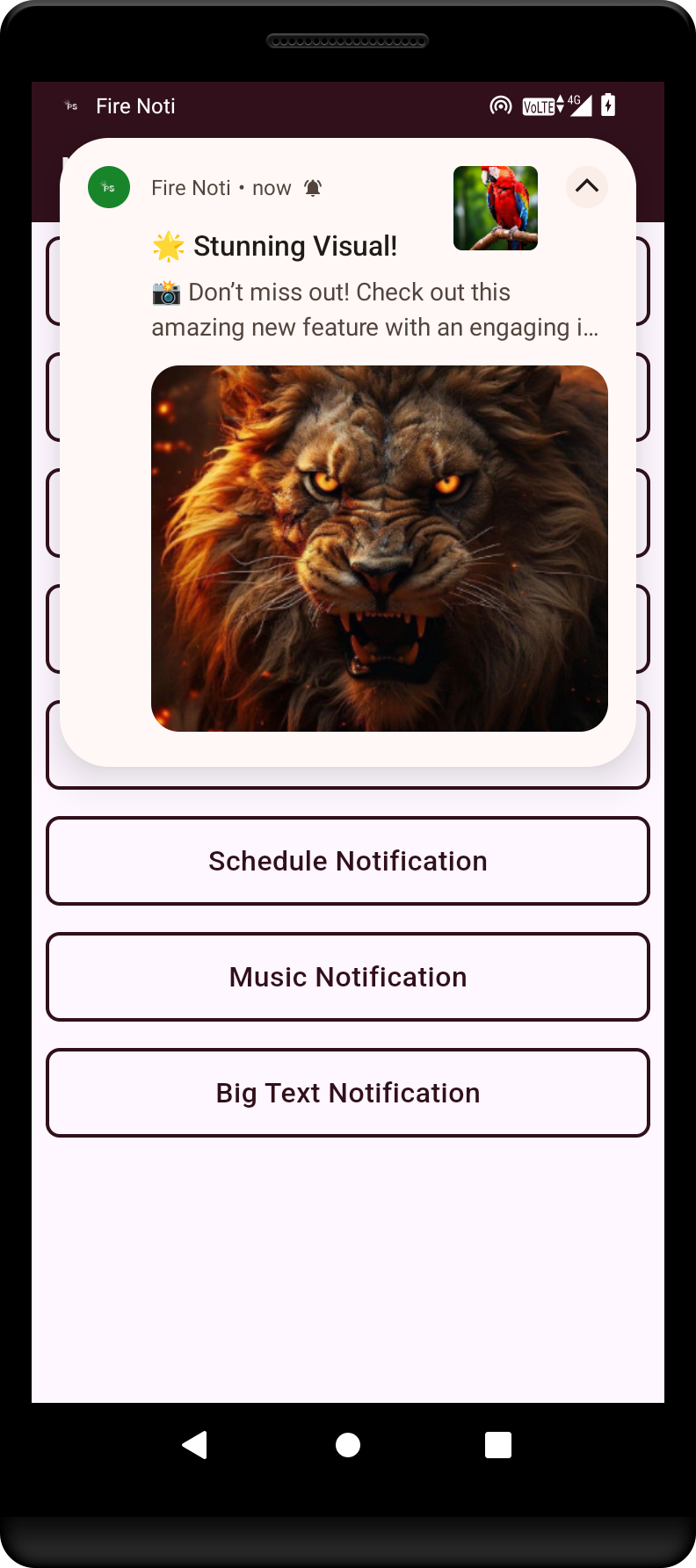
An example of a big image notification.
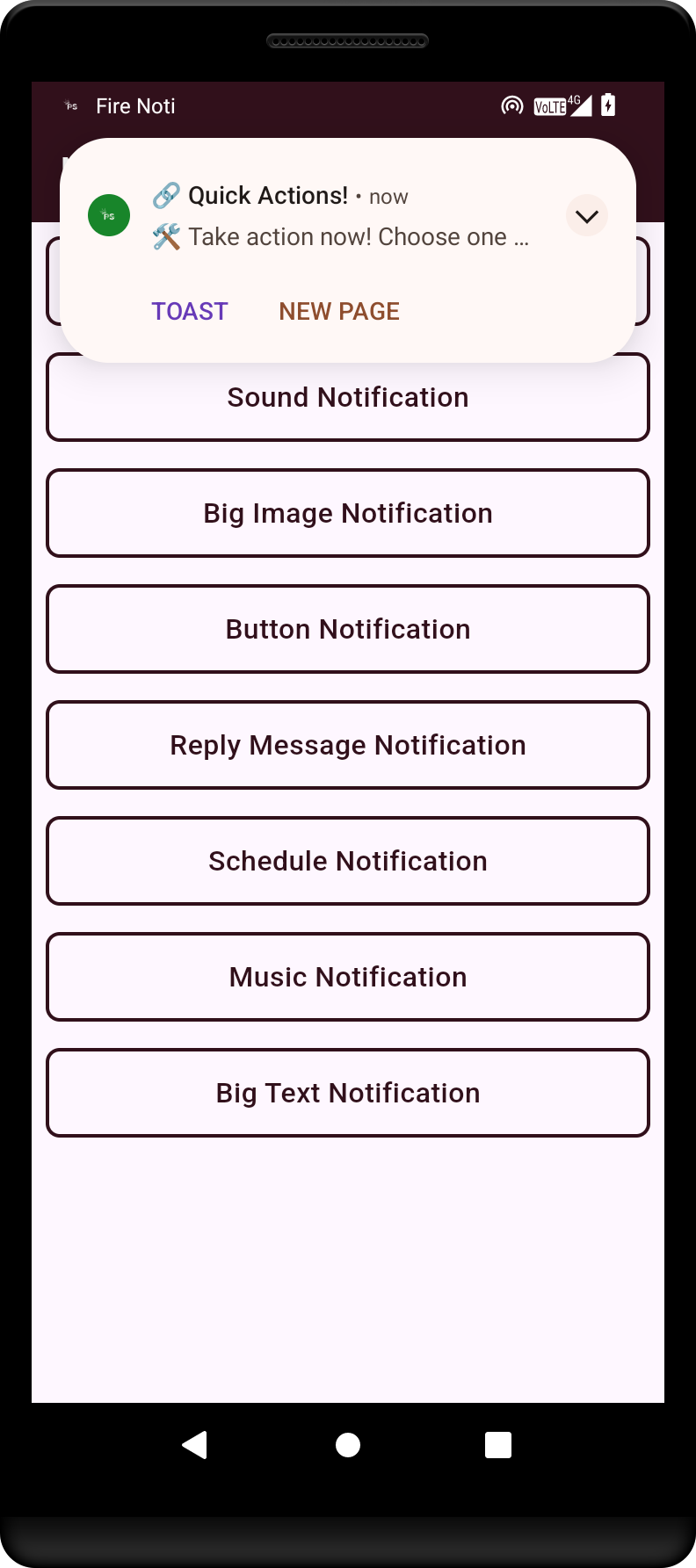
Illustration of a notification featuring action buttons, allowing users to respond directly from the notification.
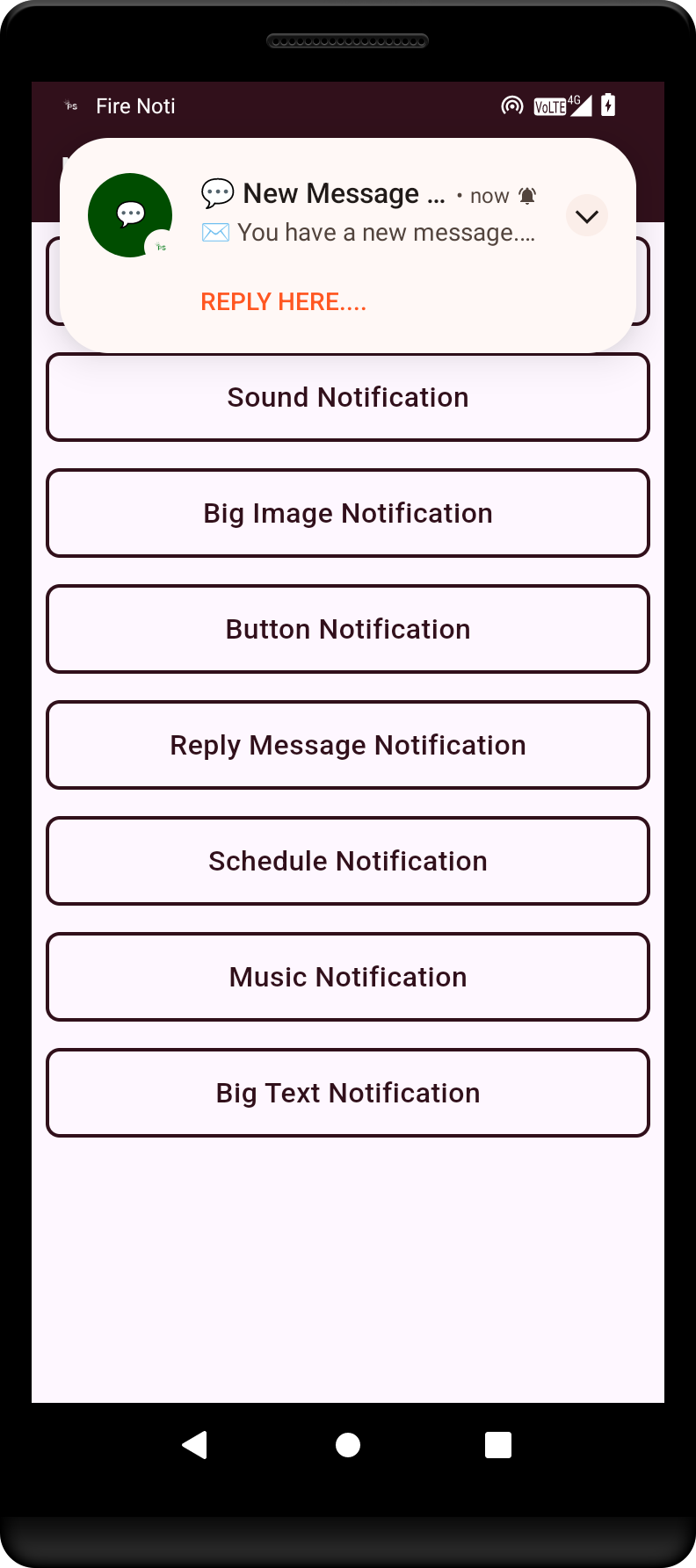
This shows a reply notification, enabling users to quickly respond to messages without opening the app.
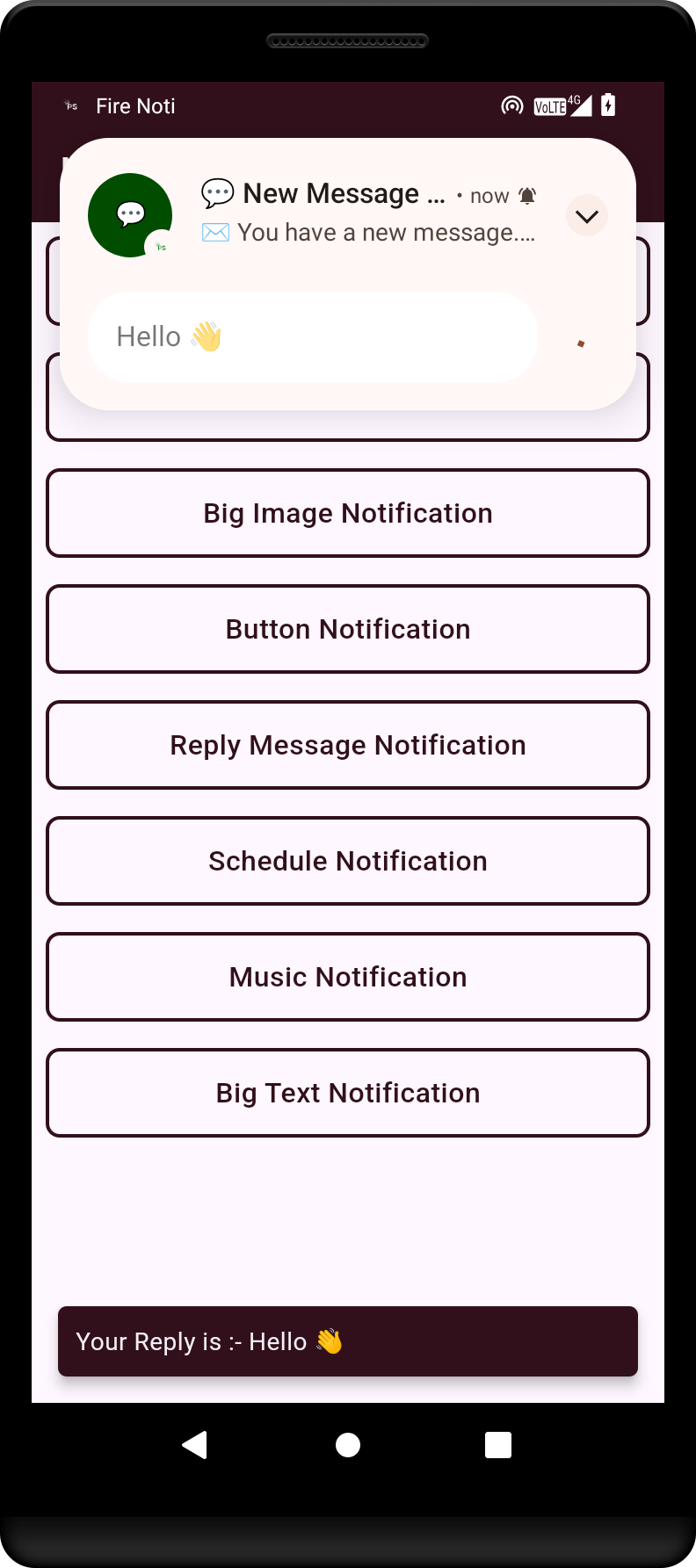
Example of a chat message notification, indicating new messages from contacts.
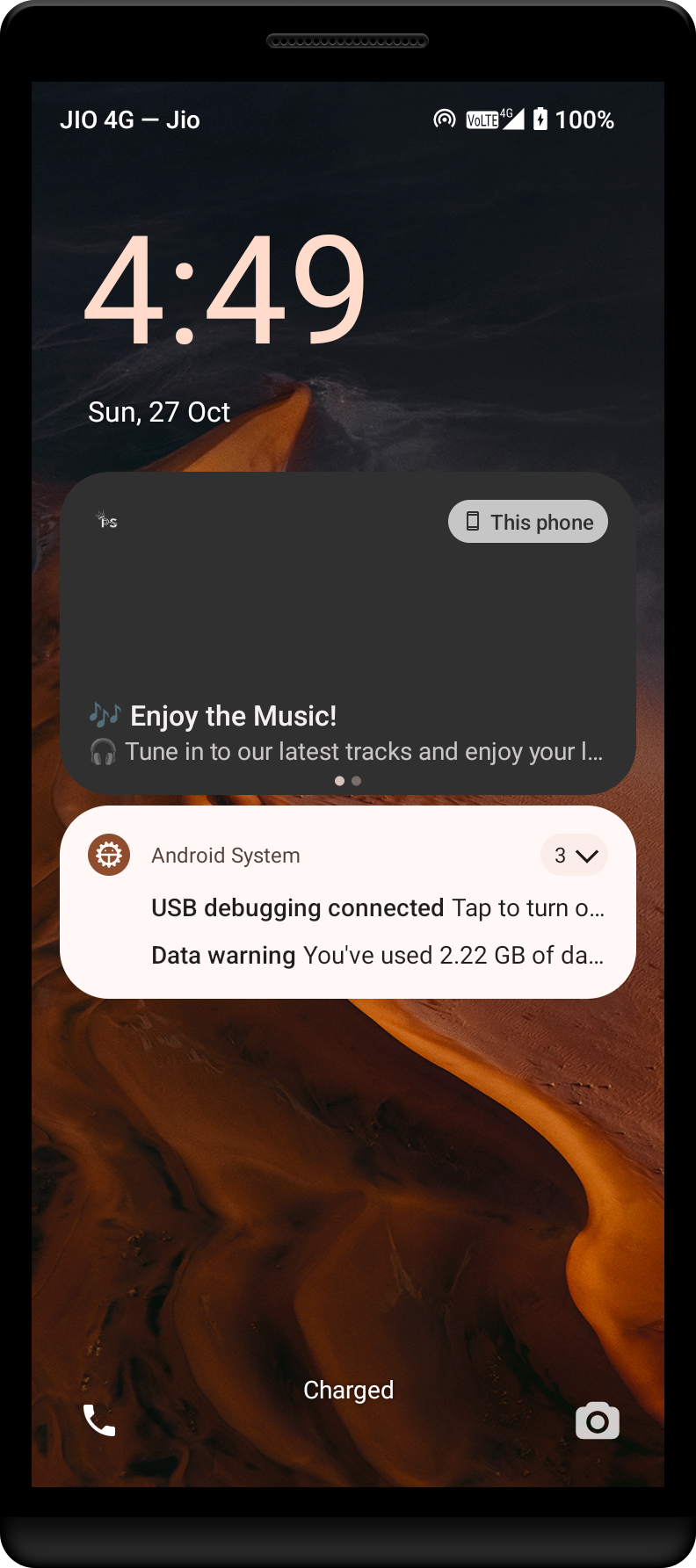
Music notification showing playback controls and information about the currently playing track.
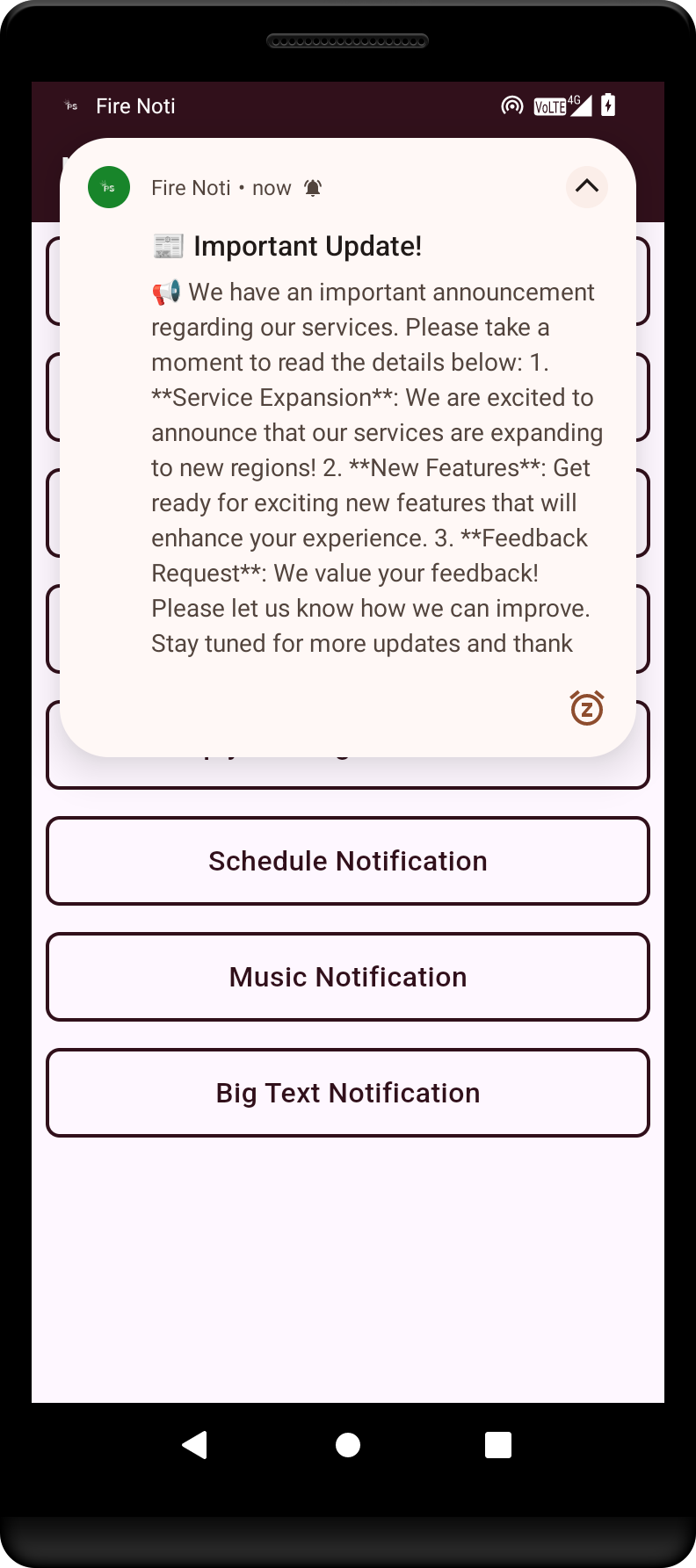
A big text notification that provides detailed information and context to the user.
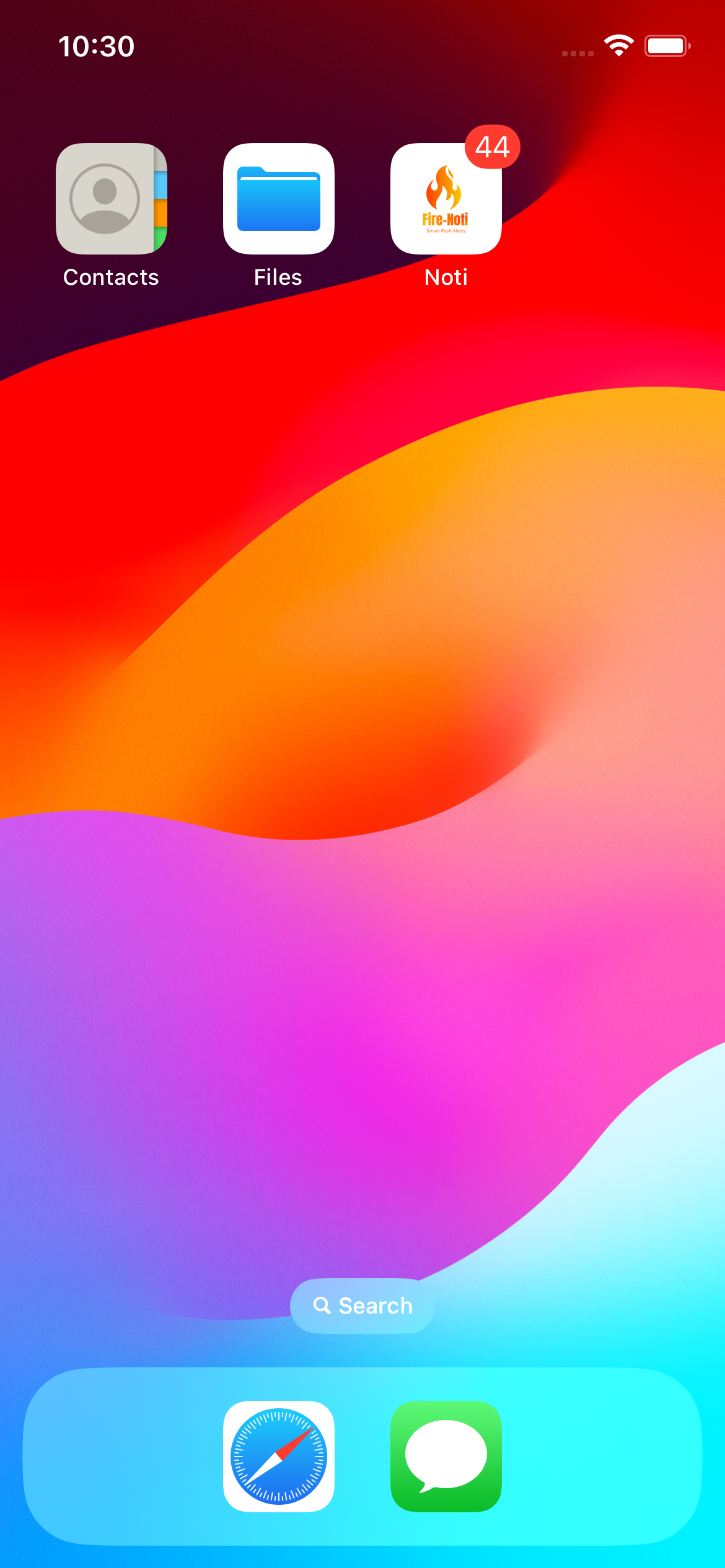 The main home screen of the app displays the **FireNoti** app icon, app name, and notification badge on iOS.
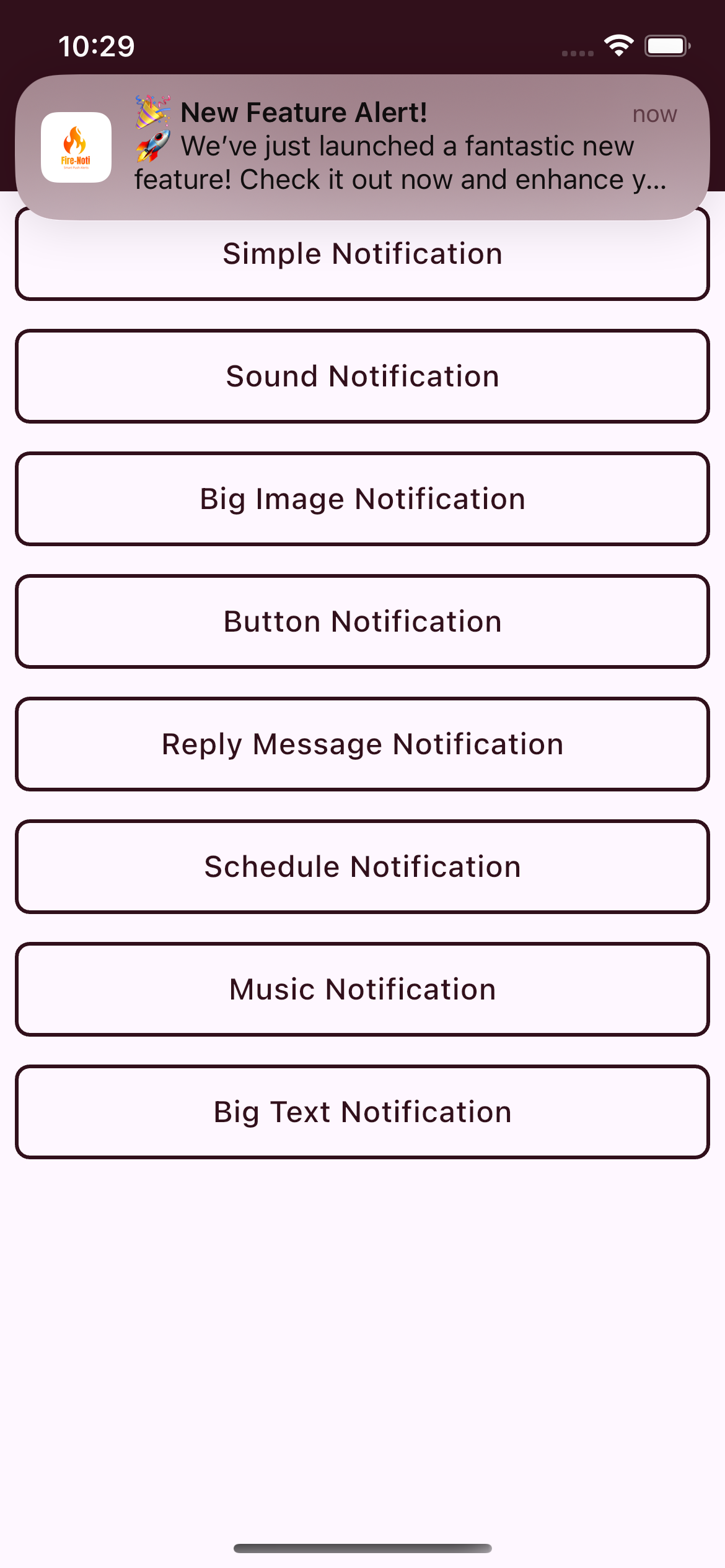 This shows a Flutter alert notification featuring an image alongside the notification message on iOS.
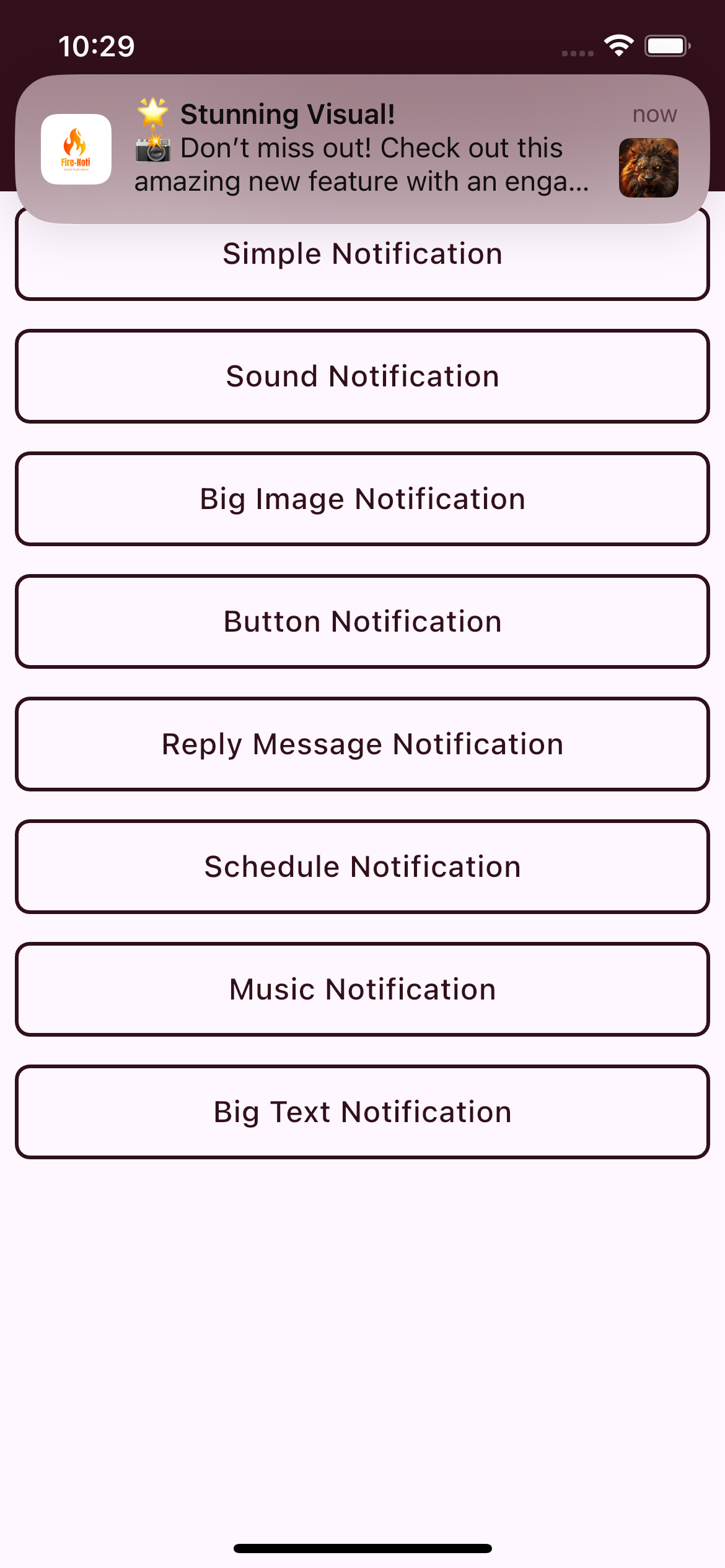 Here, the notification displays both a logo and a large image, providing a rich notification experience on iOS.
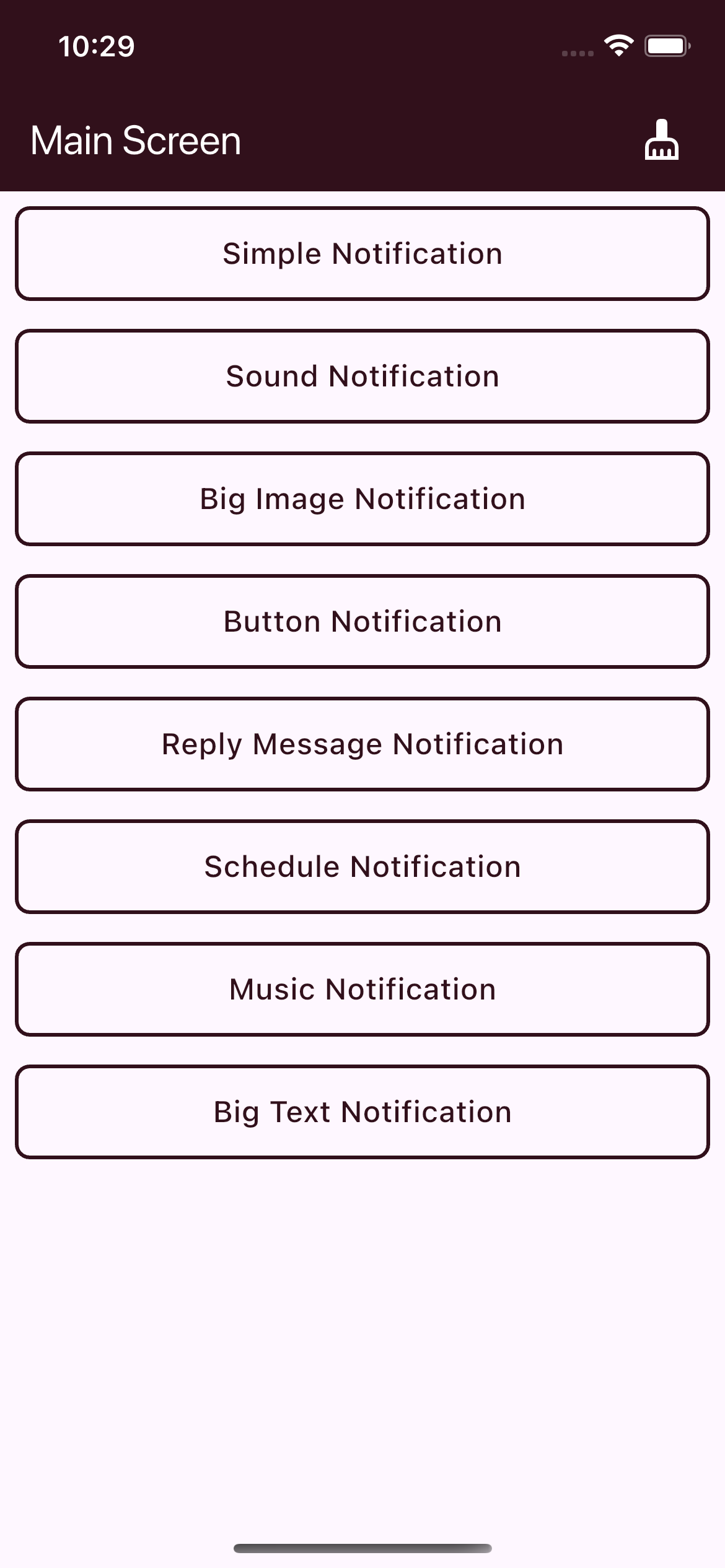 The app's home screen demonstrates different notification types available on iOS, including:
- Simple Notification
- Sound Notification
- Big Image Notification
- Button Notification
- Reply Message Notification
- Scheduled Notification
- Music Notification
- Big Text Notification
The app's home screen demonstrates different notification types available on iOS, including:
- Simple Notification
- Sound Notification
- Big Image Notification
- Button Notification
- Reply Message Notification
- Scheduled Notification
- Music Notification
- Big Text Notification

의존성 목록 6 개
{"sdk":"flutter"}^15.1.3^0.10.0^3.6.0{"sdk":"flutter"}^4.0.0사용 목적에 따라 검색하고 개발 활동을 비교한 뒤 원본 저장소에서 요구 사항을 확인하세요.
“A repository is the most basic element of GitHub.”
GitHub Docs — About repositories ↗