
 v2.0.0
flutter_time_picker_spinner
기본 마테리얼 시간 선택기 대신 스피너를 사용하는 시간 선택기입니다. 이 위젯은 12시간 또는 24시간 형식과 사용자 정의 간격 모드와 함께 작동합니다.
166좋아요 2.3만30일 다운로드130Pub 점수
AndroidiOSWebmacOSWindowsLinux
Material 시간 선택기 대신 스피너를 사용하여 시간을 설정하는 Flutter 위젯
아래는 영문 원문 스냅샷입니다. 최신 내용은 GitHub에서 확인하세요.
Time Picker widget with spinner instead of a material time picker.
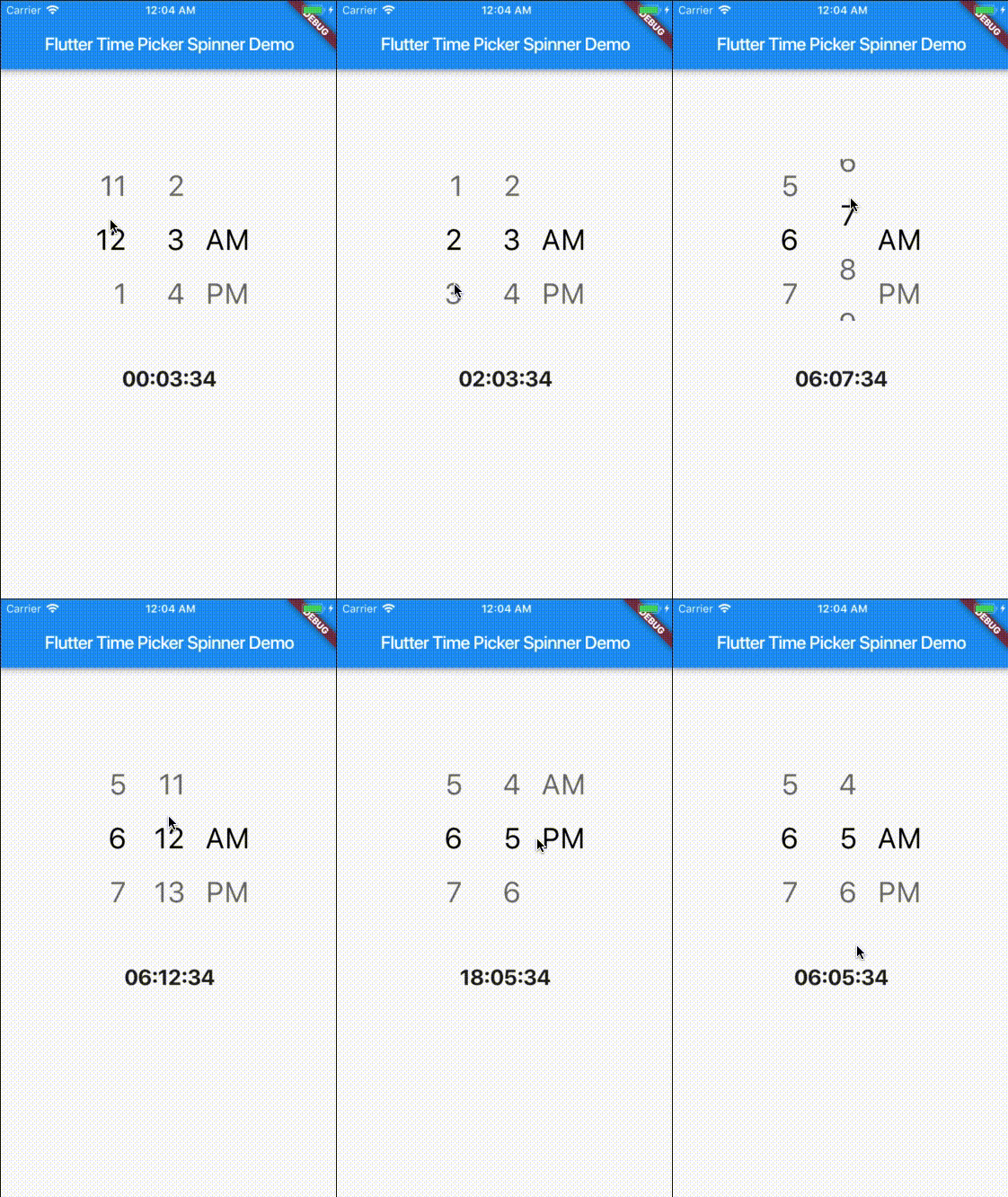
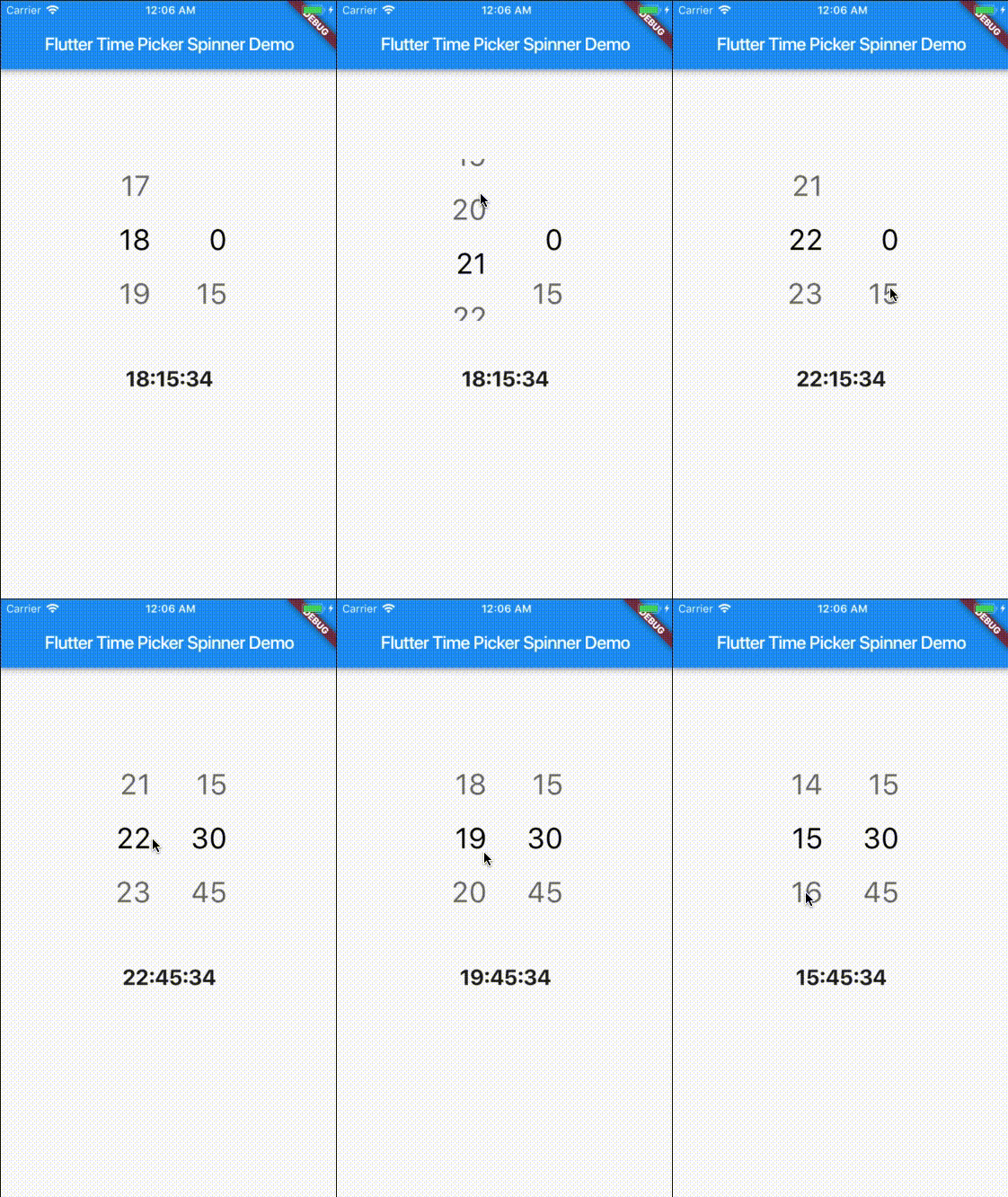
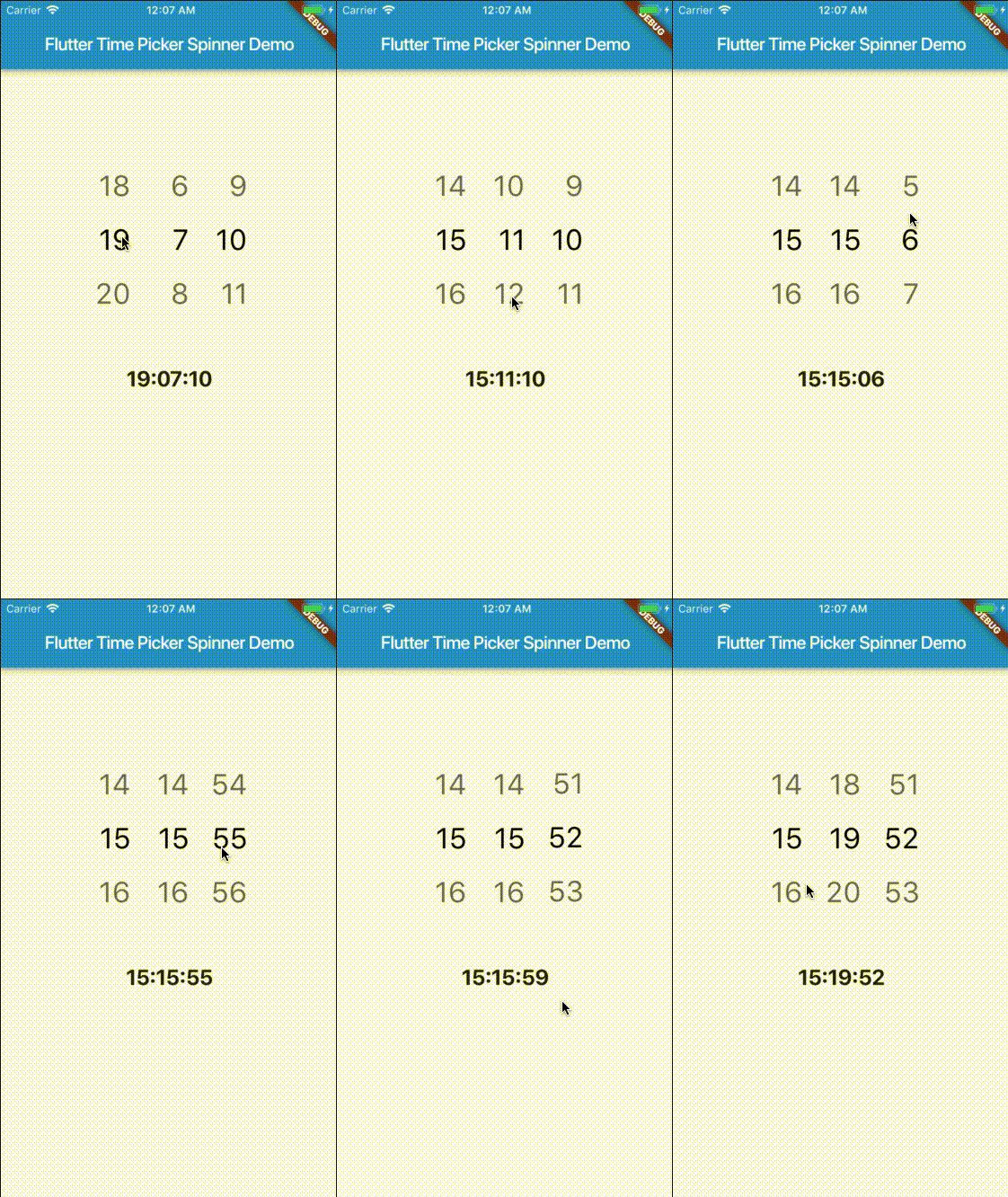
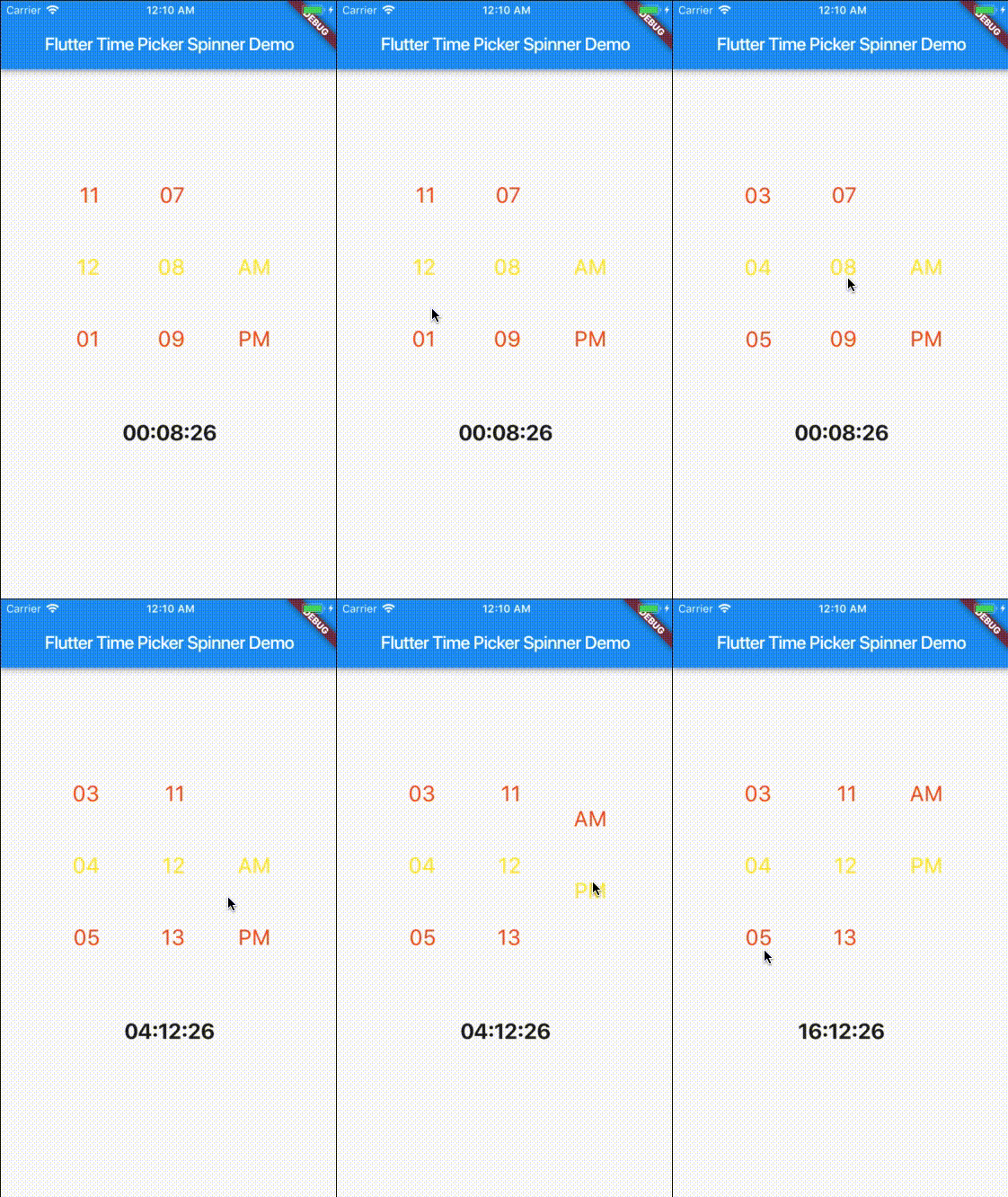
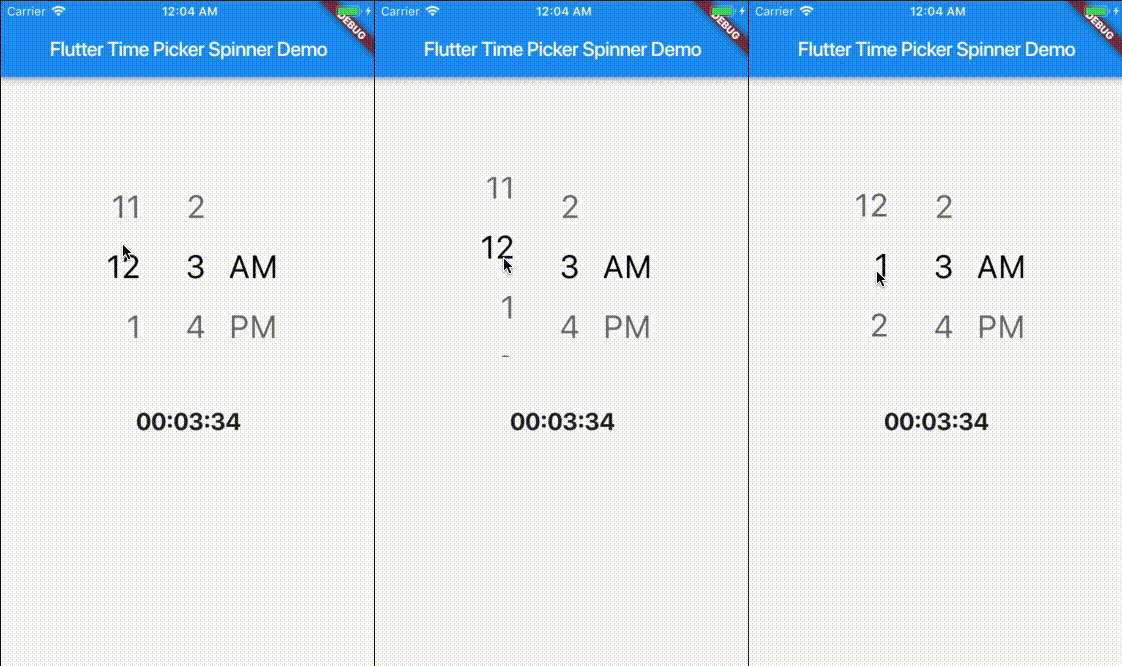
This project is a starting point for a Dart package, a library module containing code that can be shared easily across multiple Flutter or Dart projects.
For help getting started with Flutter, view our online documentation, which offers tutorials, samples, guidance on mobile development, and a full API reference.
| props | types | defaultValues |
|---|---|---|
| time | DateTime | Current Time [ DateTime.now() ] |
| minutesInterval | int | 1 |
| secondsInterval | int | 1 |
| is24HourMode | bool | true |
| isShowSeconds | bool | false |
| isShowSeconds | bool | false |
| highlightedTextStyle | TextStyle | false |
| normalTextStyle | TextStyle | false |
| itemHeight | double | 60.0 |
| itemWidth | double | 45.0 |
| spacing | double | 20.0 |
| alignment | AlignmentGeometry | Alignment.centerRight |
| isForce2Digits | bool | false |
| onTimeChange | TimePickerCallback |
import 'package:flutter_time_picker_spinner/flutter_time_picker_spinner.dart';

Widget widget() {
  return new TimePickerSpinner(
    is24HourMode: false,
    normalTextStyle: TextStyle(
      fontSize: 24,
      color: Colors.deepOrange
    ),
    highlightedTextStyle: TextStyle(
      fontSize: 24,
      color: Colors.yellow
    ),
    spacing: 50,
    itemHeight: 80,
    isForce2Digits: true,
    onTimeChange: (time) {
      setState(() {
        _dateTime = time;
      });
    },
  );
}

의존성 목록 2 개
{"sdk":"flutter"}{"sdk":"flutter"}사용 목적에 따라 검색하고 개발 활동을 비교한 뒤 원본 저장소에서 요구 사항을 확인하세요.
“A repository is the most basic element of GitHub.”
GitHub Docs — About repositories ↗