
 v0.5.0
loading_overlay
페이드 인 및 아웃되는 모달 진행률 표시 위젯입니다. 비동기 호출 중에 위젯에 대한 액세스를 차단하려면 다른 위젯을 감싸십시오.
192좋아요 1.2만30일 다운로드150Pub 점수
AndroidiOSWebmacOSWindowsLinux
flutter용 간단한 모달 진행률 HUD(헤드업 디스플레이 또는 진행률 표시기)

{"sdk":"flutter"}{"sdk":"flutter"}^6.0.0아래는 영문 원문 스냅샷입니다. 최신 내용은 GitHub에서 확인하세요.
A simple widget wrapper to enable modal progress HUD (a modal progress indicator, HUD = Heads Up Display).
Started as a fork of modal_progress_hud Inspired by this article.
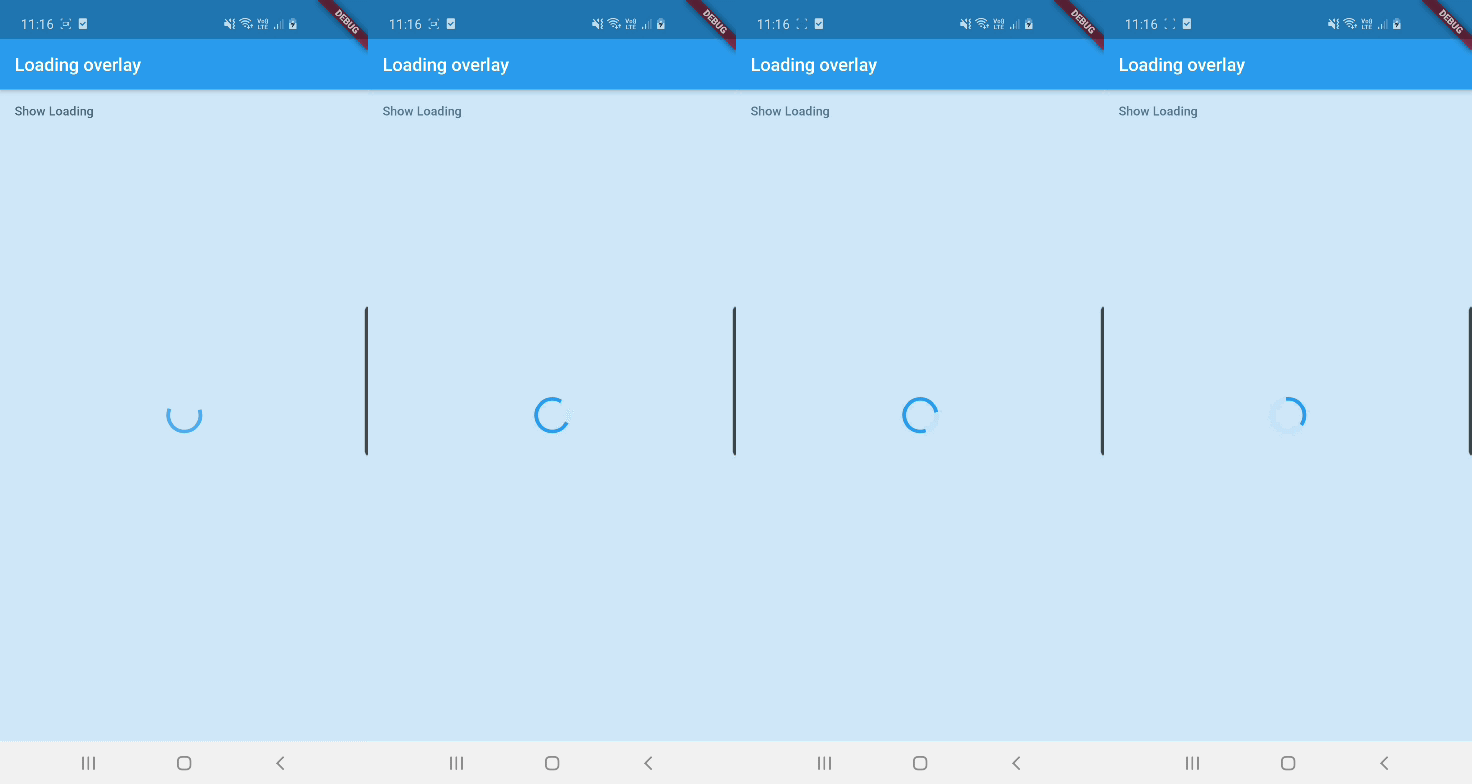
Demo
See example for details
Add the package to your pubspec.yml file.
dependencies:
  loading_overlay: ^0.4.0
Next, import the library into your widget.
import 'package:loading_overlay/loading_overlay.dart';
Now, all you have to do is simply wrap your widget as a child of LoadingOverlay, typically a form, together with a boolean that is maintained in local state.
...
bool _isSaving_ = false
...

@override
Widget build(BuildContext context) {
  return Scaffold(
     body: LoadingOverlay(
      color: Colors.black.withOpacity(0.5),
      child: Container(
       Form(...)
      ),
      isLoading: _isSaving_
      ),
  );
}
Alternatively, show the overlay until a Future completes (non-breaking new feature):
// Start an async operation
final saveFuture = _saveFormAsync();

return LoadingOverlay.withFuture(
  future: saveFuture,
  color: Colors.black.withOpacity(0.5),
  child: Form(...),
);
The current parameters are customizable in the constructor
LoadingOverlay({
  required bool isLoading,
  required Widget child,
  Widget progressIndicator = const CircularProgressIndicator(),
  Color? color,
});

// New: show overlay until a Future completes
LoadingOverlay.withFuture({
  required Future<void> future,
  required Widget child,
  Widget progressIndicator = const CircularProgressIndicator(),
  Color? color,
});
Update: See this article on Medium about async form validation
See the example application source for a complete sample app using the modal progress HUD. Included in the example is a method for using a form's validators while making async calls (see flutter/issues/9688 for details).
Please file issues to send feedback or report a bug. Thank you!