패키지, 저장소 및 앱 카테고리 검색

loading_overlay 표지
패키지 상세v0.5.0

loading_overlay

페이드 인 및 아웃되는 모달 진행률 표시 위젯입니다. 비동기 호출 중에 위젯에 대한 액세스를 차단하려면 다른 위젯을 감싸십시오.

AndroidiOSWebmacOSWindowsLinux
30일 다운로드
2만
좋아요
192
Pub 점수
150

패키지 설치

flutter pub add loading_overlay

패키지 개요

공개 정보를 바탕으로 생성한 선택 가이드입니다.

비동기 작업(예: API 호출 또는 데이터 처리) 중 사용자 상호작용을 일시적으로 차단하기 위해 어떤 위젯도 감싸는 모달 진행률 표시 위젯을 제공하는 플러터 패키지입니다. UI 흐름을 방해하지 않고 로딩 상태를 표시하는 데 이상적입니다. 오버레이를 프로그래밍 방식으로 제어할 수 있어 여러 플랫폼에서 진행 중인 작업을 깔끔하고 사용자 정의 가능한 방식으로 나타낼 수 있습니다.

사용 사례

  • API 요청 중 로딩 상태 표시
  • 데이터 처리 중 UI 차단
  • 비동기 작업 중 사용자 경험 개선
  • 양식에서 시각적 피드백 제공
  • 앱에서 백그라운드 작업 관리하기
  • 웹 및 모바일 앱의 반응성 향상

주요 기능

  • 부드러운 페이드 인/아웃 애니메이션
  • 프로그래머블 오버레이 제어
  • 모든 주요 플랫폼을 지원합니다
  • 기존 위젯과의 간편한 통합
  • 사용자 정의 가능한 외관
  • 비활성 상태에서 부모 위젯의 비차단 상호작용

적합한 대상

  • 반응형 Flutter 앱을 개발하는 개발자
  • 사용자 경험을 우선시하는 팀
  • 명확한 로딩 표시기가 필요한 앱
  • 크로스 플랫폼 애플리케이션
  • UI 중심 애플리케이션
  • 비동기 워크플로우를 사용하는 프로젝트

고려 사항

  • 신중한 상태 관리가 필요할 수 있습니다
  • 오버레이 표시 여부는 수동으로 전환해야 합니다
  • 복잡한 UI에 대한 성능 영향
  • 고급 스타일링을 위한 맞춤 설정 옵션이 제한적입니다
  • 지속적인 로딩 상태에 적합하지 않습니다
  • 올바른 위젯 트리 구조에 따라 달라집니다

원본 README

연결된 소스 저장소의 README 원문 스냅샷입니다. 최신 내용은 저장소에서 확인하세요.

loading_overlay

A simple widget wrapper to enable modal progress HUD (a modal progress indicator, HUD = Heads Up Display).

Started as a fork of modal_progress_hud Inspired by this article.

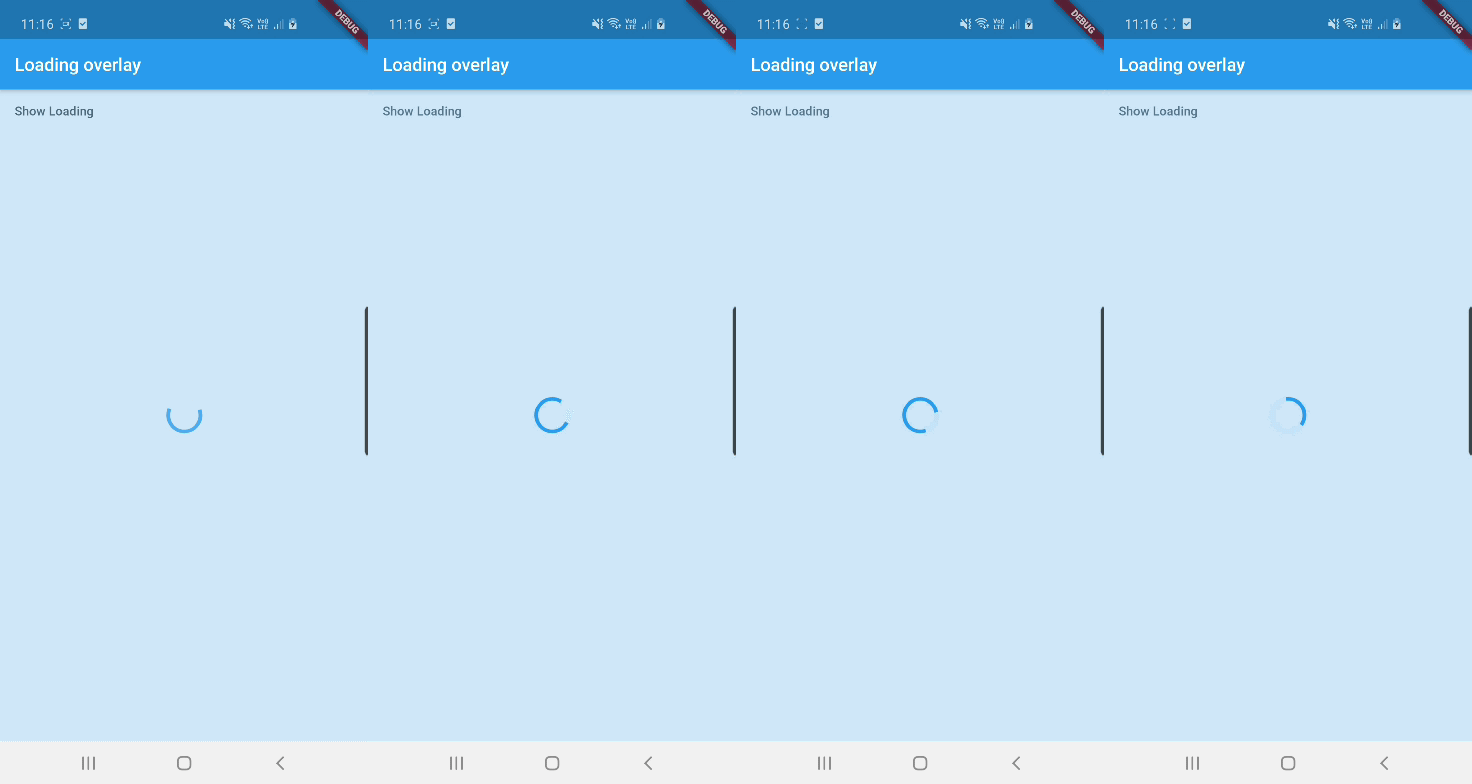
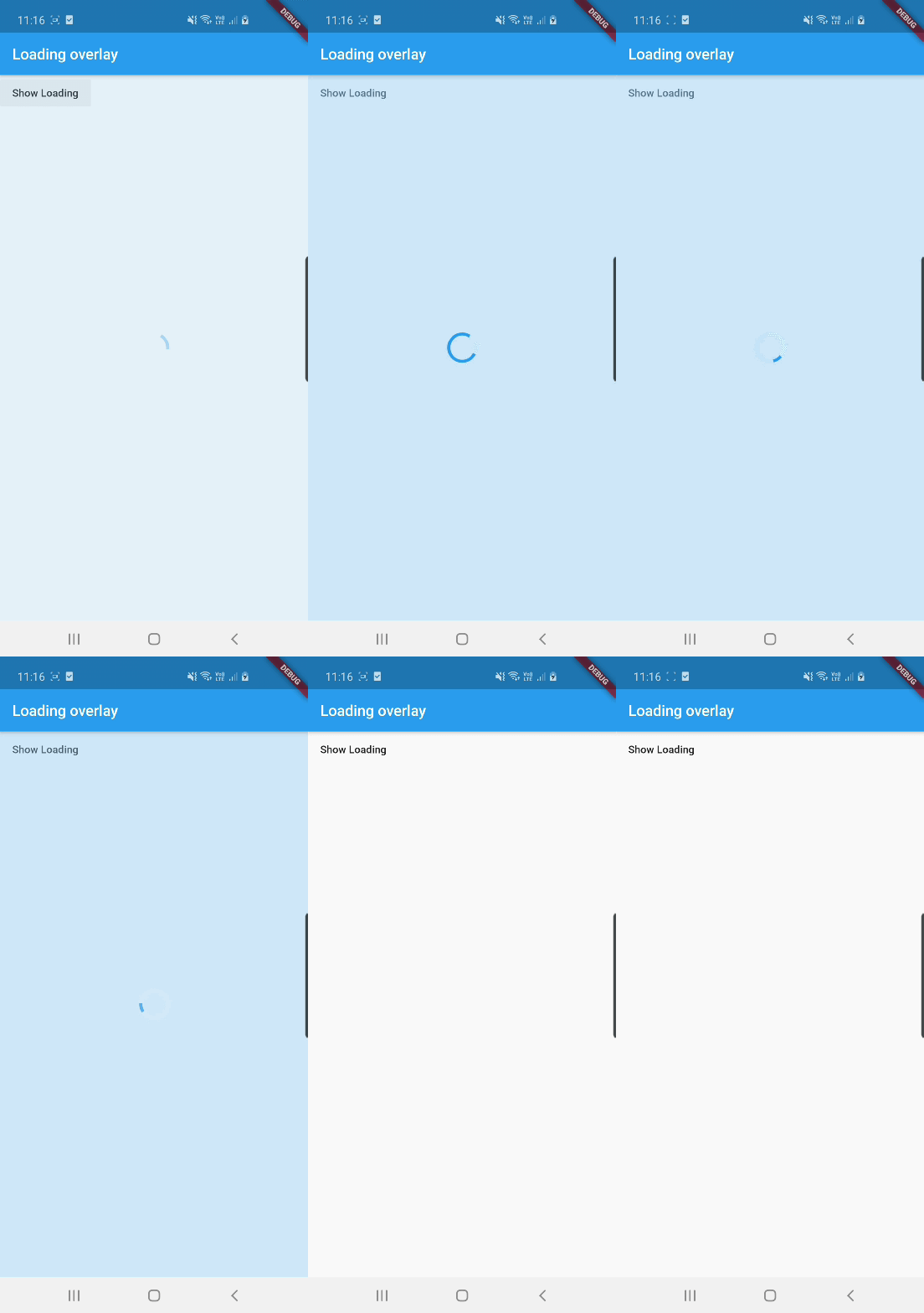
Demo

Demo

See example for details

Usage

Add the package to your pubspec.yml file.

dependencies:
  loading_overlay: ^0.4.0

Next, import the library into your widget.

import 'package:loading_overlay/loading_overlay.dart';

Now, all you have to do is simply wrap your widget as a child of LoadingOverlay, typically a form, together with a boolean that is maintained in local state.

...
bool _isSaving_ = false
...

@override
Widget build(BuildContext context) {
  return Scaffold(
     body: LoadingOverlay(
      color: Colors.black.withOpacity(0.5),
      child: Container(
       Form(...)
      ),
      isLoading: _isSaving_
      ),
  );
}

Alternatively, show the overlay until a Future completes (non-breaking new feature):

// Start an async operation
final saveFuture = _saveFormAsync();

return LoadingOverlay.withFuture(
  future: saveFuture,
  color: Colors.black.withOpacity(0.5),
  child: Form(...),
);

Options

The current parameters are customizable in the constructor

LoadingOverlay({
  required bool isLoading,
  required Widget child,
  Widget progressIndicator = const CircularProgressIndicator(),
  Color? color,
});

// New: show overlay until a Future completes
LoadingOverlay.withFuture({
  required Future<void> future,
  required Widget child,
  Widget progressIndicator = const CircularProgressIndicator(),
  Color? color,
});

Update: See this article on Medium about async form validation

See the example application source for a complete sample app using the modal progress HUD. Included in the example is a method for using a form's validators while making async calls (see flutter/issues/9688 for details).

Issues and feedback

Please file issues to send feedback or report a bug. Thank you!

카테고리

소스 저장소

이 패키지를 사용하는 프로젝트