

 v0.4.0
webview_windows
Windows 플랫폼용 WebView2 기반 웹뷰 구현체입니다.
236좋아요 7.8만30일 다운로드140Pub 점수
Windows
Windows 플랫폼용 WebView2 기반의 Flutter WebView 구현입니다.

아래는 영문 원문 스냅샷입니다. 최신 내용은 GitHub에서 확인하세요.


A Flutter WebView plugin for Windows built on Microsoft Edge WebView2.
getWebViewVersion() to check whether the required WebView2 Runtime is installed or not on the current system. If getWebViewVersion() returns null, guide your user to install WebView2 Runtime from this page.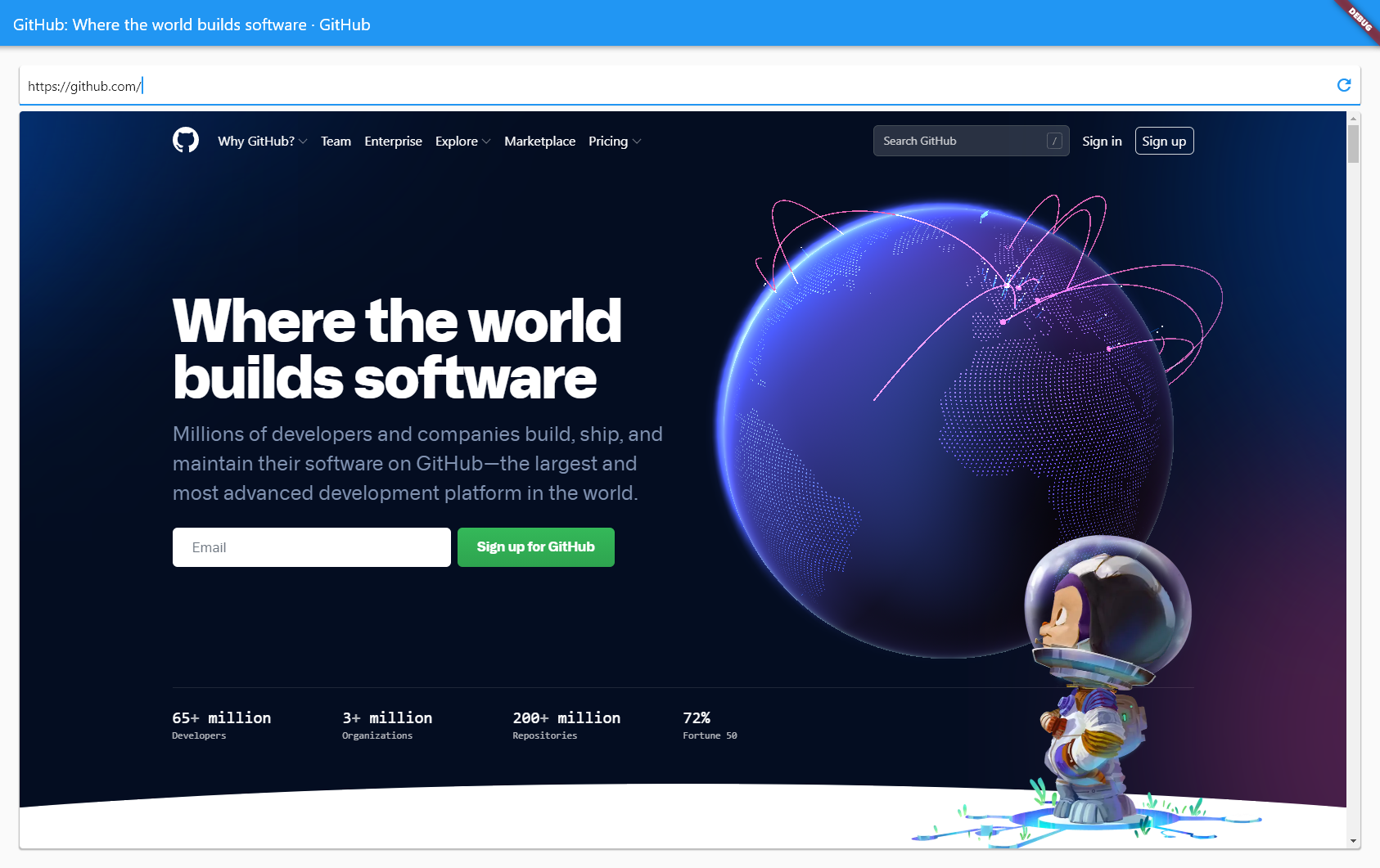
https://user-images.githubusercontent.com/720469/116716747-66f08180-a9d8-11eb-86ca-63ad5c24f07b.mp4
This plugin provides seamless composition of web-based contents with other Flutter widgets by rendering off-screen.
Unfortunately, Microsoft Edge WebView2 doesn't currently have an explicit API for offscreen rendering.
In order to still be able to obtain a pixel buffer upon rendering a new frame, this plugin currently relies on the Windows.Graphics.Capture API provided by Windows 10.
The downside is that older Windows versions aren't currently supported.
Older Windows versions might still be targeted by using BitBlt for the time being.
See:
의존성 목록 2 개
{"sdk":"flutter"}{"sdk":"flutter"}사용 목적에 따라 검색하고 개발 활동을 비교한 뒤 원본 저장소에서 요구 사항을 확인하세요.
“A repository is the most basic element of GitHub.”
GitHub Docs — About repositories ↗