


 v3.1.0
flutter_settings_ui
몇 분 만에 Flutter 앱용 네이티브 설정을 생성하세요. settings_ui의 포크입니다.
164좋아요 2만30일 다운로드150Pub 점수
AndroidiOSWebmacOSWindowsLinux
settings_ui의 포크입니다. Flutter 앱에 네이티브 설정을 몇 분 만에 만들 수 있습니다.

아래는 영문 원문 스냅샷입니다. 최신 내용은 GitHub에서 확인하세요.
This project was archived, however since the original package seems unmaintained yet, I reactivated this package together with some improvements and changes. Please checkout the changelog for all changes.
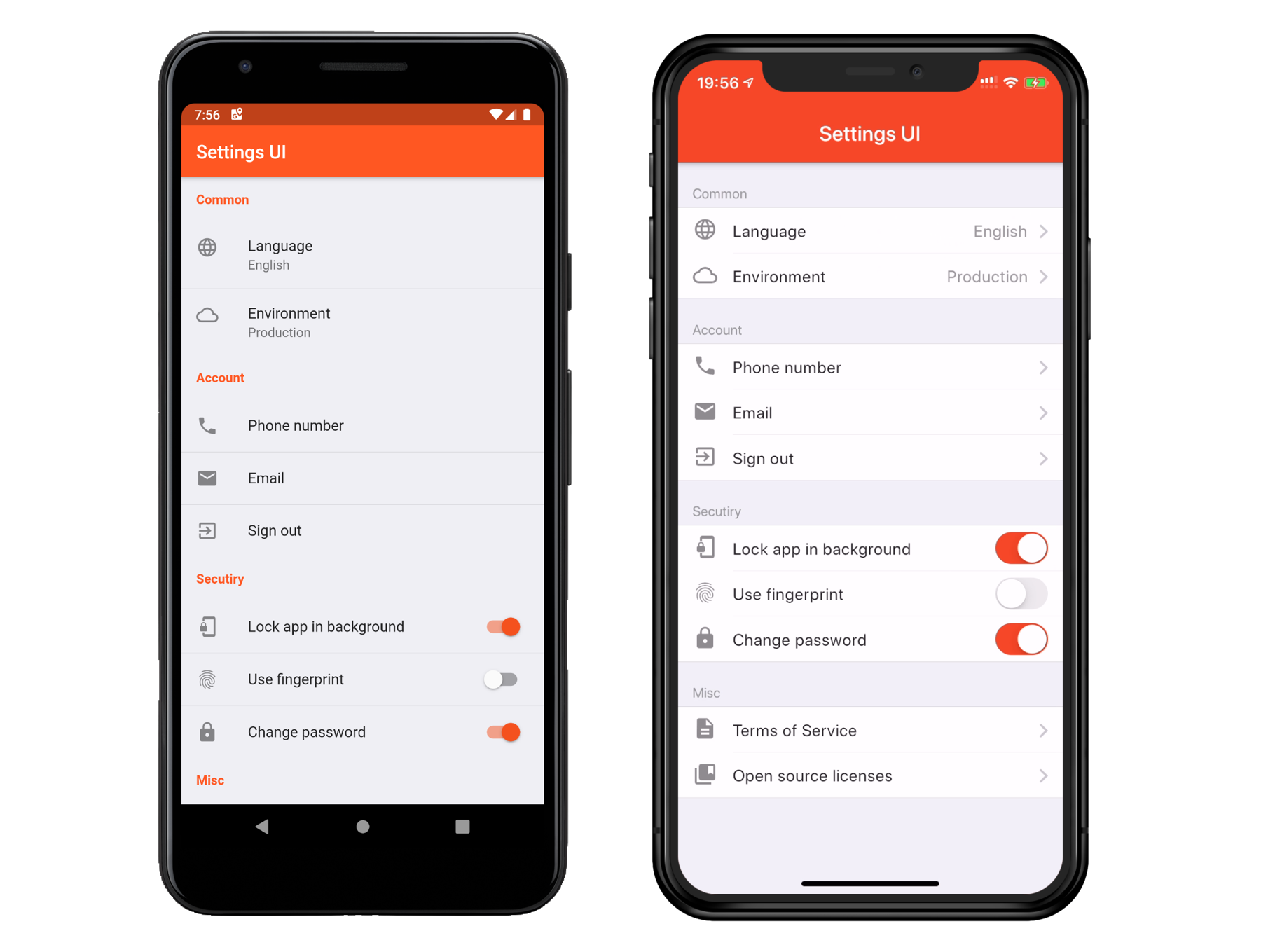
In your pubspec.yaml
dependencies:
  flutter_settings_ui: ^3.0.0
import 'package:flutter_settings_ui/flutter_settings_ui.dart';
      SettingsList(
        sections: [
          SettingsSection(
            title: const Text('Section'),
            tiles: [
              SettingsTile(
                title: const Text('Language'),
                description: const Text('English'),
                leading: const Icon(Icons.language),
                onPressed: (BuildContext context) {},
                ),
              SettingsTile.switchTile(
                initialValue: false,
                title: const Text('Use fingerprint'),
                leading: const Icon(Icons.fingerprint),
                onToggle: (bool value) {},
              ),
            ],
          ),
        ],
      )
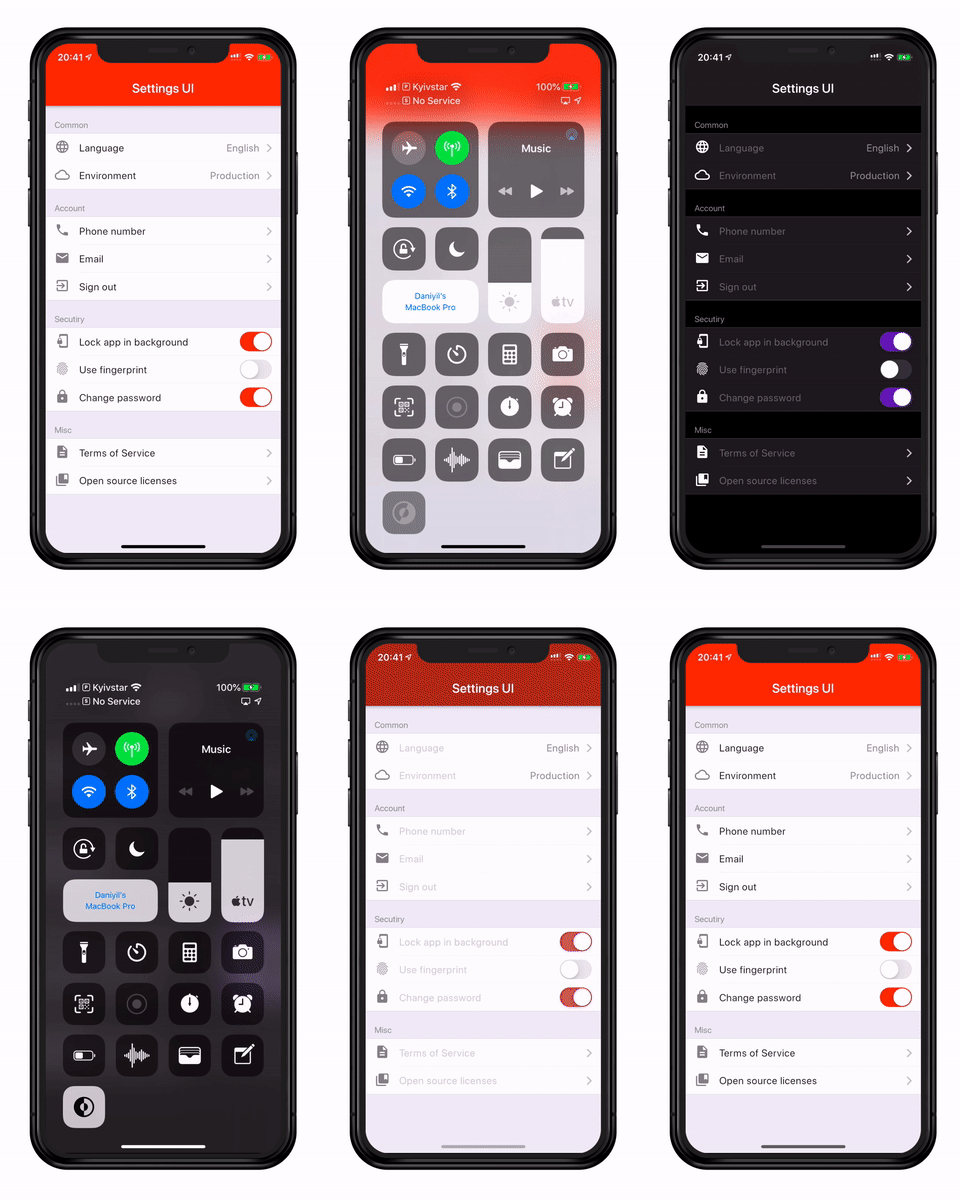
Contributions are welcome! If you're new to the project's tech stack or need a refresher, here are some resources to get started:
Dart:
C++:
CMake:
Ruby:
Swift:
C:
Other:
Feel free to explore these resources to gain familiarity with the project's tech stack and contribute effectively.
This project is licensed under the Apache License 2.0 - see the LICENSE file for details
의존성 목록 3 개
{"sdk":"flutter"}{"sdk":"flutter"}2.2.0사용 목적에 따라 검색하고 개발 활동을 비교한 뒤 원본 저장소에서 요구 사항을 확인하세요.
“A repository is the most basic element of GitHub.”
GitHub Docs — About repositories ↗