
 v1.1.3
pixel_perfect
Flutter 애플리케이션을 '픽셀 완벽'하게 만드는 데 도움이 되는 개발 도구
225좋아요 5.3천30일 다운로드150Pub 점수
AndroidiOSWebmacOSWindowsLinux
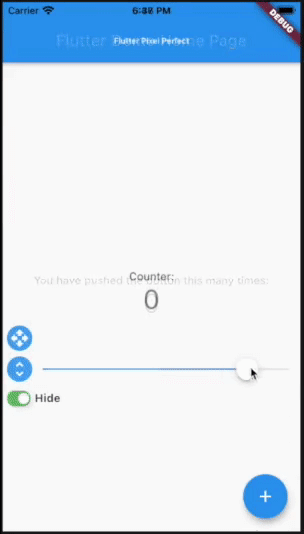
디자인과 현재의 Flutter 레이아웃을 비교하세요.
아래는 영문 원문 스냅샷입니다. 최신 내용은 GitHub에서 확인하세요.





Put a semi-transparent image with the design over the top of the developed layout. It helps you to compare original design and current page.
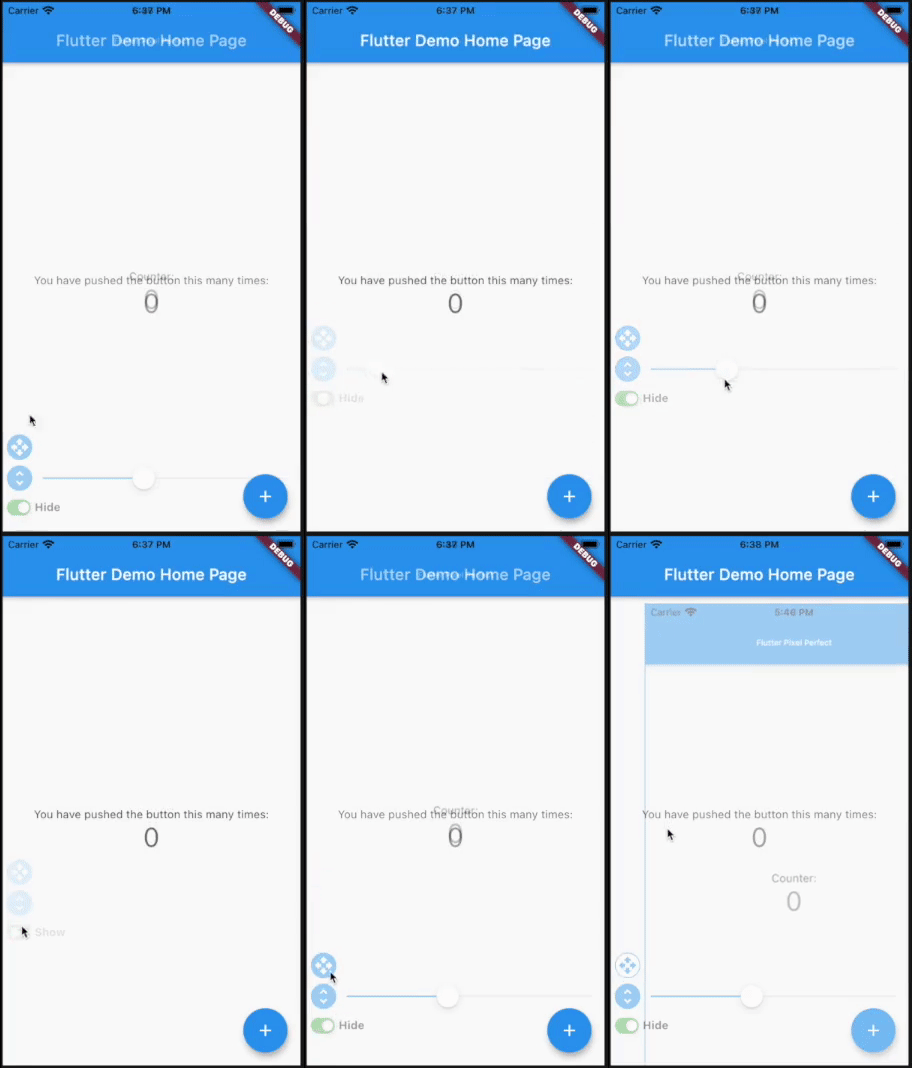
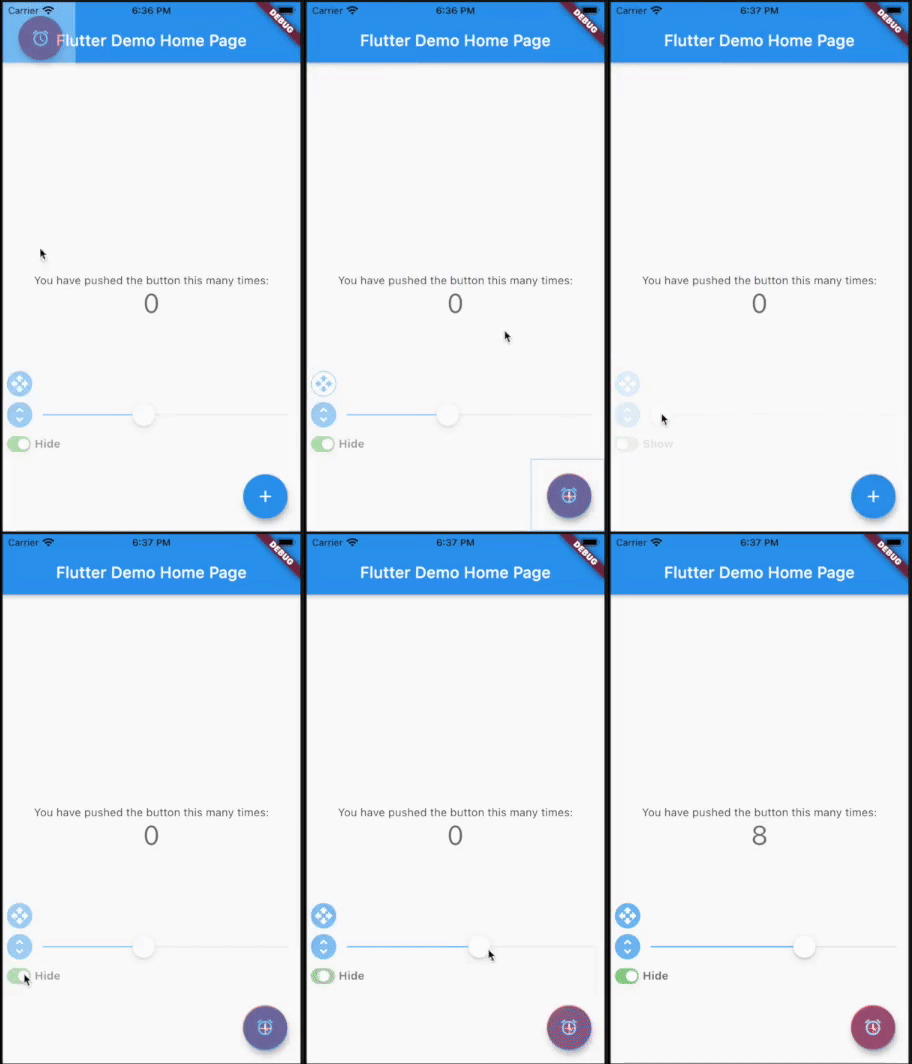
Add pixel_perfect in your pubspec.yaml dependencies.
dependencies:
 pixel_perfect: any
Simple use
Add assets folder with images to your pubspec.yaml
  uses-material-design: true
  assets:
    - assets/
Import the following package in your dart file
import 'package:pixel_perfect/pixel_perfect.dart';
return PixelPerfect(
  assetPath: 'assets/design.png', // path to your asset image
  scale: 1, // scale value (optional)
  initBottom: 20, //  default bottom distance (optional)
  offset: Offset.zero, // default image offset (optional)
  initOpacity: 0.4, // init opacity value (optional)
  child: Scaffold(
    ..
  )
)
Extended use
return PixelPerfect.extended(
  image: Image.asset( // any image file
    'assets/element.png',
    scale: 2,
  ),
  initBottom: 20, //  default bottom distance (optional)
  offset: Offset.zero, // default image offset (optional)
  initOpacity: 0.4, // init opacity value (optional)
  child: Scaffold(
    ..
  )
)
Video tutorials by Learn App Code
How to Make Pixel Perfect Flutter Apps
How to Make Responsive Flutter Apps, Pixel Perfect

의존성 목록 2 개
{"sdk":"flutter"}{"sdk":"flutter"}사용 목적에 따라 검색하고 개발 활동을 비교한 뒤 원본 저장소에서 요구 사항을 확인하세요.
“A repository is the most basic element of GitHub.”
GitHub Docs — About repositories ↗