
flutter-for-wordpress-app
:jack_o_lantern: Flutter와 WP REST API를 사용하여 구축한 크로스 플랫폼 워드프레스 뉴스 앱.

- 스타
- 267
- 포크
- 119
- 최근 푸시(UTC)
- 2025. 1. 5.
- 프로젝트 상태
- 활성
원본 README
아래는 영문 원문 스냅샷입니다. 최신 내용은 GitHub에서 확인하세요.

Flutter for Wordpress
A flutter app for a wordpress websites with clean and elegant design. This app is available in free and pro version. You can choose to use the one you need.
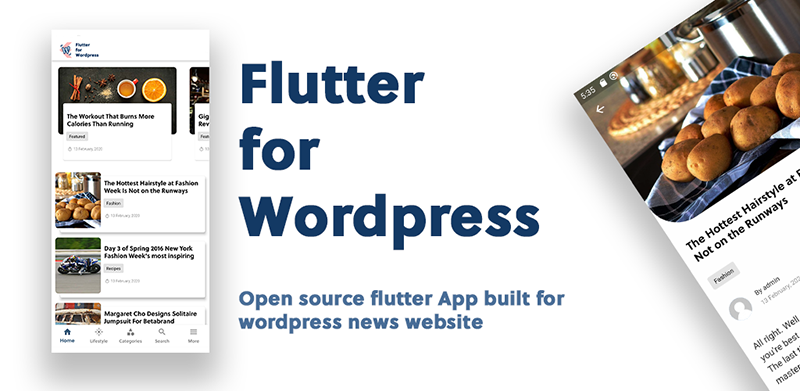
📌 Get Flutter for Wordpress
Flutter for wordpress is currently available in free and pro version:
| Flutter for Wordpress | Flutter for Wordpress Pro |
|---|---|
|
|
|
|
|
|
Free and Open Source |
39$ on codecanyon |
|
|





🚀 Installation
You need to have a wordpress website before you implement the app.
If you have a wordpress website already then follow the simple steps given below to build your own Wordpress Flutter App.
🔥 Install a wordpress plugin
Install Flutter for wordpress (wp plugin) in your wordpress website before you build a mobile application. This plugin is important for the enhancement of the performance in the app. Always keep this plugin active for the mobile app to run smoothly.
If you do not want to install the plugin then you can edit the functions.php file in child theme.
📌 Edit your wordpress theme (Skip if plugin installed)
Update the wordpress functions.php file on your theme by appending the following code at the end. The app will not function correctly if this step is not followed.
function flutter_news_rest_prepare_post($data, $post, $request) {
    $_data = $data->data;
    $_data["custom"]["td_video"] = get_post_meta($post->ID, 'td_post_video', true) ?? '';
    $_data['custom']["featured_image"] = get_the_post_thumbnail_url($post->ID, "original") ?? '';
    $_data['custom']["author"]["name"]   = get_author_name($_data['author']);
    $_data['custom']["author"]["avatar"] = get_avatar_url($_data['author']);
    $_data['custom']["categories"] = get_the_category($_data["id"]);
    $data->data = $_data;
    return $data;
}

add_filter('rest_prepare_post', 'flutter_news_rest_prepare_post', 10, 3);

// Enable comment without being loggedin
function filter_rest_allow_anonymous_comments() {
    return true;
}

add_filter('rest_allow_anonymous_comments','filter_rest_allow_anonymous_comments');
🔨 Edit the constants
Change the constants from the ./lib/common/constants.dart file. For the categories name and ID refer to your wordpress website.
// Your wordpress website URL
const String wordpressUrl = "https://flutterblog.crumet.com";

// Featured category ID (for Home Screen top section)
const int featuredId = 2;

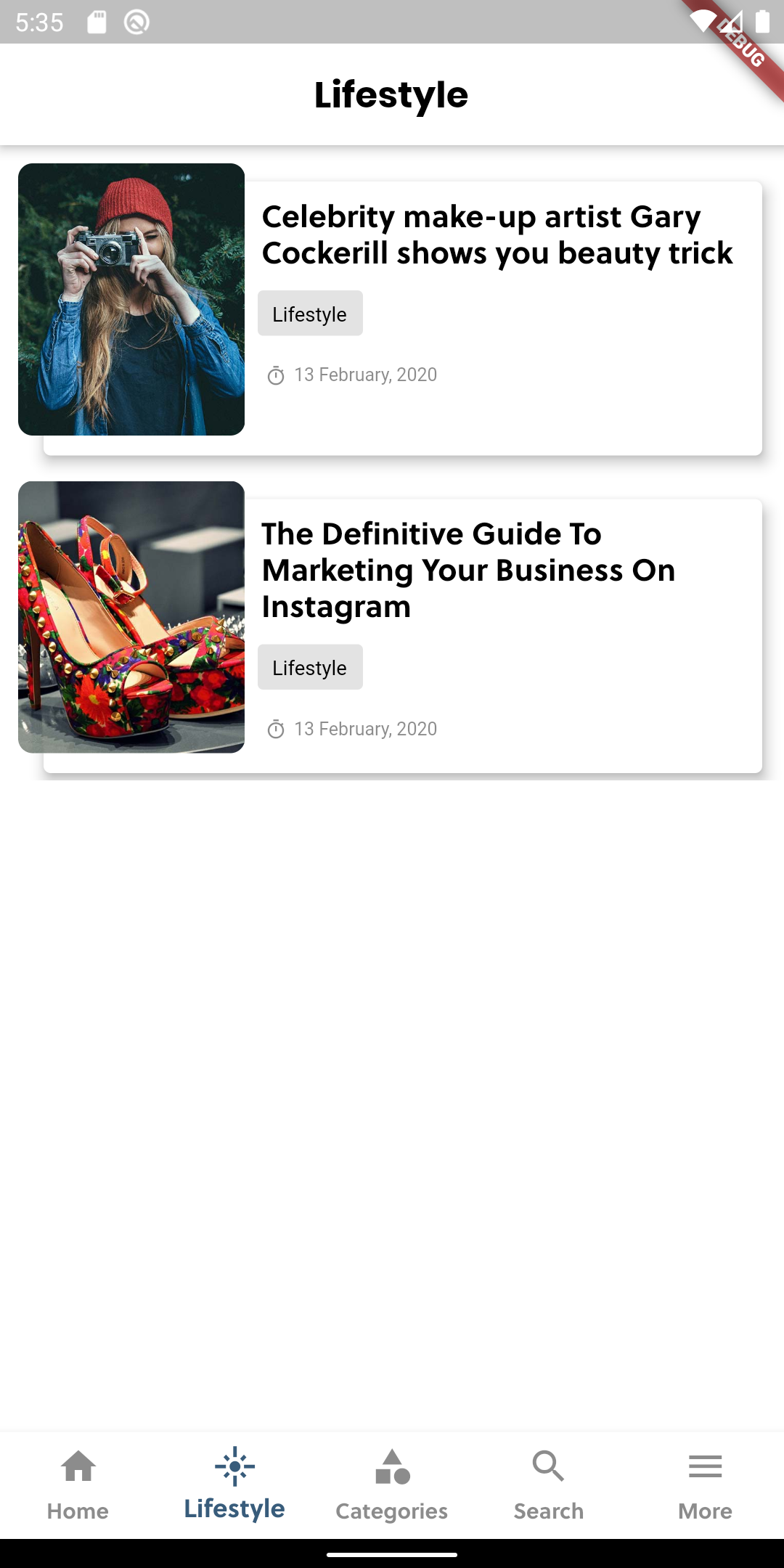
// Tab 2 page category name
const String page2CategoryName = "Lifestyle";

// Tab 2 page category ID
const int page2CategoryId = 6;

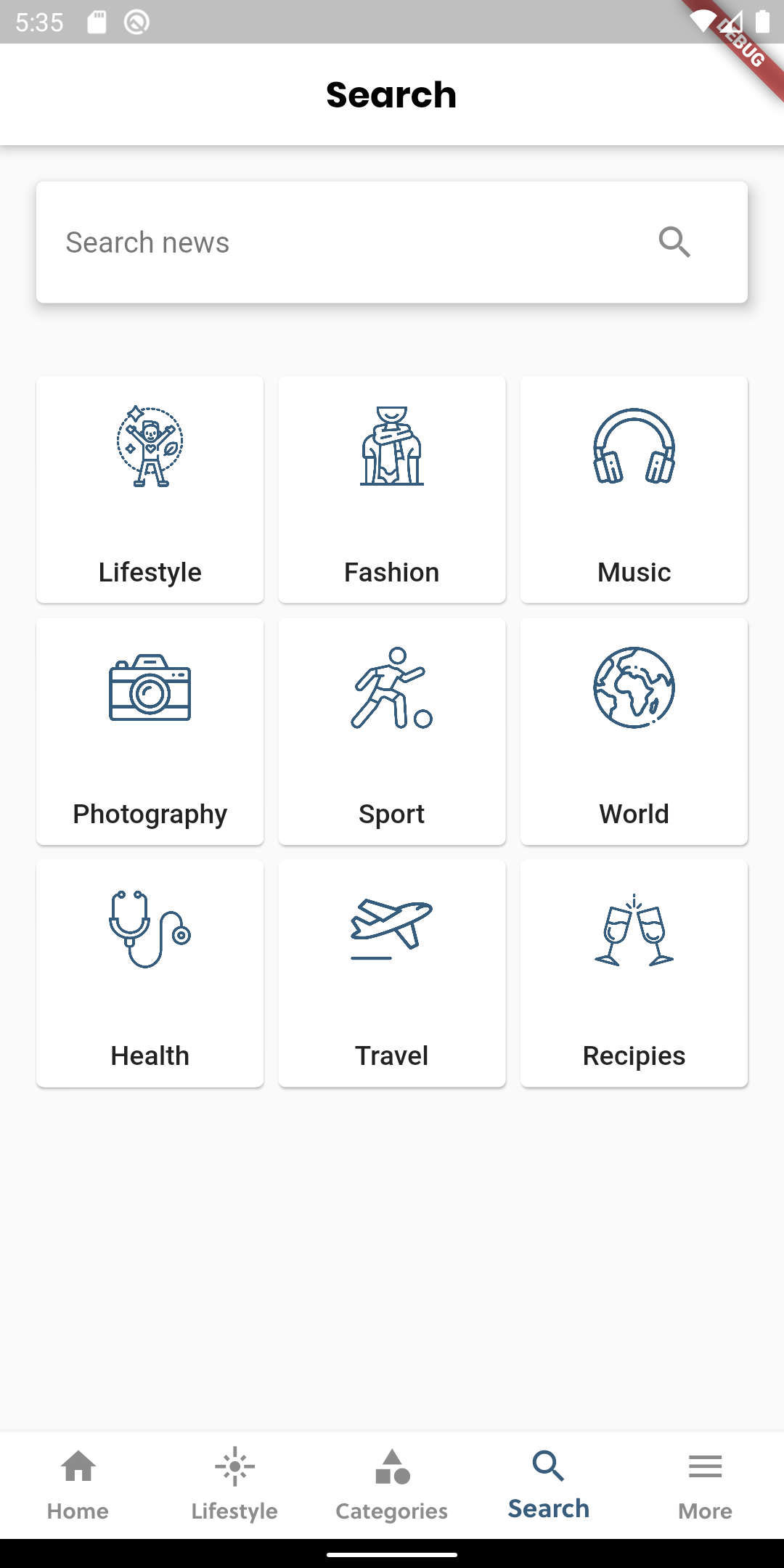
// Custom categories in search tab
// Array in format
// ["Category Name", "Image Link", "Category ID"]
const List<dynamic> customCategories = [
  ["Lifestyle", "assets/boxed/lifestyle.png", 6],
  ["Fashion", "assets/boxed/fashion.png", 12],
  ["Music", "assets/boxed/music.png", 14],
  ["Photography", "assets/boxed/photography.png", 15],
  ["Sport", "assets/boxed/sport.png", 13],
  ["World", "assets/boxed/world.png", 11],
  ["Health", "assets/boxed/health.png", 8],
  ["Travel", "assets/boxed/travel.png", 7],
  ["Recipies", "assets/boxed/recipies.png", 10],
];
🔔 Push Notification (Optional)
gh This project uses firebase messaging for push notification.
To integrate push notification from firebase follow the steps:
- Go to firebase console
- Generate and Download google-services.json file
- Place google-services.json file inside android/app
- It should be ready now. Test your push notification.
For further instruction read documentation from https://pub.dev/packages/firebase_messaging
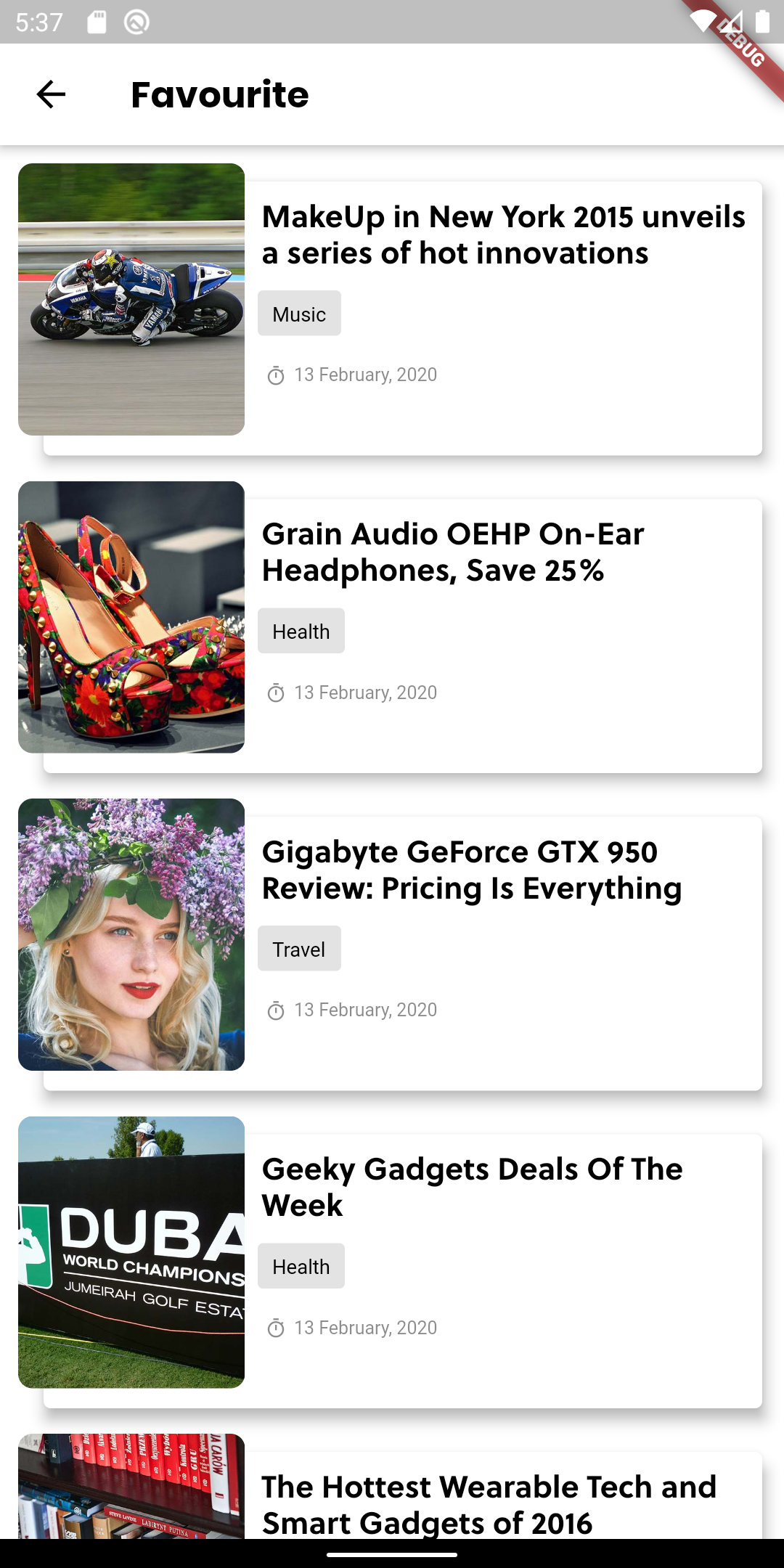
📱 Screenshots
 |
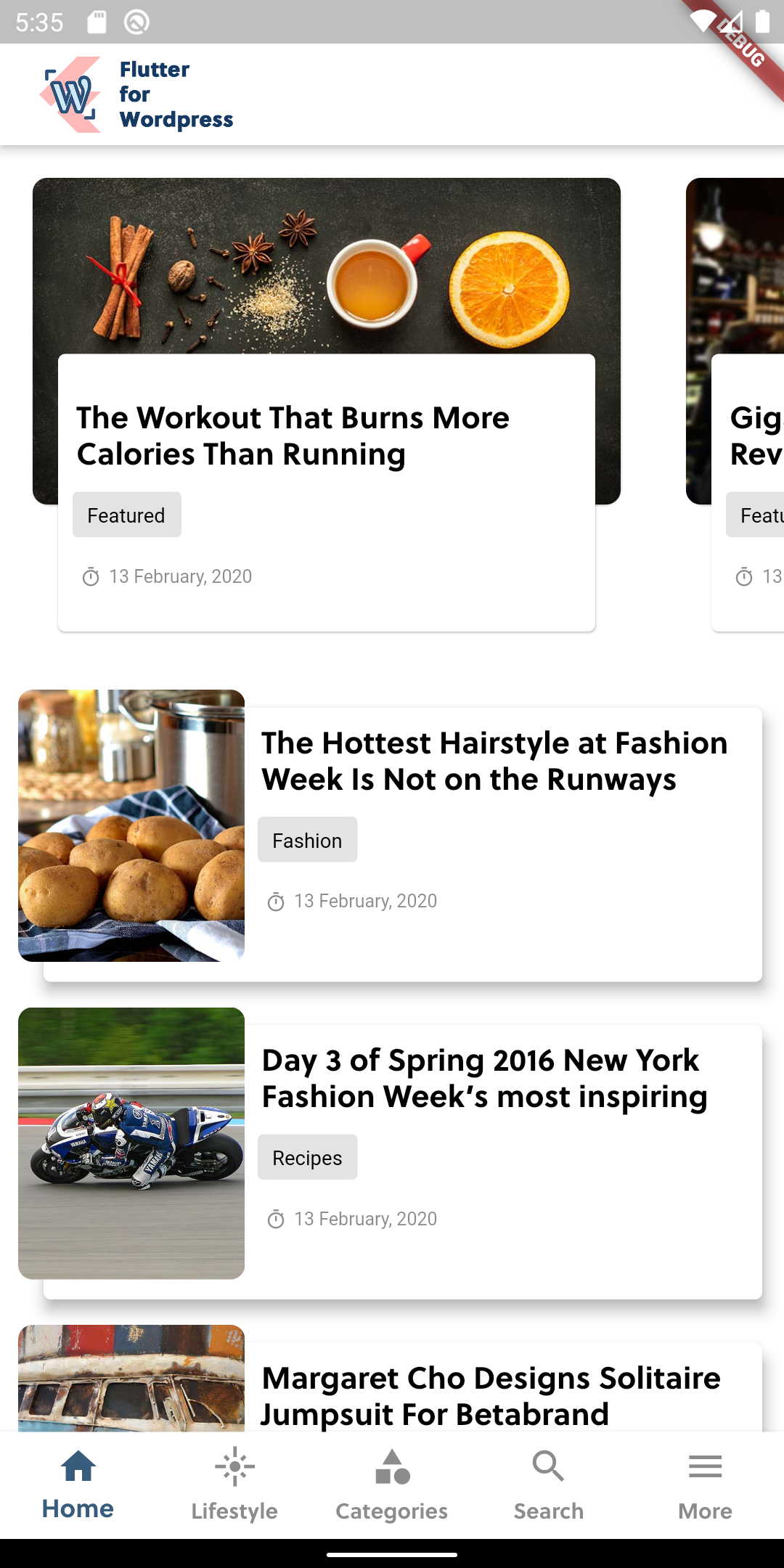 |
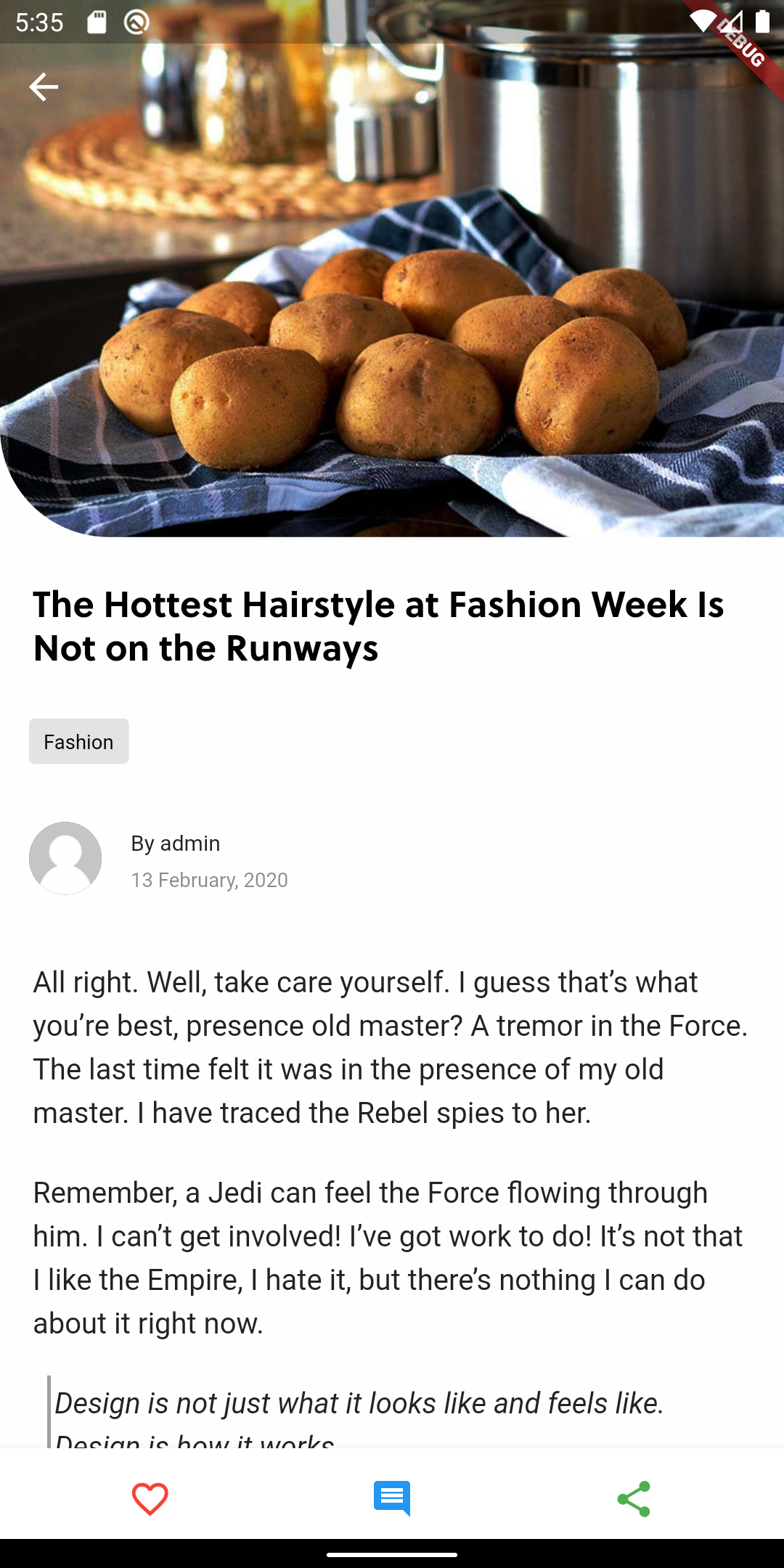 |
 |
 |
 |
 |
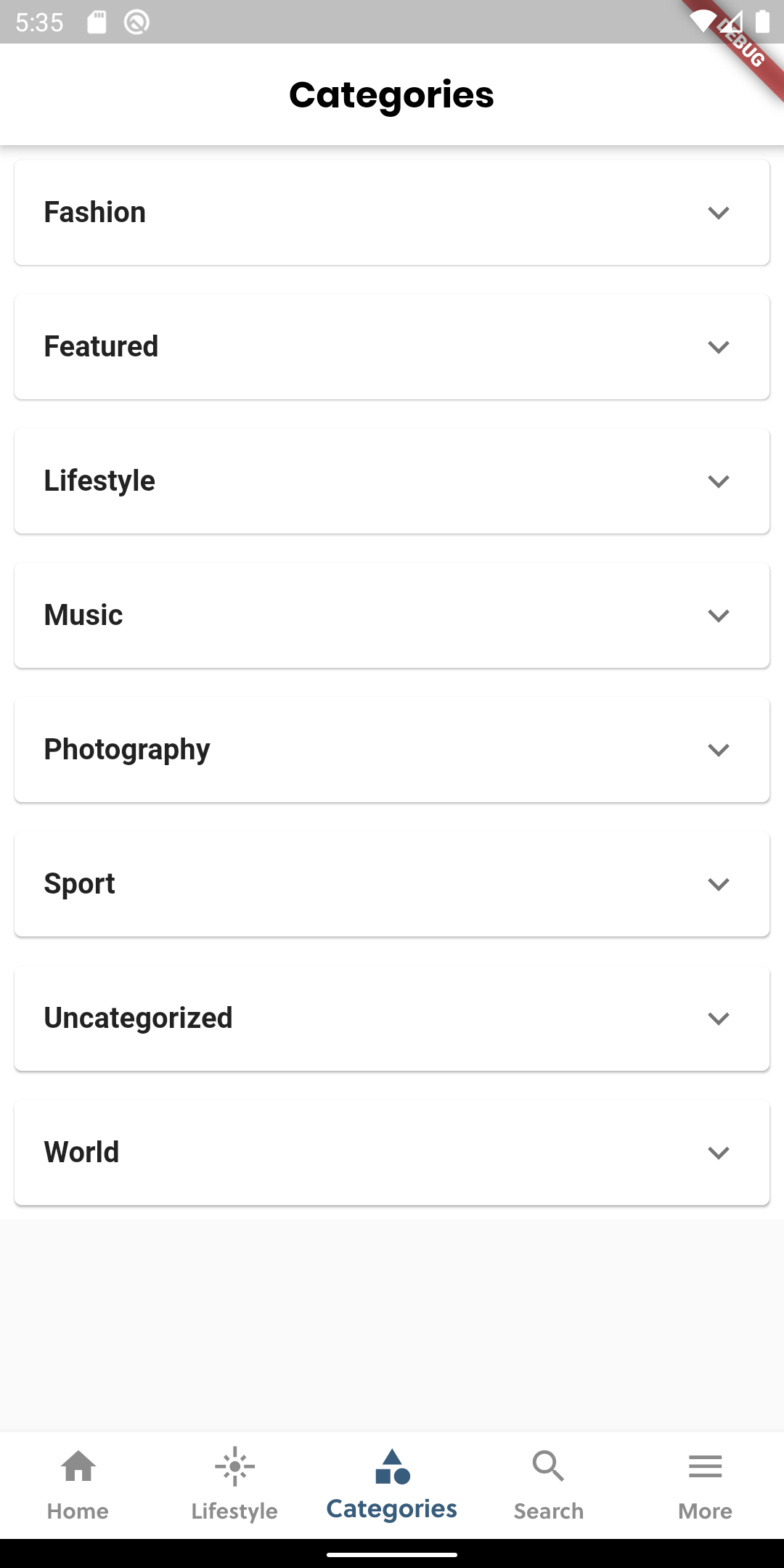 |
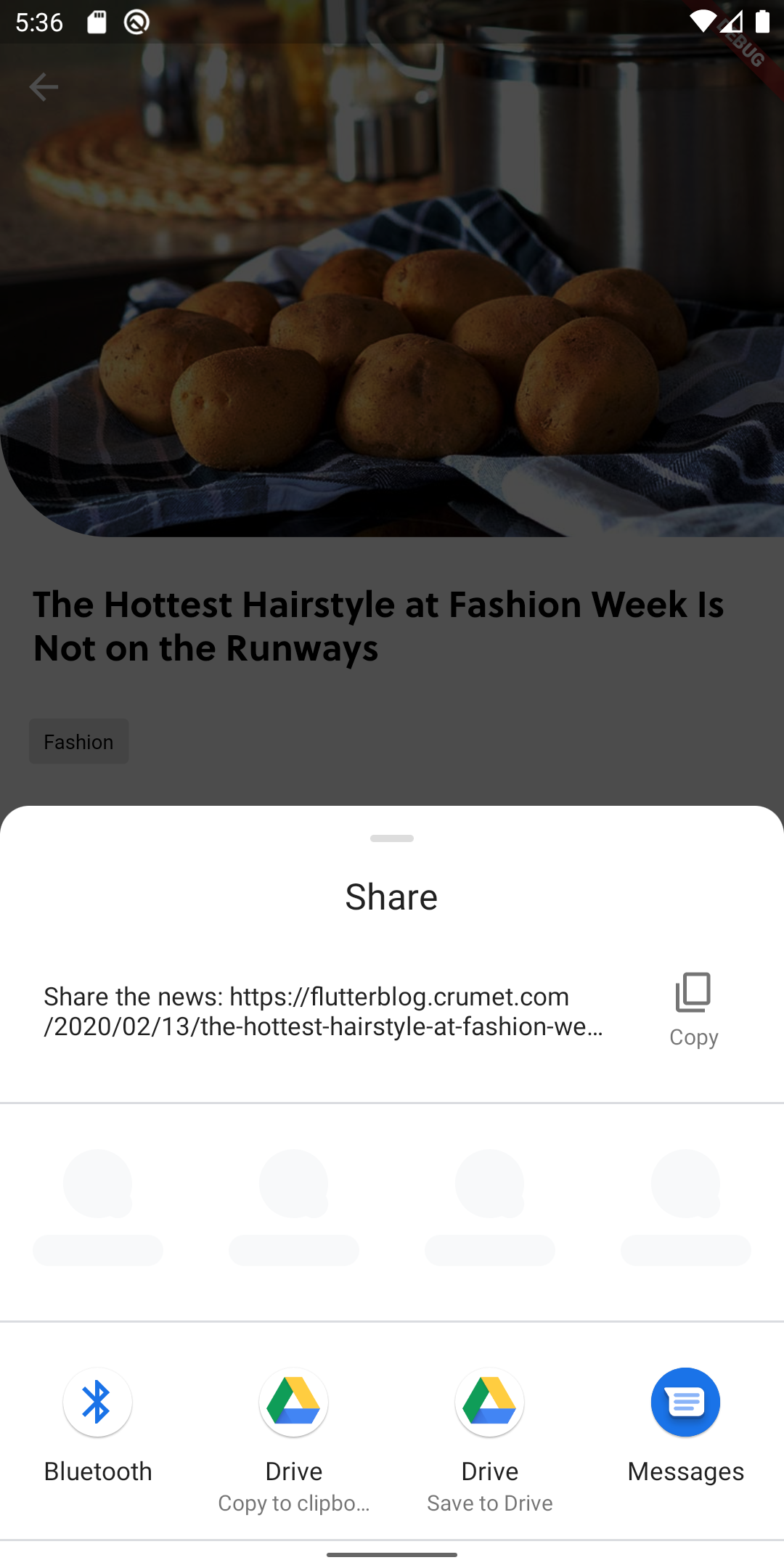 |
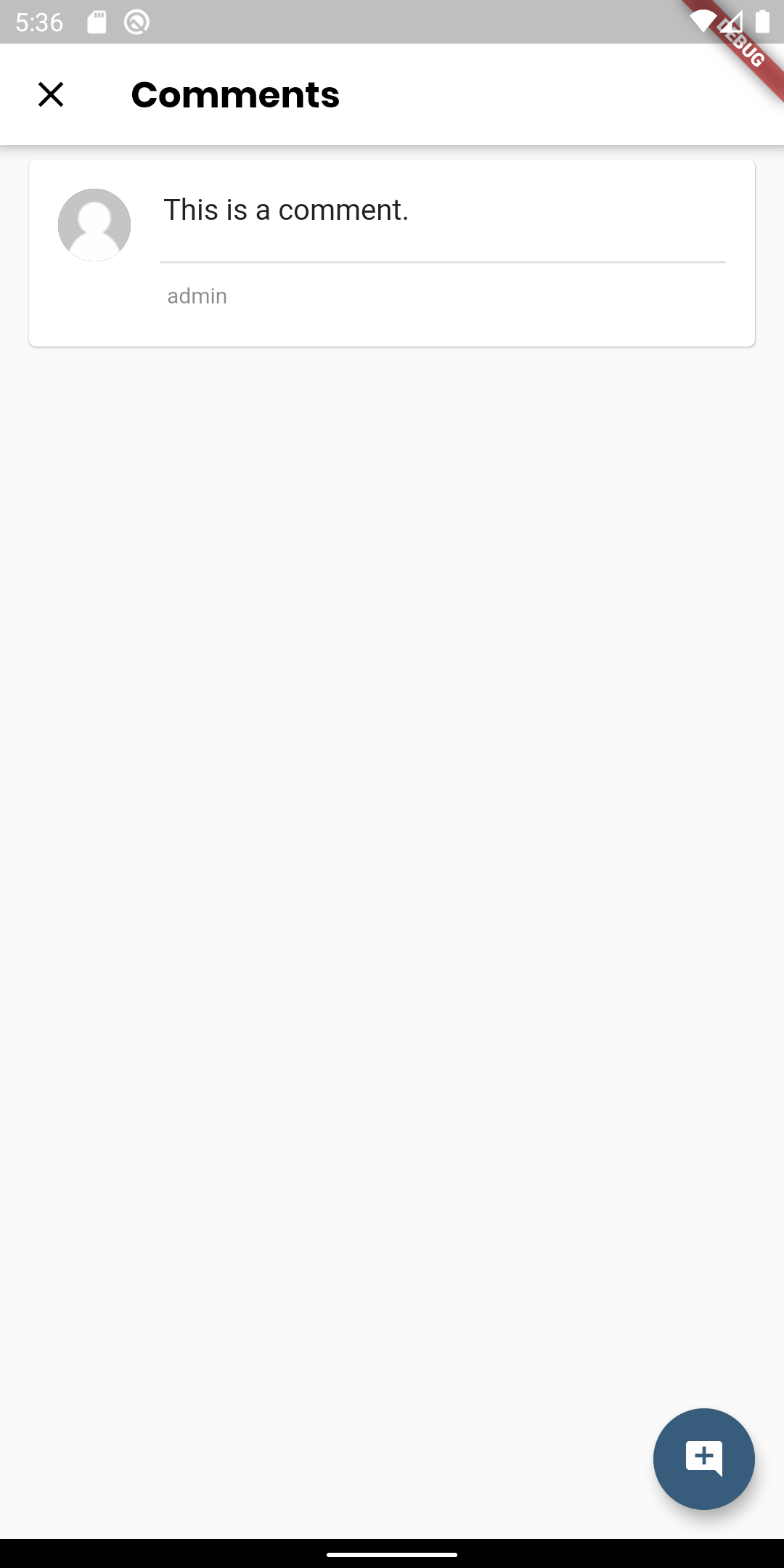 |
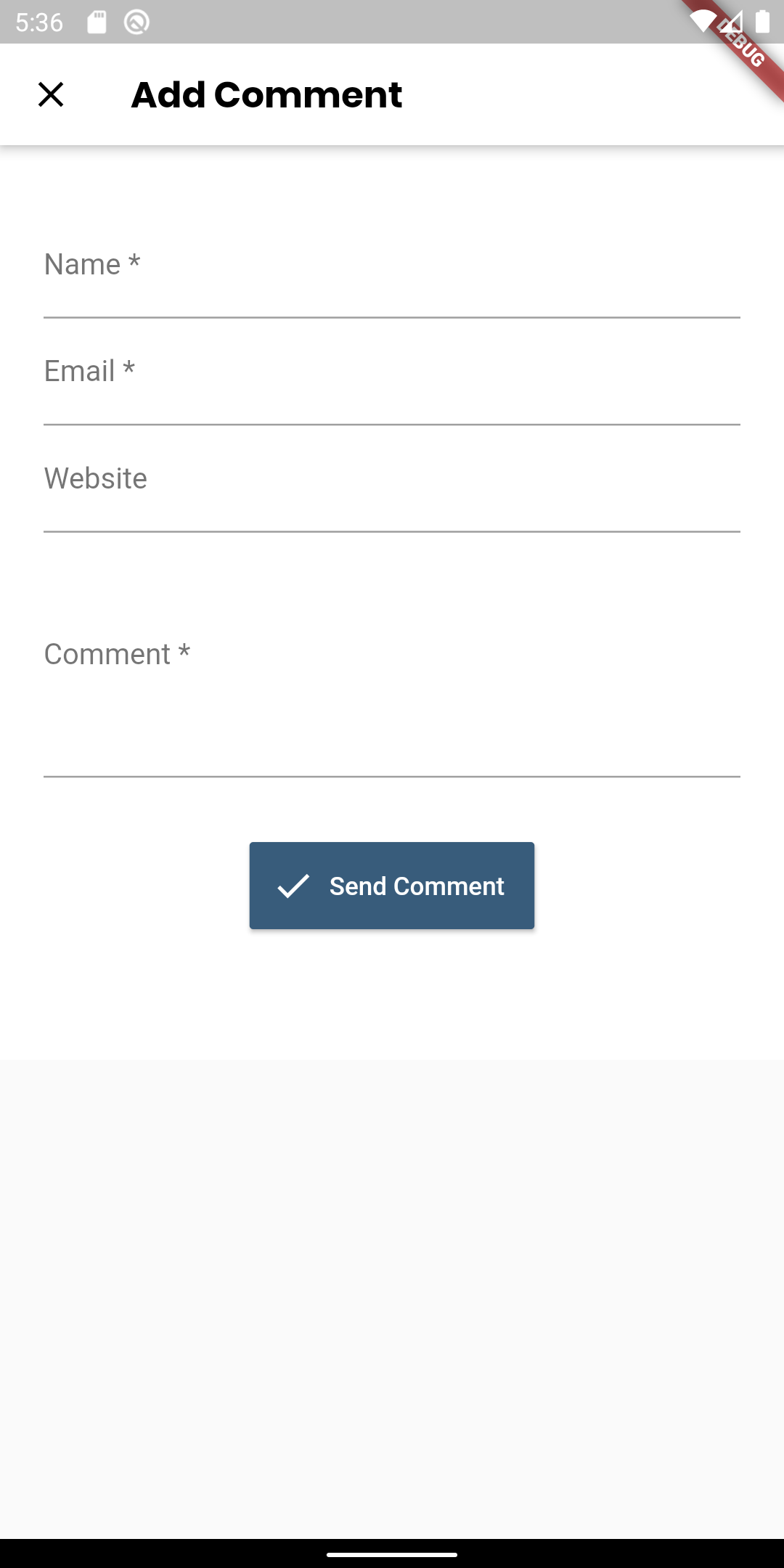 |
 |
🙌 Want to Contribute?
We are open to all kinds of contributions. If you want to:
- 🤔 Suggest a feature
- 🐛 Report an issue
- 👨💻 Contribute to the code
📑 LICENCE
Released under the MIT License.

Madhav Poudel ↗
분류
사용 중인 의존성
의존성 목록 14 개
- flutter
{"sdk":"flutter"} - url_launcher
^6.3.1 - http
^1.2.2 - html
^0.15.4 - flutter_html
^2.2.1 - dio
^5.7.0 - intl
^0.20.1 - share_plus
^6.3.4 - path_provider
^2.1.5 - sqflite
^2.4.1 - shared_preferences
^2.3.4 - flutter_widget_from_html
^0.9.1 - flutter_test개발 의존성
{"sdk":"flutter"} - flutter_lints개발 의존성
^5.0.0
순위
프로젝트에 맞는 저장소를 선택하려면?
사용 목적에 따라 검색하고 개발 활동을 비교한 뒤 원본 저장소에서 요구 사항을 확인하세요.
- 이름, 작성자 또는 설명으로 검색하고 기술 주제로 범위를 좁힙니다.
- 스타, 포크, 최근 푸시를 함께 비교하세요. 스타는 관심의 지표이며 품질을 보장하지 않습니다.
- 사용하기 전에 GitHub에서 README, 라이선스, Issues를 확인하세요.
출처 및 관리
“A repository is the most basic element of GitHub.”
GitHub Docs — About repositories ↗