

 v1.1.0
lindi_sticker_widget
Lindi Sticker Widget는 어떤 위젯이든 뒤집기, 회전, 크기 조정, 이동, 삭제, 편집할 수 있는 플러터 플러그인입니다.
54좋아요 1.6천30일 다운로드150Pub 점수
AndroidiOSWebmacOSWindowsLinux
Lindi Sticker Widget는 어떤 위젯이든 뒤집기, 회전, 크기 조정, 이동, 삭제, 편집할 수 있는 플러터 플러그인입니다.

아래는 영문 원문 스냅샷입니다. 최신 내용은 GitHub에서 확인하세요.
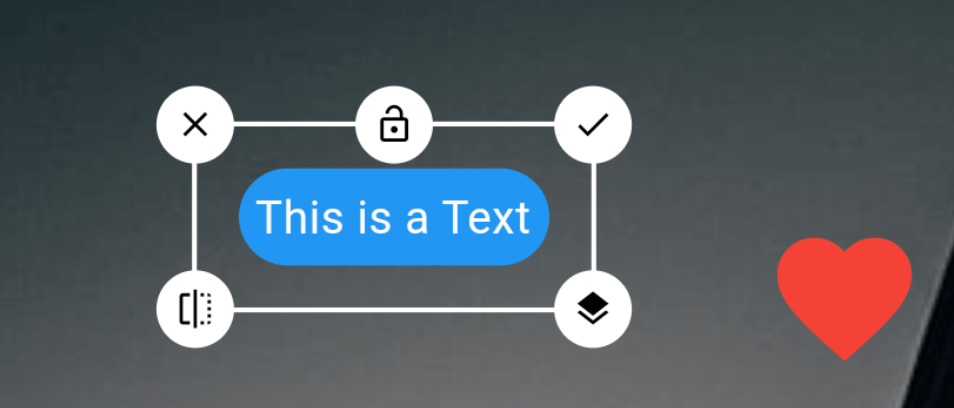
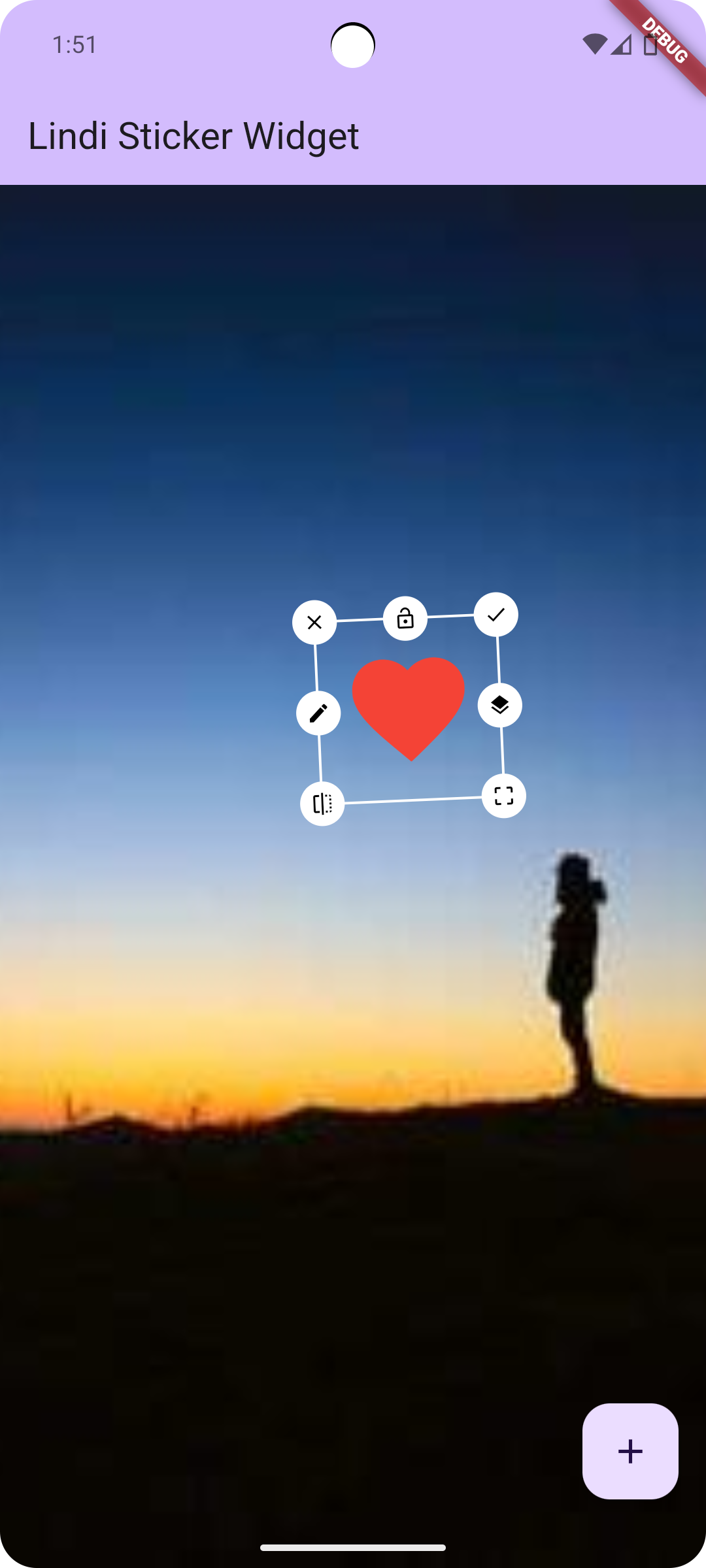
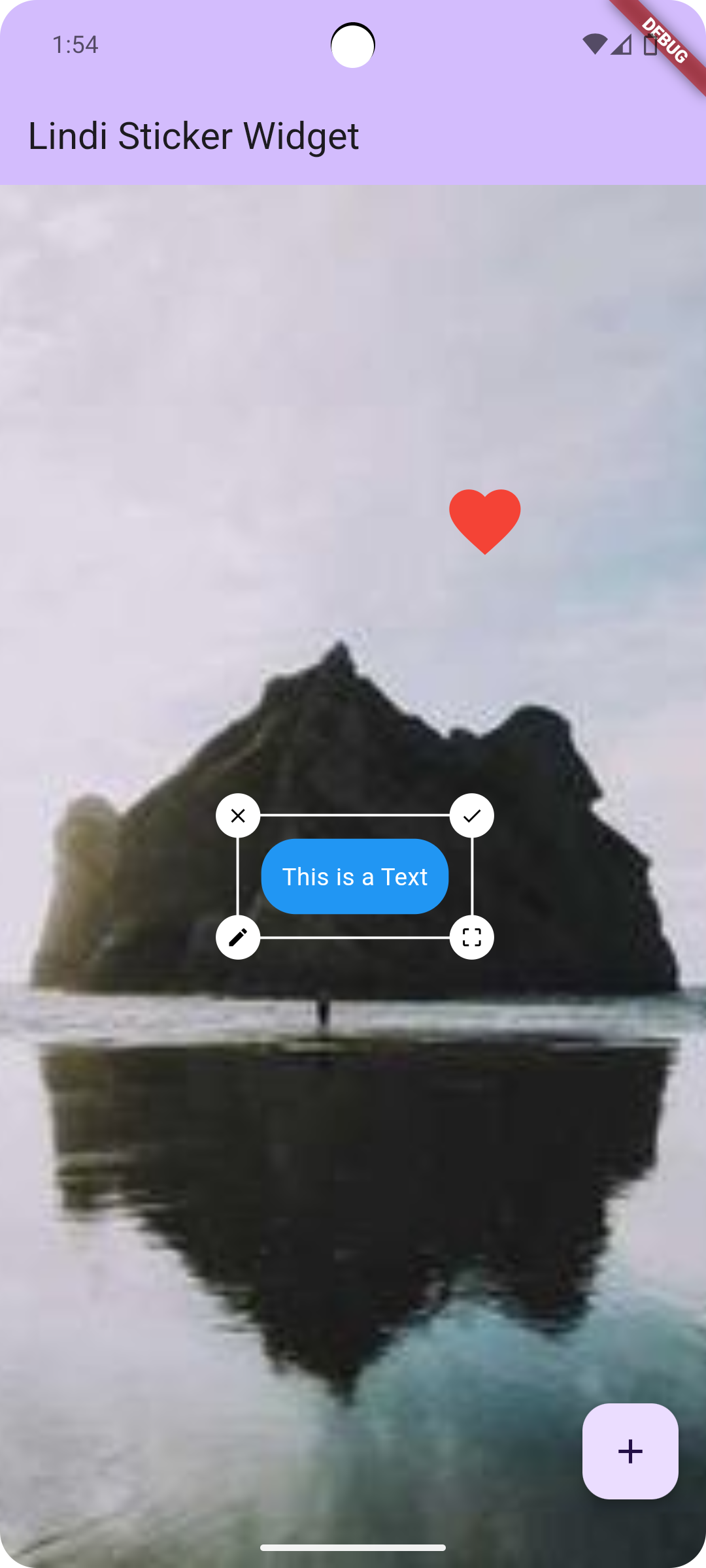
Rotate
Resize
Move
Layer Update (Change Stack position)
Edit
Delete
Flip
Lock

Add this to dependencies in your app's pubspec.yaml
lindi_sticker_widget : latest_version
Sample code to integrate can be found in example/lib/main.dart.
Customize the controller as you like!
LindiController controller = LindiController(
  borderColor: Colors.white,
  icons: [
    LindiStickerIcon(
        icon: Icons.done,
        alignment: Alignment.topRight,
        onTap: () {
          controller.selectedWidget!.done();
        }),
    LindiStickerIcon(
        icon: Icons.lock_open,
        lockedIcon: Icons.lock,
        alignment: Alignment.topCenter,
        type: IconType.lock,
        onTap: () {
          controller.selectedWidget!.lock();
        }),
    LindiStickerIcon(
        icon: Icons.close,
        alignment: Alignment.topLeft,
        onTap: () {
          controller.selectedWidget!.delete();
        }),
    LindiStickerIcon(
        icon: Icons.edit,
        alignment: Alignment.centerLeft,
        onTap: () {
          controller.selectedWidget!
              .edit(const Icon(Icons.star, size: 50, color: Colors.yellow));
        }),
    LindiStickerIcon(
        icon: Icons.layers,
        alignment: Alignment.centerRight,
        onTap: () {
          controller.selectedWidget!.stack();
        }),
    LindiStickerIcon(
        icon: Icons.flip,
        alignment: Alignment.bottomLeft,
        onTap: () {
          controller.selectedWidget!.flip();
        }),
    LindiStickerIcon(
        icon: Icons.crop_free,
        alignment: Alignment.bottomRight,
        type: IconType.resize
    ),
  ],
);
LindiStickerWidget(
    controller: controller,
    child: SizedBox(
        width: double.infinity,
        height: double.infinity,
        child: Image.network('https://picsum.photos/200/300', fit: BoxFit.cover)
    ),
)
controller.add(
    Text('Hello World')
);
controller.onPositionChange((index) {
  print("widgets size: ${controller.widgets.length}, current index: $index");
});
Uint8List? image = await controller.saveAsUint8List();
 |
 |
|---|
If you found this project useful, then please consider giving it a :star: on Github and sharing it with your friends via social media.
의존성 목록 4 개
{"sdk":"flutter"}^2.1.0{"sdk":"flutter"}^2.0.0사용 목적에 따라 검색하고 개발 활동을 비교한 뒤 원본 저장소에서 요구 사항을 확인하세요.
“A repository is the most basic element of GitHub.”
GitHub Docs — About repositories ↗