연결된 소스 저장소의 README 원문 스냅샷입니다. 최신 내용은 저장소에서 확인하세요.
lindi_sticker_widget
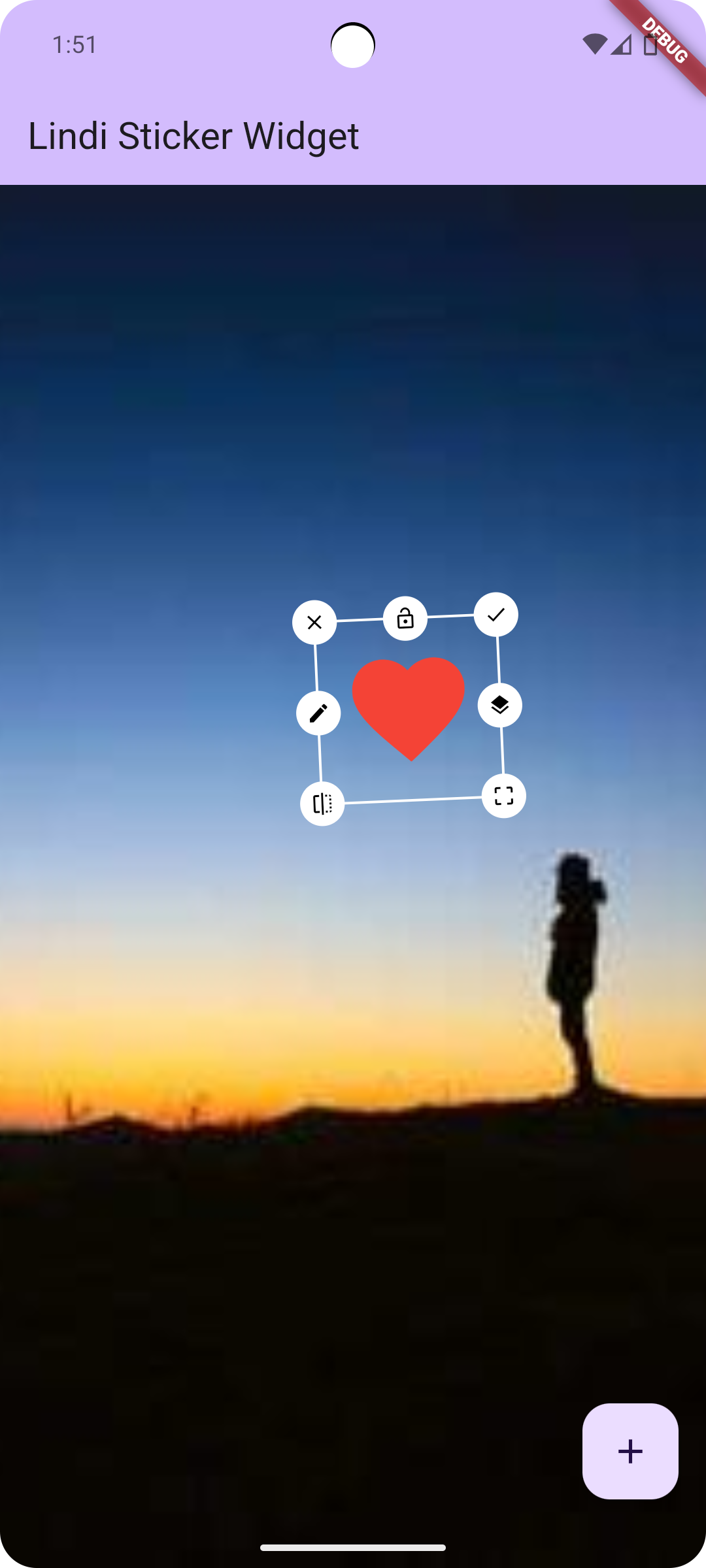
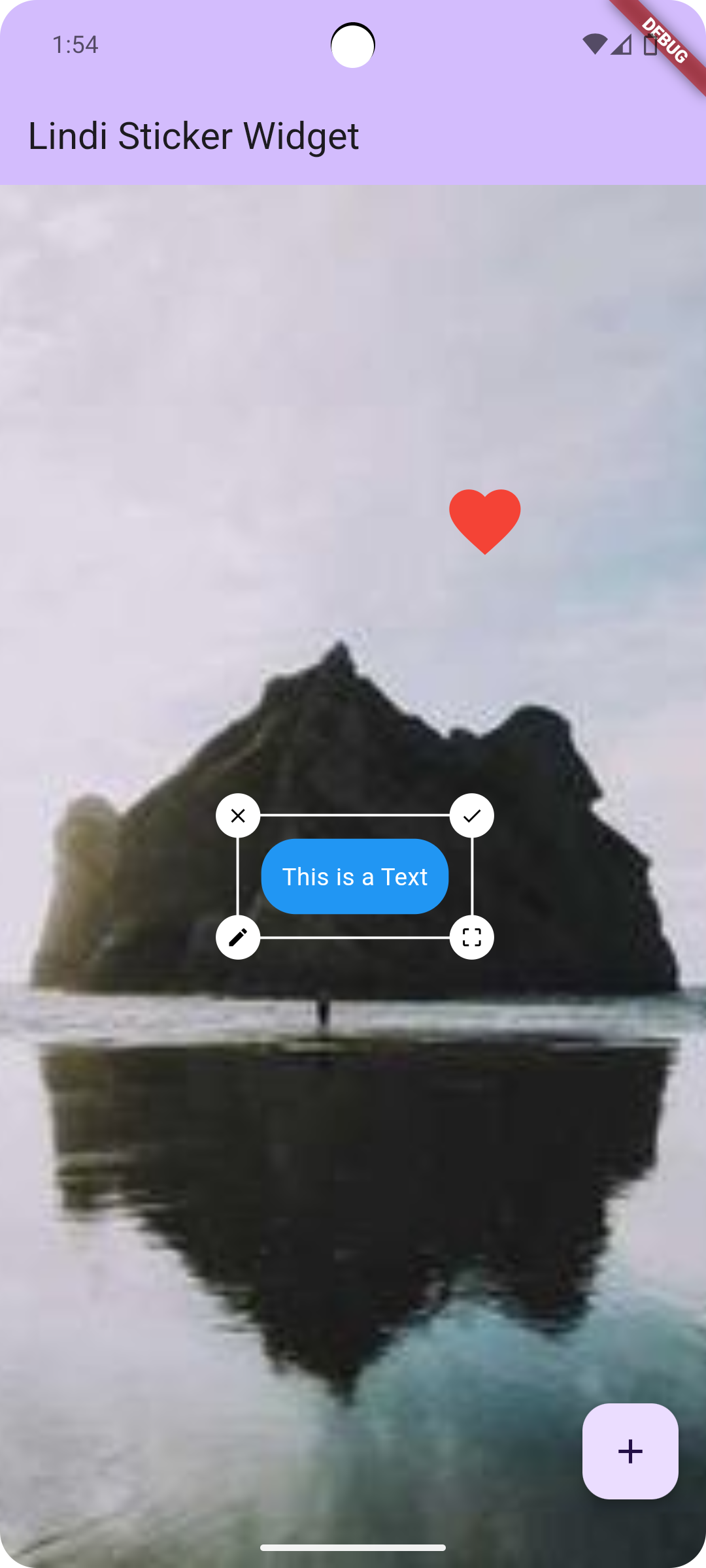
Features
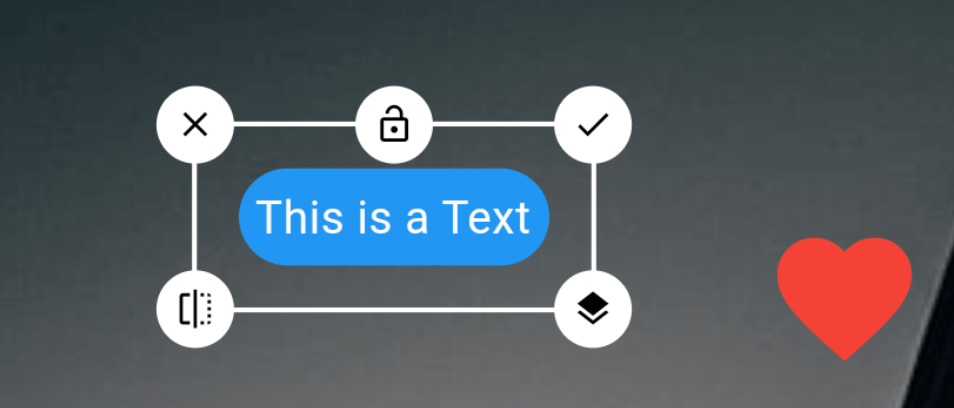
Rotate
Getting started
Add this to dependencies in your app's pubspec.yaml
lindi_sticker_widget : latest_version
Usage
Sample code to integrate can be found in example/lib/main.dart .
LindiController
Customize the controller as you like!
LindiController controller = LindiController (
borderColor: Colors .white,
icons: [
LindiStickerIcon (
icon: Icons .done,
alignment: Alignment .topRight,
onTap: () {
controller.selectedWidget!.done ();
}),
LindiStickerIcon (
icon: Icons .lock_open,
lockedIcon: Icons .lock,
alignment: Alignment .topCenter,
type: IconType .lock,
onTap: () {
controller.selectedWidget!.lock ();
}),
LindiStickerIcon (
icon: Icons .close,
alignment: Alignment .topLeft,
onTap: () {
controller.selectedWidget!.delete ();
}),
LindiStickerIcon (
icon: Icons .edit,
alignment: Alignment .centerLeft,
onTap: () {
controller.selectedWidget!
.edit (const Icon (Icons .star, size: 50 , color: Colors .yellow));
}),
LindiStickerIcon (
icon: Icons .layers,
alignment: Alignment .centerRight,
onTap: () {
controller.selectedWidget!.stack ();
}),
LindiStickerIcon (
icon: Icons .flip,
alignment: Alignment .bottomLeft,
onTap: () {
controller.selectedWidget!.flip ();
}),
LindiStickerIcon (
icon: Icons .crop_free,
alignment: Alignment .bottomRight,
type: IconType .resize
),
],
);
Integrate LindiStickerWidget
LindiStickerWidget (
controller: controller,
child: SizedBox (
width: double .infinity,
height: double .infinity,
child: Image .network ('https://picsum.photos/200/300' , fit: BoxFit .cover)
),
)
Add Widget to LindiStickerWidget
controller.add (
Text ('Hello World' )
);
Get index of selected widget
controller.onPositionChange ((index) {
print ("widgets size: ${controller.widgets.length} , current index: $index " );
});
Save LindiStickerWidget as Uint8List
Uint8List ? image = await controller.saveAsUint8List ();
Screenshots
:heart: Found this project useful?
If you found this project useful, then please consider giving it a :star: on Github and sharing it with your friends via social media.