 v4.17.0
fluent_ui
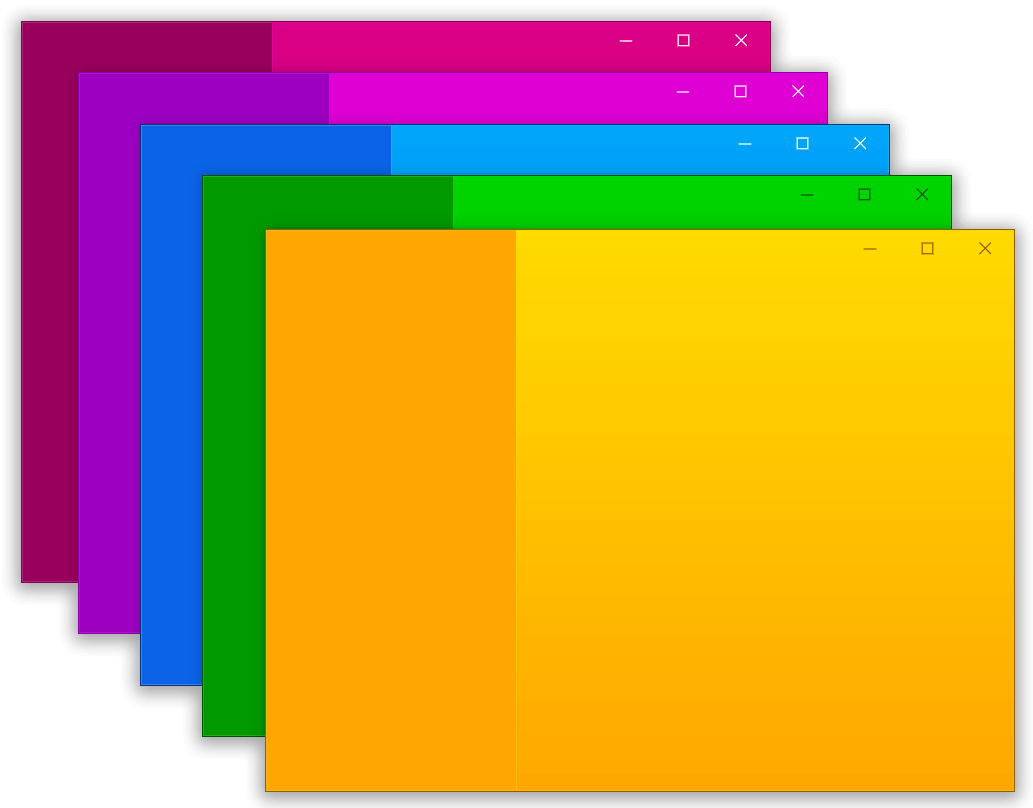
Flutter에서 마이크로소프트의 Windows 사용자 인터페이스를 구현합니다.
3.2천좋아요 2.5만30일 다운로드160Pub 점수
AndroidiOSWebmacOSWindowsLinux
당신의 트위치 채팅을 읽고, 자동 언어 감지 기능이 있습니다!

아래는 영문 원문 스냅샷입니다. 최신 내용은 GitHub에서 확인하세요.

This app is still in early stage.

StreamKit Chat Reader is a free Twitch chat reader (text-to-speech) app that supports Indonesian, English, and Japanese simultaneously. StreamKit automatically detects the language of each chat message and read with the appropriate TTS.
StreamKit is designed for my streaming use cases (https://twitch.tv/mentegagoreng), therefore some of the features will be tailored towards my needs, such as Beat Saber specific reading.
Feel free to suggest feature or report bug at the Issues page or if you're a developer too and want to improve StreamKit, submit a pull request.
If you're a streamer and need support for another language, please also submit in Issues. The currently supported languages (Indonesian, English, and Japanese) are based on my audiences.
Download the latest version at the release page. Download the zip file (be aware to download "StreamKit" archive, not the "Source Code" archive!), extract, and run streamkit_tts.exe. Follow the instruction in the app.
This app is written with Flutter on Desktop. You'll need Flutter SDK to be installed as well as everything required to build a Flutter Windows app.
This app has not been tested to run on macOS or Linux, however, the libraries used in this project are all crossplatform, so I don't think there should be any issue building for other platforms.
App icon is butter emoji from Twemoji. Copyright 2020 Twitter, Inc and other contributors Graphics licensed under CC-BY 4.0: https://creativecommons.org/licenses/by/4.0/
Flutter에서 마이크로소프트의 Windows 사용자 인터페이스를 구현합니다.
Flutter 데스크톱에서 사용자 정의 창(사용자 정의 테두리, 제목 표시줄 및 최소화/최대화/닫기 버튼)을 만들고 Windows 및 macOS용 일반적인 데스크톱 창 작업(화면에 표시/숨기기/위치)을 도와주는 패키지
플래그를 표시하기 위한 플러터 패키지입니다. 모든 플래그는 https://github.com/lipis/flag-icons/releases/tag/v4.1.4 에서 가져왔습니다.
Dart 및 Flutter 프로젝트용 크로스 플랫폼 파일 다운로더입니다.
just_audio의 Windows 플랫폼 구현. WinRT MediaPlayer를 사용하여 구현됨
의존성 목록 23 개
{"sdk":"flutter"}^1.0.24.9.2^0.20.5^7.0.0^2.0.10+1^0.1.6^6.0.2^0.27.3^3.0.0^1.2.1^1.0.0^0.9.41^0.2.2^2.0.9^4.4.0^2.0.0^6.1.0^1.16.0^6.0.0^1.3.2{"sdk":"flutter"}^4.0.0사용 목적에 따라 검색하고 개발 활동을 비교한 뒤 원본 저장소에서 요구 사항을 확인하세요.
“A repository is the most basic element of GitHub.”
GitHub Docs — About repositories ↗