

 v0.1.3
mrx_charts
아름다운 애니메이션과 함께 간단하고 고성능의 Flutter 차트.
199좋아요 4천30일 다운로드160Pub 점수
AndroidiOSWebmacOSWindowsLinux
간단하고 아름다운 부드러운 애니메이션 차트.

아래는 영문 원문 스냅샷입니다. 최신 내용은 GitHub에서 확인하세요.
Simple and beautiful smooth animated charts.
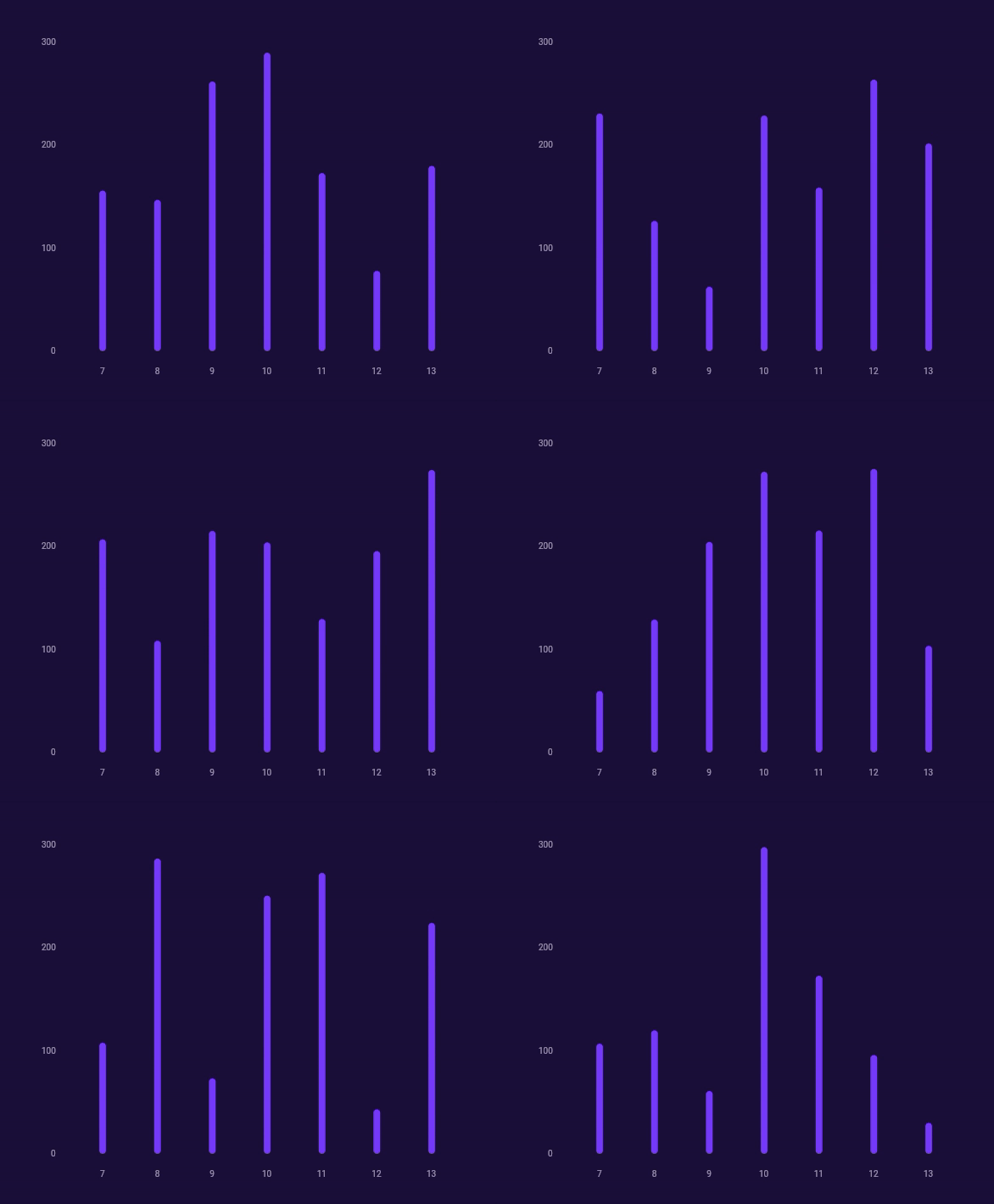
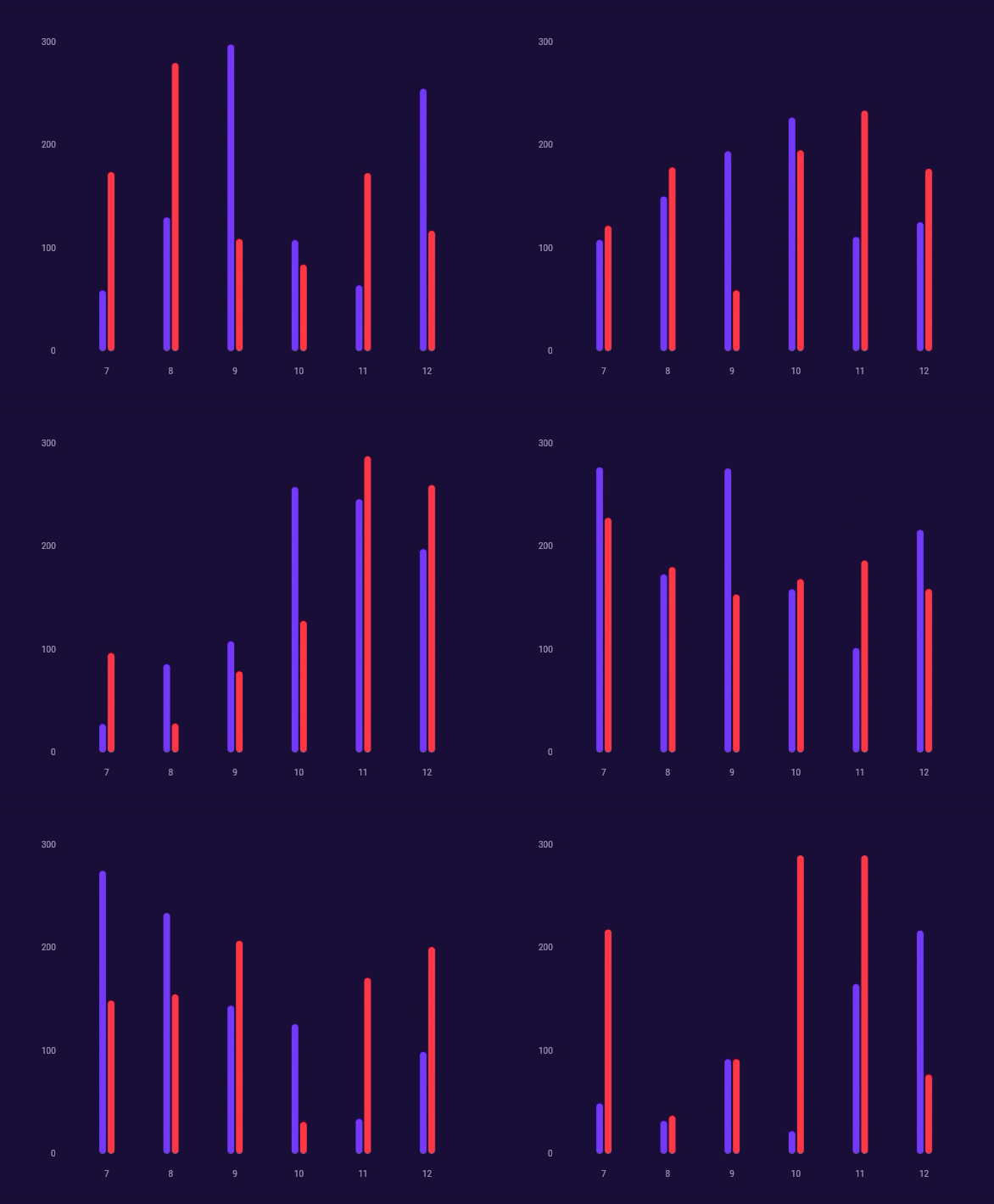
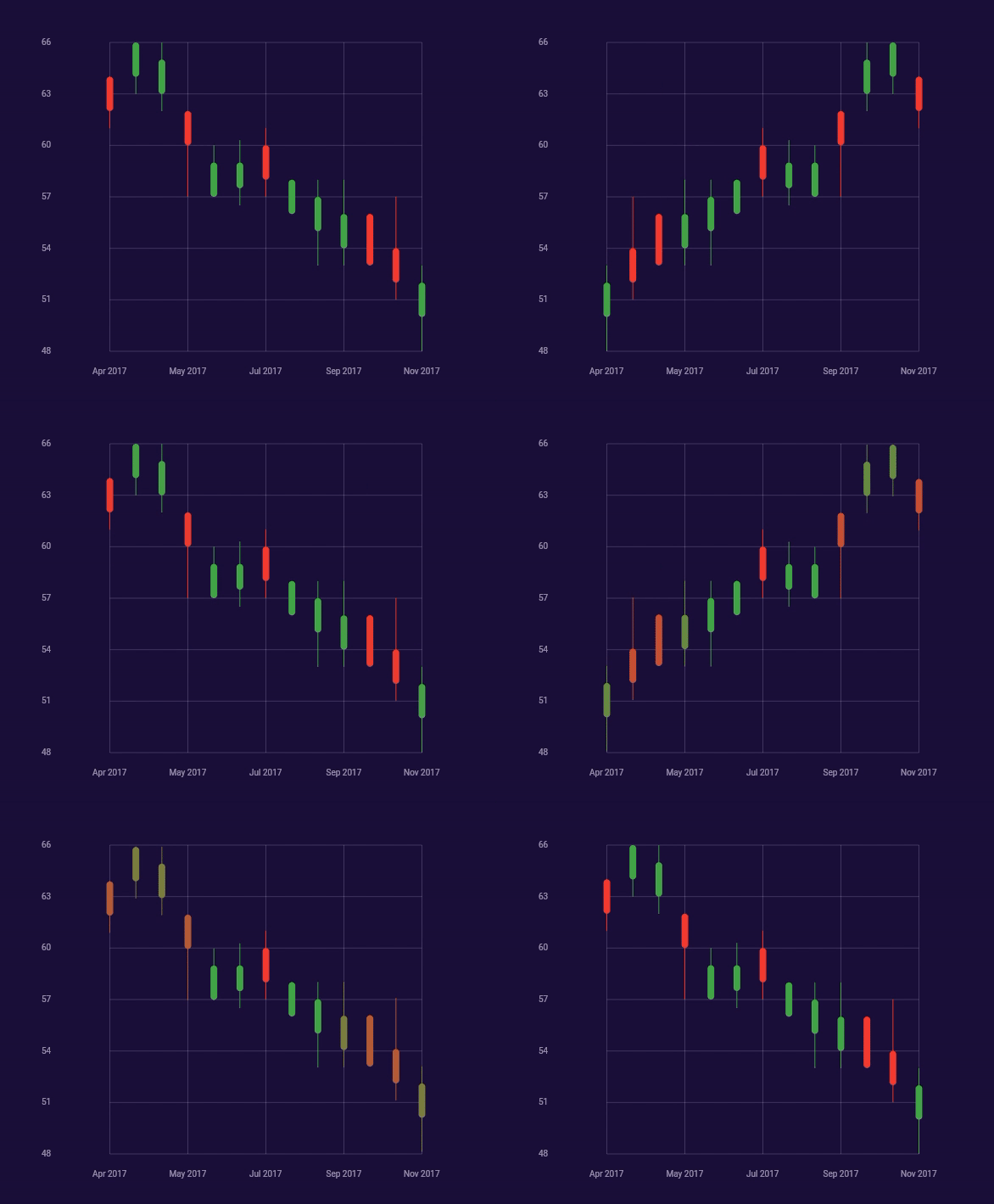
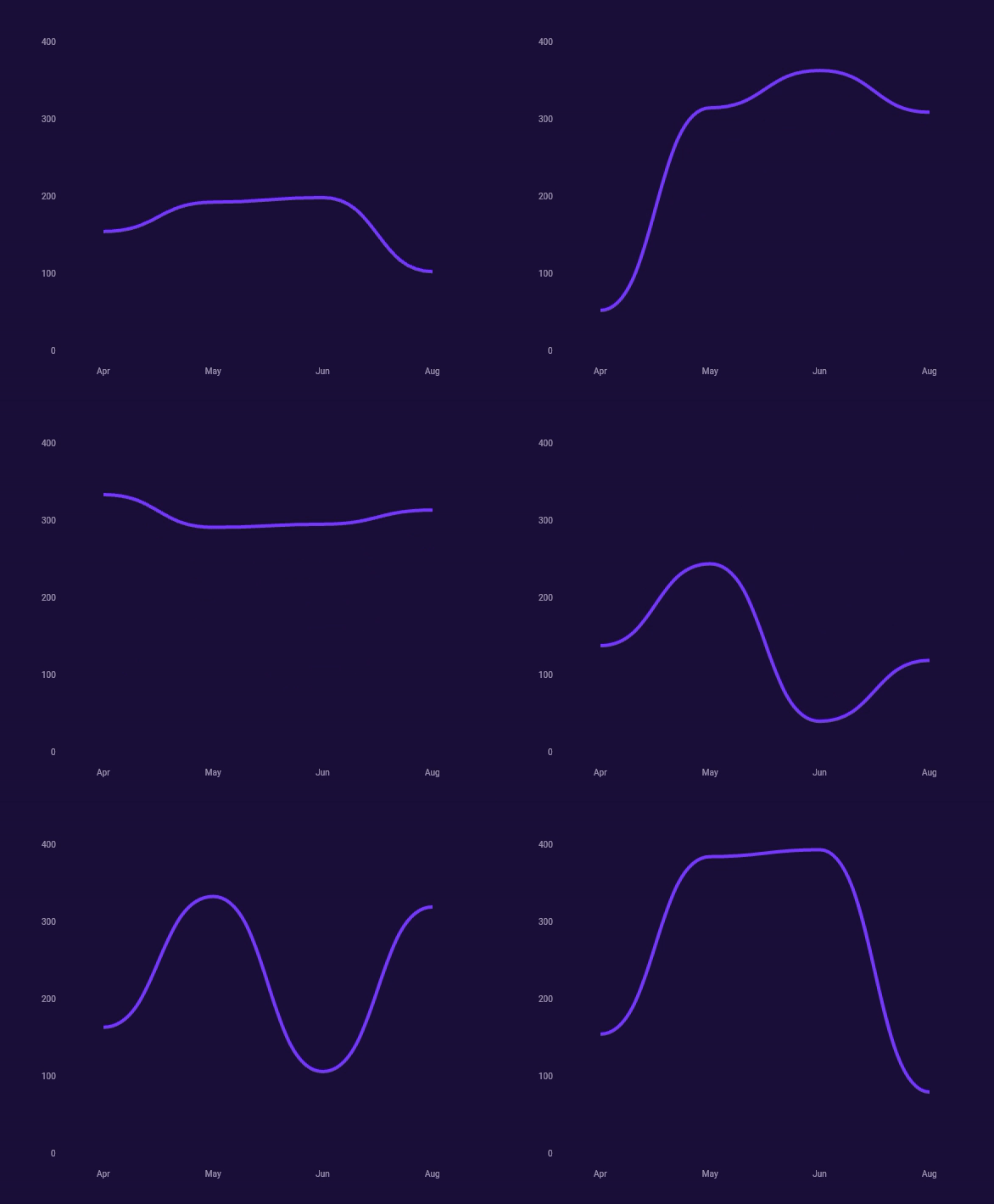

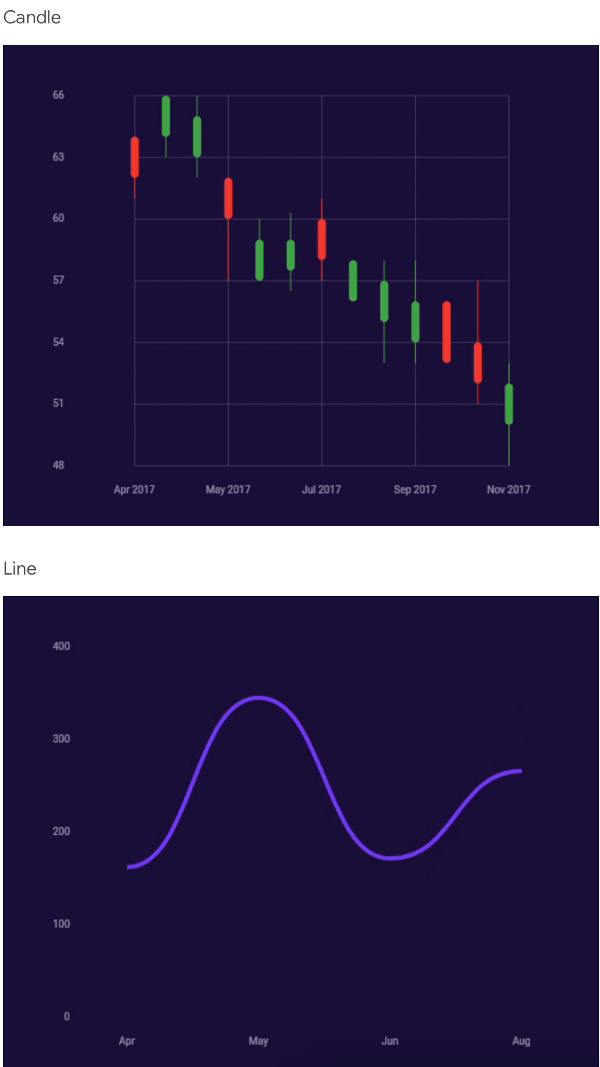
Check /example folder for more detailed usage
Chart(
  layers: [
    ChartAxisLayer(
      settings: ChartAxisSettings(
        x: ChartAxisSettingsAxis(
          frequency: 1.0,
          max: 13.0,
          min: 7.0,
          textStyle: TextStyle(
            color: Colors.white.withOpacity(0.6),
            fontSize: 10.0,
            ),
          ),
          y: ChartAxisSettingsAxis(
            frequency: 100.0,
            max: 300.0,
            min: 0.0,
            textStyle: TextStyle(
              color: Colors.white.withOpacity(0.6),
              fontSize: 10.0,
            ),
          ),
        ),
        labelX: (value) => value.toInt().toString(),
        labelY: (value) => value.toInt().toString(),
      ),
      ChartBarLayer(
        items: List.generate(
          13 - 7 + 1,
          (index) => ChartBarDataItem(
            color: const Color(0xFF8043F9),
            value: Random().nextInt(280) + 20,
            x: index.toDouble() + 7,
          ),
        ),
        settings: const ChartBarSettings(
          thickness: 8.0,
          radius: BorderRadius.all(Radius.circular(4.0)),
        ),
      ),
    ]
  ],
)
Developed with passion, by Merixstudio developers.
의존성 목록 3 개
{"sdk":"flutter"}{"sdk":"flutter"}^1.0.0사용 목적에 따라 검색하고 개발 활동을 비교한 뒤 원본 저장소에서 요구 사항을 확인하세요.
“A repository is the most basic element of GitHub.”
GitHub Docs — About repositories ↗