
 v1.0.2
bounce
터치 위치에 따라 자식 요소를 부드럽게 확대 및 회전 애니메이션으로 보여주는 위젯입니다.
51좋아요 1.1천30일 다운로드150Pub 점수
AndroidiOSWebmacOSWindowsLinux
터치 위치에 따라 자식 요소를 부드럽게 확대 및 회전 애니메이션으로 보여주는 위젯입니다.

{"sdk":"flutter"}{"sdk":"flutter"}—아래는 영문 원문 스냅샷입니다. 최신 내용은 GitHub에서 확인하세요.
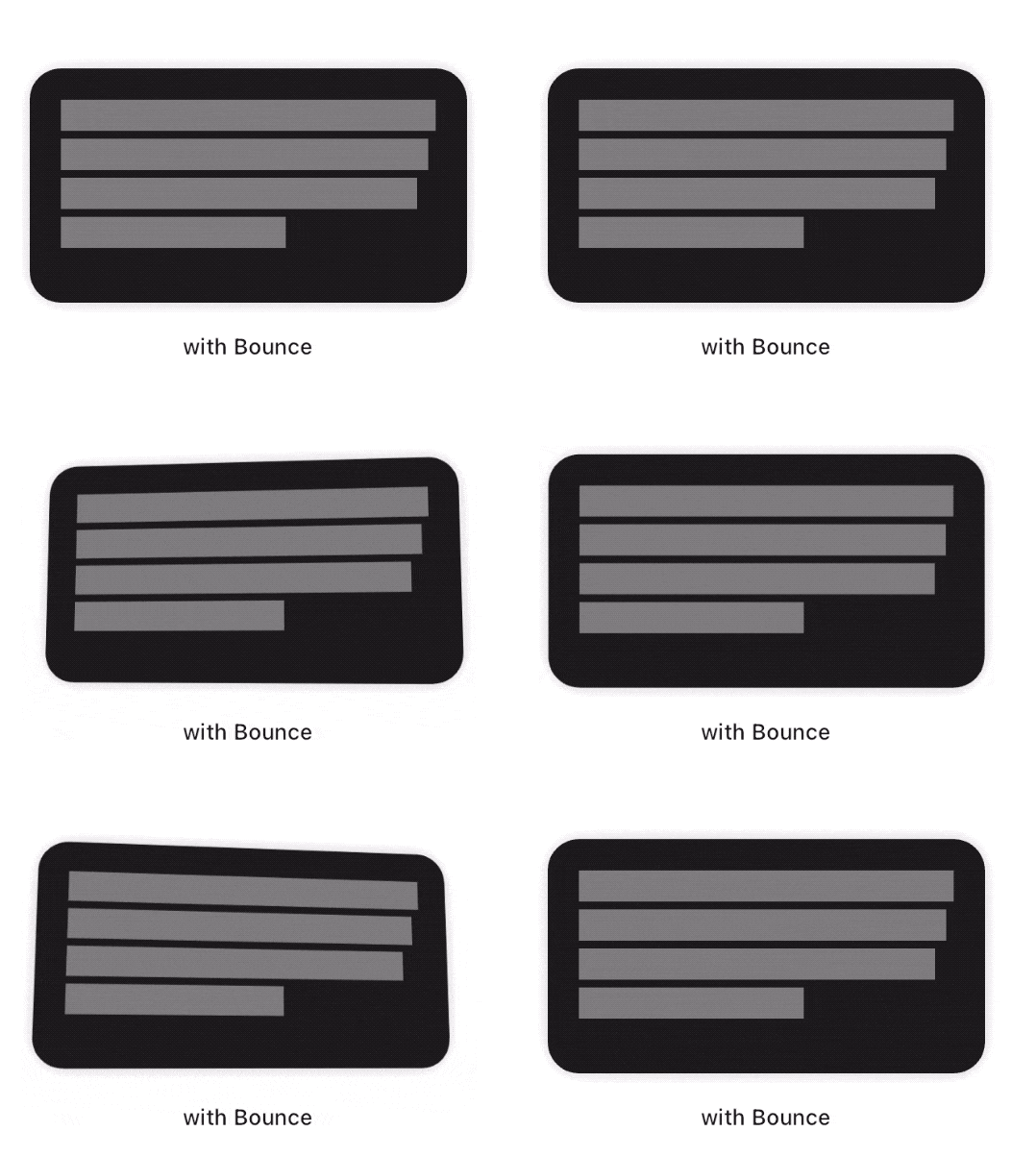
This package adds a new Bounce widget that applies a tap-triggered bounce animation to Flutter widgets. Depending on the touch location, a tilt effect is also added on the child.
"Demo of the Bounce plugin"
To see examples of the following effect on a device or simulator:
cd example/
flutter run --release
First, add the dependency to your pubspec.yaml file:
dependencies:
  bounce: ^<latest-version>
Then, wrap your target widget as child of a Bounce widget. You may optionally specify additional behavior, such as disabling the tilt effect by adding tilt: false to the constructor. The simplest usage of this widget is the following :
import 'package:bounce/bounce.dart';

...

return Bounce(
        onTap: () {
          // ...
        },
        child: ...)
You may specify the maximum angle applied by the tilt effect using the tiltAngle. This angle will be reached when the child widget is tapped at its edges. No tilt is applied when the child is tapped exactly at its center.
You may specify the maximum factor applied by the scale effect using the scaleFactor parameter.
To fine tune your user experience, you may want the various effects to animate back for a few milliseconds after the tap has occured. By default, this delay is set to 150 milliseconds.
The Bounce widget implementation wraps the child with a matrix-based Transform widget. On most platforms, it is a good practice to have it set to FilterQuality.high, which is the default value. You may specify other FilterQuality values directly from the widget's constructor :
  Bounce(
    filterQuality: FilterQuality.medium,
    child: ...
  )
Due to limitations on Safari iOS and if your app targets it, you are responsible for enforcing filterQuality to null in this specific browser.
Motion widgetsBounce widgets look gorgeous when combined with a Motion widget, like so :
  Motion(
    child: Bounce(
      child: ...
    )
  )
Here is an interaction example :
"Bounce + Motion example"
Comparing different tilt angles
If you are having any problem with the Bounce package, you can file an issue on the package repo's issue tracker.
Please make sure that your concern hasn't already been addressed in the 'Closed' section.
This package was developed with ♥ by @mrcendre.