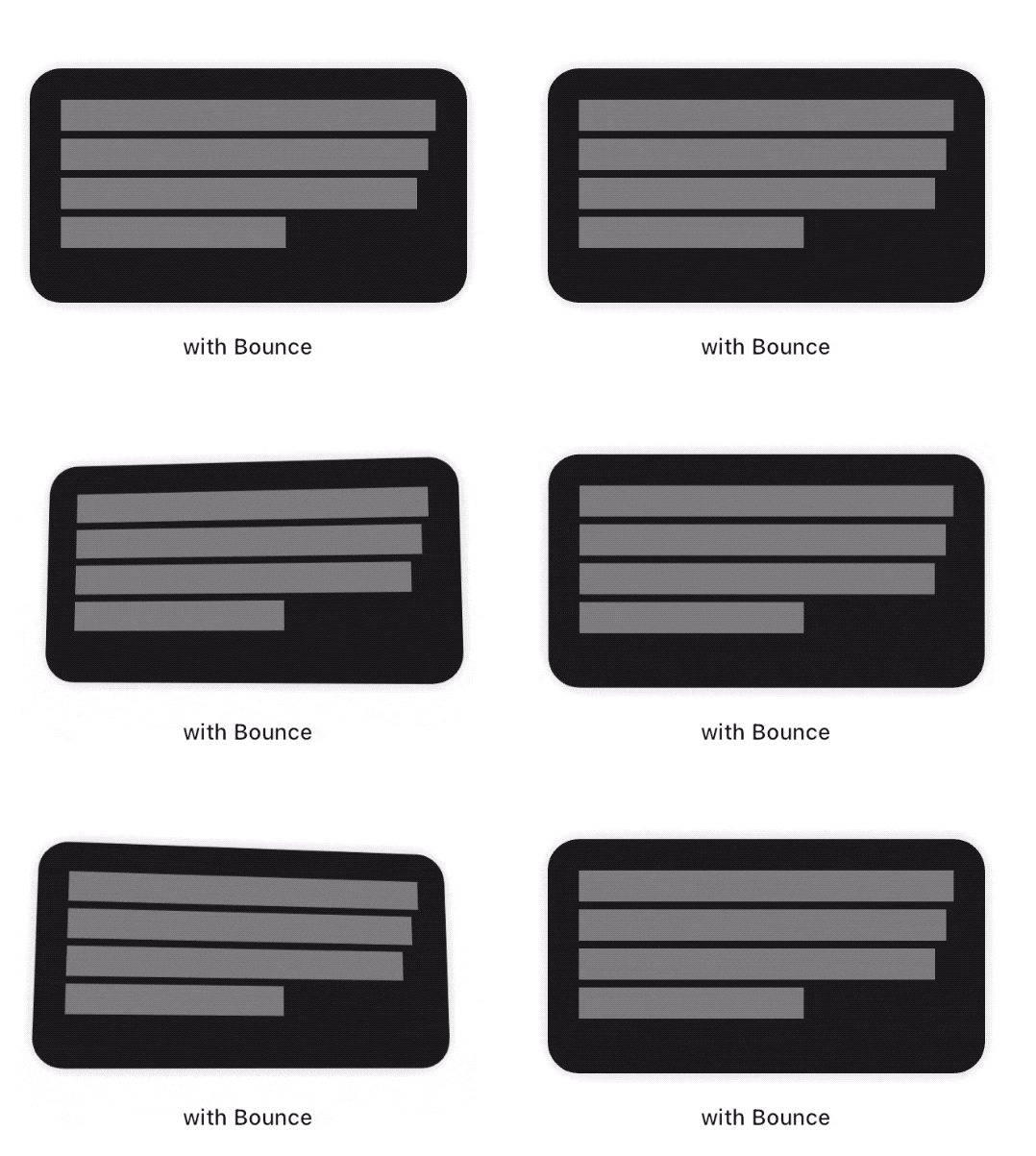
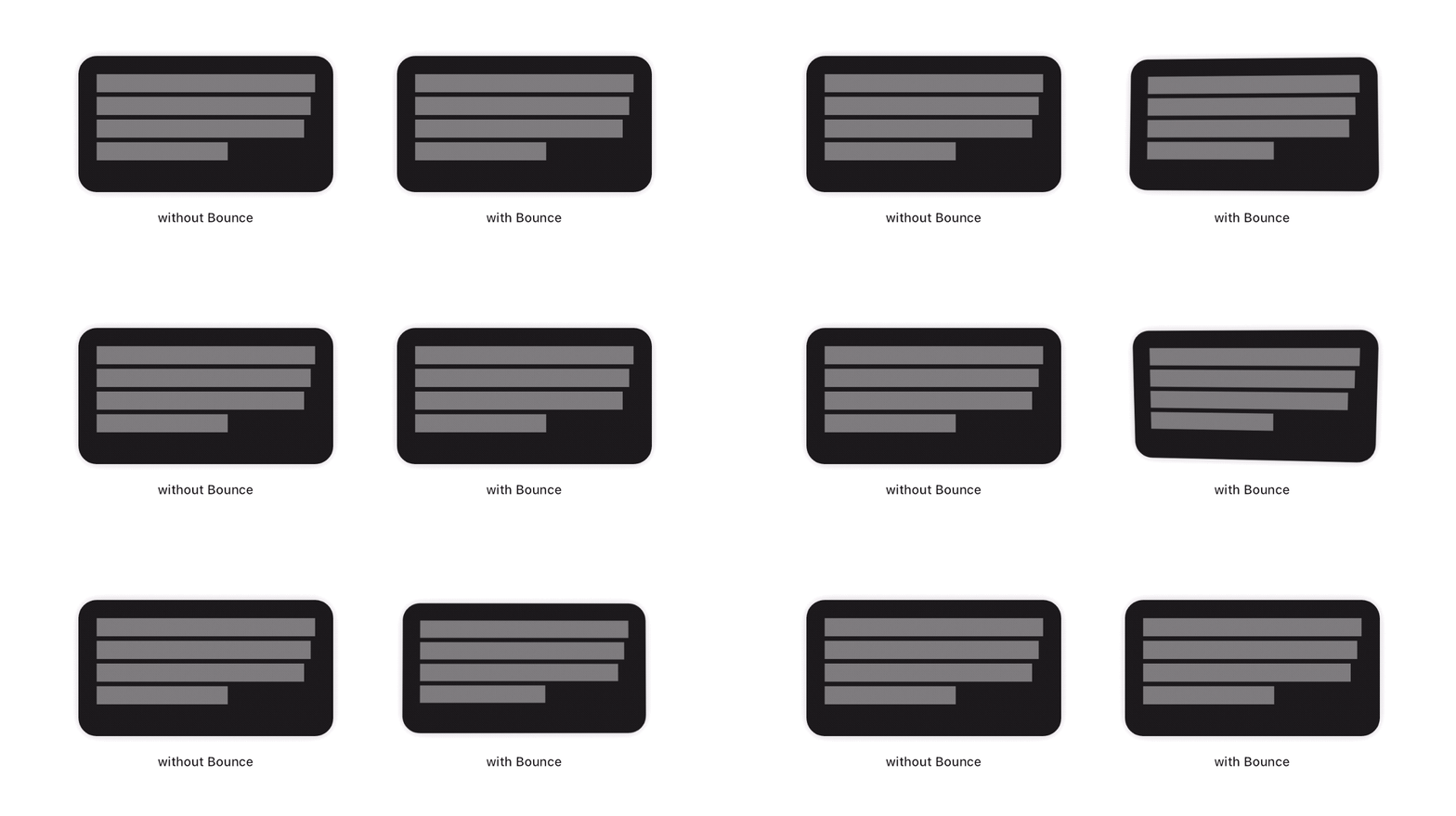
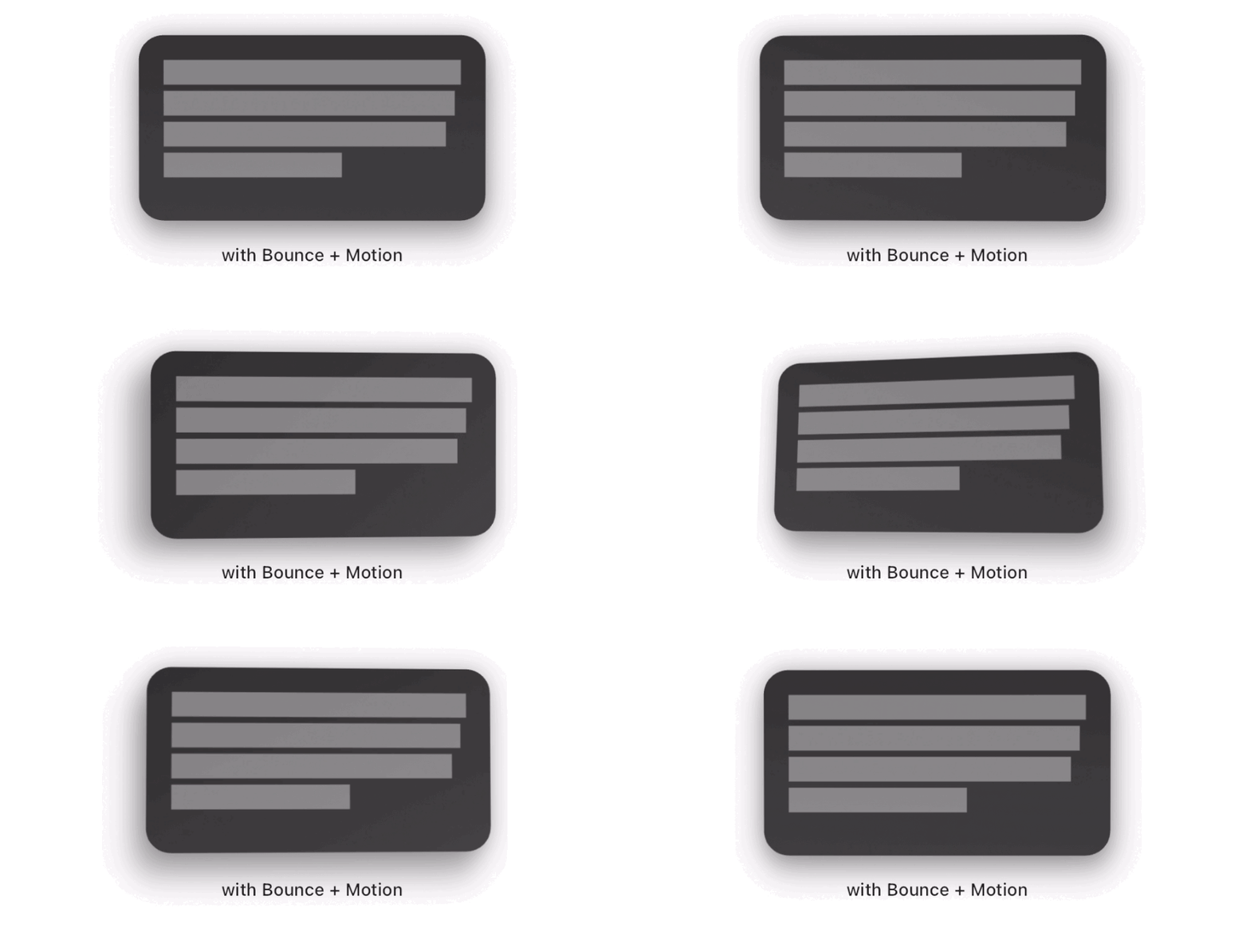
Bounce 패키지는 터치 시 자식 요소에 부드러운 크기 조절 및 회전 애니메이션을 추가하는 Flutter 위젯을 제공합니다. 사용자 상호작용을 동적으로 터치 입력에 반응하여 풍성하게 만들어, 재미있고 몰입감 있는 피드백 효과를 만듭니다. 버튼, 카드 또는 어떤 인터랙티브 요소에도 적합하며, Android, iOS, 웹, macOS, Windows, Linux 등 모든 주요 플랫폼에서 작동합니다. 애니메이션은 부드럽고 사용자 정의가 가능하며, 최소한의 설정만으로도 사용할 수 있습니다. 디지털 인터페이스의 촉각적 느낌을 개선하는 데 특히 효과적입니다.
사용 사례
인터랙티브 버튼
카드용 터치 피드백
게임화된 사용자 인터페이스 요소
모바일 앱 미세 상호작용
웹 인터페이스 개선
주요 기능
부드러운 스케일링 및 회전 애니메이션
터치 기반 트리거
크로스 플랫폼 지원
최소 구성
터치 위치에 반응
적합한 대상
상호작용 피드백을 원하는 앱 개발자
모션을 통해 사용자 경험을 개선하는 디자이너
경량 애니메이션을 필요로 하는 프로젝트
Flutter 초보자가 제스처 탐색하기
터치 중심 인터페이스를 가진 앱
고려 사항
미니멀리즘 디자인 스타일에 적합하지 않을 수 있습니다
복잡한 레이아웃의 성능 영향
크기와 회전 외에 사용자 정의 기능이 제한적
주의를 산만하게 하지 않도록 적절히 사용하세요
제스처 감지 처리가 필요합니다
원본 README
연결된 소스 저장소의 README 원문 스냅샷입니다. 최신 내용은 저장소에서 확인하세요.
Bounce
This package adds a new Bounce widget that applies a tap-triggered bounce animation to Flutter widgets. Depending on the touch location, a tilt effect is also added on the child.
To see examples of the following effect on a device or simulator:
cd example/
flutter run --release
How to use
First, add the dependency to your pubspec.yaml file:
dependencies:bounce:^<latest-version>
Then, wrap your target widget as child of a Bounce widget. You may optionally specify additional behavior, such as disabling the tilt effect by adding tilt: false to the constructor. The simplest usage of this widget is the following :
You may specify the maximum angle applied by the tilt effect using the tiltAngle. This angle will be reached when the child widget is tapped at its edges. No tilt is applied when the child is tapped exactly at its center.
Scale effect
You may specify the maximum factor applied by the scale effect using the scaleFactor parameter.
Tap delay
To fine tune your user experience, you may want the various effects to animate back for a few milliseconds after the tap has occured. By default, this delay is set to 150 milliseconds.
Filter quality
The Bounce widget implementation wraps the child with a matrix-based Transform widget. On most platforms, it is a good practice to have it set to FilterQuality.high, which is the default value. You may specify other FilterQuality values directly from the widget's constructor :