
 v0.0.32
flutter_image_filters
OpenGL(SPIR-V) 조각 색상 기반의 이미지 필터 및 유용한 미리보기 위젯
82좋아요 5.4천30일 다운로드140Pub 점수
AndroidiOSWebmacOS
nikolaydymura/flutter_image_filters open-source repository details.
아래는 영문 원문 스냅샷입니다. 최신 내용은 GitHub에서 확인하세요.


A flutter package for iOS and Android for applying OpenGL filters to image.
final texture = await TextureSource.fromAsset('demo.jpeg');
final configuration = BrightnessShaderConfiguration();
configuration.brightness = 0.5;
final image = await configuration.export(texture, texture.size);
In case you see performance issues, look on how to generate and use bunch of filters
final texture = await TextureSource.fromAsset('demo.jpeg');
final brConfig = BrightnessShaderConfiguration();
brConfig.brightness = 0.5;

final stConfig = SaturationShaderConfiguration();
stConfig.saturation = 0.5;

final configuration = GroupShaderConfiguration();
configuration.add(brConfig);
configuration.add(stConfig);
final result = await configuration.export(texture, texture.size);
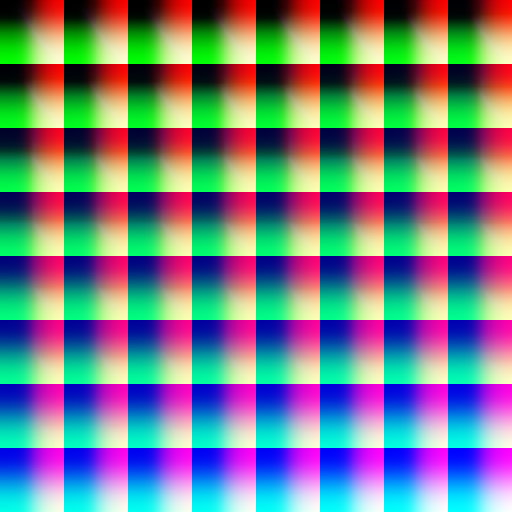
final texture = await TextureSource.fromAsset('demo.jpeg');
final configuration = SquareLookupTableShaderConfiguration();
await configuration.setLutAsset('lookup_amatorka.png');
final image = await configuration.export(texture, texture.size);
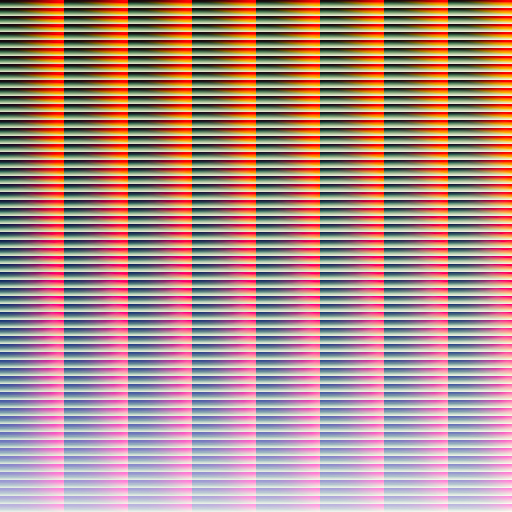
final texture = await TextureSource.fromAsset('demo.jpeg');
final configuration = HALDLookupTableShaderConfiguration();
await configuration.setLutAsset('lookup_hald.png');
final image = await configuration.export(texture, texture.size);
import 'package:flutter_image_filters/flutter_image_filters.dart';

class PreviewPage extends StatefulWidget {
  const PreviewPage({Key? key}) : super(key: key);

  @override
  State<PreviewPage> createState() => _PreviewPageState();
}

class _PreviewPageState extends State<PreviewPage> {
  late TextureSource texture;
  late BrightnessShaderConfiguration configuration;
  bool textureLoaded = false;

  @override
  void initState() {
    super.initState();
    configuration = BrightnessShaderConfiguration();
    configuration.brightness = 0.5;
    TextureSource.fromAsset('demo.jpeg')
        .then((value) => texture = value)
        .whenComplete(
          () => setState(() {
            textureLoaded = true;
          }),
        );
  }

  @override
  Widget build(BuildContext context) {
    return textureLoaded
        ? ImageShaderPreview(
            texture: texture,
            configuration: configuration,
          )
        : const Offstage();
  }
}
class PreviewPage extends StatefulWidget {
  const PreviewPage({Key? key}) : super(key: key);

  @override
  State<PreviewPage> createState() => _PreviewPageState();
}

class _PreviewPageState extends State<PreviewPage> {
  late TextureSource texture;
  late GroupShaderConfiguration configuration;
  bool textureLoaded = false;

  @override
  void initState() {
    super.initState();
    configuration = GroupShaderConfiguration();
    configuration.add(BrightnessShaderConfiguration()..brightness = 0.5);
    configuration.add(SaturationShaderConfiguration()..saturation = 0.5);
    TextureSource.fromAsset('demo.jpeg')
        .then((value) => texture = value)
        .whenComplete(
          () => setState(() {
        textureLoaded = true;
      }),
    );
  }

  @override
  Widget build(BuildContext context) {
    return textureLoaded
        ? PipelineImageShaderPreview(
      texture: texture,
      configuration: configuration,
    )
        : const Offstage();
  }
}
import 'package:before_after_image_slider_nullsafty/before_after_image_slider_nullsafty.dart';
import 'package:flutter_image_filters/flutter_image_filters.dart';

class PreviewPage extends StatefulWidget {
  const PreviewPage({Key? key}) : super(key: key);

  @override
  State<PreviewPage> createState() => _PreviewPageState();
}

class _PreviewPageState extends State<PreviewPage> {
  late TextureSource texture;
  late BrightnessShaderConfiguration configuration;
  bool textureLoaded = false;

  @override
  void initState() {
    super.initState();
    configuration = BrightnessShaderConfiguration();
    configuration.brightness = 0.5;
    TextureSource.fromAsset('demo.jpeg')
        .then((value) => texture = value)
        .whenComplete(
          () => setState(() {
            textureLoaded = true;
          }),
        );
  }

  @override
  Widget build(BuildContext context) {
    return textureLoaded
        ? BeforeAfter(
            thumbRadius: 0.0,
            thumbColor: Colors.transparent,
            beforeImage: ImageShaderPreview(
              texture: texture,
              configuration: NoneShaderConfiguration(),
            ),
            afterImage: ImageShaderPreview(
              texture: texture,
              configuration: configuration,
            ),
          )
        : const Offstage();
  }
}
import 'package:image/image.dart' as img;
import 'package:path_provider/path_provider.dart';


final texture = await TextureSource.fromAsset('demo.jpeg');
final configuration = BrightnessShaderConfiguration();
configuration.brightness = 0.5;
final image = await configuration.export(texture, texture.size);

final directory = await getTemporaryDirectory();
final output =
File('${directory.path}/result.jpeg');
final bytes = await image.toByteData();
final persistedImage = img.Image.fromBytes(
  image.width,
  image.height,
  bytes!.buffer.asUint8List(),
);
img.JpegEncoder encoder = img.JpegEncoder();
final data = encoder.encodeImage(persistedImage);
await output.writeAsBytes(data);
| Status | Name |
|---|---|
| :white_check_mark: | Brightness |
| :white_check_mark: | Bulge Distortion |
| :white_check_mark: | CGA Colorspace |
| :white_check_mark: | Color Invert |
| :white_check_mark: | Color Matrix |
| :white_check_mark: | Contrast |
| :white_check_mark: | Crosshatch |
| :white_check_mark: | Exposure |
| :white_check_mark: | False Color |
| :white_check_mark: | Gamma |
| :white_check_mark: | Glass Sphere |
| :white_check_mark: | Grayscale |
| :white_check_mark: | Halftone |
| :white_check_mark: | Haze |
| :white_check_mark: | Highlight Shadow |
| :white_check_mark: | Hue |
| :white_check_mark: | Lookup Table |
| :white_check_mark: | Luminance |
| :white_check_mark: | Luminance Threshold |
| :white_check_mark: | Monochrome |
| :white_check_mark: | Opacity |
| :white_check_mark: | Pixelation |
| :white_check_mark: | Posterize |
| :white_check_mark: | RGB |
| :white_check_mark: | Saturation |
| :white_check_mark: | Solarize |
| :white_check_mark: | Swirl |
| :white_check_mark: | Vibrance |
| :white_check_mark: | Vignette |
| :white_check_mark: | White Balance |
| :white_check_mark: | Zoom Blur |
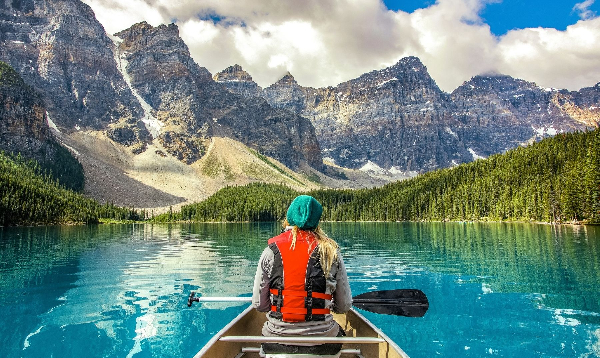

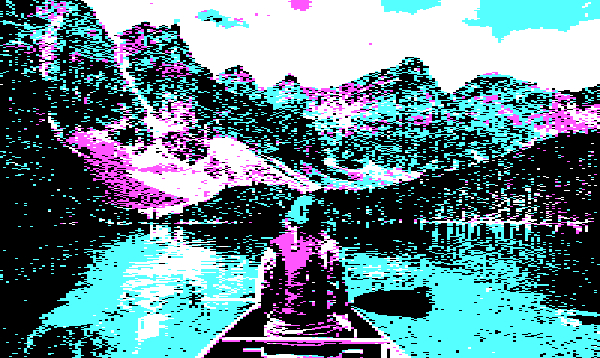
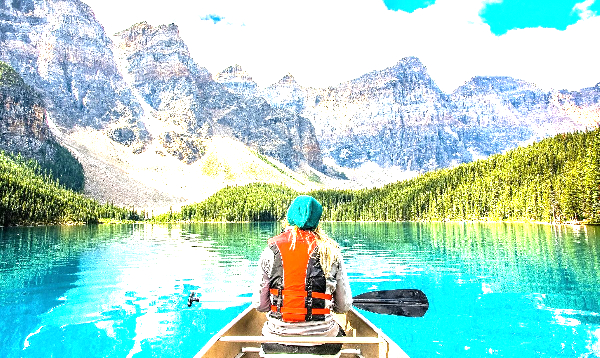
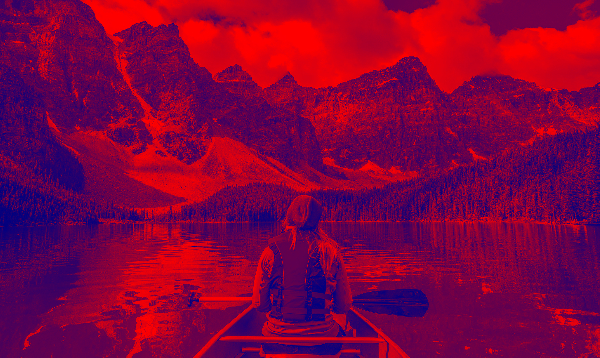
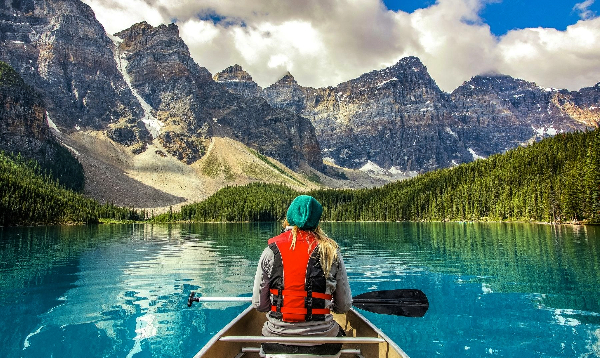
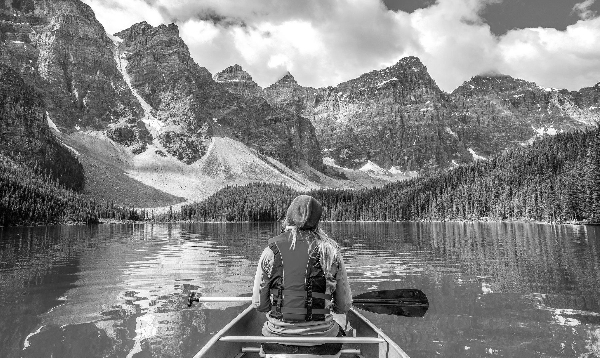
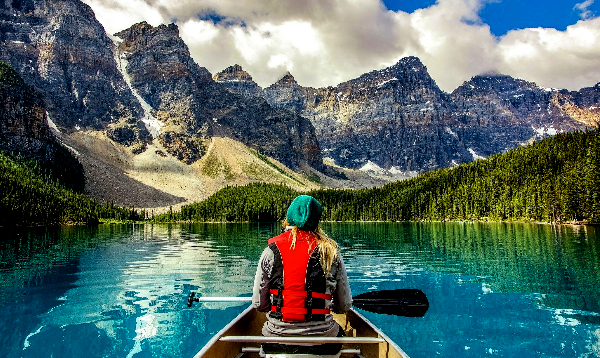
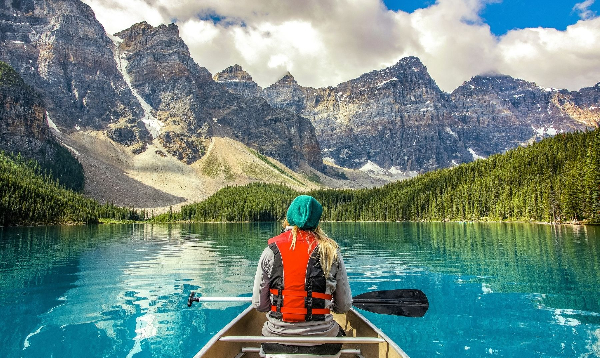
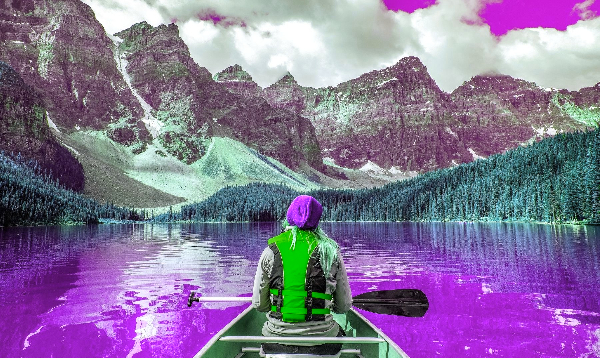
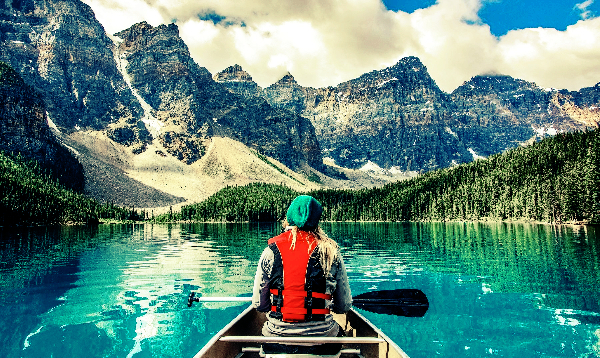
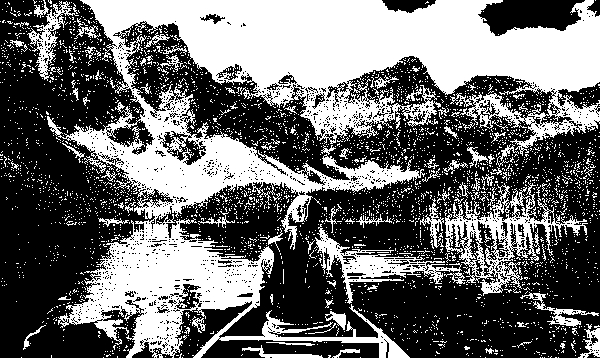
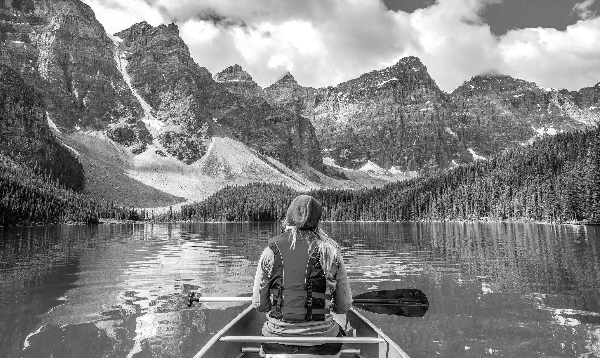
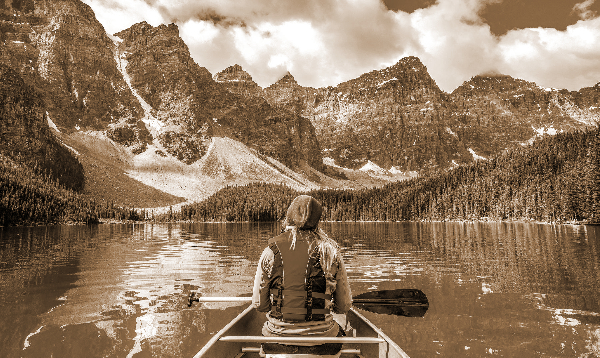

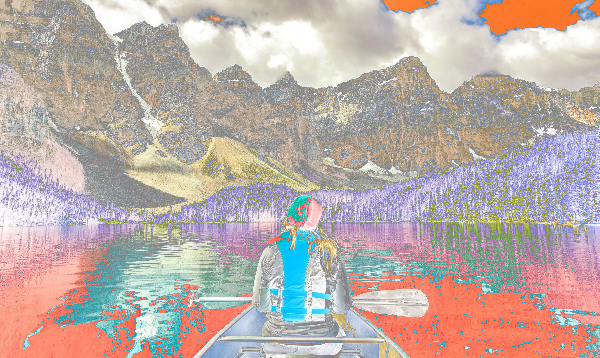
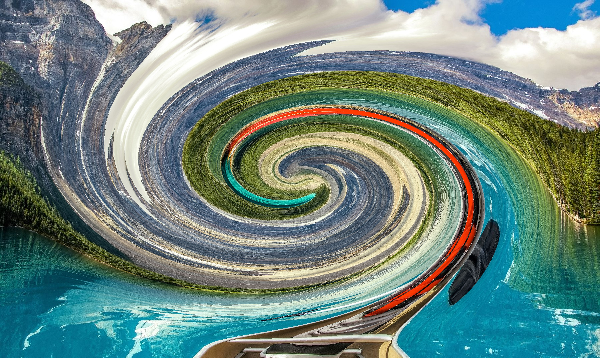
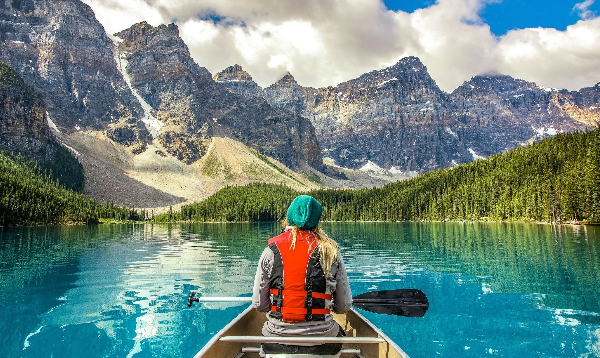
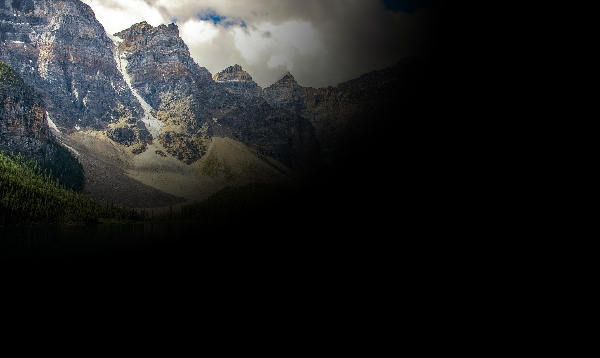
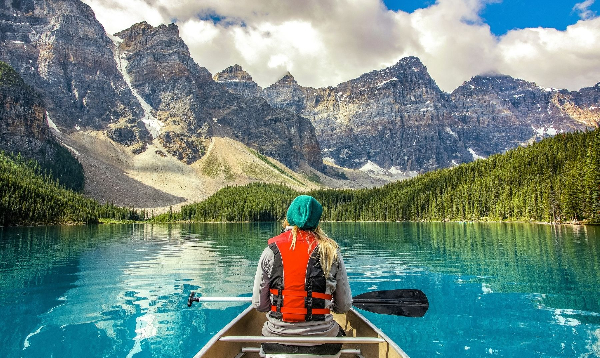
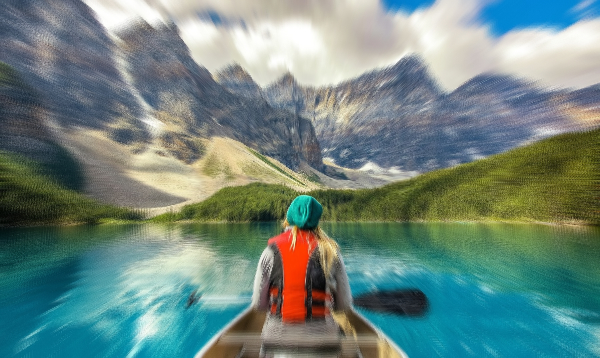

의존성 목록 10 개
^1.16.0{"sdk":"flutter"}^0.0.18^3.3.0^3.0.0^3.1.0{"sdk":"flutter"}^6.0.0^4.5.4^7.7.1사용 목적에 따라 검색하고 개발 활동을 비교한 뒤 원본 저장소에서 요구 사항을 확인하세요.
“A repository is the most basic element of GitHub.”
GitHub Docs — About repositories ↗