

 v0.1.0
sms_user_consent
사용자의 전화번호(듀얼 시م 지원)와/또는 SMS 읽기 동의를 요청하지만, 추가 권한을 추가하지 않음
85좋아요 9330일 다운로드160Pub 점수
Android
Android의 SMS 사용자 동의 API를 구현하는 Flutter 플러그인

아래는 영문 원문 스냅샷입니다. 최신 내용은 GitHub에서 확인하세요.
Request user's phone number (supports dual sim) and/or consent to read SMS without adding any permissions, using Android's SMS User Consent API
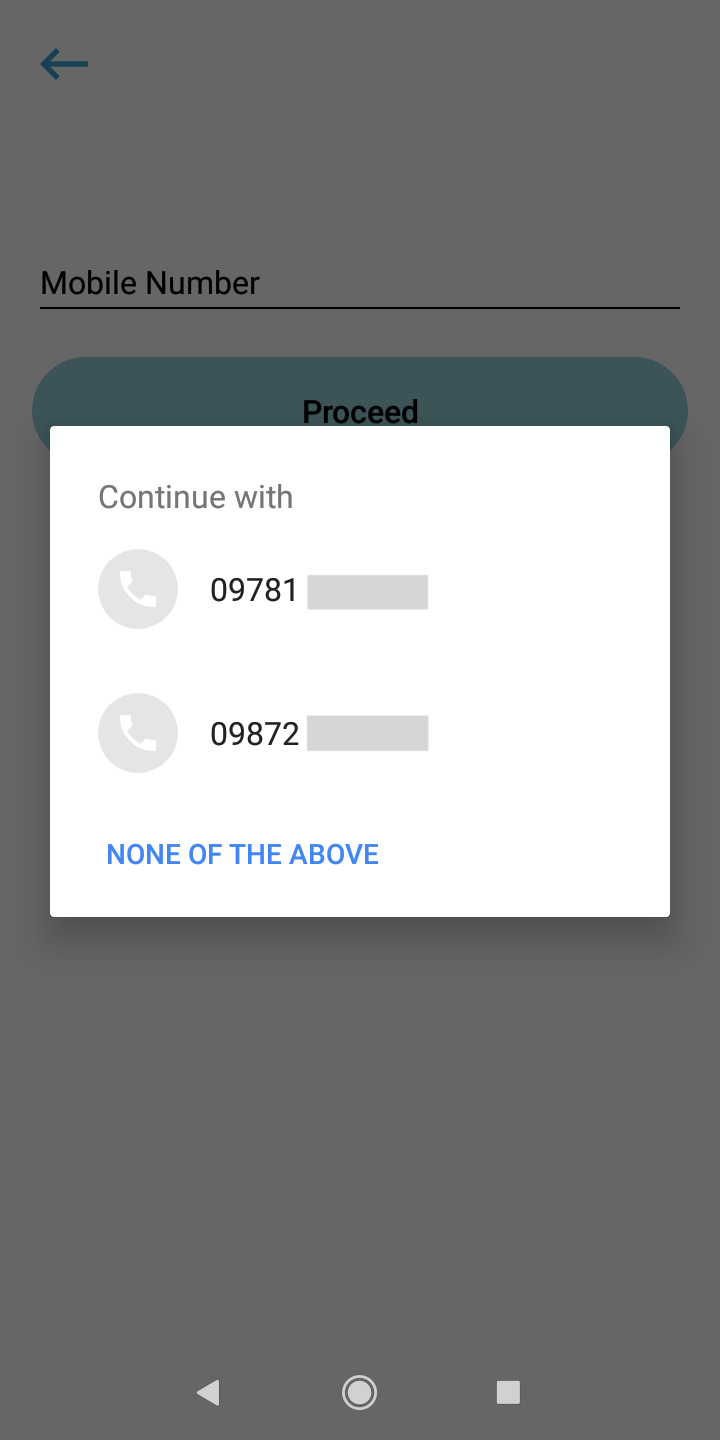
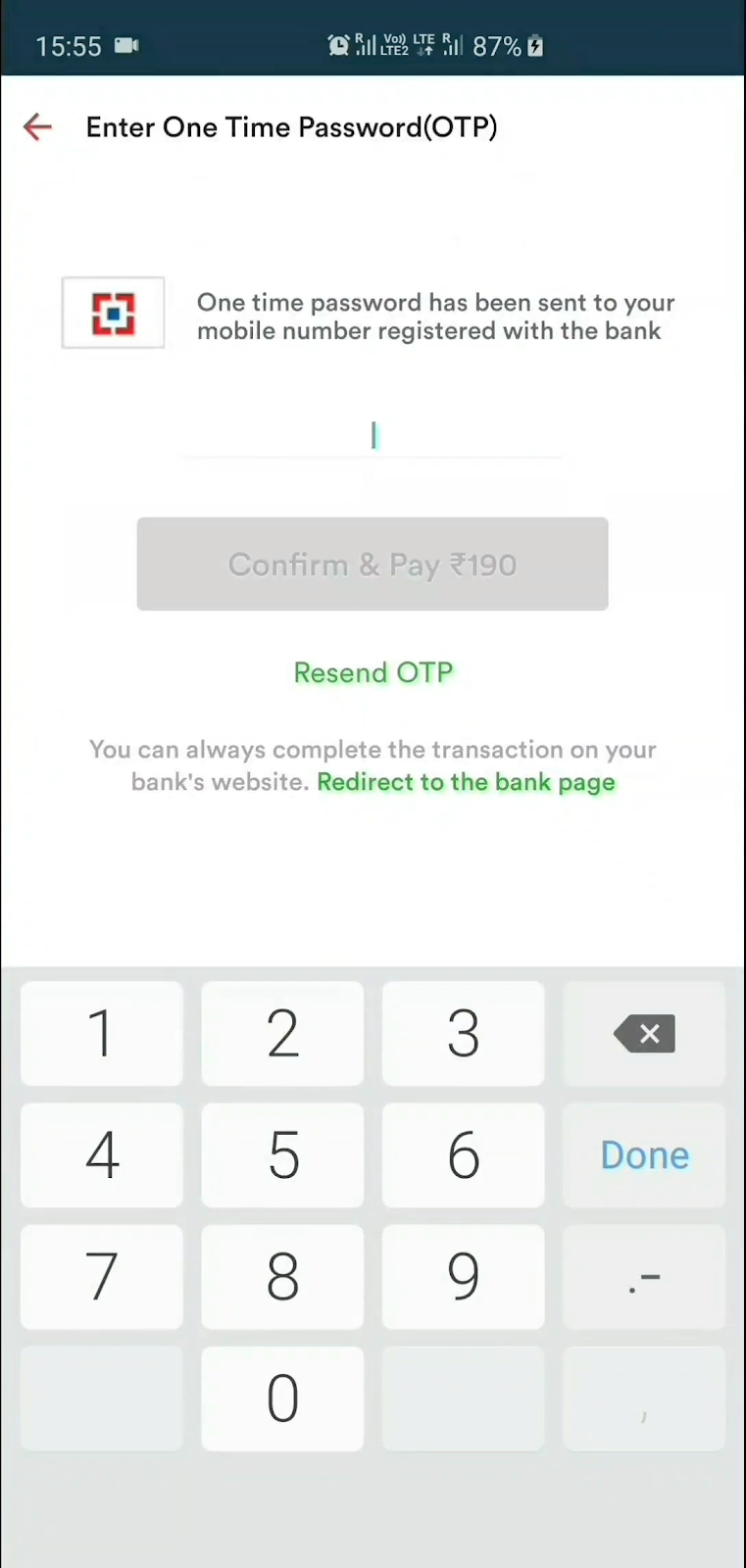
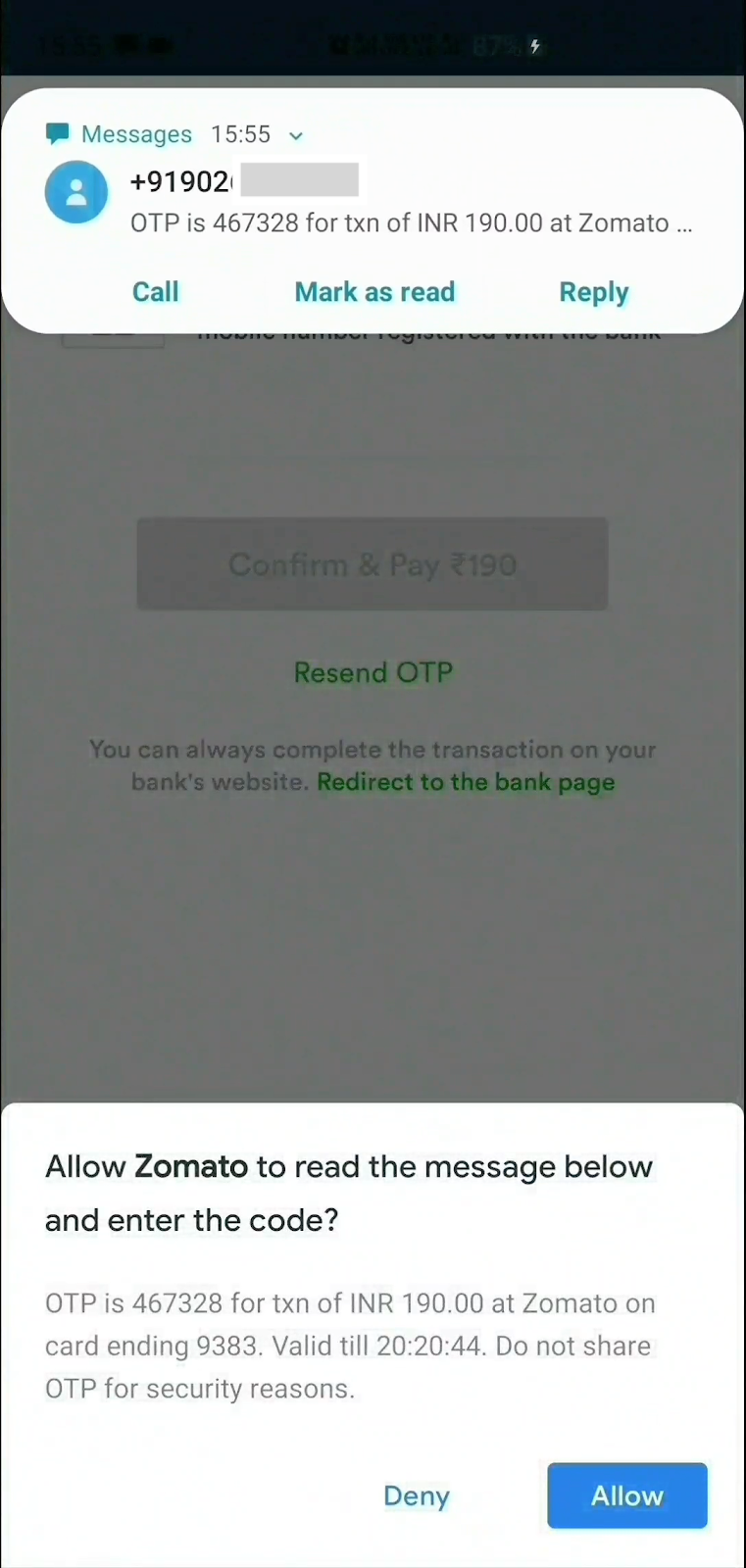
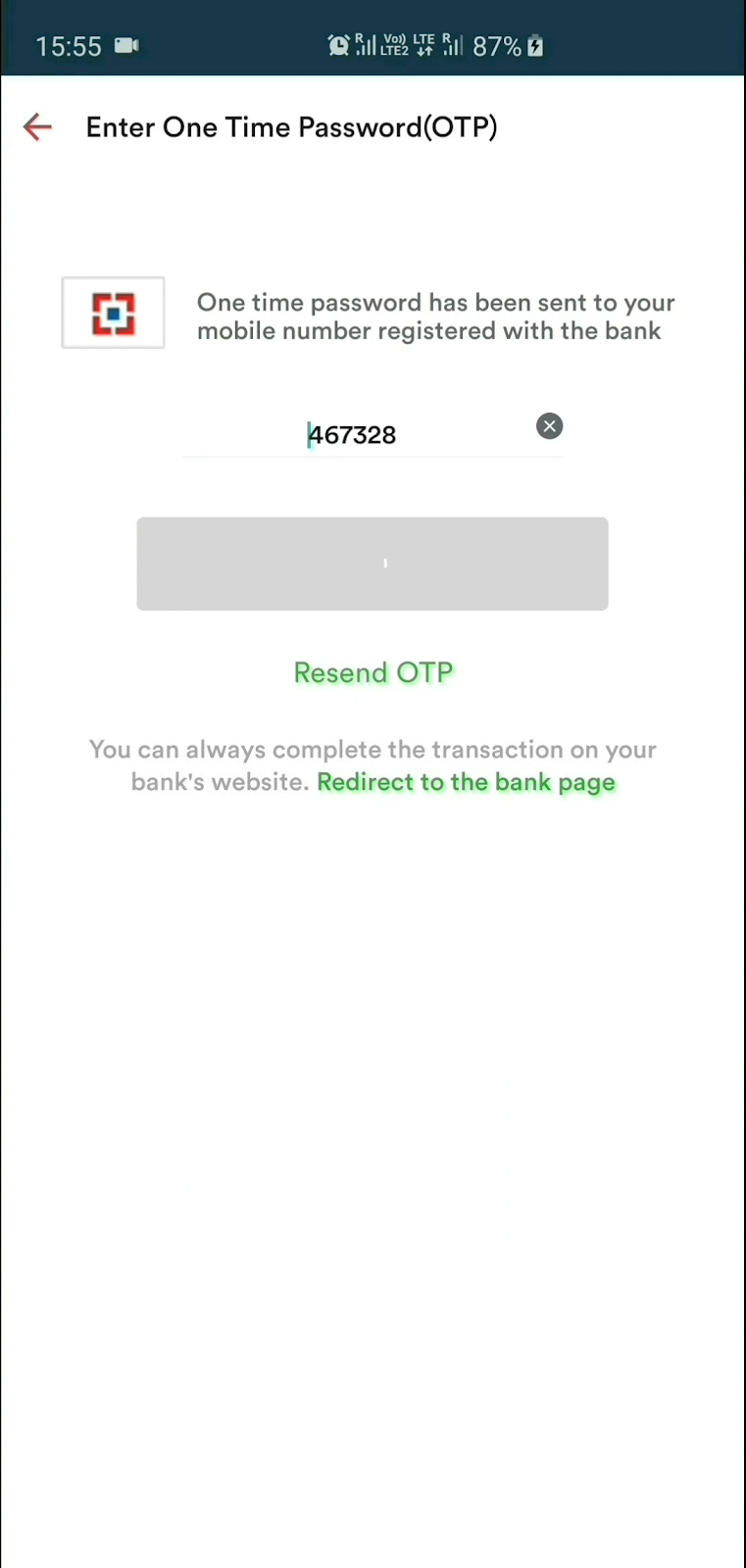
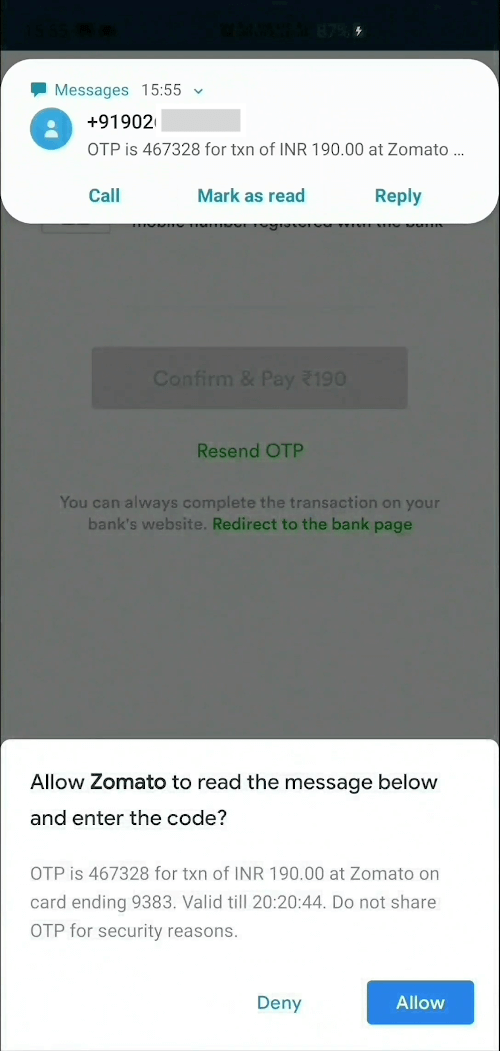
1] Create an instance, optionally supply phone number listener and sms listener
SmsUserConsent smsUserConsent = SmsUserConsent(
        // optionally, do something when user selects a number.
        // You can even add/update this listener later on by simply
        // calling smsUserConsent.updatePhoneNumberListener(updatedListener)
        phoneNumberListener: () {},

        // optionally, do something when user receives sms.
        // You can even add/update this listener later on by simply
        // calling smsUserConsent.updateSmsListener(updatedListener)
        smsListener: () {}
);
2a] OPTIONAL : Request user's phone number
smsUserConsent.requestPhoneNumber();
Once the user selects a phone number, it can be accessed as
smsUserConsent.selectedPhoneNumber;
2b] OPTIONAL : Request to receive SMS
smsUserConsent.requestSms();
or you can specify the phone number you wish to capture the SMS from
smsUserConsent.requestSms(senderPhoneNumber: sender_number);
Once the user receives a SMS and the user taps Allow, it can be accessed as
smsUserConsent.receivedSms;
3] Finally, dispose the instance
smsUserConsent.dispose();
As per the SMS User Consent API, message will be received by the plugin only if it meets these criteria:
MIT © 2020 Harsh P
의존성 목록 2 개
{"sdk":"flutter"}{"sdk":"flutter"}사용 목적에 따라 검색하고 개발 활동을 비교한 뒤 원본 저장소에서 요구 사항을 확인하세요.
“A repository is the most basic element of GitHub.”
GitHub Docs — About repositories ↗