


 v1.3.3
stories_for_flutter
인스타그램이나 왓스앱의 상태처럼, 플러터 패키지용으로 매우 사용자 정의 가능한 스토리.
97좋아요 14630일 다운로드140Pub 점수
AndroidiOSWebmacOSWindowsLinux
인스타그램이나 왓스앱의 상태처럼, 플러터 패키지용으로 매우 사용자 정의 가능한 스토리.

아래는 영문 원문 스냅샷입니다. 최신 내용은 GitHub에서 확인하세요.

A customizable flutter package that allows you to use Instagram like stories, or WhastApp like statuses in your Flutter app easily, made without using external dependencies.

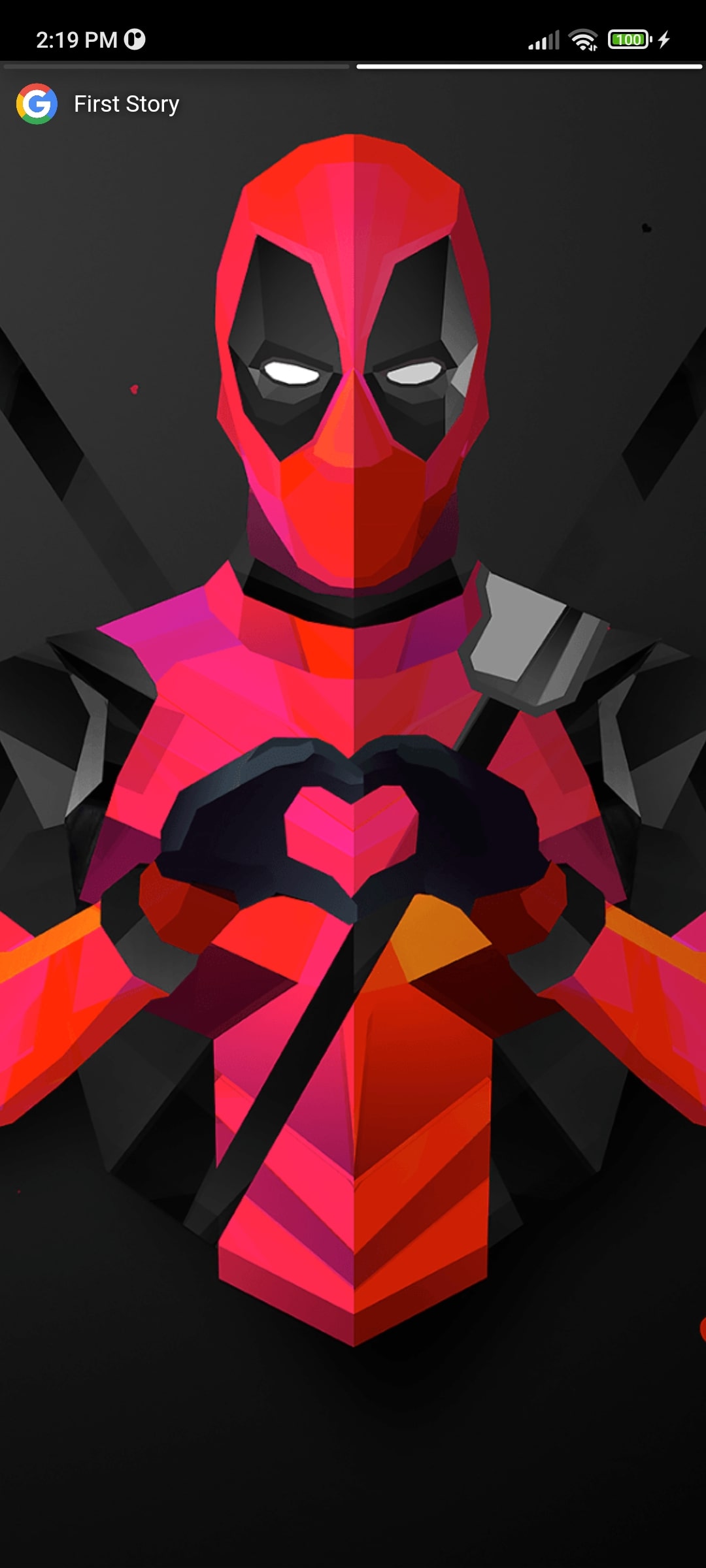

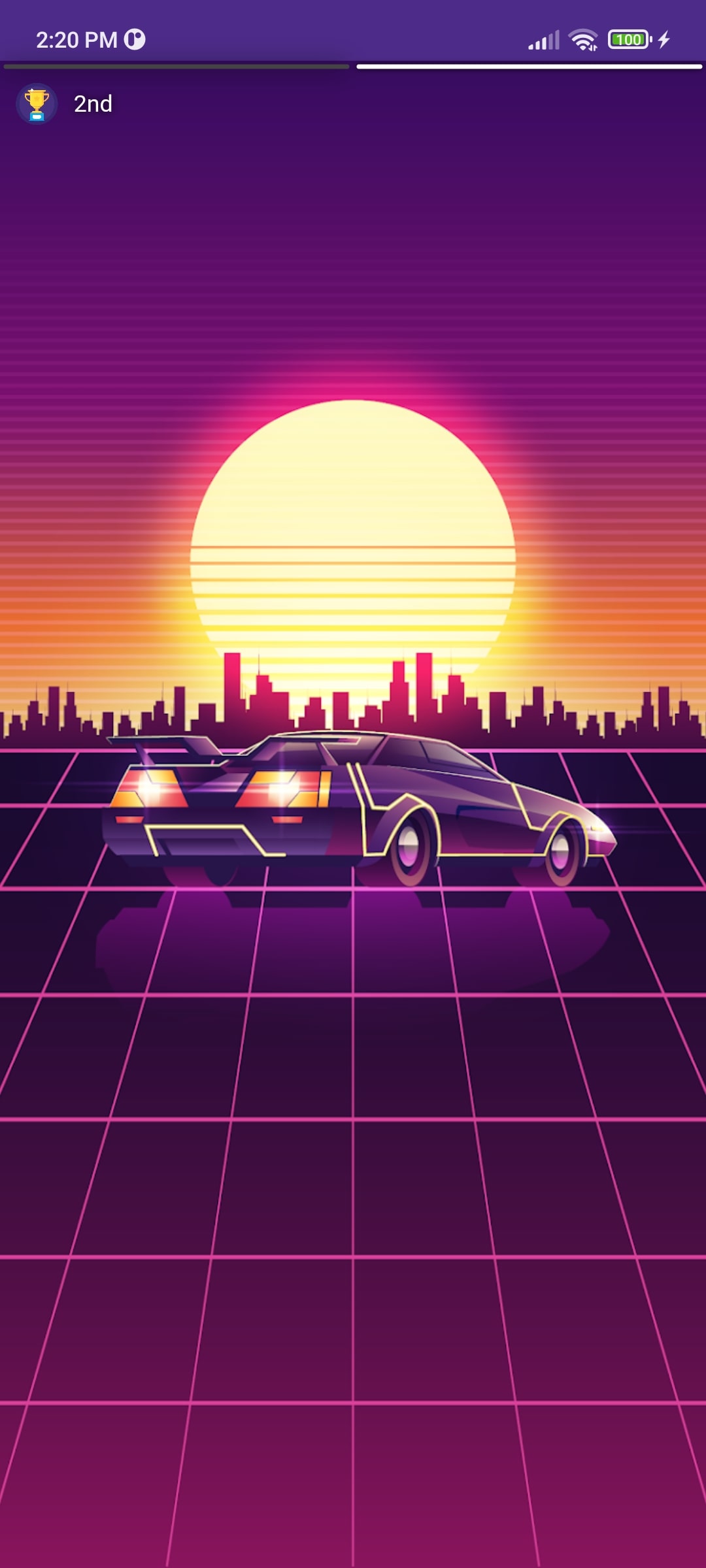

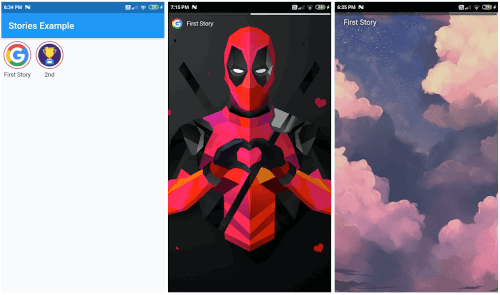
Step 1: Import the package.
import 'package:stories_for_flutter/stories_for_flutter.dart';
Step 2: Call the stories plugin and use it. Can give Scaffold to each page, making it highly customizable.
  Stories(
    storyItemList: [
      // First group of stories
      StoryItem(
          name: "First Story", // Name of first story
          thumbnail: // Add icon to first story
          stories: [
            Page1(),
            Page2(),
          ]),
      // Second story group
      StoryItem(
          name: "Second Story",
          thumbnail: // Add icon to first story
        stories: [
          Page1(),
          Page2(),
          Page3()
        ],
      ),
    ],
  );
Example:
Stories(
    displayProgress: true,
    storyItemList: [
      // First group of stories
      StoryItem(
          name: "First Story",
          thumbnail: NetworkImage(
            "https://assets.materialup.com/uploads/82eae29e-33b7-4ff7-be10-df432402b2b6/preview",
          ),
          stories: [
            // First story
            Scaffold(
              body: Container(
                decoration: BoxDecoration(
                  image: DecorationImage(
                    fit: BoxFit.cover,
                    image: NetworkImage(
                      "https://wallpaperaccess.com/full/16568.png",
                    ),
                  ),
                ),
              ),
            ),
            // Second story in first group
            Scaffold(
              body: Center(
                child: Text(
                  "Second story in first group !",
                  style: TextStyle(
                    color: Color(0xff777777),
                    fontSize: 25,
                  ),
                ),
              ),
            ),
          ]),
      // Second story group
      StoryItem(
        name: "2nd",
        thumbnail: NetworkImage(
          "https://www.shareicon.net/data/512x512/2017/03/29/881758_cup_512x512.png",
        ),
        stories: [
          Scaffold(
            body: Center(
              child: Text(
                "That's it, Folks !",
                style: TextStyle(
                  color: Color(0xff777777),
                  fontSize: 25,
                ),
              ),
            ),
          ),
        ],
      ),
    ],
  );
의존성 목록 6 개
{"sdk":"flutter"}{"sdk":"flutter"}^1.1.1^2.0.2{"sdk":"flutter"}^5.0.0사용 목적에 따라 검색하고 개발 활동을 비교한 뒤 원본 저장소에서 요구 사항을 확인하세요.
“A repository is the most basic element of GitHub.”
GitHub Docs — About repositories ↗