
v3.1.1
image_picker_for_web
image_picker의 웹 플랫폼 구현
176좋아요 447만30일 다운로드150Pub 점수
Web
Flutter로 작성된 모바일 POS 앱으로, Sunmi 장치와 호환됩니다

image_picker의 웹 플랫폼 구현
 v35.1.37
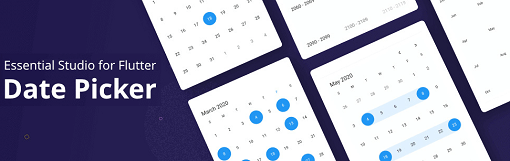
Flutter 날짜 범위 선택기 위젯은 사용자가 쉽게 날짜 또는 날짜 범위를 선택할 수 있도록 합니다. 네 가지 내장 뷰로 원하는 날짜로 빠르게 이동할 수 있습니다.
2D 및 3D 애플리케이션용 벡터 수학 라이브러리입니다.
Flutter용 로컬 저장소. React Native의 AsyncStorage 대체품입니다.
블루투스를 통해 열식 프린터에 연결하기 위한 플러터 플러그인
{"sdk":"flutter"}{"sdk":"flutter"}—>=0.17.0 <1.0.0^2.0.0^6.0.0———^4.0.0+1^0.8.4^2.0.0{"git":{"url":"https://github.com/tcd93/blue_thermal_printer","ref":"master"}}^4.0.4^22.1.39^0.55.0^0.18.0^2.1.2{"sdk":"flutter"}—^0.11.0^2.3.3아래는 영문 원문 스냅샷입니다. 최신 내용은 GitHub에서 확인하세요.
A mobile POS written in Flutter, suitable for small cafe/restaurant, fully offline.
Tested & printable on Sunmi V1S device.
sunmi_v1s
Support:
Get flutter IMPORTANT: this project works only with Flutter >= 3.10
flutter pub get
flutter run
Or
docker-compose -f .\compose-dev.yaml up -d --builddocker exec -it flutter_dev bashflutter doctor --android-licensesflutter cleanflutter run -d web-server (Visual studio code should forward the port automatically if you use Remote window)flutter test