

 v0.10.0+1
scribble
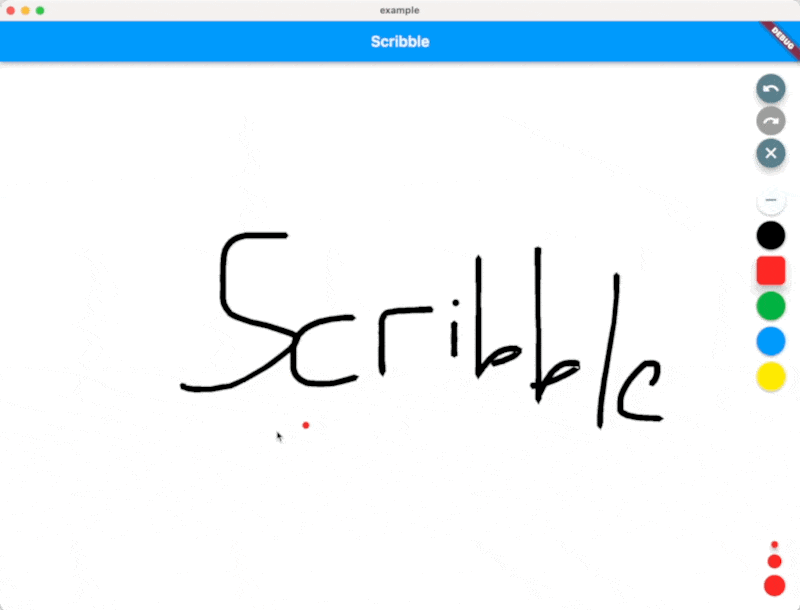
Scribble은 압력, 가변 선 너비 등을 지원하는 Flutter용 경량 자유 손그림 라이브러리입니다!
227좋아요 35030일 다운로드140Pub 점수
AndroidiOSWebmacOSWindowsLinux
Scribble은 압력, 가변 선 너비 등을 지원하는 Flutter용 경량 자유 손그림 라이브러리입니다!

아래는 영문 원문 스냅샷입니다. 최신 내용은 GitHub에서 확인하세요.



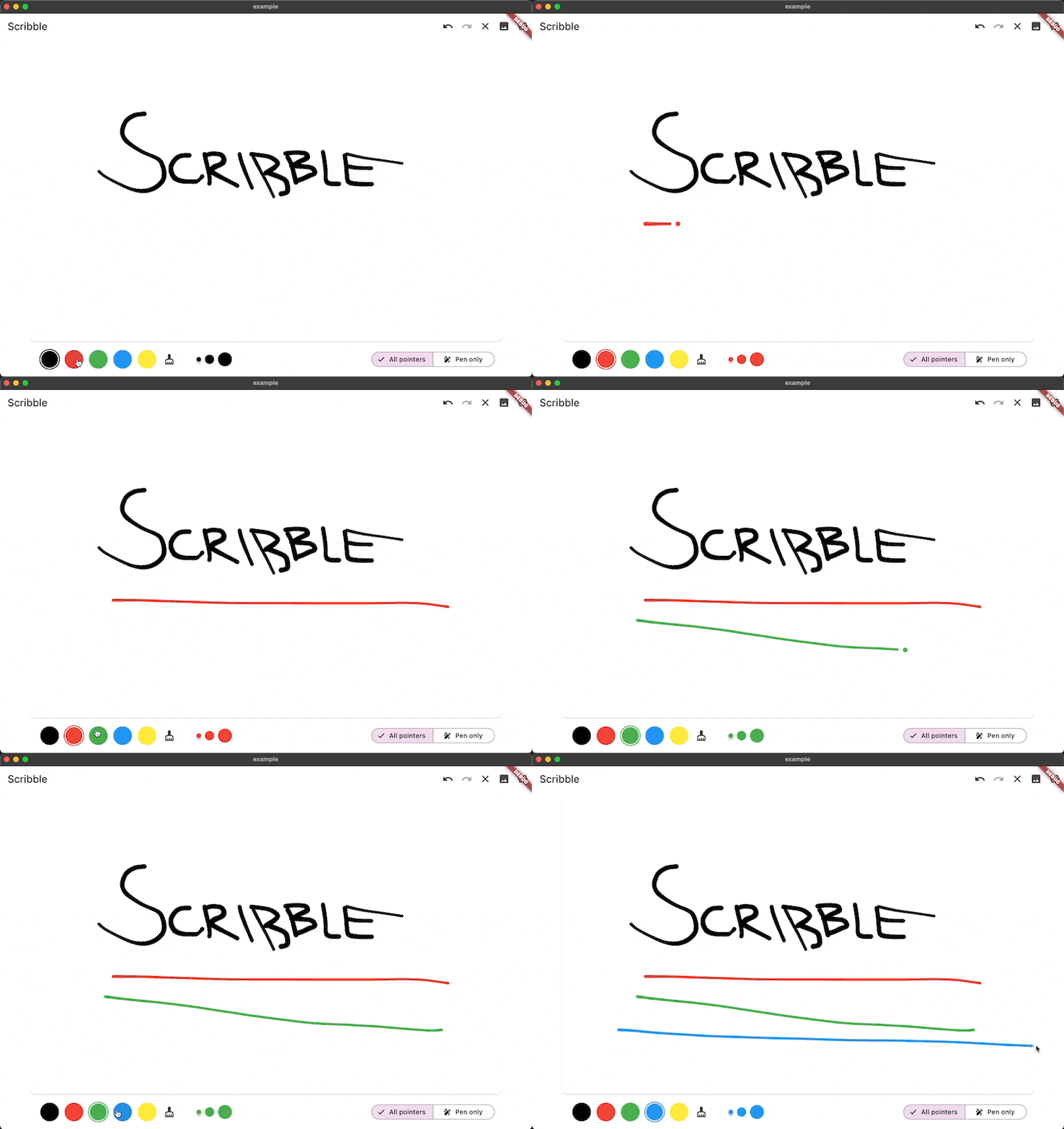
Scribble is a lightweight library for freehand drawing in Flutter supporting pressure, variable line width and more!
❗ In order to start using Scribble you must have the Dart SDK installed on your machine.
Install via dart pub add:
dart pub add scribble
You can find a full working example in the example directory
You can create a drawing surface by adding the Scribble widget to your widget tree and passing in
a ScribbleNotifier.
import 'package:flutter/material.dart';
import 'package:flutter_riverpod/flutter_riverpod.dart';

class App extends StatelessWidget {
  @override
  Widget build(BuildContext context) {
    return Scaffold(
      body: Scribble(
        notifier: notifier,
      ),
    );
  }
}
Use the public methods on ScribbleNotifier to control the behavior (for example from a button in the UI):
notifier = ScribbleNotifier();


// Set color
notifier.setColor(Colors.black);

// Clear
notifier.clear();

// Undo
notifier.undo();

// Export to Image
notifier.renderImage(pixelRatio: 2.0);

// Line details will be simplified to save space from now on
notifier.setSimplificationFactor(2);

// Simplify the entire existing sketch
notifier.simplify();

// And more ...
As mentioned above, the package is still under development, but we already use it in the app we are currently developing.
Feel free to contribute, or open issues in our GitHub repo.
의존성 목록 12 개
{"sdk":"flutter"}>=2.4.1 <3.0.0^2.3.2^0.1.1^0.1.2^2.4.9{"sdk":"flutter"}^2.4.7^6.9.5^0.3.1^6.3.3^1.0.3사용 목적에 따라 검색하고 개발 활동을 비교한 뒤 원본 저장소에서 요구 사항을 확인하세요.
“A repository is the most basic element of GitHub.”
GitHub Docs — About repositories ↗