

 v2.5.0
scratcher
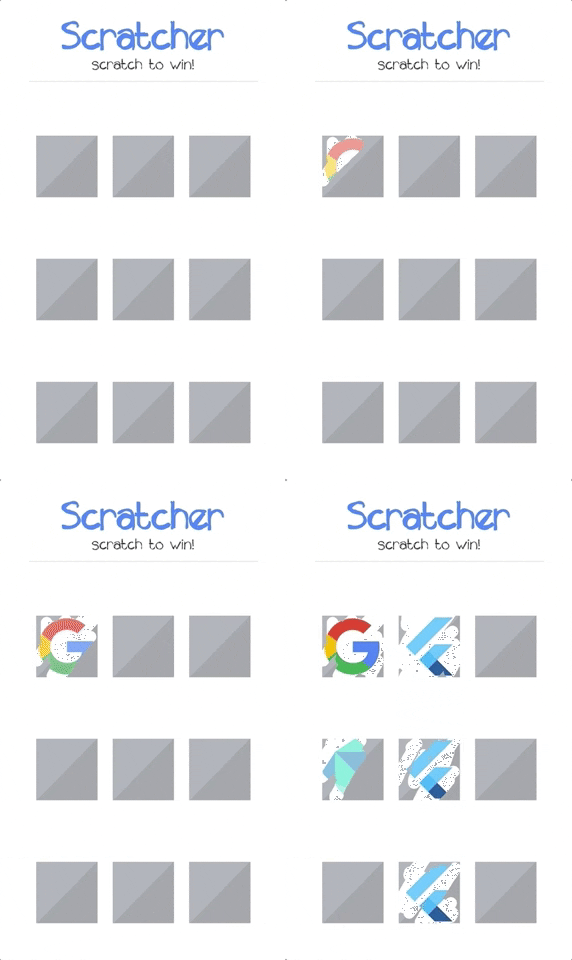
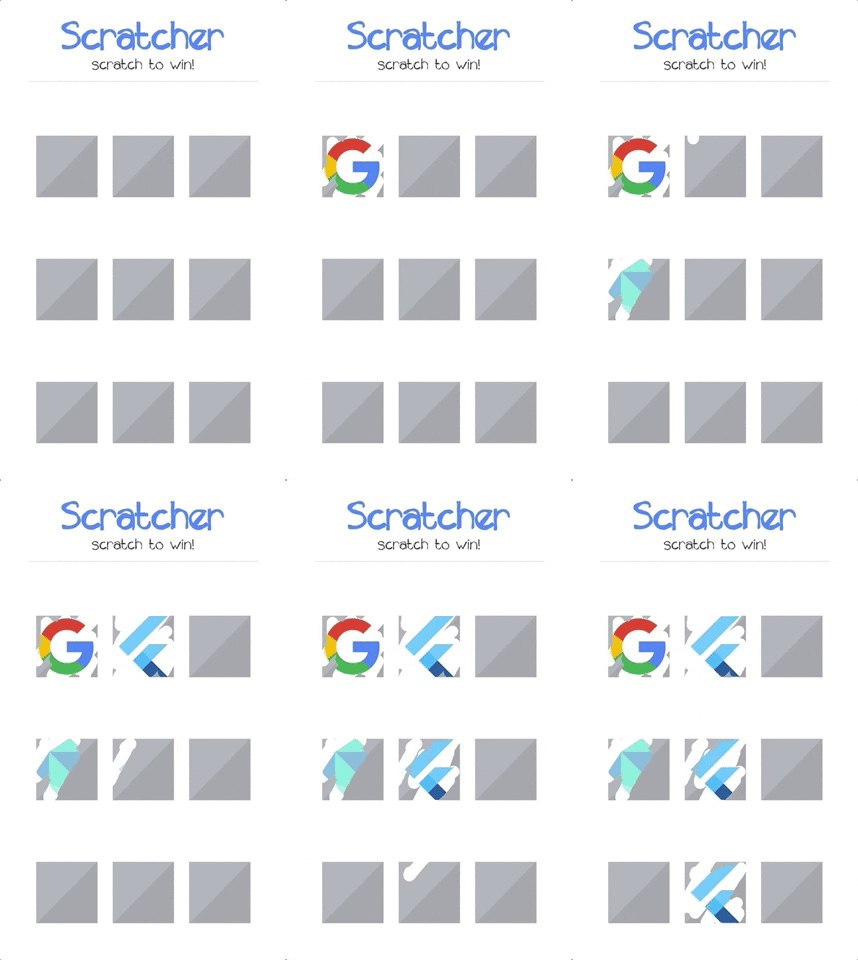
사용자의 콘텐츠를 일시적으로 숨기는 스크래치 카드 위젯입니다.
501좋아요 1.5만30일 다운로드140Pub 점수
AndroidiOSWebmacOSWindowsLinux
사용자의 콘텐츠를 일시적으로 숨기는 스크래치 카드 위젯입니다.

아래는 영문 원문 스냅샷입니다. 최신 내용은 GitHub에서 확인하세요.
Scratch card widget which temporarily hides content from the user.

pubspec.yaml:dependencies:
scratcher: "^2.5.0"
flutter pub get or through code editor.import 'package:scratcher/scratcher.dart';
Scratcher(
  brushSize: 30,
  threshold: 50,
  color: Colors.red,
  onChange: (value) => print("Scratch progress: $value%"),
  onThreshold: () => print("Threshold reached, you won!"),
  child: Container(
    height: 300,
    width: 300,
    color: Colors.blue,
  ),
)
| Property | Type | Description |
|---|---|---|
| child | Widget | Widget rendered under the scratch area. |
| enabled | bool | Whether new scratches can be applied. |
| threshold | double | Percentage level of scratch area which should be revealed to complete. |
| brushSize | double | Size of the brush. The bigger it is the faster user can scratch the card. |
| accuracy | ScratchAccuracy | Determines how accurate the progress should be reported. Lower accuracy means higher performance. |
| color | Color | Color used to cover the child widget. |
| image | Image | Image widget used to cover the child widget. |
| rebuildOnResize | bool | Determines if the scratcher should rebuild itself when space constraints change (resize). |
| onChange | Function | Callback called when new part of area is revealed (min 0.1% difference). |
| onThreshold | Function | Callback called when threshold is reached (only when defined). |
| onScratchStart | Function | Callback called when scratching starts. |
| onScratchUpdate | Function | Callback called during scratching. |
| onScratchEnd | Function | Callback called when scratching ends. |
You can control the Scratcher programmatically by assigning the GlobalKey to the widget.
final scratchKey = GlobalKey<ScratcherState>();

Scratcher(
  key: scratchKey,
  // remaining properties
)
After assigning the key, you can call any exposed methods e.g.:
RaisedButton(
  child: const Text('Reset'),
  onPressed: () {
    scratchKey.currentState.reset(duration: Duration(milliseconds: 2000));
  },
);
| Method | Description |
|---|---|
| reset | Resets the scratcher state to the initial values. |
| reveal | Reveals the whole scratcher, so than only original child is displayed. |
There is a crazy example project in the example folder. Check it out to see most of the available options.
의존성 목록 3 개
{"sdk":"flutter"}—{"sdk":"flutter"}사용 목적에 따라 검색하고 개발 활동을 비교한 뒤 원본 저장소에서 요구 사항을 확인하세요.
“A repository is the most basic element of GitHub.”
GitHub Docs — About repositories ↗