패키지, 저장소 및 앱 카테고리 검색

scratcher 표지
패키지 상세v2.5.0

scratcher

사용자의 콘텐츠를 일시적으로 숨기는 스크래치 카드 위젯입니다.

AndroidiOSWebmacOSWindowsLinux
30일 다운로드
1.5만
좋아요
501
Pub 점수
140

패키지 설치

flutter pub add scratcher

패키지 개요

공개 정보를 바탕으로 생성한 선택 가이드입니다.

스크래처 패키지는 사용자가 '긁어내기'할 때까지 콘텐츠를 일시적으로 숨기는 스크래치 카드 경험을 시뮬레이션하는 플러터 위젯을 제공합니다. 게임화 인터페이스, 보상 시스템, 앱 내의 놀라움을 드러내는 기능에 이상적입니다. 모바일, 웹, 데스크톱을 포함한 모든 주요 플랫폼에서 터치 상호작용을 지원합니다. 사용자 맞춤형 스크래치 효과와 시각 피드백은 사용자 참여도를 높입니다. 성능과 통합 용이성을 고려해 설계되었으며, 복잡한 구현 없이도 인터랙티브 요소를 추가하고자 하는 개발자에게 완벽합니다.

사용 사례

  • 게임화 앱 보상
  • 숨겨진 콘텐츠가 표시됨
  • 인터랙티브 프로모션
  • 디지털 스크래치 카드
  • 사용자 참여 기능

주요 기능

  • 크로스 플랫폼 지원
  • 사용자 정의 가능한 긁기 효과
  • 터치 상호작용 처리
  • 부드러운 애니메이션
  • Flutter와의 간편한 통합
  • 사용자 정의 스크래치 불투명도

적합한 대상

  • 상호작용 가능한 UI를 찾는 앱 개발자
  • 게임화 프로젝트
  • 놀라움 요소가 포함된 마케팅 캠페인
  • 노출 메커니즘을 가진 교육용 앱
  • 간단한 보상 기반 애플리케이션

고려 사항

  • 저사양 기기에서 성능에 영향을 미칠 수 있습니다
  • 고급 스크래치 패턴에 대한 사용자 정의가 제한됨
  • 고보안 콘텐츠 숨기기에 적합하지 않습니다
  • 접근성에 대한 신중한 설계가 필요합니다
  • 경량 콘텐츠와 함께 사용하는 것이 가장 좋습니다

원본 README

연결된 소스 저장소의 README 원문 스냅샷입니다. 최신 내용은 저장소에서 확인하세요.

scratcher

Scratch card widget which temporarily hides content from the user.

Version

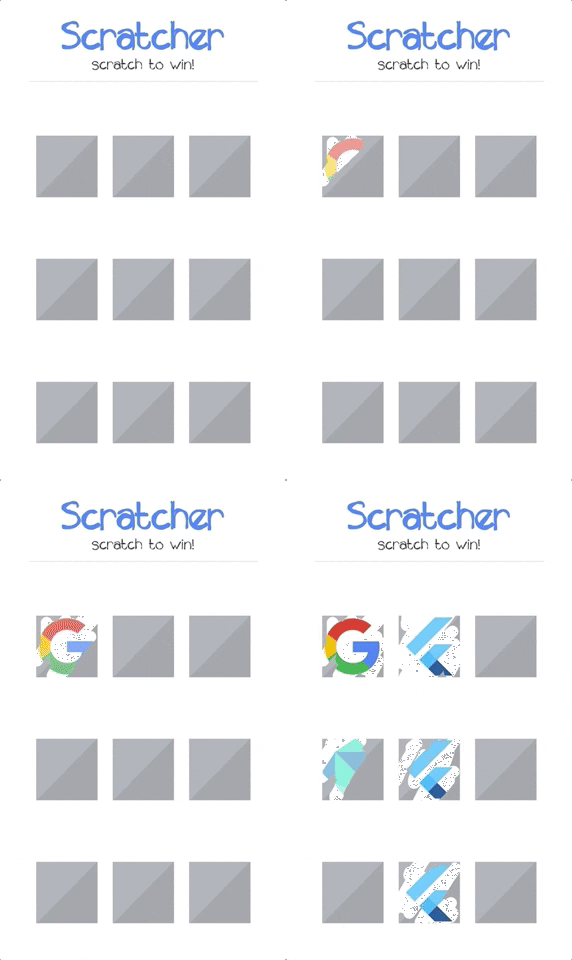
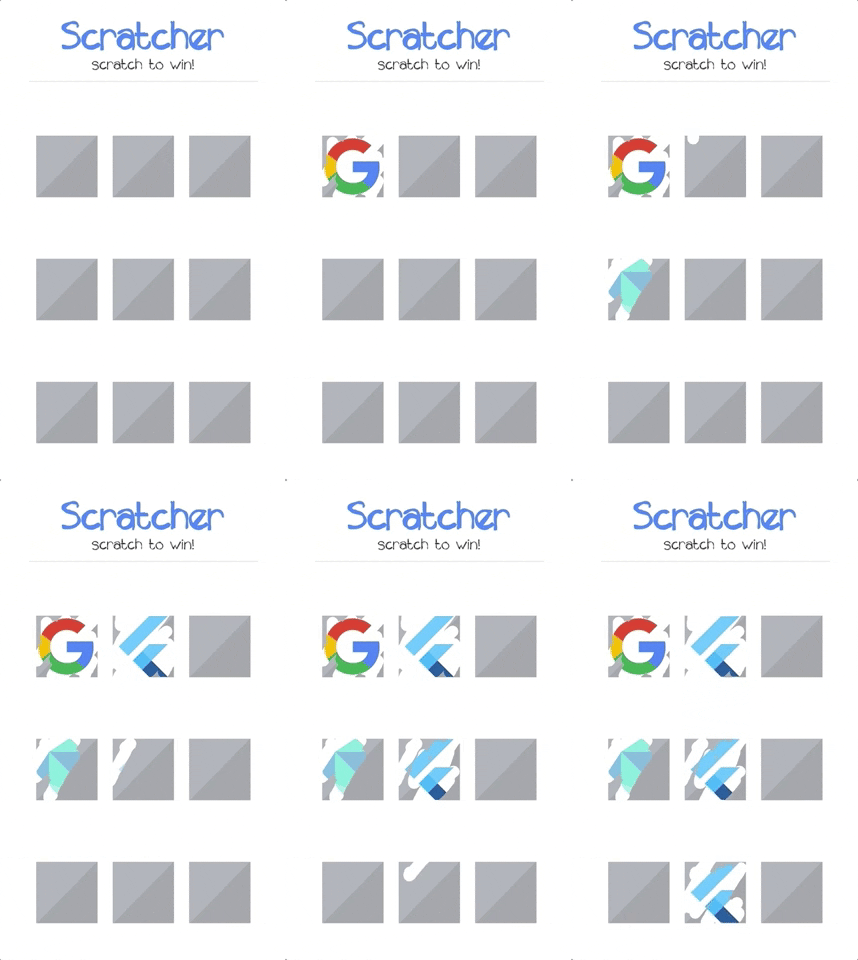
Demo

Features

  • Supported platforms:
    • Android
    • iOS
    • Web (CanvasKit only)
  • Cover content with full color or custom image
  • Track the scratch progress and threshold
  • Fully configurable

Getting started

  1. First thing you need to do is adding the scratcher as a project dependency in pubspec.yaml:
dependencies:
 scratcher: "^2.5.0"
  1. Now you can install it by running flutter pub get or through code editor.

Setting up

  1. Import the library:
import 'package:scratcher/scratcher.dart';
  1. Cover desired widget with the scratch card:
Scratcher(
  brushSize: 30,
  threshold: 50,
  color: Colors.red,
  onChange: (value) => print("Scratch progress: $value%"),
  onThreshold: () => print("Threshold reached, you won!"),
  child: Container(
    height: 300,
    width: 300,
    color: Colors.blue,
  ),
)

Properties

Property Type Description
child Widget Widget rendered under the scratch area.
enabled bool Whether new scratches can be applied.
threshold double Percentage level of scratch area which should be revealed to complete.
brushSize double Size of the brush. The bigger it is the faster user can scratch the card.
accuracy ScratchAccuracy Determines how accurate the progress should be reported. Lower accuracy means higher performance.
color Color Color used to cover the child widget.
image Image Image widget used to cover the child widget.
rebuildOnResize bool Determines if the scratcher should rebuild itself when space constraints change (resize).
onChange Function Callback called when new part of area is revealed (min 0.1% difference).
onThreshold Function Callback called when threshold is reached (only when defined).
onScratchStart Function Callback called when scratching starts.
onScratchUpdate Function Callback called during scratching.
onScratchEnd Function Callback called when scratching ends.

Programmatic access

You can control the Scratcher programmatically by assigning the GlobalKey to the widget.

final scratchKey = GlobalKey<ScratcherState>();

Scratcher(
  key: scratchKey,
  // remaining properties
)

After assigning the key, you can call any exposed methods e.g.:

RaisedButton(
  child: const Text('Reset'),
  onPressed: () {
    scratchKey.currentState.reset(duration: Duration(milliseconds: 2000));
  },
);
Method Description
reset Resets the scratcher state to the initial values.
reveal Reveals the whole scratcher, so than only original child is displayed.

Example Project

There is a crazy example project in the example folder. Check it out to see most of the available options.

Resources

카테고리

소스 저장소

이 패키지를 사용하는 프로젝트