
 v2.14.1
video_player
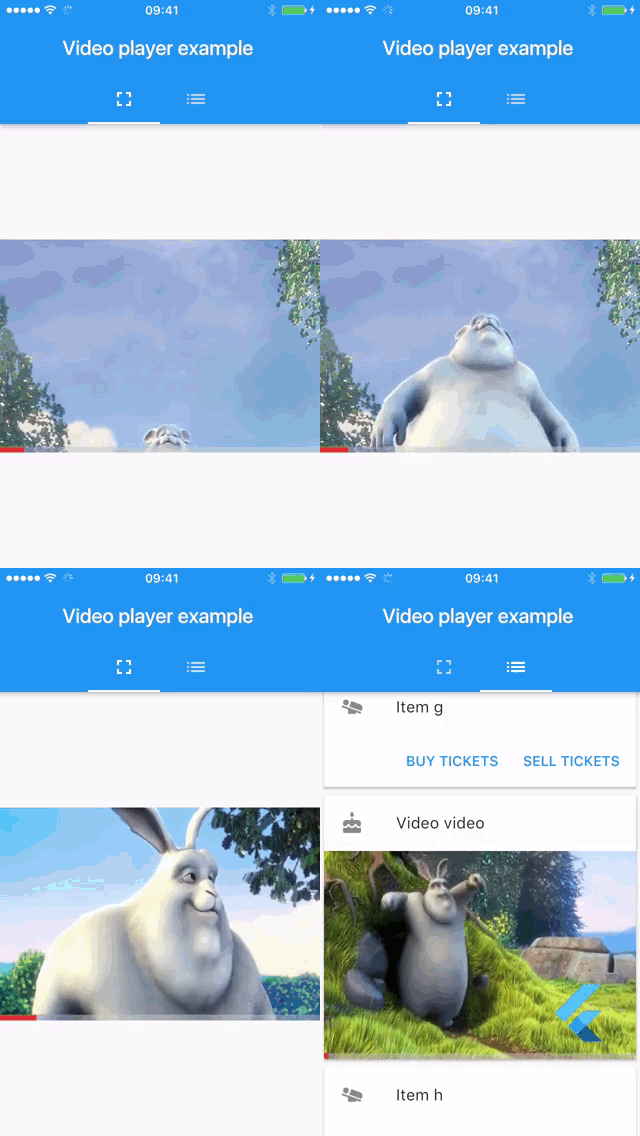
Android, iOS, macOS 및 웹에서 다른 Flutter 위젯과 함께 인라인 비디오를 표시하기 위한 Flutter 플러그인입니다.
3.7천좋아요 392만30일 다운로드150Pub 점수
AndroidiOSWebmacOS
Delta 형식(Quill 포크) 기반의 Flutter용 리치 텍스트 에디터
아래는 영문 원문 스냅샷입니다. 최신 내용은 GitHub에서 확인하세요.
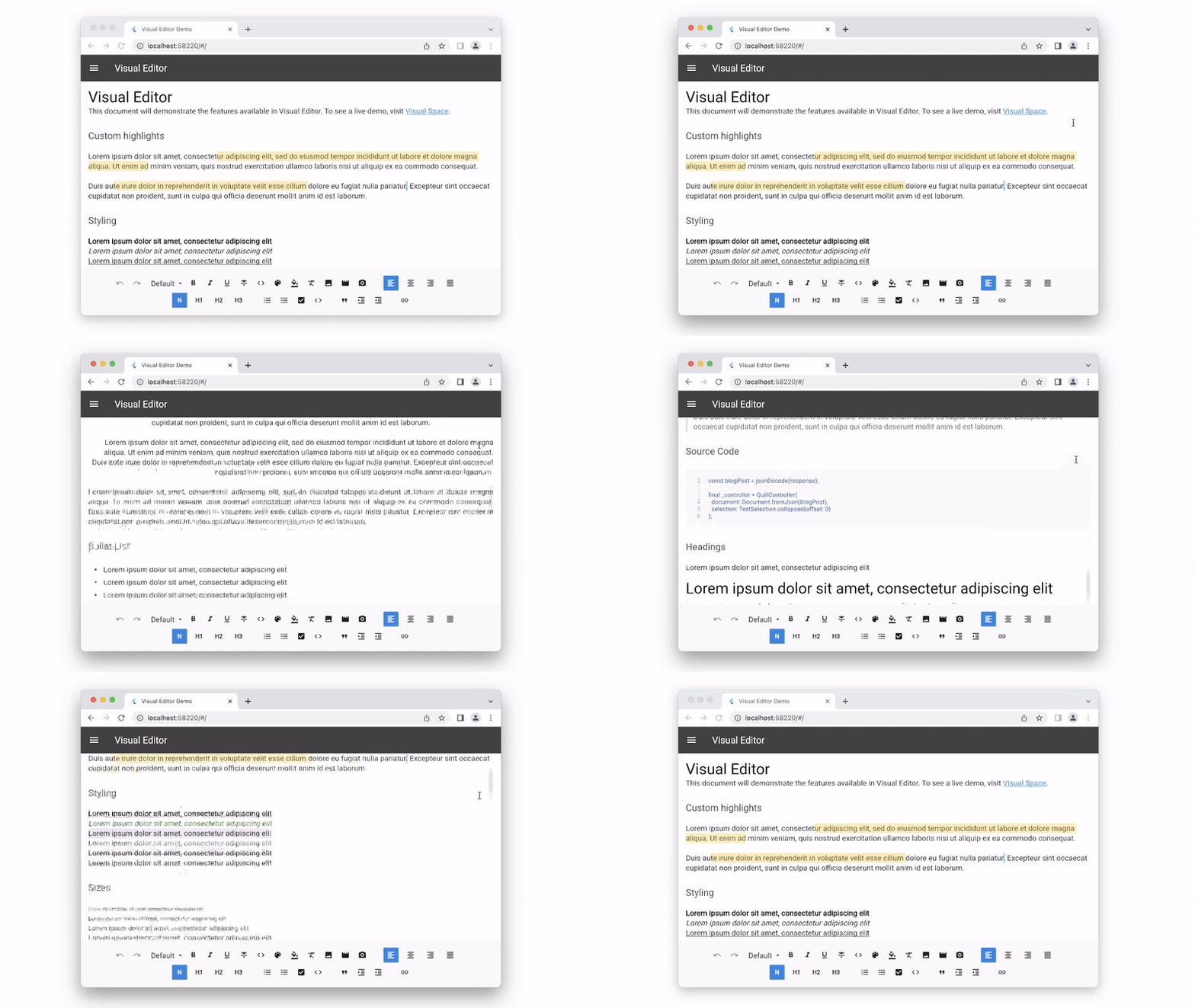
Visual Editor is a Rich Text editor for Flutter originally forked from Flutter Quill. The editor is built around the powerful Quilljs Delta document format originally developed by QuillJs. Delta documents can be easily converted to JSON, the encoding is easy to read and modify and offers many extensibility options. This document explains the reasons why we forked Quill and the improvements that were made.
You can edit delta docs on the server side using DocumentController. This can come in handy for a couple of scenarios:
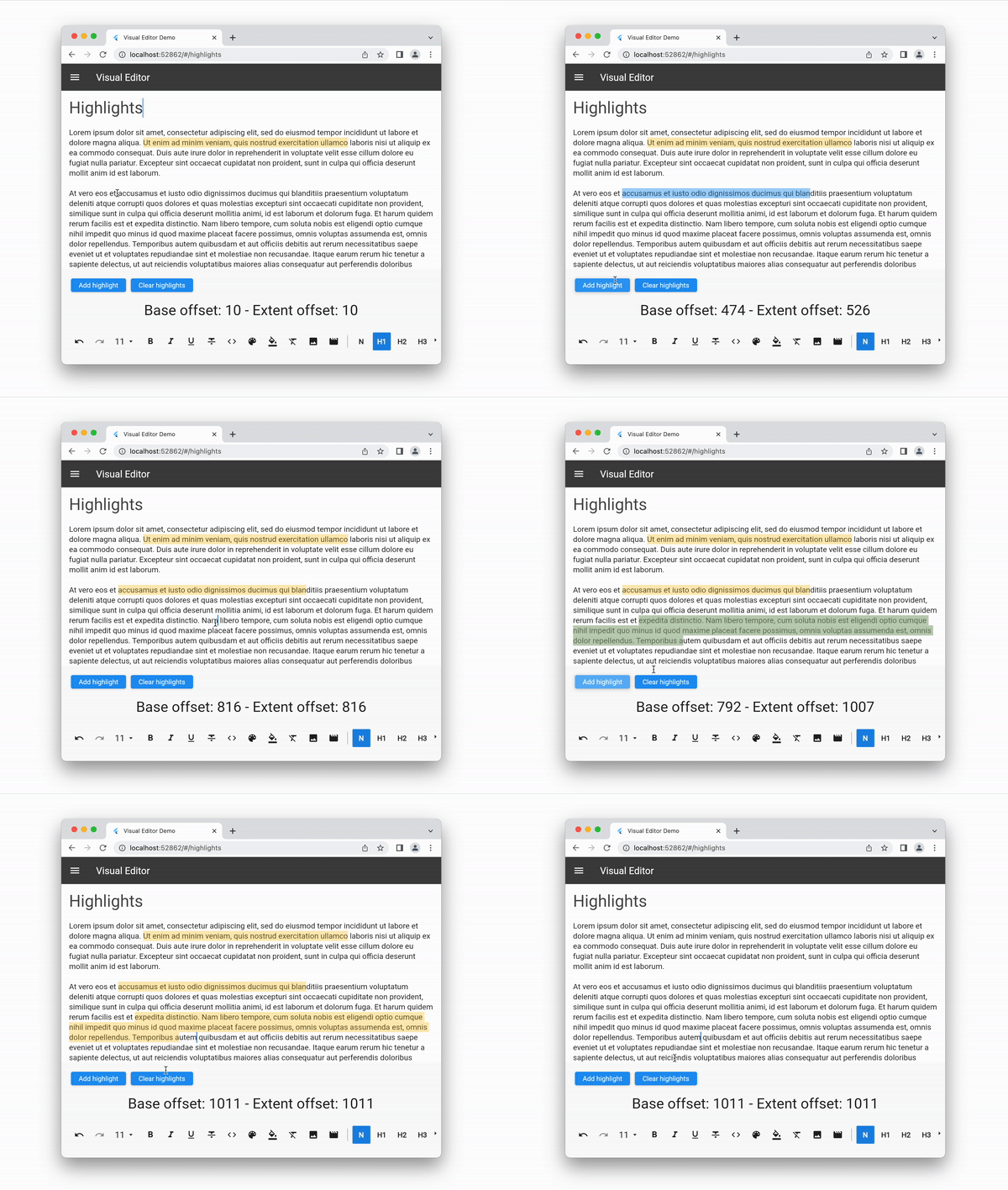
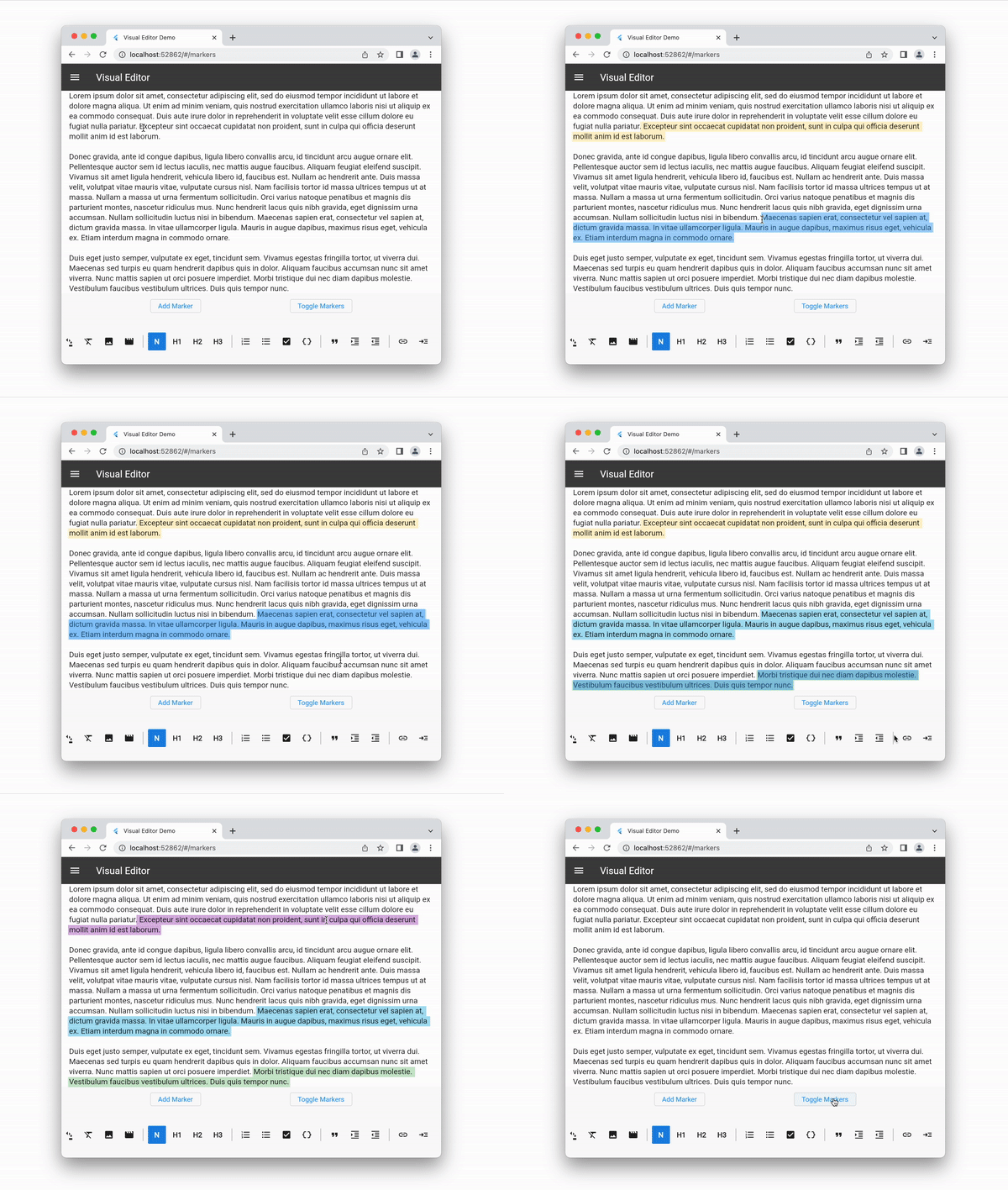
Highlight custom regions of text with temporary markers that are sensitive to taps and hovering. Highlights are not stored in the delta document. Useful when you want to temporarily showcase a particular range of text. Check out the highlights docs.
Markers have similar mechanics as highlights but instead of being stored temporarily in the controller they are stored permanently in the document. Markers can be enabled or disabled on demand. Check out the markers docs.
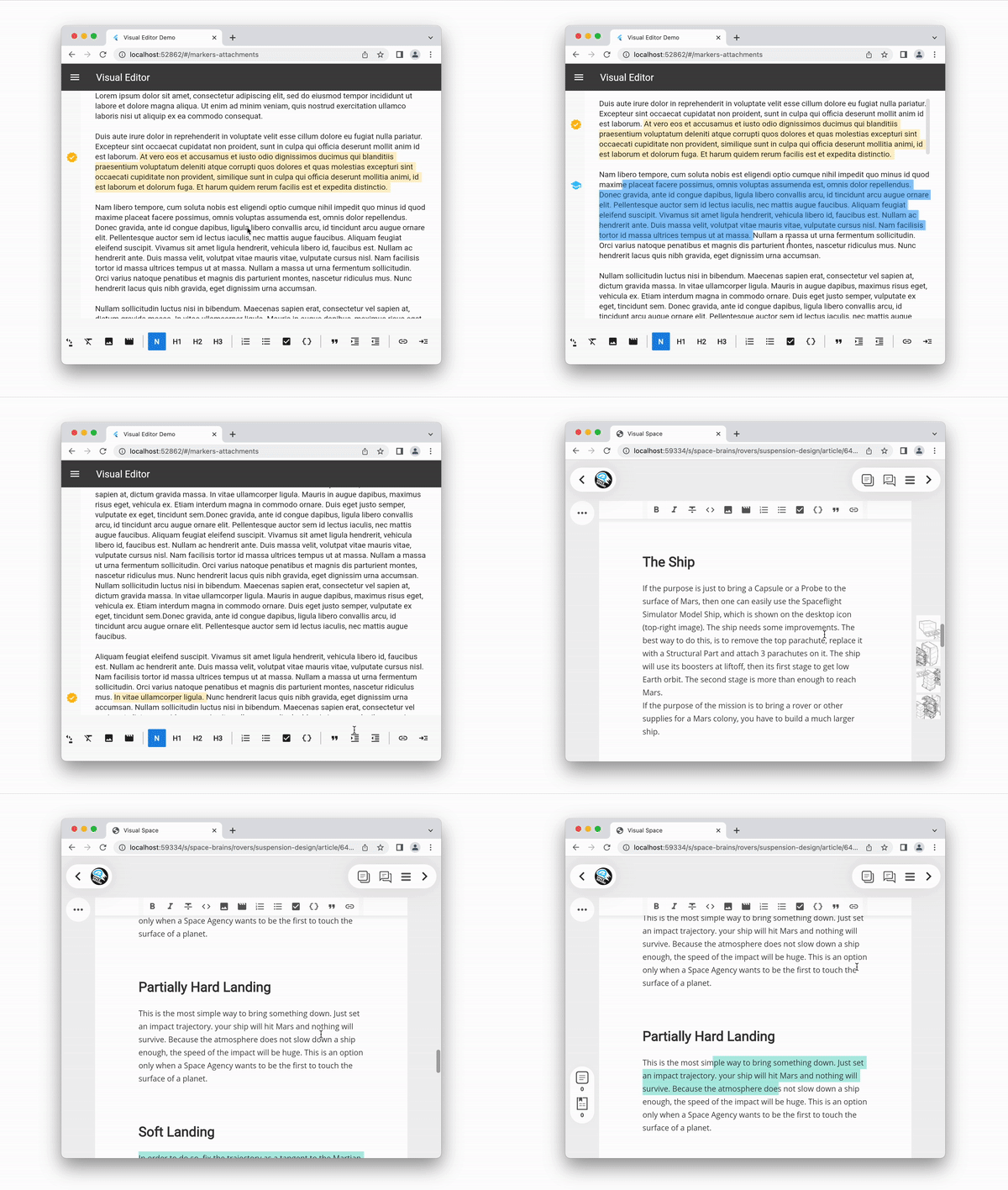
Markers can have attachments assigned to them. Custom data can be stored in the attachments. Visual Editor exposes the necessary hooks to implement markers attachments. You can easily customize all the behaviors/rendering. Check out the markers docs.
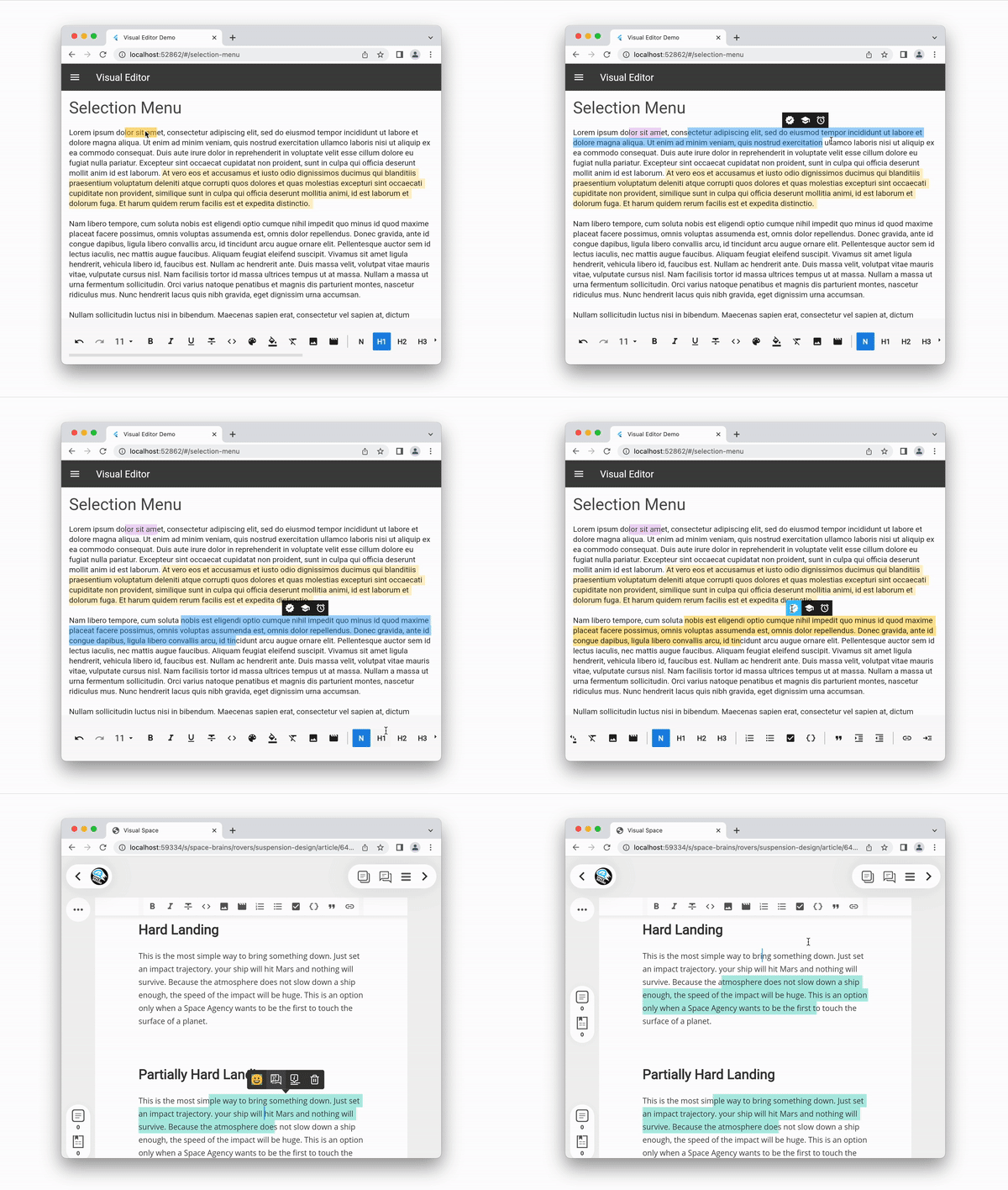
A quick menu can be displayed on top of the current text selection, on top of highlights or markers, or any arbitrary region of text. Visual Editor exposes the necessary hooks to implement custom menus. You can easily customize all the behaviors/rendering.
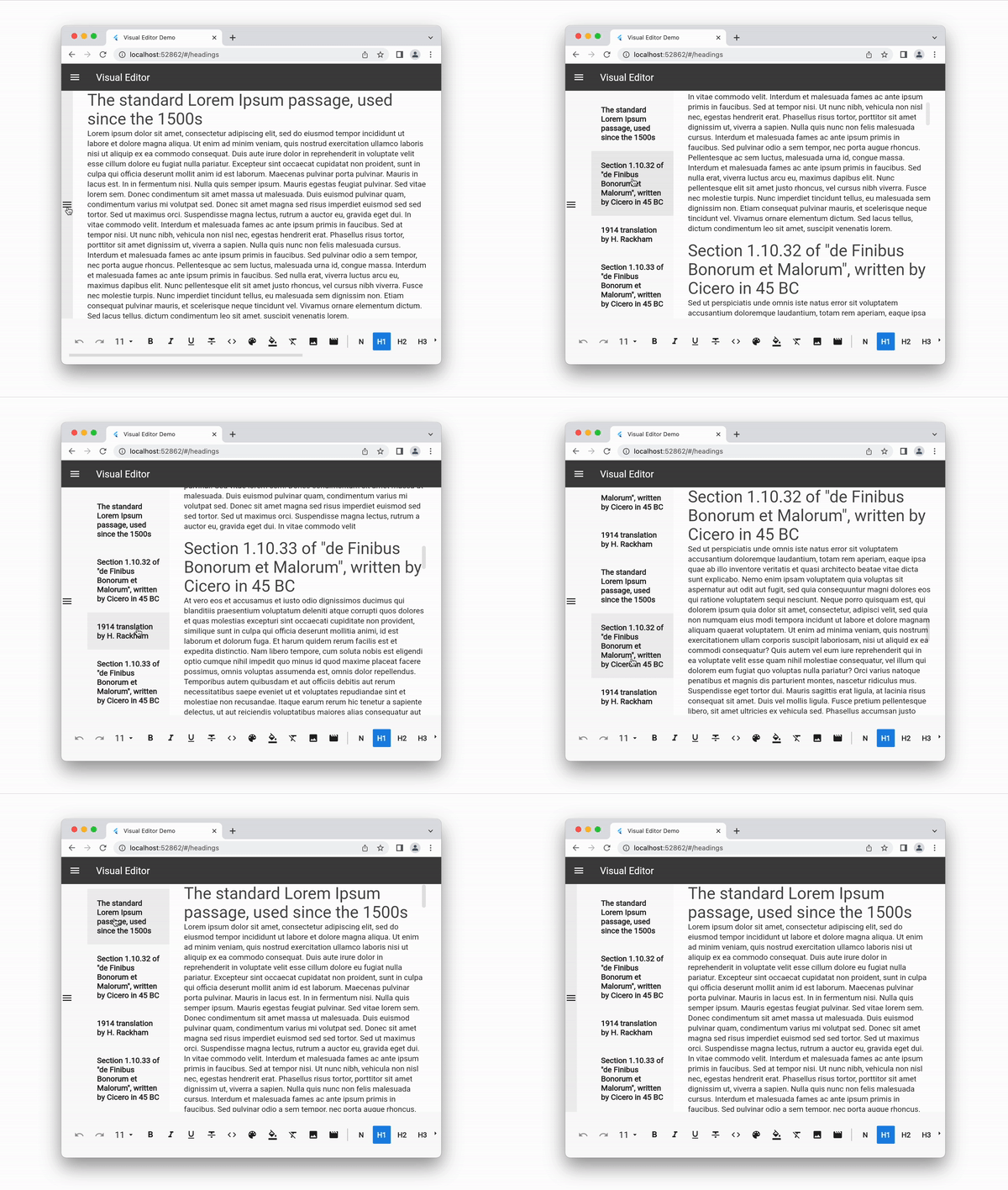
A document index can be displayed. Tapping the headings will scroll the document to the correct position. Visual Editor exposes the necessary hooks to implement custom menus. You can easily customize all the behaviors/rendering.
Fancy behaviors such as custom validation of heading lengths can be implemented. We extract a list of headings, we check against custom validation rules and we display highlights where we spot problems. This is by no means a standard feature in rich text editors, therefore we expose the hooks needed to implement it. You can easily customize all the behaviors/rendering.
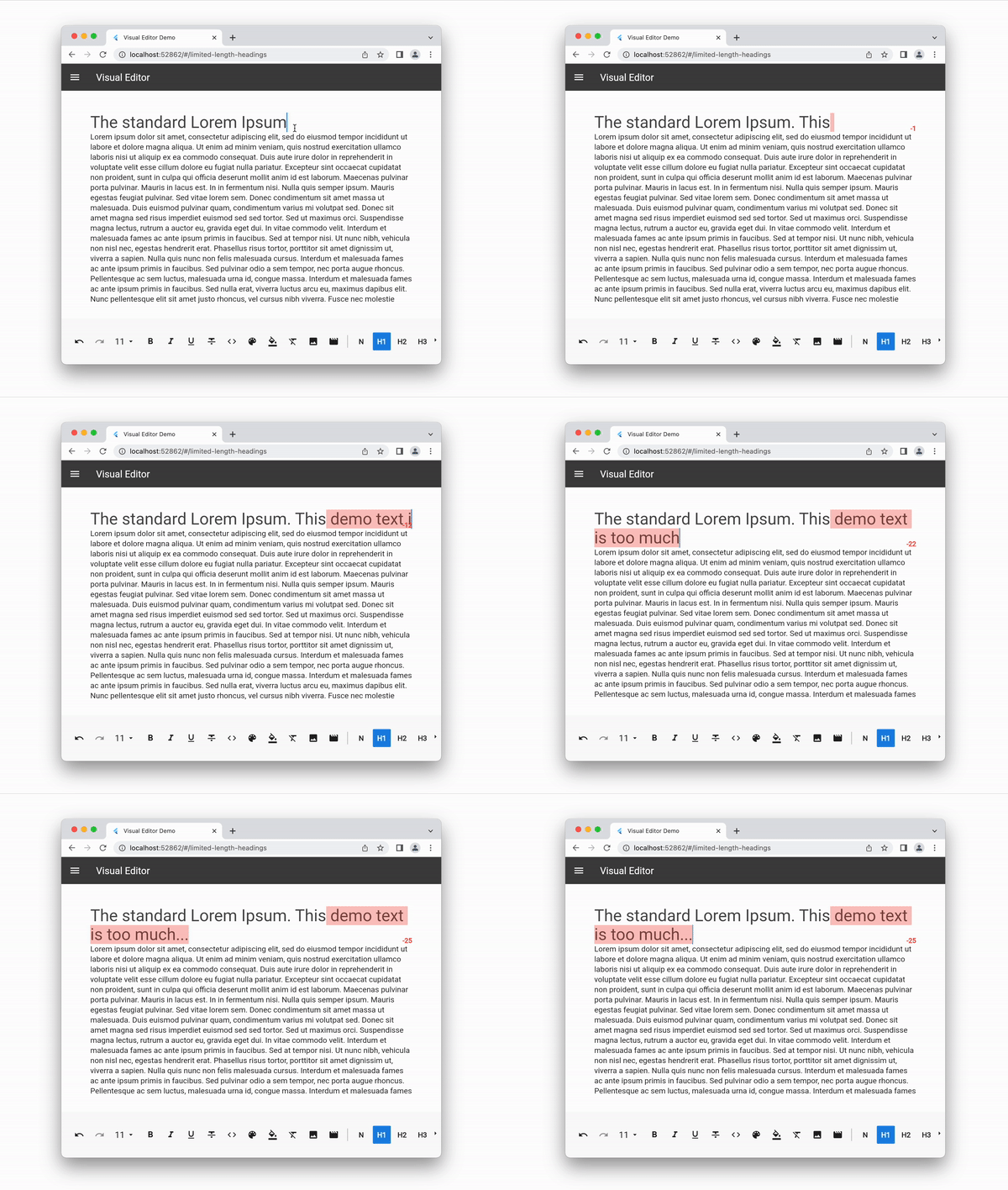
Inside of delta document you can inject any type of custom embed. Custom embeds store the data necessary to init the embed. In order to render custom embeds client apps need to provide the custom embed builders. Visual Editor exposes the necessary hooks to implement custom menus. You can easily customize all the behaviors/rendering. Check out the custom embeds docs.
Clicking on a link/text (which is set as a link) opens the link menu, which displays the url of the link, in order to open the link into another tab, beside the URL, there are 3 buttons. One for removing the link, leaving the text as it is without the link attribute. Second the edit link which opens the edit link menu. Third is the copy to clipboard menu.
The current version is getting close to a clean state. Visual Editor will soon be ready to be published in pub.dev without major changes. Until then you can use it by linking directly from Github:
dependencies:
  visual_editor:
    git: https://github.com/visual-space/visual-editor.git
Minimal Example - You will need an editor, a toolbar and a controller to link them together.
final _controller = EditorController();

Column(
  children: [
    EditorToolbar(
      controller: _controller,
    ),
    VisualEditor(
      controller: _controller,
    ),
  ],
)
Make sure you don't create a new EditorController instance on setState(). This mistake degrades performance and you will lose the document's edit history. You can update or change the document directly from the controller.
Saving a Document
final json = jsonEncode(_controller.document.toDelta().toJson());
Retrieving a Document
const blogPost = jsonDecode(response);

final _controller = EditorController(
  document: DocDeltaM.fromJson(blogPost)
);
Empty Document
For empty documents the editor can display a placeholder text. This is an empty document. For convenience you can import and use the EMPTY_DELTA_DOC_JSON constant.
[{"insert":"\n"}]
Export Delta Or Plain Text
Visual Editor uses [Delta] operations as an internal data format to describe the attributes of each fragment of text.
_controller.document.toDelta();
_controller.document.toPlainText();
YoutubeSubscribe to our Visual Coding Youtube channel to learn the skills needed to use and extend Visual Editor. Our episodes go in many topics including Flutter and production ready Software Architecture. |
DiscordJoin us on Visual Editor Discord to get live advice from the maintainers and core users. Our goal is to create a friendly and active support community that shares help and resources. |
In this repository you can also find a demo app with various pages that showcase all sorts of configurations for the editor. One particularly useful page is the "Delta Sandbox" page. In this page you can see side by side a live editor and a json preview panel. This demo will help you to quickly learn how the Delta format works.
For a detailed overview of the public API and the code architecture check out our documentation:
EditorController.For Contributors: If you start contributing in the codebase make sure to setup the line char limit to 160 chars. We find the 80 chars default from Flutter way too restrictive.
QuillJs Delta • Designing The Delta Format • Language Tool • Language Server Protocol • Word Processing Terminology 1 • Word Processing Terminology 2 • Flutter custom selection toolbar
 v2.14.1
Android, iOS, macOS 및 웹에서 다른 Flutter 위젯과 함께 인라인 비디오를 표시하기 위한 Flutter 플러그인입니다.
Quiver는 많은 Dart 라이브러리 사용을 더 쉽게 하고 편리하게 하거나 추가 기능을 제공하는 Dart용 유틸리티 라이브러리 세트입니다.
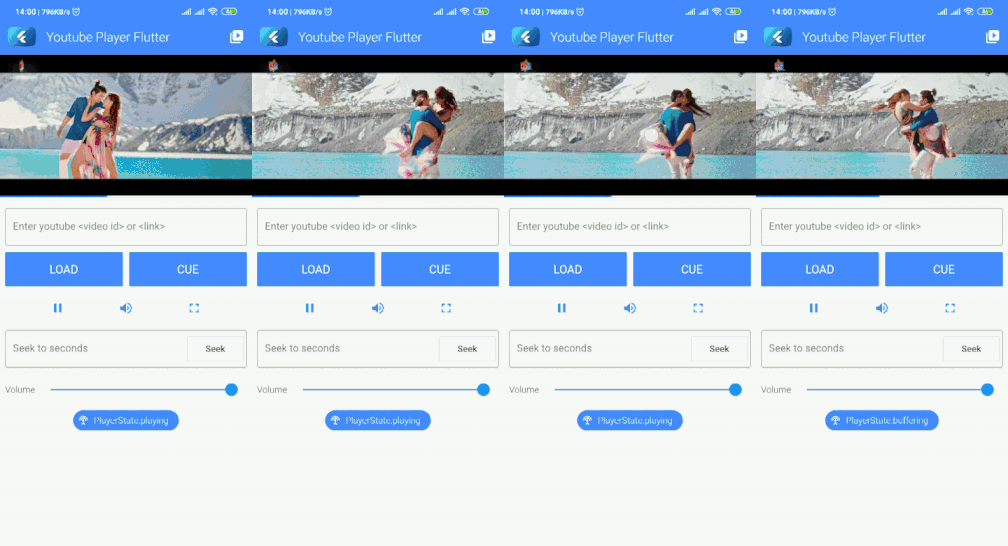 v10.0.1
공식 iFrame 플레이어 API를 사용하여 인라인 YouTube 동영상을 재생하거나 스트리밍하는 Flutter 플러그인입니다. 이 플러그인은 Android 및 iOS 모두를 지원합니다.
Android 및 iOS에서 소프트 키보드 표시 상태를 확인하기 위한 Flutter 플러그인입니다.
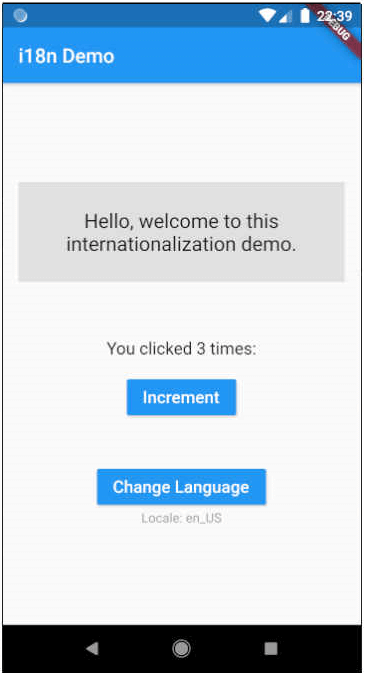 v16.0.1
Flutter용 번역 및 국제화(i18n). 대규모 및 소규모 프로젝트 모두에서 쉽게 사용할 수 있습니다. 빌더플레이트를 줄이기 위해 Dart 확장 기능을 사용합니다.
사용자 입력에서 오는 문자열을 검증하고 정리하기 위한 Dart 라이브러리입니다.
유니코드/그래프엠 클러스터를 인식하는 연산을 사용한 문자열 치환.
Diff Match and Patch 라이브러리는 순수 텍스트를 동기화하기 위해 필요한 작업을 수행하는 강력한 알고리즘을 제공합니다.
의존성 목록 18 개
{"sdk":"flutter"}1.18.01.0.35.4.11.0.40.14.03.2.11.0.26.2.11.11.12.8.11.3.08.1.20.4.110.0.19.1.06.1.0{"sdk":"flutter"}사용 목적에 따라 검색하고 개발 활동을 비교한 뒤 원본 저장소에서 요구 사항을 확인하세요.
“A repository is the most basic element of GitHub.”
GitHub Docs — About repositories ↗