
 v0.7.1
image_painter
이미지 위에 그림을 그리기 위한 플러터 패키지입니다. 색상, 선 두께, 다양한 페인트 모드 및 이미지 내보내기를 지원합니다.
214좋아요 7.1천30일 다운로드150Pub 점수
AndroidiOSmacOSWindowsLinux
이미지에 그림을 그리는 데 사용할 수 있는 Flutter 패키지
아래는 영문 원문 스냅샷입니다. 최신 내용은 GitHub에서 확인하세요.




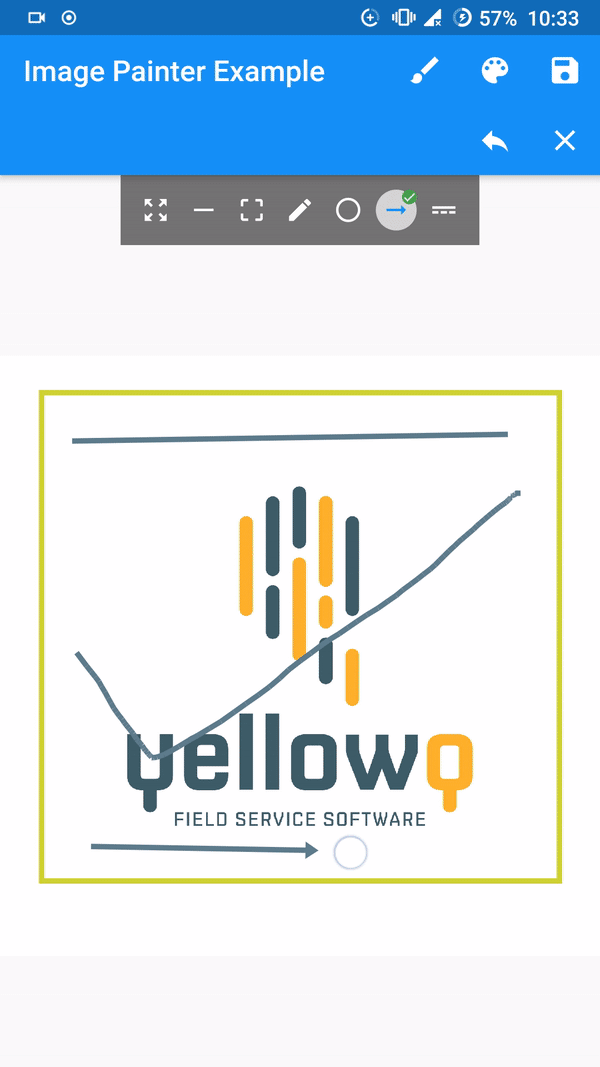
A flutter implementation of painting over image.
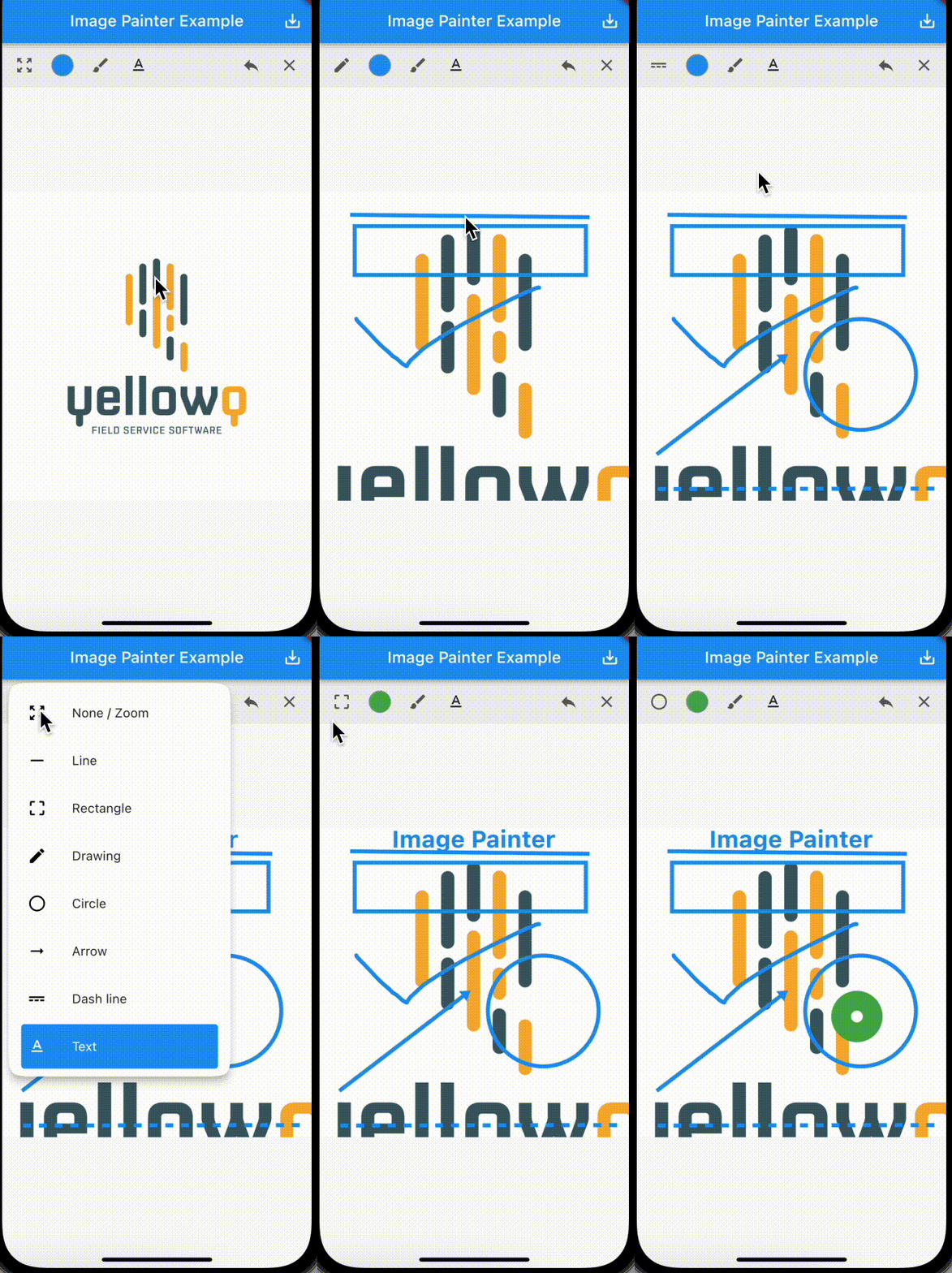
[Note] Tested and working only on flutter stable channel. Please make sure you are on stable channel of flutter before using the package.
In the pubspec.yaml of your flutter project, add the following dependency:
dependencies:
  ...
  image_painter: latest
In your library add the following import:
import 'package:image_painter/image_painter.dart';
For help getting started with Flutter, view the online documentation.
Basic usage of the libary:
ImagePainter.network: Painting over image from network url./// Initialize `ImagePainterController`.
final imagePainterController = ImagePainterController();
/// Provide controller to the painter.
ImagePainter.network("https://sample_image.png",
controller: imagePainterController,scalable: true),
///Export the image:
Uint8List byteArray = await imagePainterController.exportImage();
/// Create a file or create a File instance of existing file.
File imgFile = File('directoryPath/fileName.png');
/// Now you use `Uint8List` data and write it into the file.
imgFile.writeAsBytesSync(image);
For more thorough implementation guide, check the example.
For any issues or support please visit the Issues.

의존성 목록 1 개
{"sdk":"flutter"}사용 목적에 따라 검색하고 개발 활동을 비교한 뒤 원본 저장소에서 요구 사항을 확인하세요.
“A repository is the most basic element of GitHub.”
GitHub Docs — About repositories ↗