

 v0.0.2+1
time_picker_sheet
시간 선택기 시트 라이브러리로, 요구 사항에 맞춰 사용자 정의 가능한 디자인으로 아름다운 시간 선택기 시트를 제공합니다.
26좋아요 730일 다운로드70Pub 점수
플랫폼 정보 없음
시간 선택기 시트 라이브러리

아래는 영문 원문 스냅샷입니다. 최신 내용은 GitHub에서 확인하세요.
A Time picker sheet library for flutter. You can also customize the widget inside the sheet to align with your requirement.
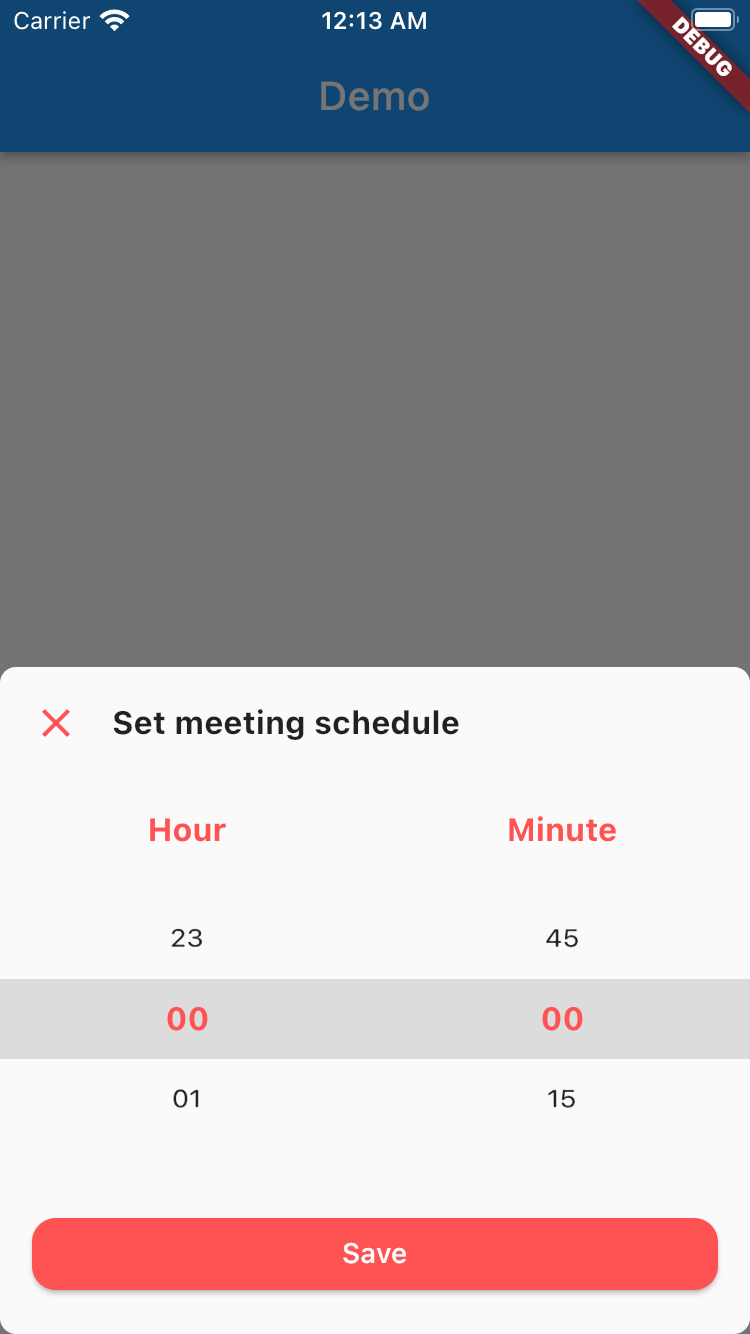
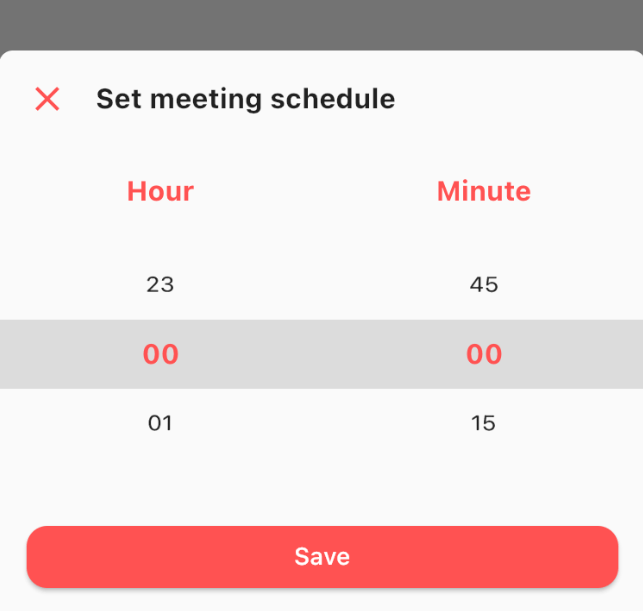
This is really simple and to the point actually, simply by doing this then your time picker sheet will goes up.
TimePicker.show(
    context: context,
    sheet: TimePickerSheet(
        sheetTitle: 'Set meeting schedule',
        hourTitle: 'Hour',
        minuteTitle: 'Minute',
        saveButtonText: 'Save',
    ),
);
If you wanna get the result from the time picker sheet then what you have to do is await the result. As you know if we wanna await the result we need to do it as an async process right? so please make sure to do so. The code must be like this
final result = await TimePicker.show<DateTime?>(
    context: context,
    sheet: TimePickerSheet(
        sheetTitle: 'Set meeting schedule',
        hourTitle: 'Hour',
        minuteTitle: 'Minute',
        saveButtonText: 'Save',
    ),
);
the result from the sheet is should be nullable DateTime, if user closed the sheet the result will be null, but if the user click on the save button
then the result should be the selected time as a DateTime, so you can get the hour & the minute.
What you can customize?
All these things already have default value, so if you want to change one of them please make sure to set it via constructor.
의존성 목록 4 개
{"sdk":"flutter"}^1.0.2{"sdk":"flutter"}^1.0.0사용 목적에 따라 검색하고 개발 활동을 비교한 뒤 원본 저장소에서 요구 사항을 확인하세요.
“A repository is the most basic element of GitHub.”
GitHub Docs — About repositories ↗