v3.0.0
screenshot
Pacote de Captura de Tela do Flutter (em tempo de execução). Capture qualquer Widget como uma imagem.
1,6 milCurtidas 604 milDownloads em 30 dias140Pontos Pub
AndroidiOSWebmacOSWindowsLinux
Um aplicativo Android para salvar seus cartões de fidelidade, totalmente FOSS, gratuito, sem serviços do Google ou terceiros. Experimente agora! 📱

Texto original em inglês. Visite o GitHub para a versão atual.
Lightweight digital wallet to securely scan, store, and manage loyalty cards offline.



More info here


OR

[!NOTE] F-Droid releases might not be in sync with those from GitHub.
Currently, the app uses these permissions (+ why are they needed) :


Contact me for more info :). If your phone does not have issues with the app, you can add your device into the Tests file.
git clone the repository,cd cardabase-app into it,flutter pub get to download the dependencies,flutter build apk in Terminal (you can add --split-per-abi if you want to get multiple versions).[!NOTE] Signing of the app is ON. You need a singature key and a key.properties in the /cardabase-app/android folder or else the build will fail. You can change THIS LINE to debug to sign it with a debug key.
Used versions:
Note: Java and Gradle versions must be compatible with each other. See this Compatibility Matrix.
You may need to:
android/gradle.properties, add a line org.gradle.java.home="C:\\path\\to\\the\\jdk", where you have to specify your path, (<- in case of multiple/no versions or JAVA_HOME environment variable not specified)android\gradle\wrapper\gradle-wrapper.properties, last line "distributionUrl" (change the "X.X" or "X.X.X" number). (<- in case of different Gradle installation)


Pacote de Captura de Tela do Flutter (em tempo de execução). Capture qualquer Widget como uma imagem.
Hive Community Edition - Uma continuação espiritual do Hive v2
Extensão para Hive. Facilita o uso do Hive em aplicativos Flutter.
Extensão para Hive. Gera automaticamente TypeAdapters para armazenar qualquer classe.
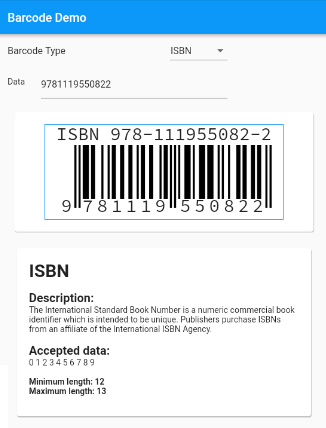
Widget de geração de códigos de barras para o Flutter com suporte a códigos de barras padrão.
Um plugin para controlar o brilho da tela com reinicialização do ciclo de vida do aplicativo implementada
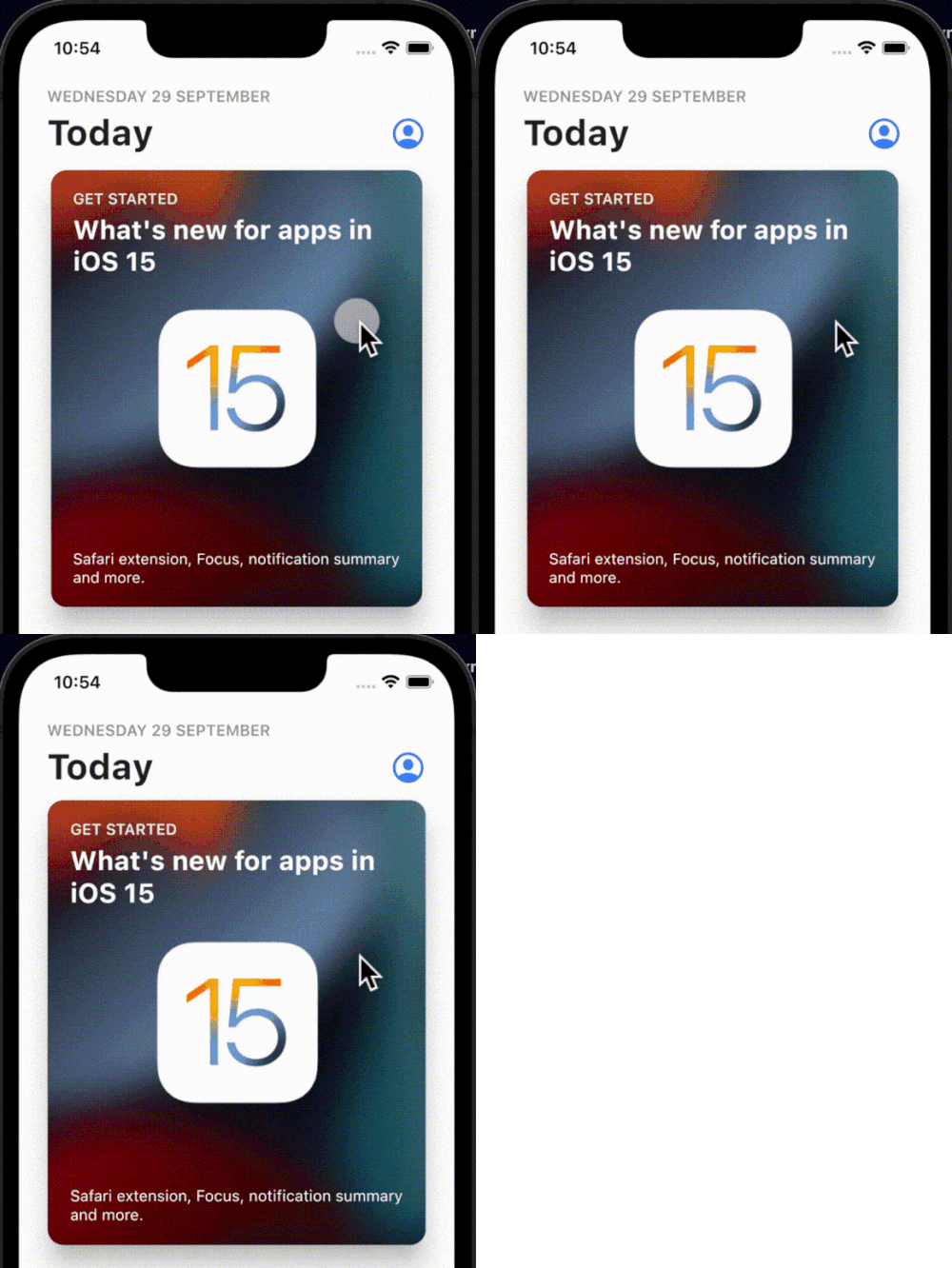
Uma animação simples, interativa e personalizável de rebote ao toque que pode ser envolvida em qualquer widget que você goste.
Uma biblioteca de processamento de imagens de códigos de barras 1D/2D em múltiplos formatos implementada em Dart. Este é um port do biblioteca Android.
Um plugin Flutter para feedback háptico. Embora utilize os haptics padrão do iOS, ele visa emular esses mesmos padrões hápticos no Android para uma experiência consistente entre plataformas.
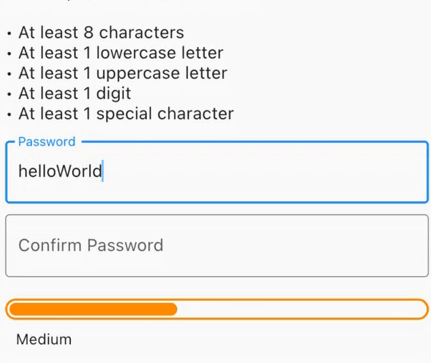
Gere senhas seguras, verifique senhas expostas, obtenha feedback visual sobre a força ou valide formulários com força mínima de senha exigida.
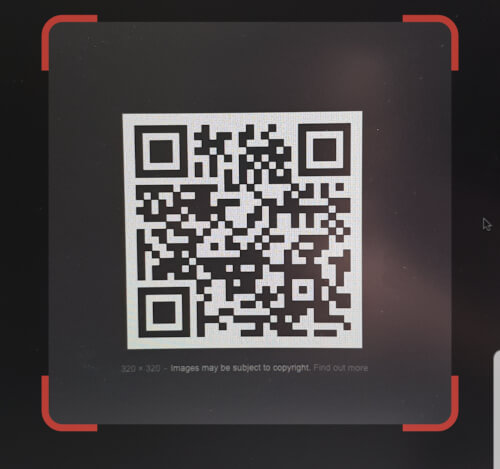
Scanner de código QR que pode ser incorporado ao Flutter. Usa o zxing no Android e o AVFoundation no iOS.
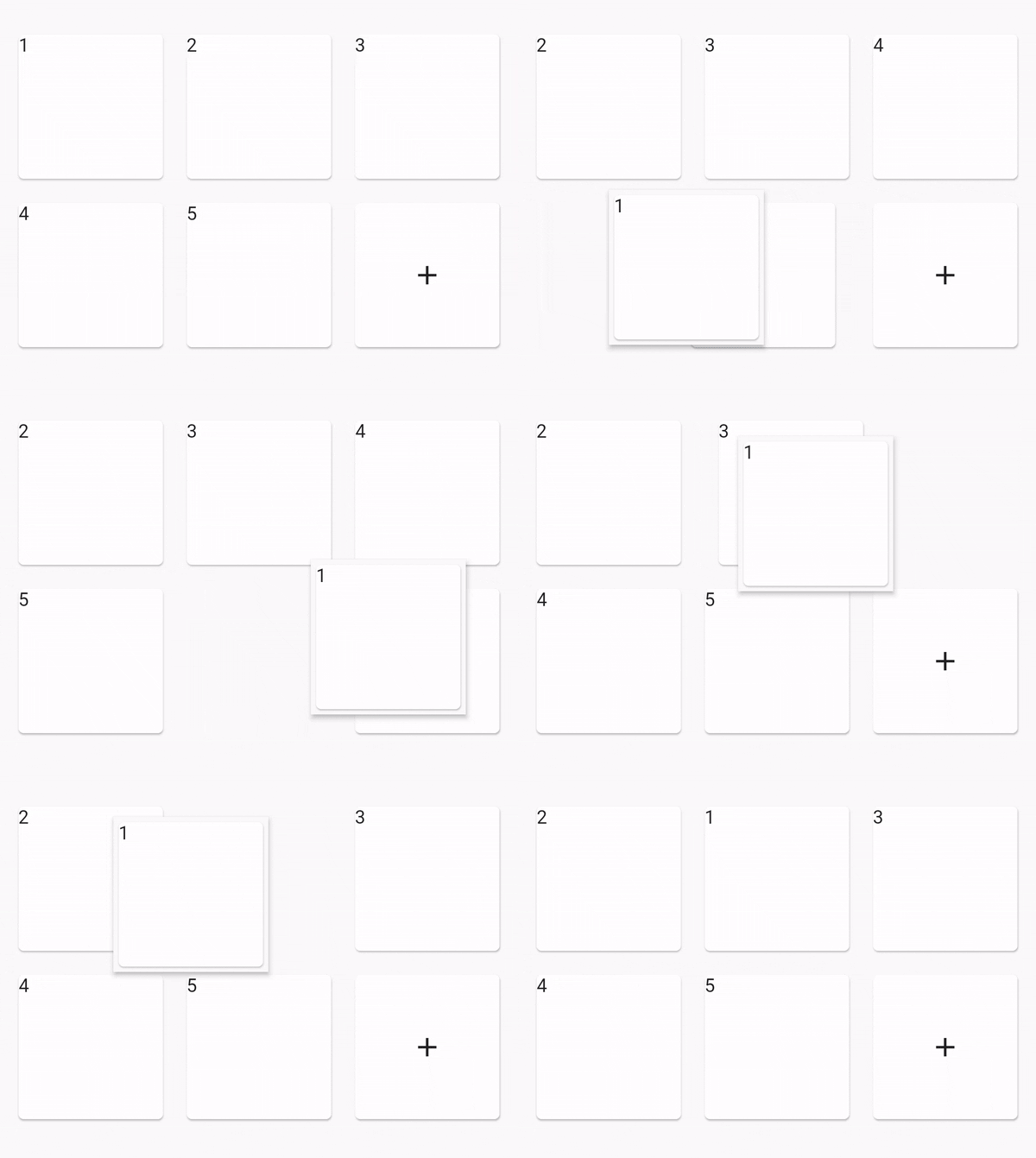
Visualização de Grade Reordenável
Lista de dependências 43 itens
^4.0.9^2.0.4^0.12.0+1^1.0.2^2.1.0^12.0.0-beta.7{"sdk":"flutter"}^1.2.0^1.1.0^0.14.4^4.0.3>=9.0.0 <10.0.0^0.6.4+3>=2.19.3 <3.0.0>=2.3.4 <3.0.0^1.4.0^4.9.1^1.2.2^2.3.0^1.0.0^10.1.0^1.3.2>=1.9.1 <2.0.9^2.1.6^12.0.3^2.1.2^1.1.0^1.8.1^2.2.8^2.1.11^3.0.0^6.3.2>=4.0.0 <5.0.0^0.2.4^2.4.6^2.2.0{"sdk":"flutter"}{"sdk":"flutter"}^1.11.1^6.0.0^1.0.0^2.1.3^2.1.8Filtre pelo caso de uso, compare a atividade e confira o projeto original antes de adotá-lo.
“A repository is the most basic element of GitHub.”
GitHub Docs — About repositories ↗