

 v1.0.1
parallax_sensors_bg
Pacote Flutter para simplificar o efeito de paralaxe no fundo de uma página que responde a detecção de sensores correspondentes.
115Curtidas 262Downloads em 30 dias140Pontos Pub
AndroidiOS
Um pacote Flutter para dar um efeito de paralaxe ao fundo com entrada de sensores (girômetro e acelerômetro)

Texto original em inglês. Visite o GitHub para a versão atual.
Get a parallax effect in the background of a page that responds to a corresponding sensor
detection (Accelerometer, Gyroscope, User accelerometer, Magnetometer)
Note: Accelerometer is preferred over other sensors.
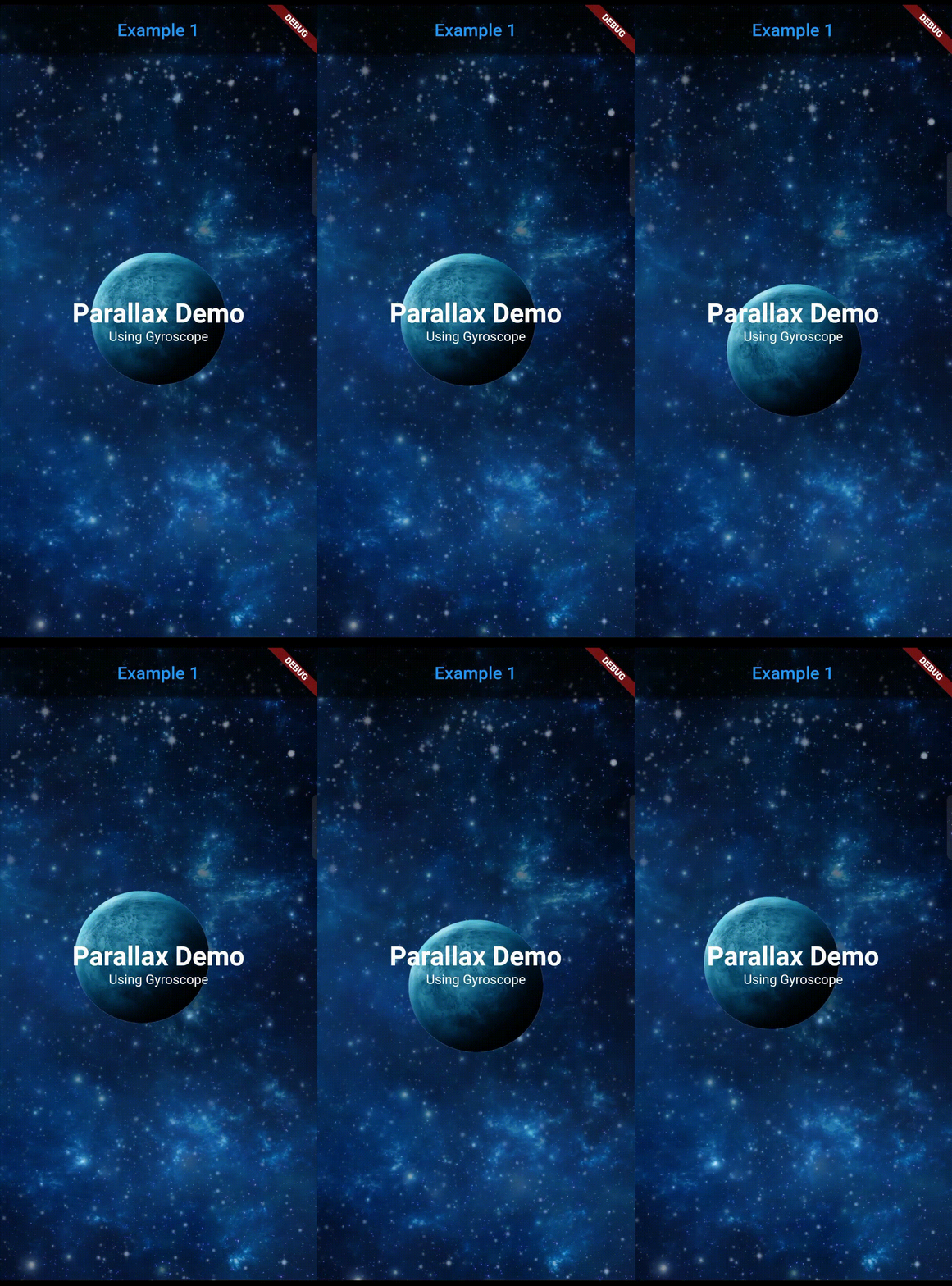 |
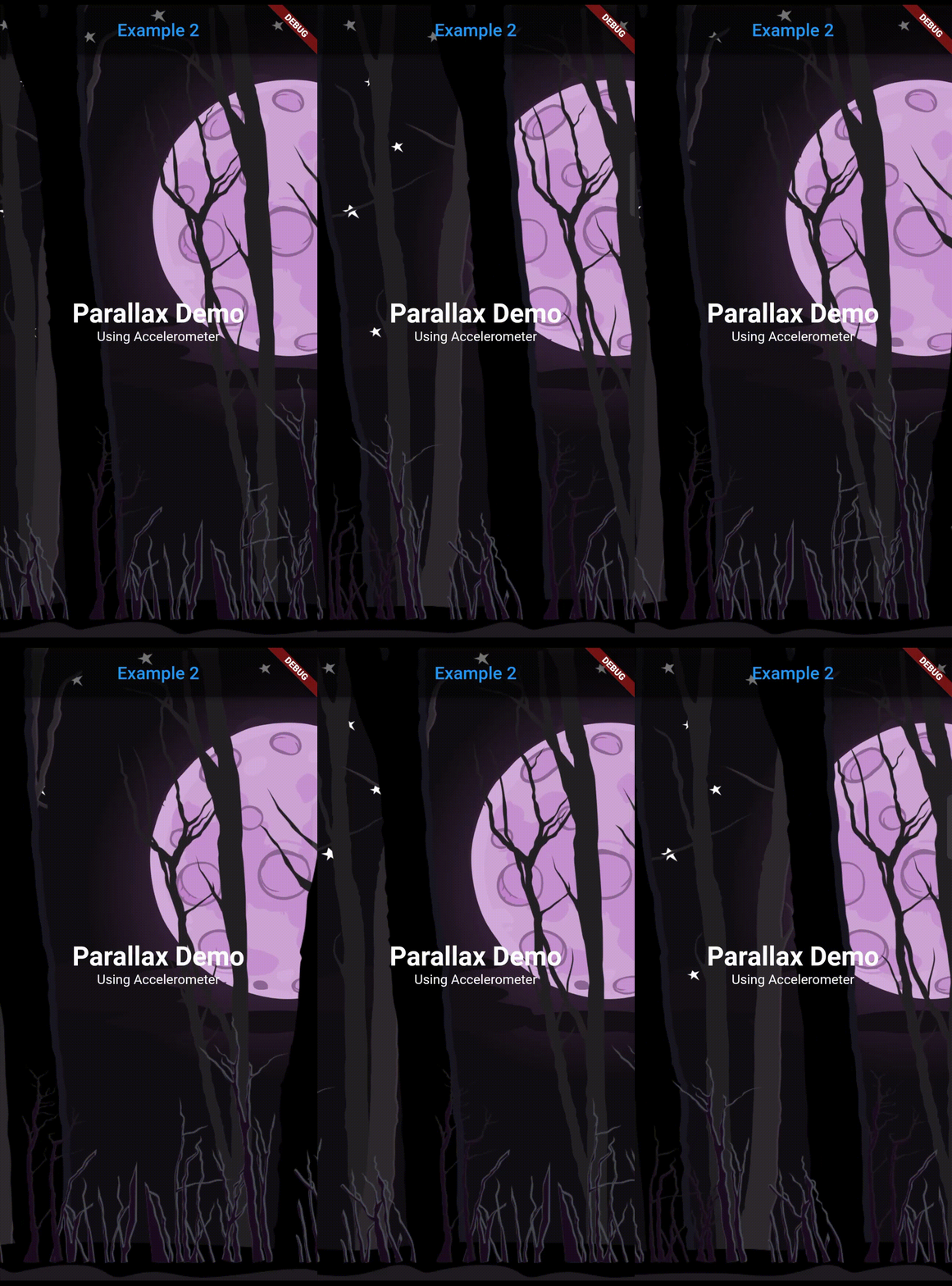 |
Add dependency in pubspec.yaml and run flutter pub get
dependencies:
  parallax_sensors_bg: ^1.0.0
Now import the package in your code:
import 'package:parallax_sensors_bg/parallax_sensors_bg.dart';
Use it in the Scaffold body
Parallax(
  sensors: ParallaxSensor.accelerometer,
  layers: [
    Layer(
      sensitivity: 1,
      image: NetworkImage('https://example.com/background.png'),
      preventCrop: true,
      imageBlurValue: 5,
    ),
    Layer(
      sensitivity: 7,
      image: AssetImage('assets/middle_layer.png'),
      imageHeight: 500,
      imageFit: BoxFit.fitHeight,
    ),
    Layer(
      sensitivity: 12,
      child: Text('Topmost layer'),
    ),
  ]
  child: Text('Page body here'),
),
| Argument | Type | Default | Description |
|---|---|---|---|
| sensor | ParallaxSensor |
ParallaxSensor.accelerometer |
Type of the sensor whose detected values will be used for parallax movement. (accelerometer, userAccelerometer, gyroscope, magnetometer). |
| layers | List<Layer> |
required |
Individual layers for the parallax effect. The declaration of the layers sequentially are positioned from bottom to top (Farthest to nearest from parallax perspective). |
| reverseVerticalAxis | bool |
false |
Reverses the movement of vertical axis. |
| reverseHorizontalAxis | bool |
false |
Reverses the movement of horizontal axis. |
| lockVerticalAxis | bool |
false |
Stops the movement of vertical axis. |
| lockHorizontalAxis | bool |
false |
Stops the movement of horizontal axis. |
| animationDuration | int |
300 |
The duration in milliseconds it takes for the movement change to complete. Ideal value is from 200 to 400. |
| child | Widget? |
null |
The fixed body of the page, above the parallax layer. |
| Argument | Type | Default | Description |
|---|---|---|---|
| sensitivity | double |
required |
Moving sensitivity of the layer. |
| offset | Offset? |
null |
Position of the layer from the center. |
| image | ImageProvider<Object>? |
null |
Image that the layer will show. By default, the image will take the size of the screen. |
| imageFit | BoxFit |
BoxFit.cover |
BoxFit type of the image. |
| imageHeight | double? |
null |
Height of the image. |
| imageWidth | double? |
null |
Width of the image. |
| preventCrop | bool |
false |
If set to true, it will ignore the imageHeight and imageWidth if given and will set the height and width of the image slightly more than the screen size such that it doesn't get cropped even at the extreme value of the sensor. |
| imageBlurValue | double? |
null |
Blurs the image. Value can be any positive fractional number. |
| imageDarkenValue | double? |
null |
Darkens the image. Value ranges from 0 to 1. |
| opacity | double? |
null |
Opacity of the layer. Value ranges from 0 to 1. |
Lista de dependências 4 itens
{"sdk":"flutter"}^2.0.1{"sdk":"flutter"}^2.0.0Filtre pelo caso de uso, compare a atividade e confira o projeto original antes de adotá-lo.
“A repository is the most basic element of GitHub.”
GitHub Docs — About repositories ↗