Buscar pacotes, repositórios e categorias de apps

Repositório GitHubZachariah-Abraham/parallax_rain

parallax_rain

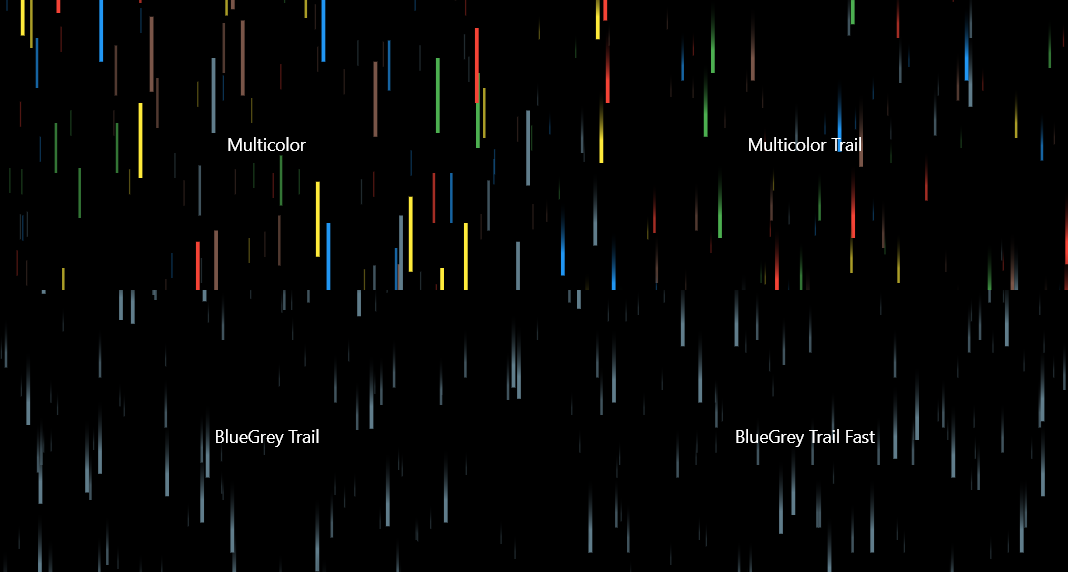
Um pacote Flutter para criar efeitos de chuva 3D legais. Personalize com várias cores, velocidades diferentes de gotas, efeitos de rastro de gotas e muito mais!

Capa do projeto parallax_rain
Estrelas
13
Forks
3
Último push (UTC)
14 de fev. de 2024
Status do projeto
Ativo

README original

Texto original em inglês. Visite o GitHub para a versão atual.

Pub Version License

Parallax Rain

Create a cool 3D rain effect, with plenty of customization!

Sample screenshot

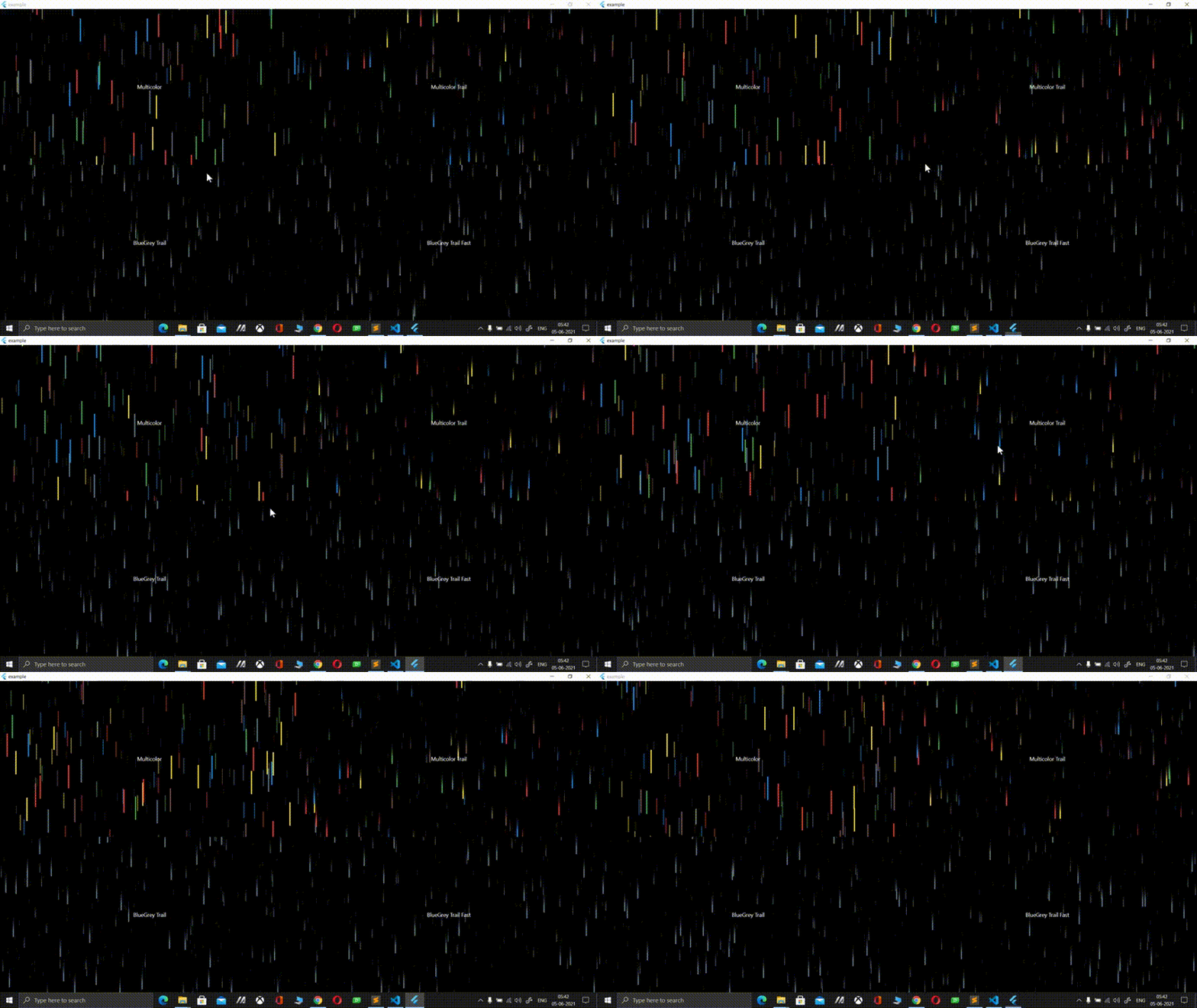
Sample video

Installation

1. Depend on it

Add this to your package's pubspec.yaml file:

dependencies:
    parallax_rain:
2. Install it

You can install packages from the command line:

$ pub get
..

Alternatively, your editor might support pub. Check the docs for your editor to learn more.

3. Import it

Now in your Flutter code, you can use:

import 'package:parallax_rain/parallax_rain.dart';

Usage

If you want to give YourWidget a 3D rain background, simple wrap it with the ParallaxRain widget, with YourWidget as the child parameter. You can also have the rain effect in the foreground, use multiple drop colors, adjust the speed, add trails to your drops and lots more!

For example:

ParallaxRain(
    dropColors: [
        Colors.red,
        Colors.green,
        Colors.blue,
        Colors.yellow,
        Colors.brown,
        Colors.blueGrey
    ],
    child: Text(
        "Multicolor",
    ),
),

A full example can be found in the example directory

About me

Visit my LinkedIn at https://www.linkedin.com/in/zaca

I'm also the author of the Flutter glass package that allows you to convert any flutter widget into a glass/frosted glass version of itself, check it out at https://pub.dev/packages/glass

Arapurayil Zachariah Abraham GitHub avatar
Autor no GitHub

Arapurayil Zachariah Abraham ↗

@AmazonBengaluru, IndiaSite oficial ↗
LinguagensDartCMakeC++SwiftC

Categorias

Pacotes publicados por este repositório

Dependências usadas

Lista de dependências 2 itens

  • flutter{"sdk":"flutter"}
  • flutter_testDesenvolvimento{"sdk":"flutter"}

Como escolher um repositório para seu projeto?

Filtre pelo caso de uso, compare a atividade e confira o projeto original antes de adotá-lo.

  1. Busque por nome, autor ou descrição e filtre por tema.
  2. Compare estrelas, forks e envios recentes. Estrelas indicam interesse, mas não garantem qualidade.
  3. Confira o README, a licença e as issues no GitHub antes de usar o projeto.

Fontes e manutenção

“A repository is the most basic element of GitHub.”

GitHub Docs — About repositories ↗