
 v0.0.1
city_picker_from_map
Um pacote Flutter para selecionar uma cidade de um mapa SVG.
43Curtidas 51Downloads em 30 dias120Pontos Pub
AndroidiOSWebmacOSWindowsLinux
Um pacote Flutter para selecionar uma cidade de um mapa SVG.
Texto original em inglês. Visite o GitHub para a versão atual.
A flutter package for select a city from svg map.
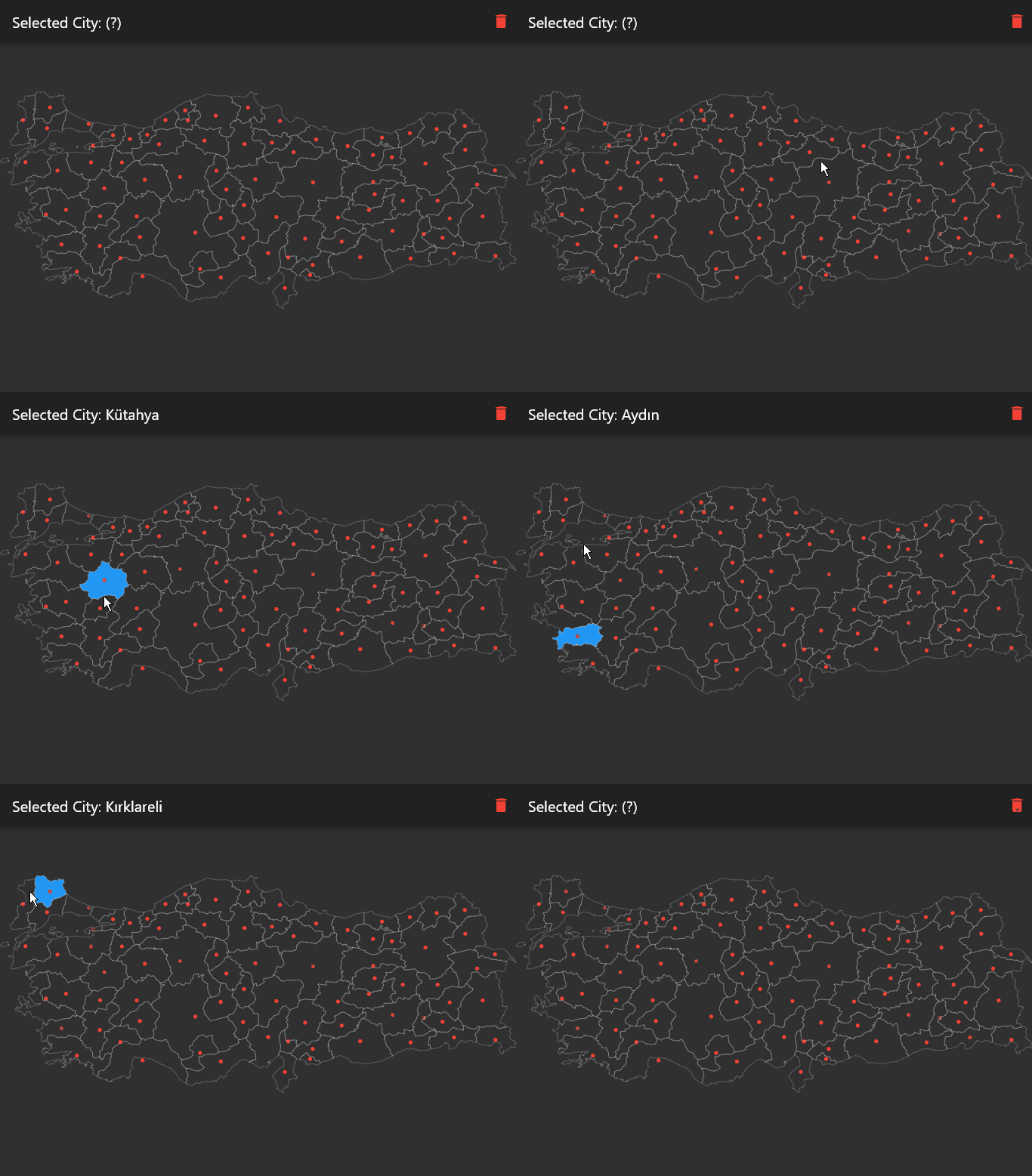
Supported countries (+150) are here.
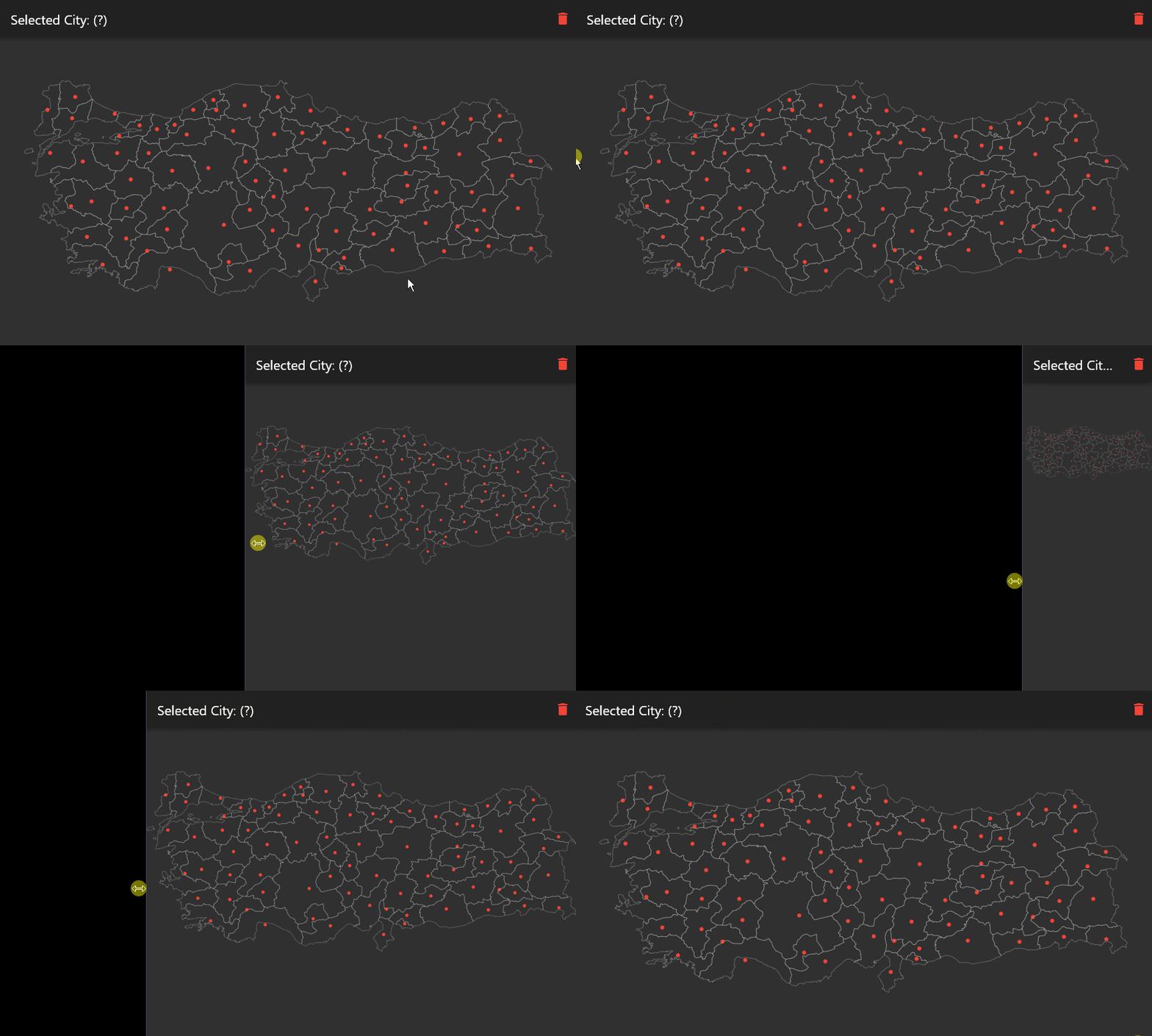
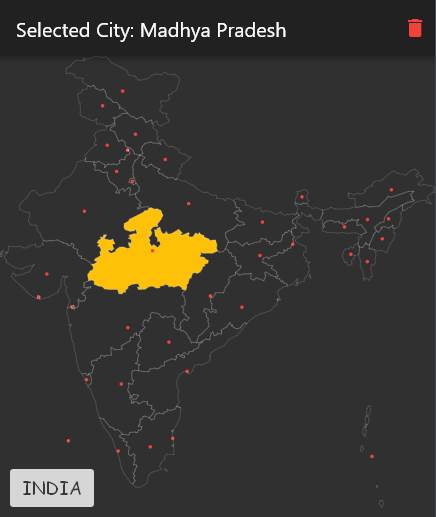
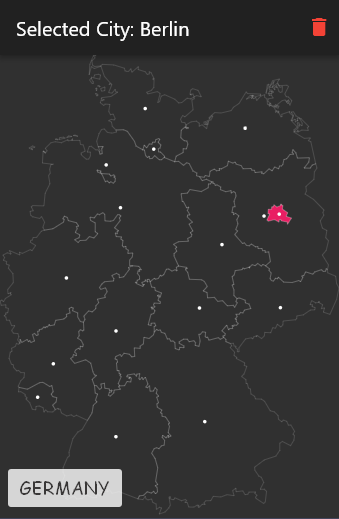
In the pubspec.yaml of your Flutter project, add the following dependency:
dependencies:
  ...
  city_picker_from_map: any
In your library file add the following import:
import 'package:city_picker_from_map/city_picker_from_map.dart';
CityPickerMap(
	width: double.infinity,
	height: double.infinity,
	map: Maps.TURKEY,
	onChanged: (city) {
	  setState(() {
		selectedCity = city;
	  });
	},
	actAsToggle: true,
	dotColor: Colors.white,
	selectedColor: Colors.lightBlueAccent,
	strokeColor: Colors.white24,
)
| props | types | description |
|---|---|---|
| key | Key? |
|
| map | String |
Name of the map you want to show. Use as Maps.<MAP_NAME> All maps are in the maps.dart |
| width | double? |
Map width. Default value is double.infinity |
| height | double? |
Map height. Default value is double.infinity |
| dotColor | Color? |
Color of the dot in the center of the city |
| strokeColor | Color? |
Color of the city borders |
| selectedColor | Color? |
Color of the selected city |
| actAsToggle | boolean? |
City selecting act as like toggle button |
| onChanged | Function(City? city) |
Returns new city value when it changed |

Lista de dependências 3 itens
{"sdk":"flutter"}^1.0.0{"sdk":"flutter"}Filtre pelo caso de uso, compare a atividade e confira o projeto original antes de adotá-lo.
“A repository is the most basic element of GitHub.”
GitHub Docs — About repositories ↗