 v2.0.0
azlistview
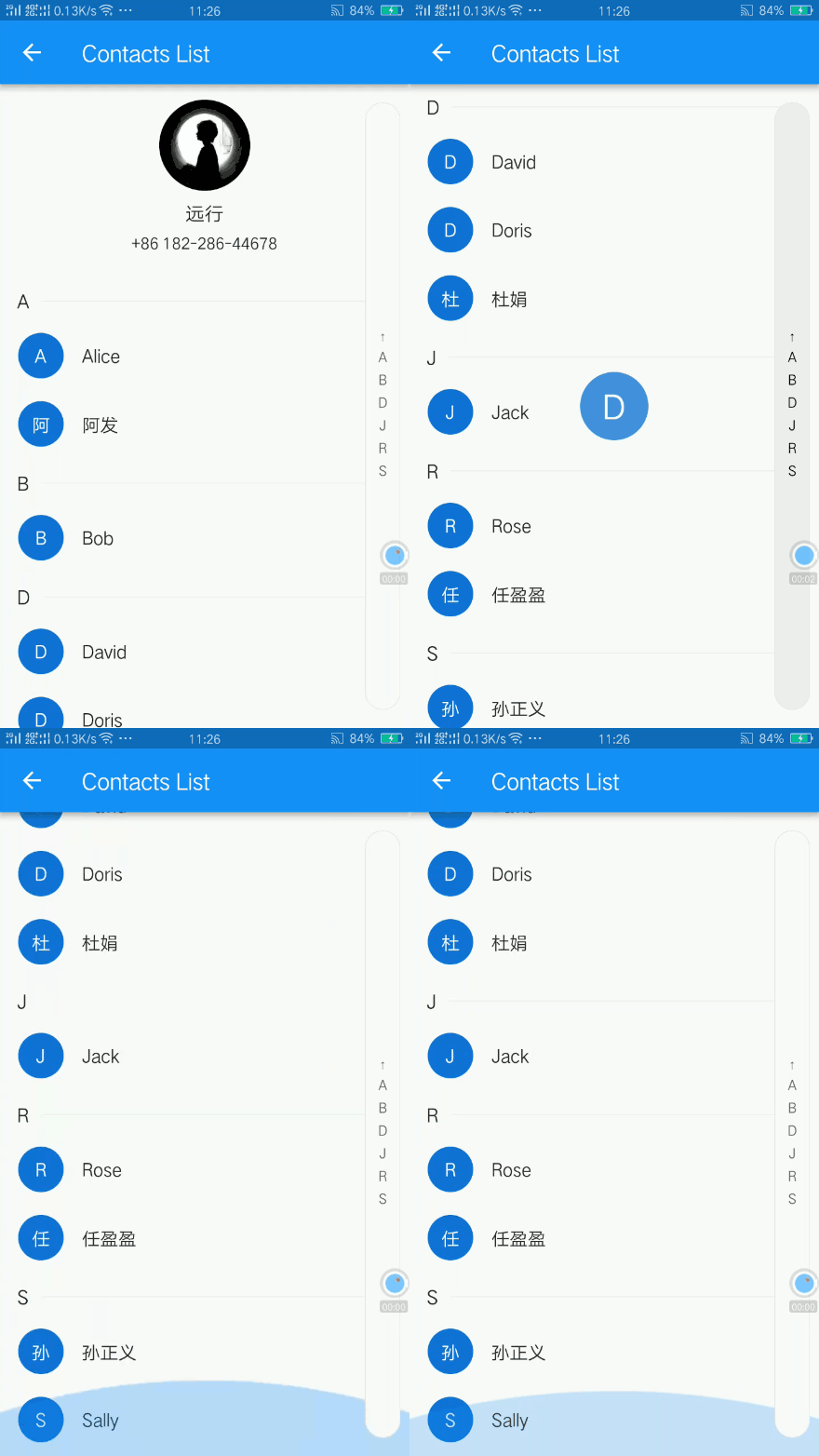
Um ListView com cabeçalhos colantes e índice no Flutter. IndexBar. Por exemplo, lista de cidades, lista de contatos. Índice e efeito de hover.
318Curtidas 34,2 milDownloads em 30 dias130Pontos Pub
AndroidiOSWebmacOSWindowsLinux
Adicione contatos do WhatsApp sem dar acesso aos seus contatos ao WhatsApp!

Texto original em inglês. Visite o GitHub para a versão atual.
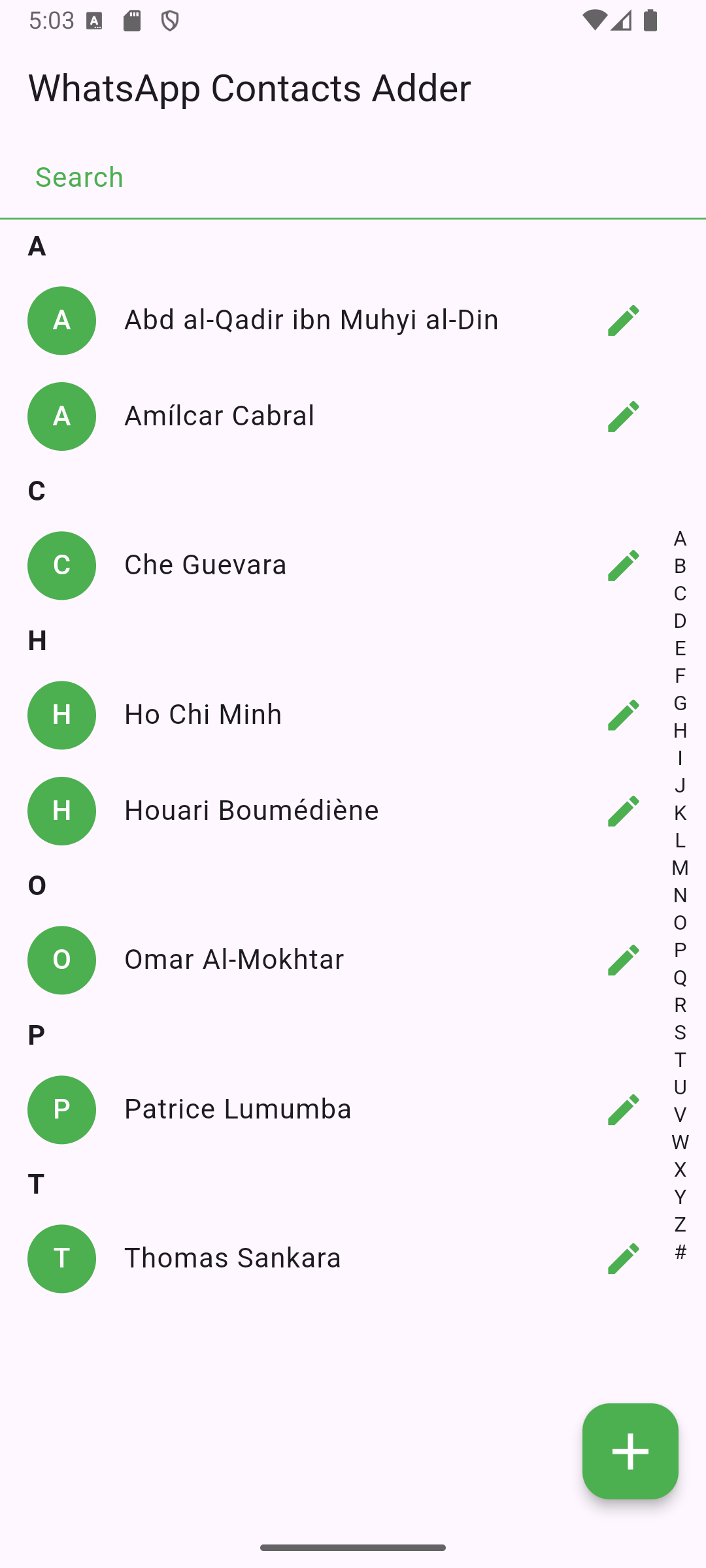
WhatsApp Contacts Adder is an Android app built with Flutter that allows users to add WhatsApp contacts, without giving WhatsApp access to their contacts.
Important: For this app to work, make sure your contacts (or the number you enter) has the country code.
Unlike other apps (e.g. Telegram), WhatsApp doesn't work properly without having access to the phone's contacts. Most functionalities work, but you practically can't add contacts.
So, for it to work, you'd have to ask people to add you.
This FOSS app basically acts as a man-in-the-middle that gets access to your contacts, and then through a simple mock API call, initiates a chat with whichever contact you prefer.
You can also start chatting with a phone number directly without adding it as a contact in your phone book!
Simply, get it on F-Droid store!

Or, to manually install the app on your Android device:
Settings > Apps & notifications > Special app access > Install unknown apps.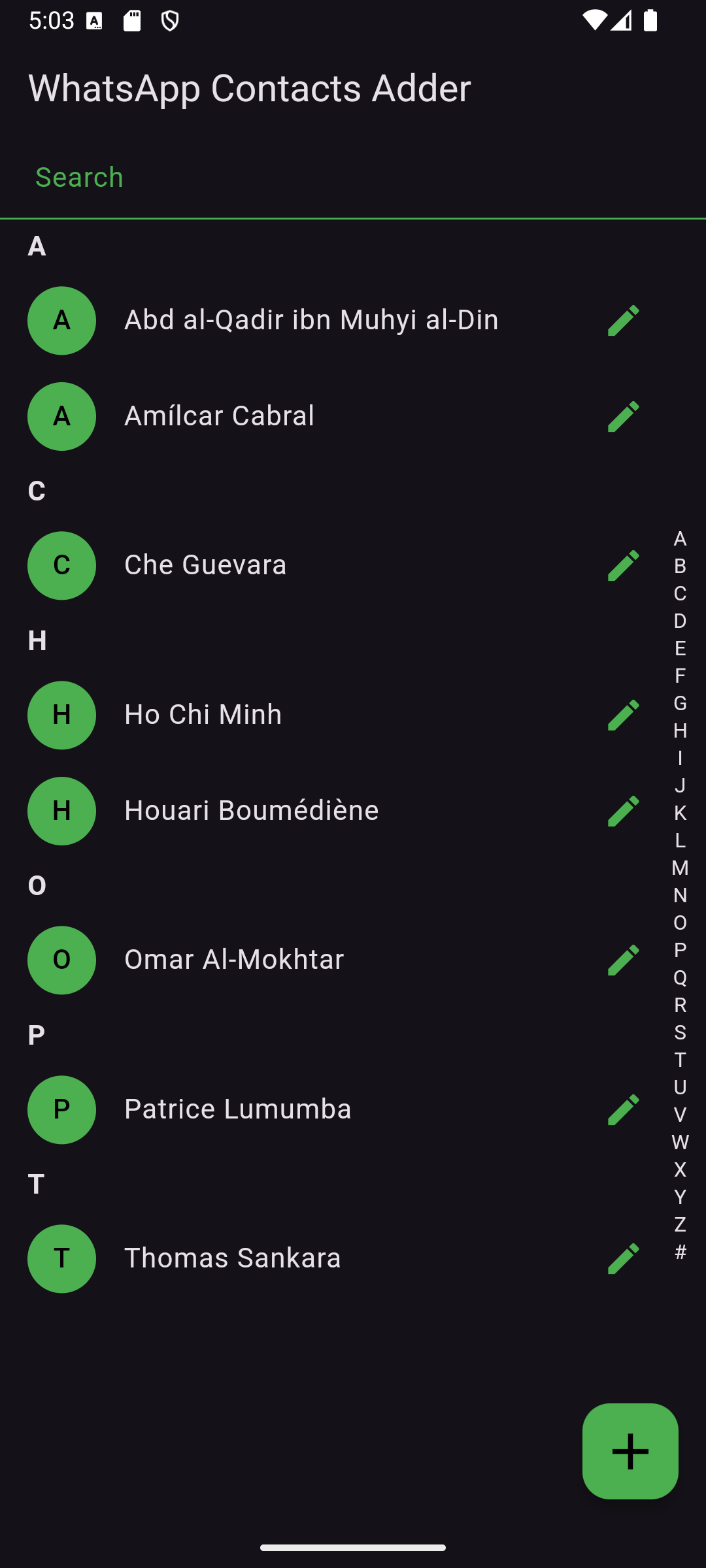


The app uses a custom icon stored in assets/. Ensure it's correctly referenced in pubspec.yaml.
This project is licensed under the GPL-3 License. See LICENSE for details.
For questions or suggestions, feel free to reach out!
Um ListView com cabeçalhos colantes e índice no Flutter. IndexBar. Por exemplo, lista de cidades, lista de contatos. Índice e efeito de hover.
Gerenciamento rápido e completo de contatos para Android, iOS e macOS — todos os campos, grupos, contas, vCards, diálogos nativos, ouvintes, contatos do SIM e bloqueio de números.
Lista de dependências 9 itens
{"sdk":"flutter"}^1.0.81.1.9+26.3.1^2.0.0^0.14.3^8.1.1{"sdk":"flutter"}^5.0.0Filtre pelo caso de uso, compare a atividade e confira o projeto original antes de adotá-lo.
“A repository is the most basic element of GitHub.”
GitHub Docs — About repositories ↗