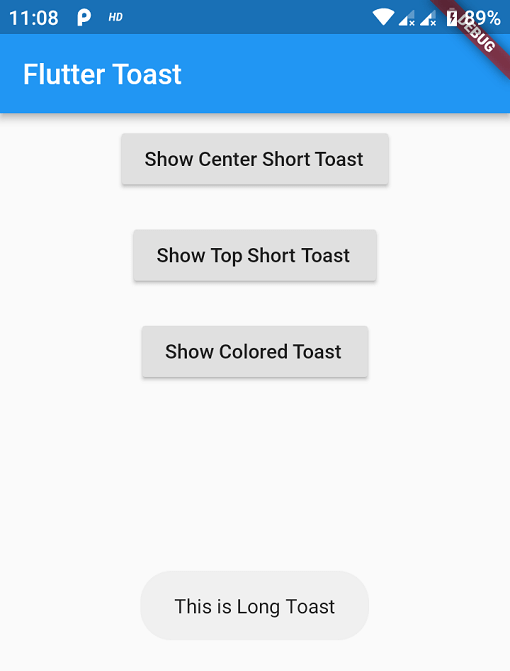
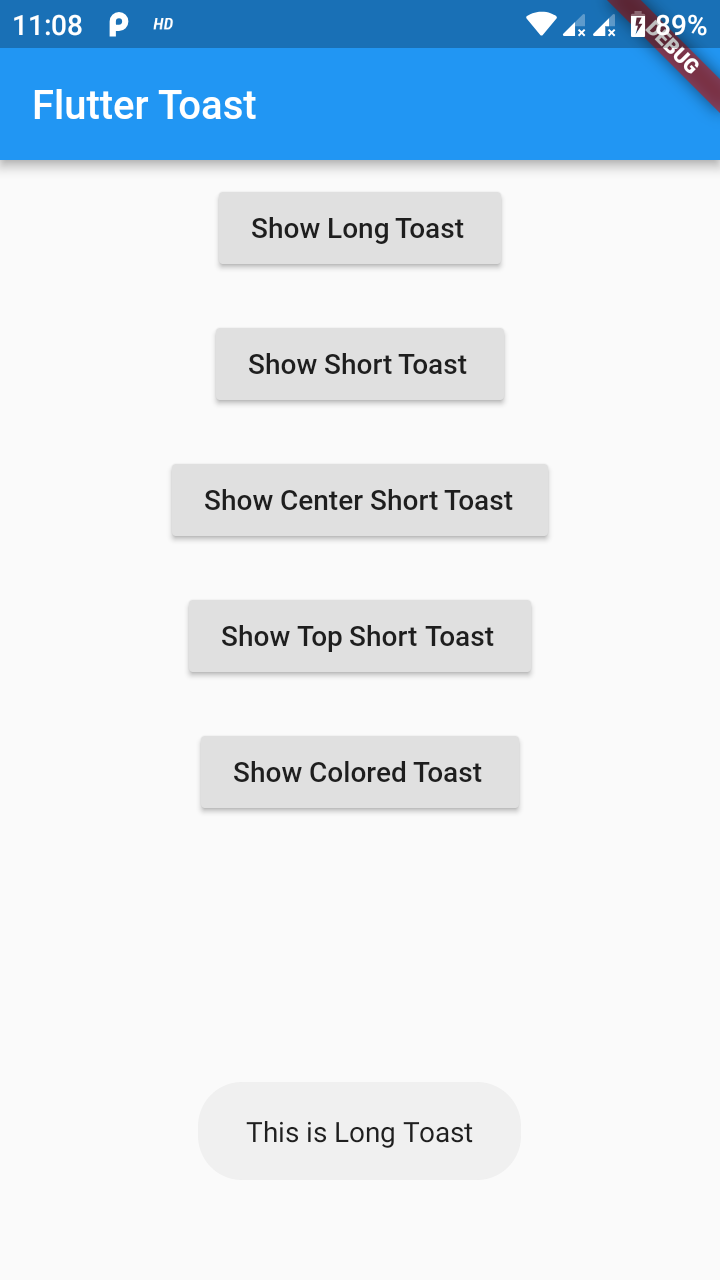
Orientação gerada a partir de informações públicas. Apenas para referência.
FlutterToast é um pacote leve do Flutter que permite aos desenvolvedores exibir mensagens de toast com mínimo esforço, exigindo apenas uma linha de código. Ele fornece uma maneira simples e consistente de mostrar notificações temporárias em plataformas Android, iOS e Web. A biblioteca suporta personalização da aparência da mensagem, posição e duração, tornando-a ideal para feedbacks de usuário em aplicativos. Com uma API fácil de usar e manutenção ativa, o FlutterToast melhora a experiência do usuário ao fornecer alertas sutis e não intrusivos.
Casos de uso
Exibindo mensagens de sucesso ou erro
Mostrando feedback rápido do usuário
Informando os usuários sobre as ações realizadas
Fornecendo atualizações de status
Melhorando a responsividade da interface do usuário
Principais recursos
Criação de torrada em uma linha
Estilo de mensagem personalizável
Suporte multiplataforma
Duração e posição configuráveis
API simples com configuração mínima
Indicado para
Desenvolvedores iniciantes do Flutter
Aplicativos que precisam de feedback rápido
Sistemas leves de notificação
Projetos com dependências mínimas
Melhorias na interface sem complexidade
Considerações
Limitado a designs básicos de torrada
Sem opções avançadas de animação
Depende de repositório externo
Não adequado para notificações persistentes
Pode exigir manipulação manual de casos extremos
README original
Snapshot do README original do repositório-fonte vinculado. Consulte o repositório para o conteúdo mais recente.
This one has limited features and no control over UI
Toast Which requires BuildContext
Supported Platforms
ALL
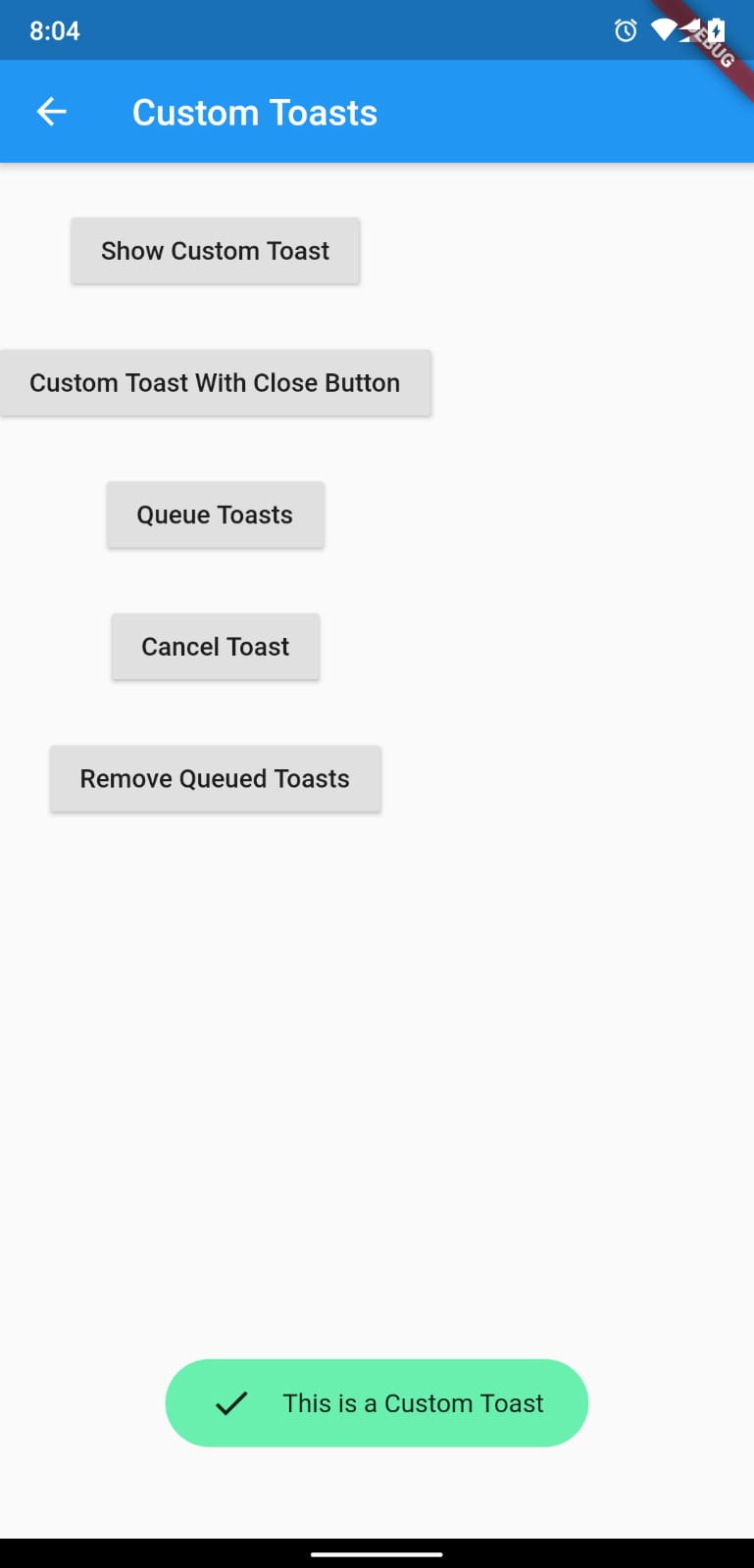
Full Control of the Toast
Toasts will be queued
Remove a toast
Clear the queue
How to Use
# add this line to your dependenciesfluttertoast:^10.0.0
import'package:fluttertoast/fluttertoast.dart';
Toast with No Build Context (Android & iOS)
Fluttertoast.showToast(
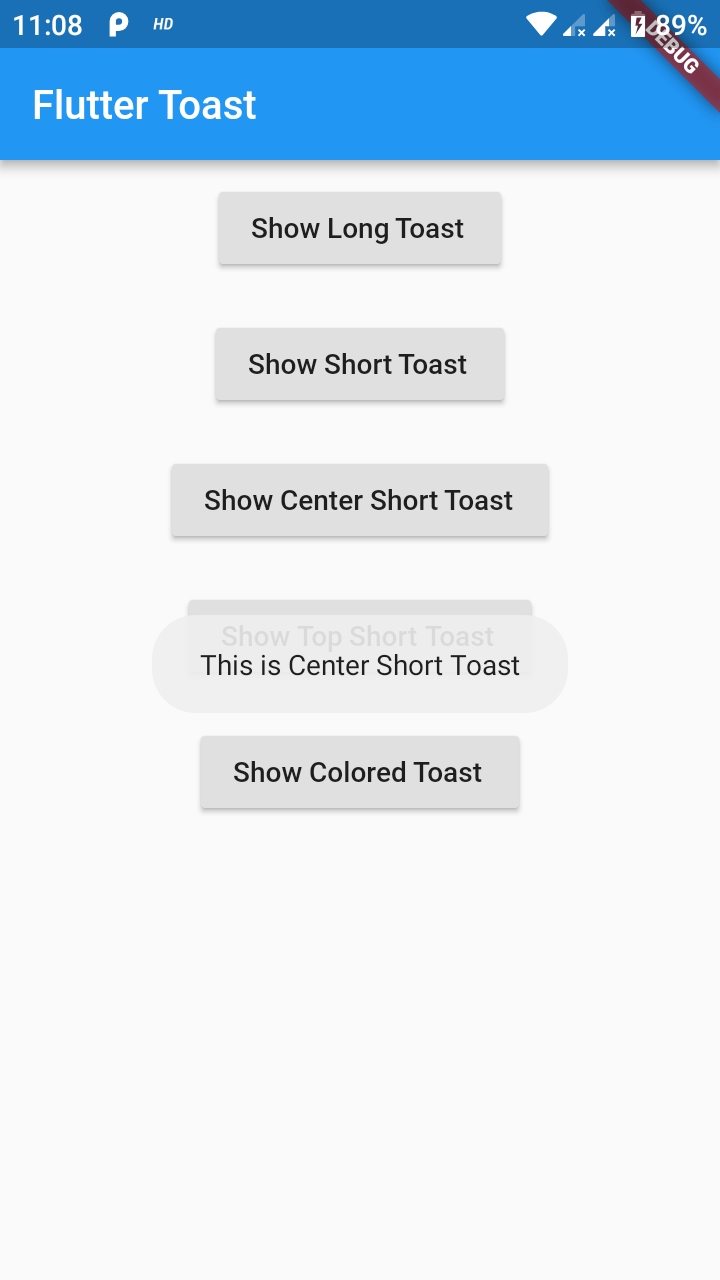
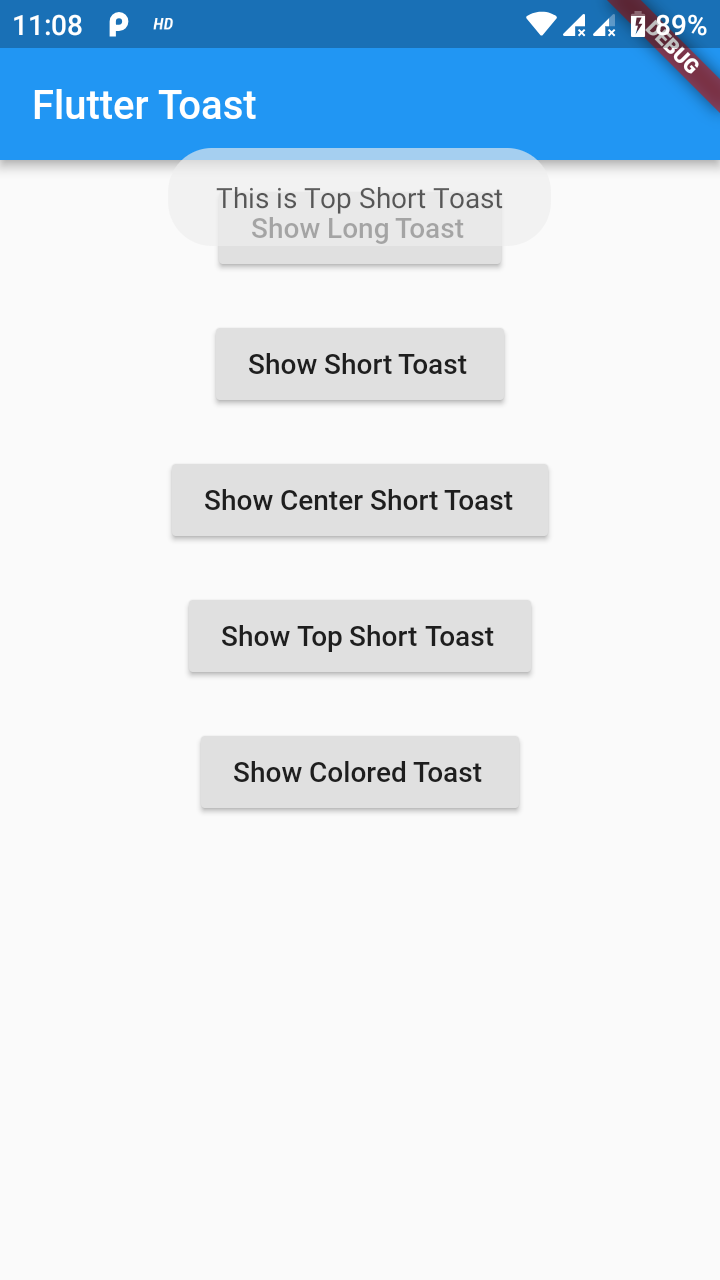
        msg: "This is Center Short Toast",
        toastLength: Toast.LENGTH_SHORT,
        gravity: ToastGravity.CENTER,
        timeInSecForIosWeb: 1,
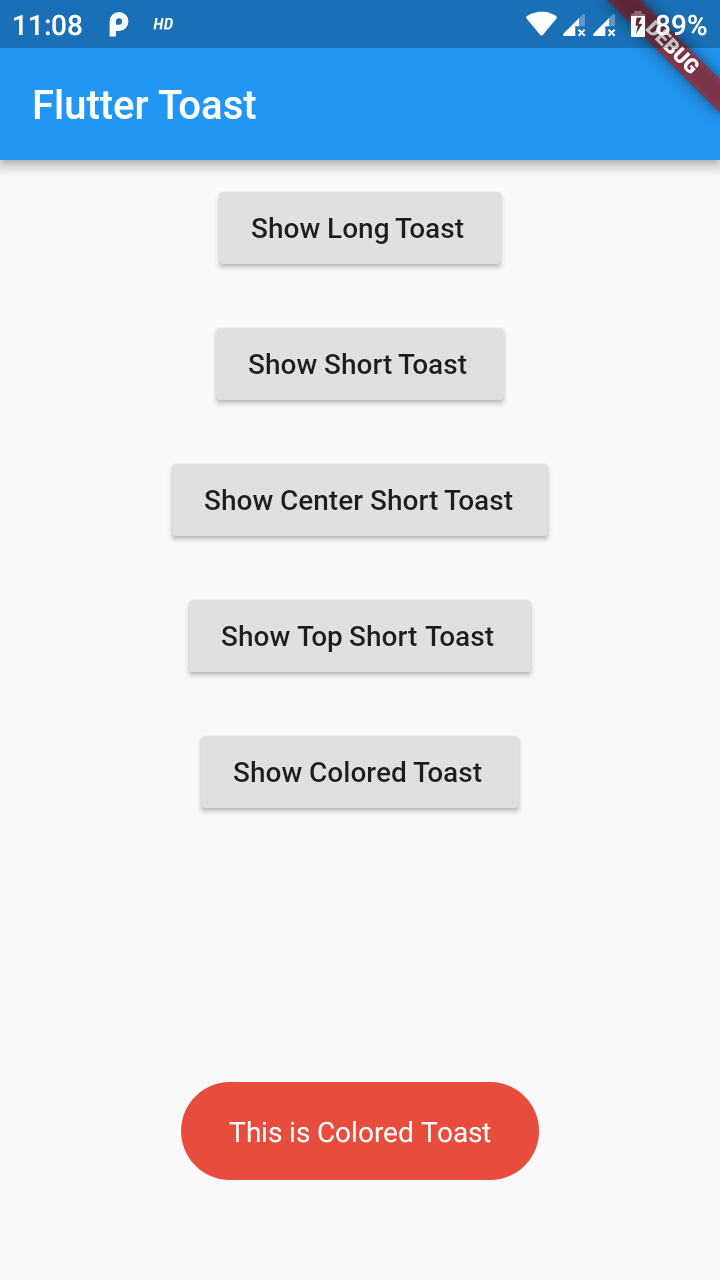
        backgroundColor: Colors.red,
        textColor: Colors.white,
        fontSize: 16.0
    );
property
description
default
msg
String (Not Null)(required)
required
toastLength
Toast.LENGTH_SHORT or Toast.LENGTH_LONG (optional)
Toast.LENGTH_SHORT
gravity
ToastGravity.TOP (or) ToastGravity.CENTER (or) ToastGravity.BOTTOM (Web Only supports top, bottom)
ToastGravity.BOTTOM
timeInSecForIosWeb
int (for ios & web)
1 (sec)
backgroundColor
Colors.red
null
textcolor
Colors.white
null
fontSize
16.0 (float)
null
fontAsset
Path to a font file in the Flutter app assets folder, e.g. 'assets/path/to/some-font.ttf' (String)
null
webShowClose
false (bool)
false
webBgColor
String (hex Color)
linear-gradient(to right, #00b09b, #96c93d)
webPosition
String (left, center or right)
right
To cancel all the toasts call
Fluttertoast.cancel()
Note Android
Custom Toast will not work on android 11 and above, it will only use msg and toastLength remaining all properties are ignored
Custom Toast For Android
Create a file named toast_custom.xml in your project app/res/layout folder and do custom styling
<?xml version="1.0" encoding="utf-8"?><FrameLayoutxmlns:android="http://schemas.android.com/apk/res/android"xmlns:tools="http://schemas.android.com/tools"android:layout_width="wrap_content"android:layout_height="wrap_content"android:layout_gravity="center_horizontal"android:layout_marginStart="50dp"android:background="@drawable/corner"android:layout_marginEnd="50dp"><TextViewandroid:id="@+id/text"android:layout_width="wrap_content"android:layout_height="wrap_content"android:background="#CC000000"android:paddingStart="16dp"android:paddingTop="10dp"android:paddingEnd="16dp"android:paddingBottom="10dp"android:textStyle="bold"android:textColor="#FFFFFF"tools:text="Toast should be short." /></FrameLayout>
Toast with BuildContext (All Platforms)
Update your MaterialApp with builder like below for the use of Context globally check doc section Use NavigatorKey for Context(to access context globally)