


 v4.0.0
xterm
xterm.dart é um emulador de terminal rápido e totalmente funcional para aplicativos Flutter, com suporte para plataformas móveis e desktop.
239Curtidas 242 milDownloads em 30 dias140Pontos Pub
AndroidiOSWebmacOSWindowsLinux
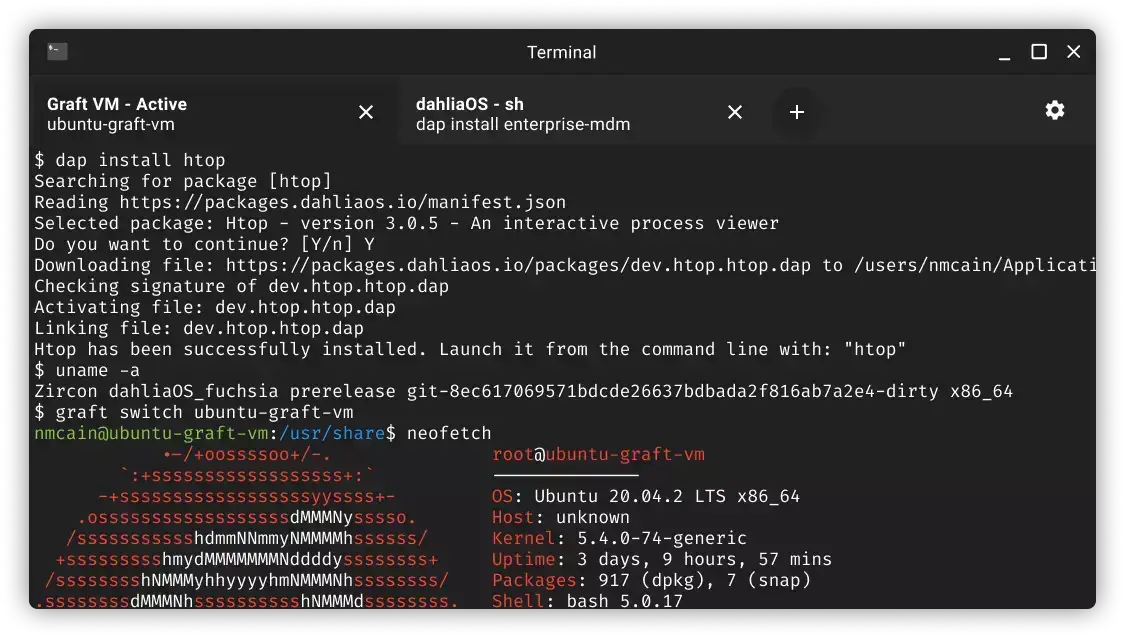
Emulador de terminal para o dahliaOS

Texto original em inglês. Visite o GitHub para a versão atual.
Website • Discord • Releases • Donate • Documentation

Add
#include <sys/wait.h>
to linux/flutter/ephemeral/.plugin_symlinks/flutter_pty/src/flutter_pty_unix.c
To develop and locally test the application:
Install pub dependencies required to run the application by running:
flutter pub get
Run the application in an enviroment of your choice by running:
flutter run
Flutter has hot reloading so no need to restart the instance when it's running!
If you're wondering how to contribute to the project, please refer to CONTRIBUTING.md


Copyright @ 2019-2022 - The dahliaOS Authors - contact@dahliaos.io
This project is licensed under the Apache 2.0 license
Lista de dependências 6 itens
{"sdk":"flutter"}^4.0.0^0.4.1^5.0.0{"git":"https://github.com/dahliaOS/zenit_ui.git"}{"sdk":"flutter"}Filtre pelo caso de uso, compare a atividade e confira o projeto original antes de adotá-lo.
“A repository is the most basic element of GitHub.”
GitHub Docs — About repositories ↗