Buscar categorias, pacotes e repositórios

Repositório GitHubengineer-unknown/watermark_unique

watermark_unique

pacote Flutter para aplicar uma marca d'água na imagem

Capa do projeto watermark_unique
Estrelas
4
Forks
4
Último push (UTC)
17 de mai. de 2025
Status do projeto
Ativo

README original

Texto original em inglês. Visite o GitHub para a versão atual.

watermark_unique

watermark_unique is a flutter package to add text and image watermarks on an image. You can customize the watermark's position, color, background color, and padding. Check on pub.dev: https://pub.dev/packages/watermark_unique

Documentation

Features
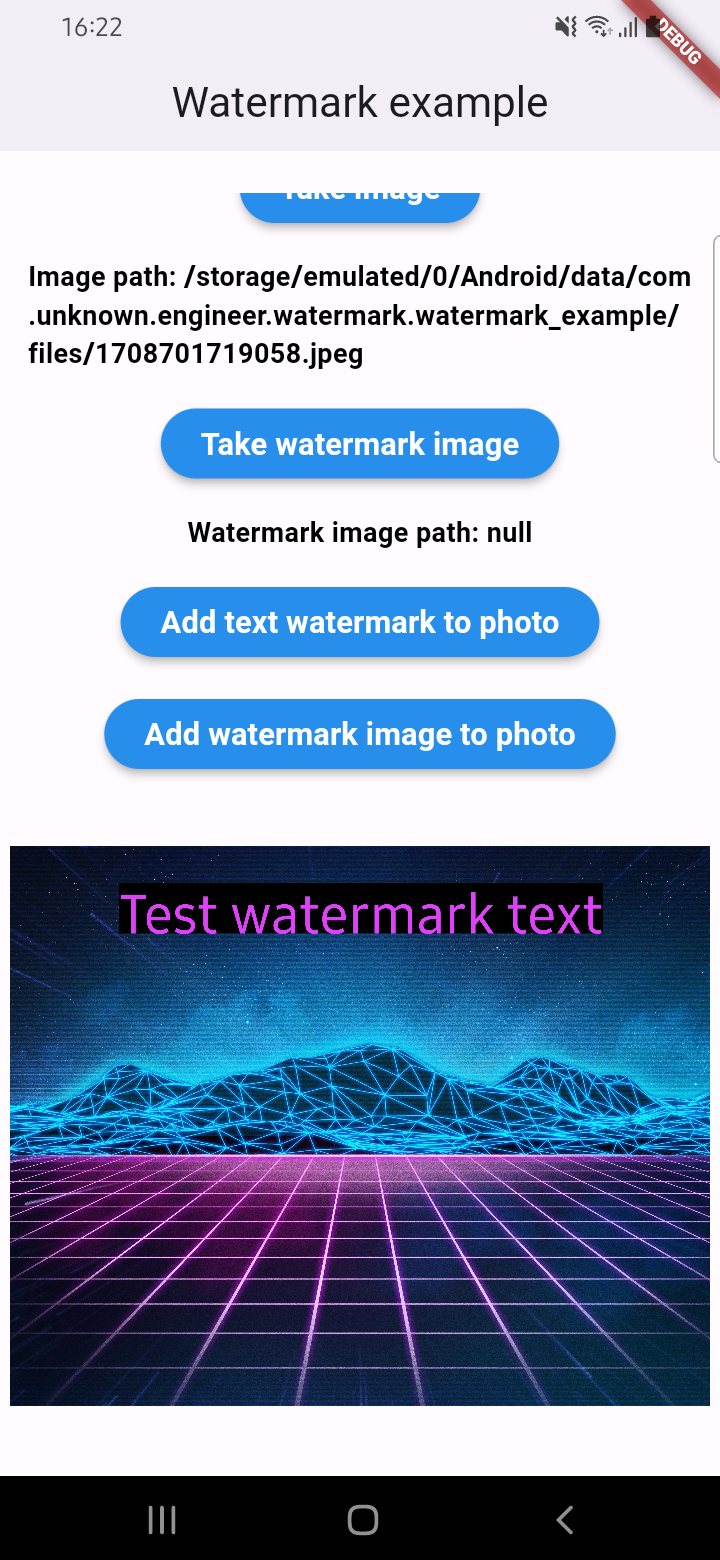
  • Add text to image
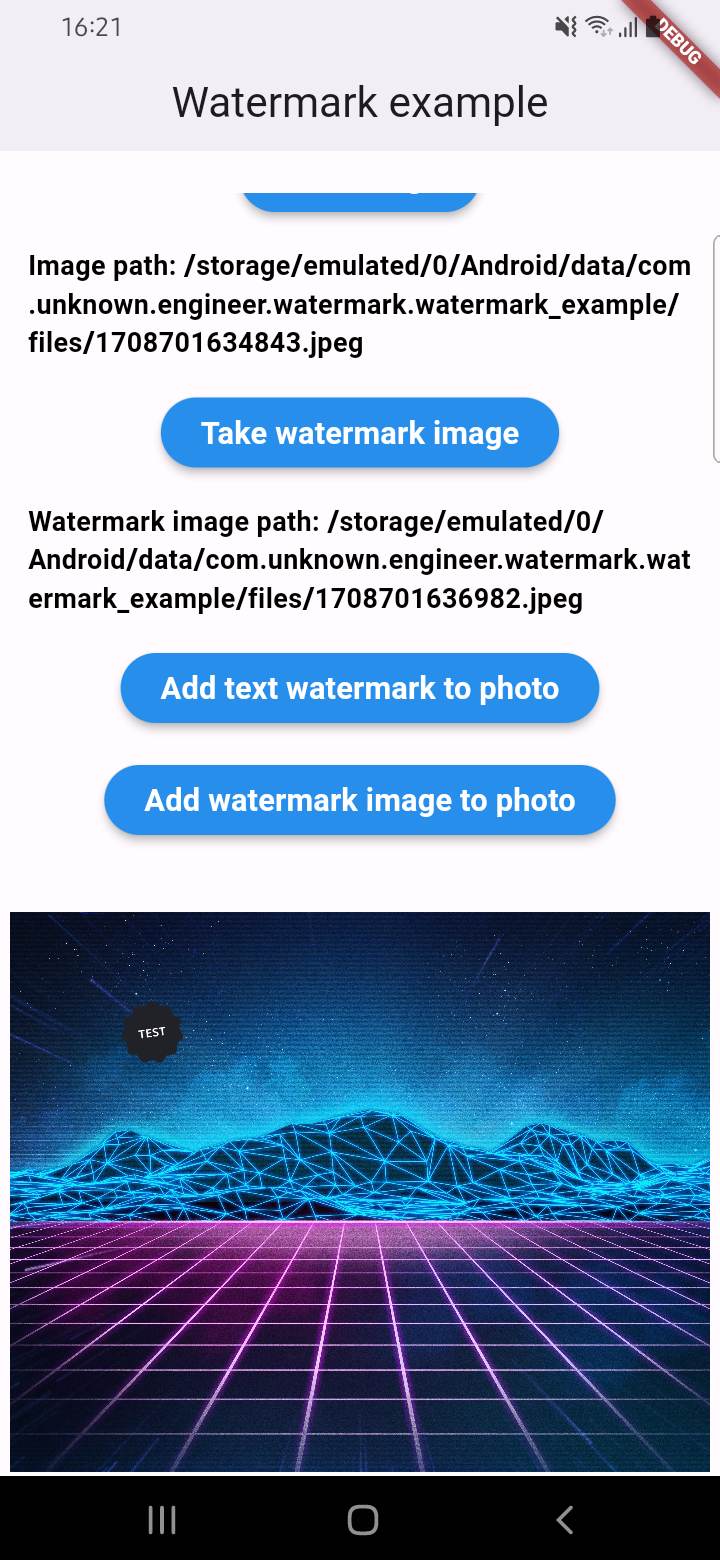
  • Add watermark to image
  • Get result via File or Uint8List

Parameters for image that you can change

  • Text
  • Position by X
  • Position by Y
  • Text size
  • Text color (withOpacity)
  • Background text color (optional / withOpacity)
  • Padding for text if background exist (optional)
  • Quality of image with watermark
  • Image format that you will use to compress

Usage

An example of how you can add text to an image (only IOS or Android):

final image = await watermarkPlugin.addTextWatermark(
  filePath: photo!.path, // image file path
  text: 'Test watermark text', // watermark text
  x: 500, // position by x
  y: 400, // position by y
  textSize: 250, // text size
  color: Colors.purpleAccent, // color of text
  isNeedRotateToPortrait: true, // rotation image to portrait (Default: false) ONLY ANDROID
  backgroundTextColor: Colors.black.withOpacity(0.5), // color of background text (optional)
  quality: 100, // quality of image with watermark
  backgroundTextPaddingLeft: 12, // padding of background text (optional)
  backgroundTextPaddingTop: 12, // padding of background text (optional)
  backgroundTextPaddingRight: 12, // padding of background text (optional)
  backgroundTextPaddingBottom: 12, // padding of background text (optional)
  imageFormat: ImageFormat.jpeg, // image format that you will use to compress
);

An example of how you can add a watermark to an image (only IOS or Android):

final image = await watermarkPlugin.addImageWatermark(
  filePath: photo!.path, // image file path
  watermarkImagePath: watermark!.path, // watermark image file path
  x: 500, // position by x
  y: 400, // position by x
  quality: 100, // quality of image with watermark
  imageFormat: ImageFormat.jpeg, // image format that you will use to compress
  watermarkWidth: 300, // watermark image width
  watermarkHeight: 300,  // watermark image height
);

An example of how you can add text to an image and get results via Uint8List (IOS || Android || WEB):

final image = await watermarkPlugin.addTextWatermarkUint8List(
  filePath: photo!.path, // image file path
  text: 'Test watermark text', // watermark text
  x: 500, // position by x
  y: 400, // position by y
  textSize: 250, // text size
  color: Colors.purpleAccent, // color of text
  isNeedRotateToPortrait: true, // rotation image to portrait (Default: false) ONLY ANDROID
  backgroundTextColor: Colors.black, // color of background text (optional)
  backgroundTextPaddingLeft: 12, // padding of background text (optional)
  backgroundTextPaddingTop: 12, // padding of background text (optional)
  backgroundTextPaddingRight: 12, // padding of background text (optional)
  backgroundTextPaddingBottom: 12, // padding of background text (optional)
);

An example of how you can add a watermark to an image and get results via Uint8List (IOS || Android || WEB):

final image = await watermarkPlugin.addImageWatermarkUint8List(
  filePath: photo!.path, // image file path
  watermarkImagePath: watermark!.path, // watermark image file path
  x: 500, // position by x
  y: 400, // position by x
  watermarkWidth: 300, // watermark image width
  watermarkHeight: 300,  // watermark image height
);

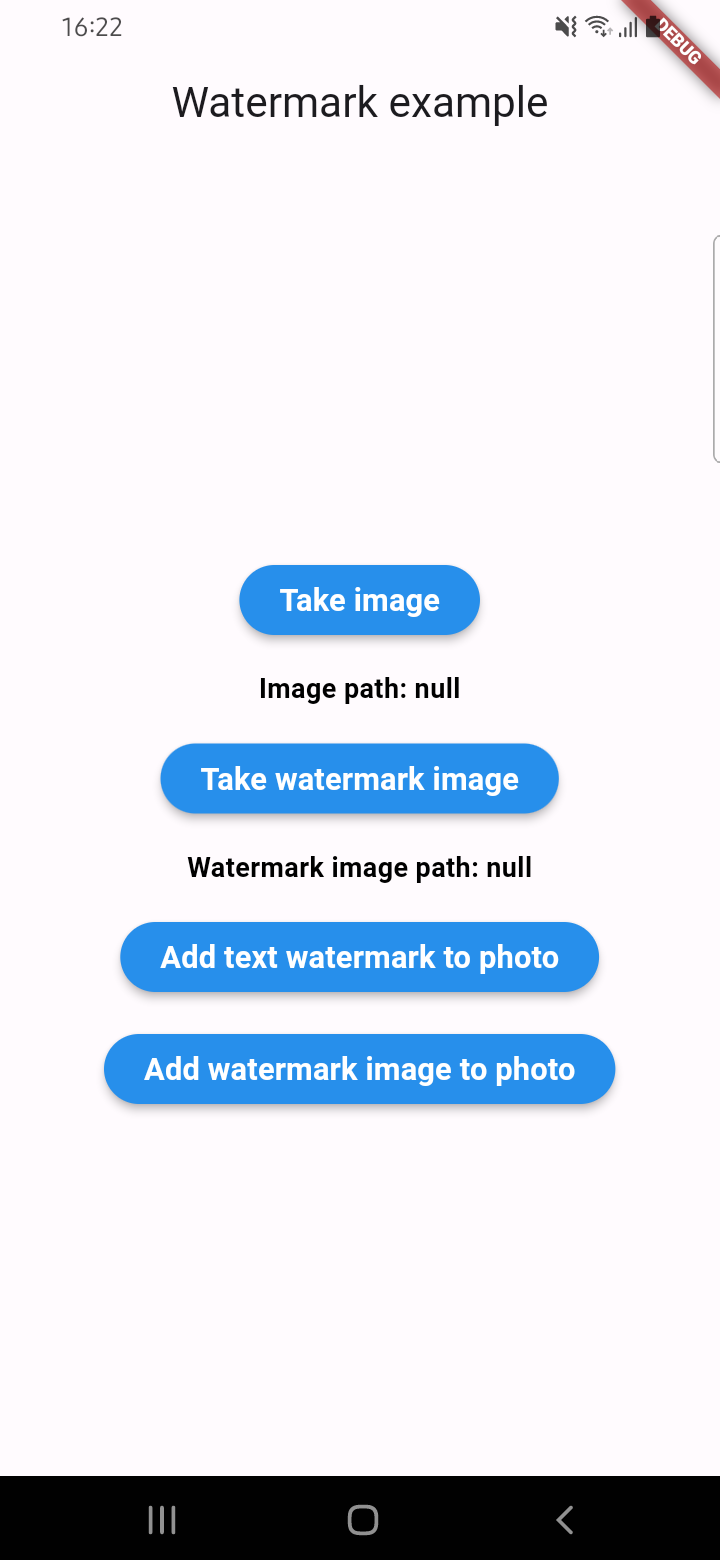
Example screenshots

Unknown Engineer GitHub avatar
Autor no GitHub

Unknown Engineer ↗

Mobile software engineer

LinguagensDartKotlinSwiftRubyHTMLObjective-C

Categorias

Pacotes publicados por este repositório

Dependências usadas

Lista de dependências 6 itens

  • flutter{"sdk":"flutter"}
  • flutter_web_plugins{"sdk":"flutter"}
  • plugin_platform_interface^2.1.8
  • image^4.5.4
  • flutter_testDesenvolvimento{"sdk":"flutter"}
  • flutter_lintsDesenvolvimento^5.0.0

Como escolher um repositório para seu projeto?

Filtre pelo caso de uso, compare a atividade e confira o projeto original antes de adotá-lo.

  1. Busque por nome, autor ou descrição e filtre por tema.
  2. Compare estrelas, forks e envios recentes. Estrelas indicam interesse, mas não garantem qualidade.
  3. Confira o README, a licença e as issues no GitHub antes de usar o projeto.

Fontes e manutenção

“A repository is the most basic element of GitHub.”

GitHub Docs — About repositories ↗