Buscar categorias, pacotes e repositórios

Detalhes do pacotev1.1.0

watermark_unique

watermark_unique é um pacote do Flutter para adicionar marcas d'água de texto e imagem em uma imagem. Você pode personalizar a posição, cor, cor de fundo e preenchimento da marca d'água.

AndroidiOSWeb
Downloads em 30 dias
105
Curtidas
29
Pontos Pub
150

Instalar pacote

flutter pub add watermark_unique

Visão geral do pacote

Orientação gerada a partir de informações públicas. Apenas para referência.

watermark_unique é um pacote Flutter projetado para adicionar marcas d'água personalizáveis de texto e imagem em imagens. Permite que os usuários ajustem a posição, cor, cor de fundo e preenchimento da marca d'água para controle preciso. Ideal para aplicativos que exigem proteção de imagens ou branding, suporta plataformas Android, iOS e Web. O pacote é leve e se integra perfeitamente em projetos Flutter existentes com um simples comando. Sua natureza de código aberto incentiva contribuições da comunidade e transparência.

Casos de uso

  • Adicionando avisos de direitos autorais às imagens
  • Fotografias com logotipos de marca
  • Proteger o conteúdo digital de uso não autorizado
  • Criando miniaturas com marca d'água
  • Personalizando visualmente os metadados da imagem

Principais recursos

  • Suporta marcas d'água de texto e imagem
  • Posição e alinhamento configuráveis
  • Opções ajustáveis de cor e fundo
  • Configurações de preenchimento personalizáveis
  • Compatibilidade multiplataforma (Android, iOS, Web)

Indicado para

  • Aplicativos de fotografia e mídia
  • sistemas de gerenciamento de conteúdo
  • Plataformas de comércio eletrônico
  • Bibliotecas de ativos digitais
  • Ferramentas e editores criativos

Considerações

  • Requer carregamento de imagem antes de aplicar marcas d'água
  • O desempenho pode variar com imagens grandes
  • Limitado à colocação estática de marca d'água
  • Sem histórico de edição ou desfazer embutido
  • Depende da eficiência do processamento de imagem externo
README original

Snapshot do README original do repositório-fonte vinculado. Consulte o repositório para o conteúdo mais recente.

watermark_unique

watermark_unique is a flutter package to add text and image watermarks on an image. You can customize the watermark's position, color, background color, and padding. Check on pub.dev: https://pub.dev/packages/watermark_unique

Documentation

Features
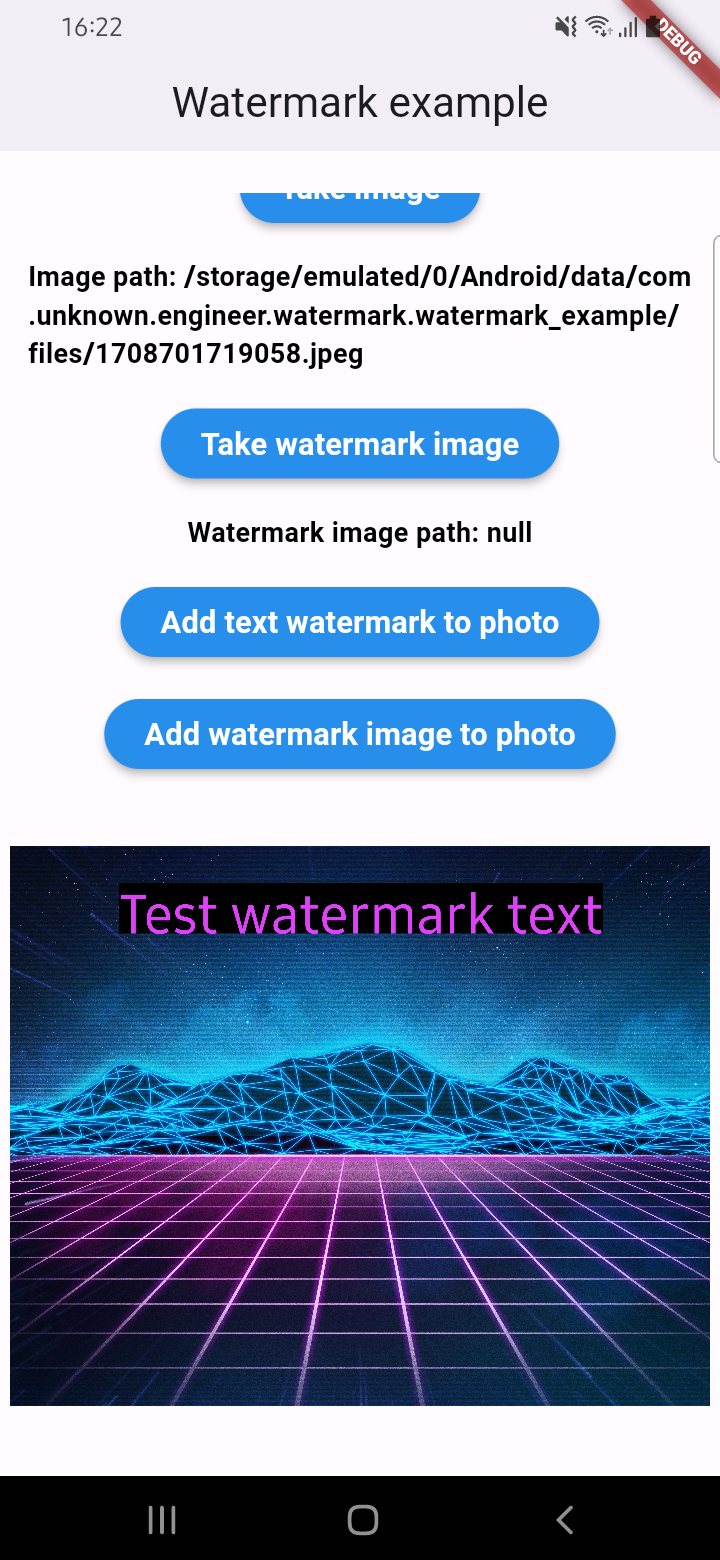
  • Add text to image
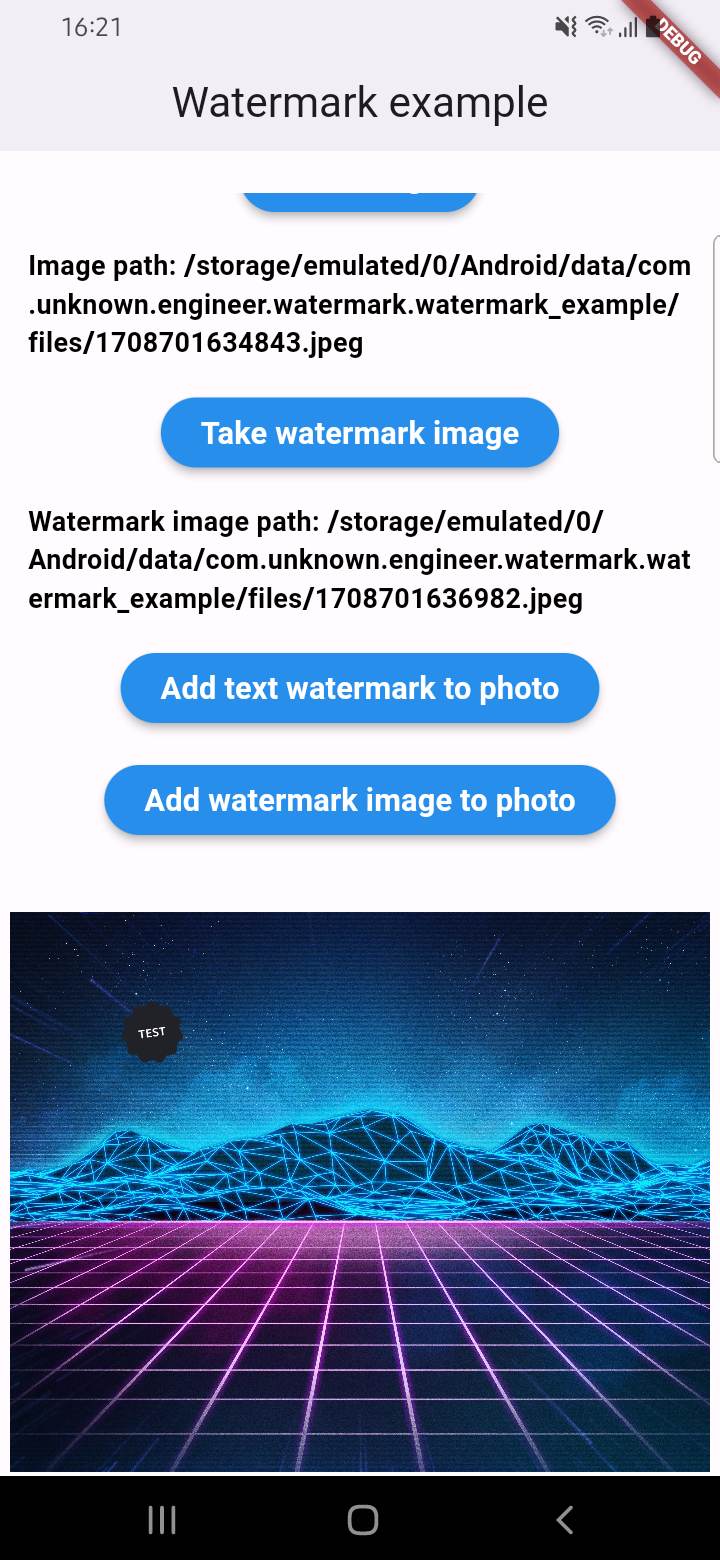
  • Add watermark to image
  • Get result via File or Uint8List

Parameters for image that you can change

  • Text
  • Position by X
  • Position by Y
  • Text size
  • Text color (withOpacity)
  • Background text color (optional / withOpacity)
  • Padding for text if background exist (optional)
  • Quality of image with watermark
  • Image format that you will use to compress

Usage

An example of how you can add text to an image (only IOS or Android):

final image = await watermarkPlugin.addTextWatermark(
  filePath: photo!.path, // image file path
  text: 'Test watermark text', // watermark text
  x: 500, // position by x
  y: 400, // position by y
  textSize: 250, // text size
  color: Colors.purpleAccent, // color of text
  isNeedRotateToPortrait: true, // rotation image to portrait (Default: false) ONLY ANDROID
  backgroundTextColor: Colors.black.withOpacity(0.5), // color of background text (optional)
  quality: 100, // quality of image with watermark
  backgroundTextPaddingLeft: 12, // padding of background text (optional)
  backgroundTextPaddingTop: 12, // padding of background text (optional)
  backgroundTextPaddingRight: 12, // padding of background text (optional)
  backgroundTextPaddingBottom: 12, // padding of background text (optional)
  imageFormat: ImageFormat.jpeg, // image format that you will use to compress
);

An example of how you can add a watermark to an image (only IOS or Android):

final image = await watermarkPlugin.addImageWatermark(
  filePath: photo!.path, // image file path
  watermarkImagePath: watermark!.path, // watermark image file path
  x: 500, // position by x
  y: 400, // position by x
  quality: 100, // quality of image with watermark
  imageFormat: ImageFormat.jpeg, // image format that you will use to compress
  watermarkWidth: 300, // watermark image width
  watermarkHeight: 300,  // watermark image height
);

An example of how you can add text to an image and get results via Uint8List (IOS || Android || WEB):

final image = await watermarkPlugin.addTextWatermarkUint8List(
  filePath: photo!.path, // image file path
  text: 'Test watermark text', // watermark text
  x: 500, // position by x
  y: 400, // position by y
  textSize: 250, // text size
  color: Colors.purpleAccent, // color of text
  isNeedRotateToPortrait: true, // rotation image to portrait (Default: false) ONLY ANDROID
  backgroundTextColor: Colors.black, // color of background text (optional)
  backgroundTextPaddingLeft: 12, // padding of background text (optional)
  backgroundTextPaddingTop: 12, // padding of background text (optional)
  backgroundTextPaddingRight: 12, // padding of background text (optional)
  backgroundTextPaddingBottom: 12, // padding of background text (optional)
);

An example of how you can add a watermark to an image and get results via Uint8List (IOS || Android || WEB):

final image = await watermarkPlugin.addImageWatermarkUint8List(
  filePath: photo!.path, // image file path
  watermarkImagePath: watermark!.path, // watermark image file path
  x: 500, // position by x
  y: 400, // position by x
  watermarkWidth: 300, // watermark image width
  watermarkHeight: 300,  // watermark image height
);

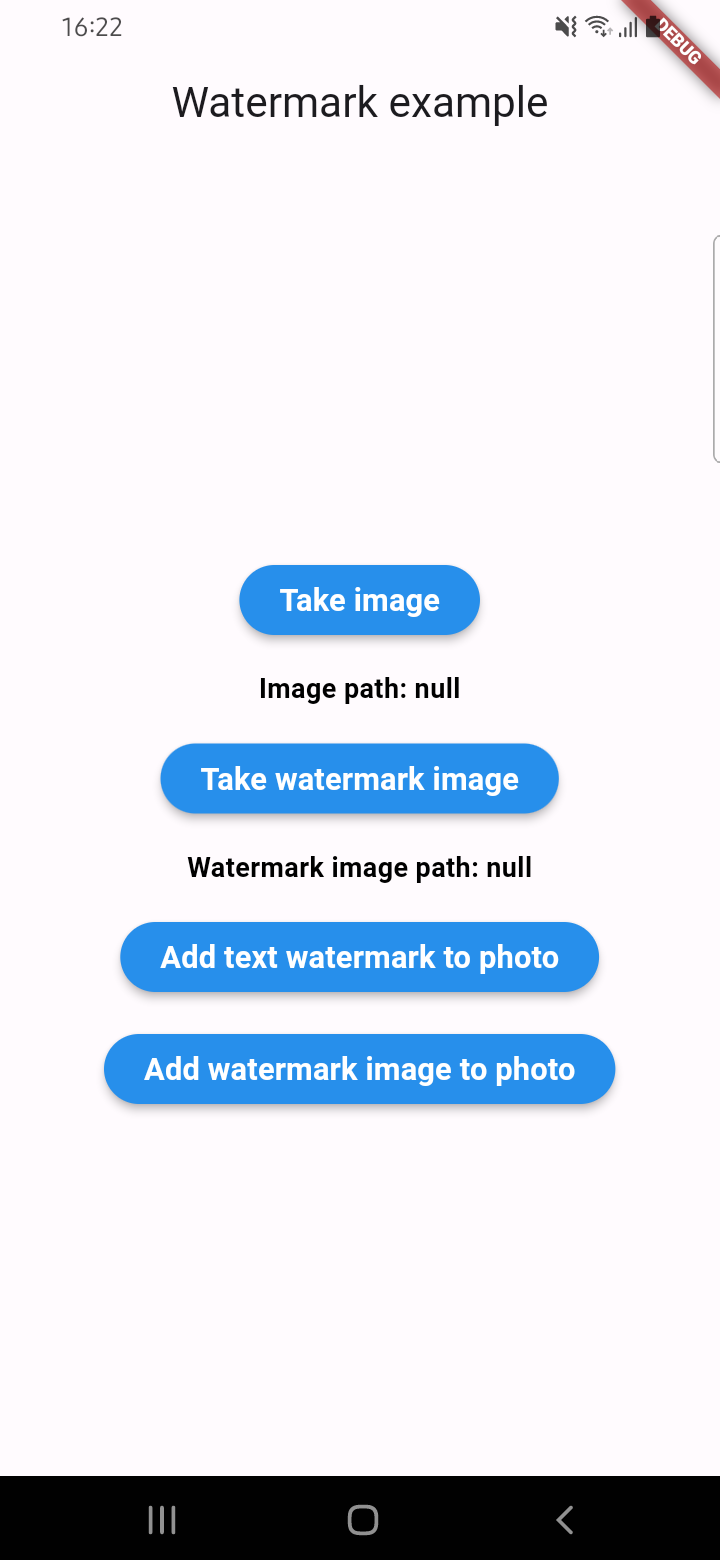
Example screenshots

Categorias

Dependências

Lista de dependências 2 itens

  • image^4.5.4
  • plugin_platform_interface^2.1.8

Repositório-fonte

Projetos que usam este pacote

Ainda não há dados.