

 v1.3.0
steps_indicator
Plugin Flutter para exibir um widget simples de indicador de etapas.
59Curtidas 1,3 milDownloads em 30 dias150Pontos Pub
AndroidiOSWebmacOSWindowsLinux
Plugin Flutter para exibir um widget simples de indicador de etapas

Texto original em inglês. Visite o GitHub para a versão atual.

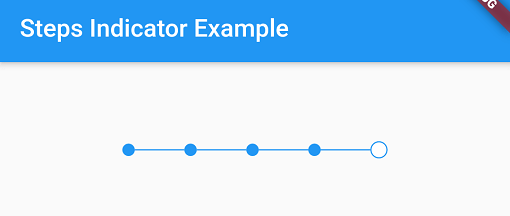
A simple steps indicator widget
Add steps_indicator: ^1.3.0 in your pubspec.yaml dependencies. And import it:
import 'package:steps_indicator/steps_indicator.dart';
Simply create a StepsIndicator widget and pass the required params:
StepsIndicator(
  selectedStep: 1,
  nbSteps: 4
)
Do not forget to check that the selectedStep is not lower than 0 and is not higher than the total number of steps (nbSteps).
Animations are disabled by default if you want to enable them remember to pass properties to true.
StepsIndicator(
  selectedStep: 1,
  nbSteps: 4,
  selectedStepColorOut: Colors.blue,
  selectedStepColorIn: Colors.white,
  doneStepColor: Colors.blue,
  doneLineColor: Colors.blue,
  undoneLineColor: Colors.red,
  isHorizontal: true,
  lineLength: 40,
  doneStepSize: 10,
  unselectedStepSize: 10,
  selectedStepSize: 14,
  selectedStepBorderSize: 1,
  doneStepWidget: Container(), // Custom Widget
  unselectedStepWidget: Container(), // Custom Widget
  selectedStepWidget: Container(), // Custom Widget
  lineLengthCustomStep: [
    StepsIndicatorCustomLine(nbStep: 3, length: 80)
  ],
  enableLineAnimation: true,
  enableStepAnimation: true,
)
For a more detail example please take a look at the example folder.
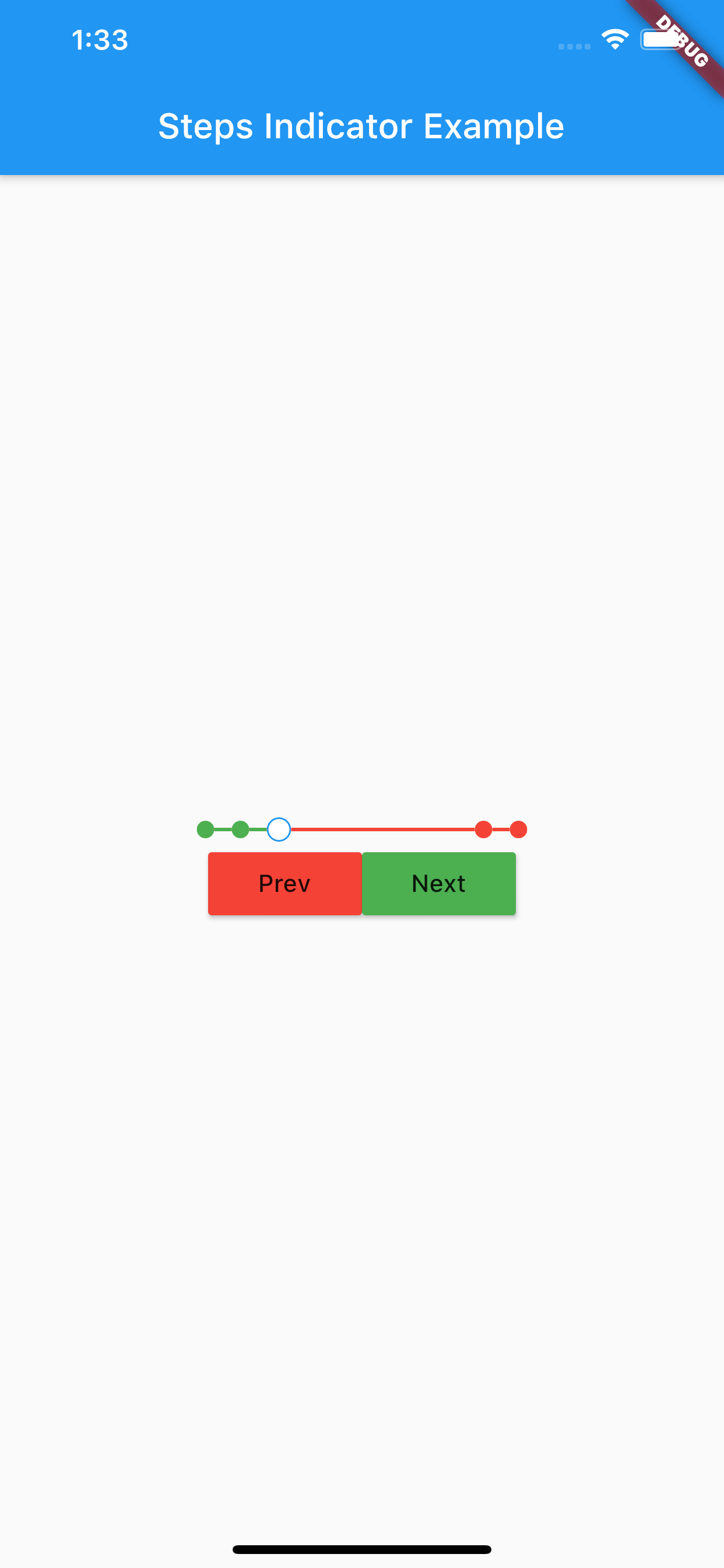
Steps indicator:
If something is missing, feel free to open a ticket or contribute!
Lista de dependências 2 itens
{"sdk":"flutter"}{"sdk":"flutter"}Filtre pelo caso de uso, compare a atividade e confira o projeto original antes de adotá-lo.
“A repository is the most basic element of GitHub.”
GitHub Docs — About repositories ↗