Texto original em inglês. Visite o GitHub para a versão atual.
Cupertino Progress Bar for Flutter
A progress bar includes a track that fills from left to right to show the progression of a task with
a known duration. Progress bars are non-interactive, although they are often accompanied by a button
for canceling the corresponding operation.
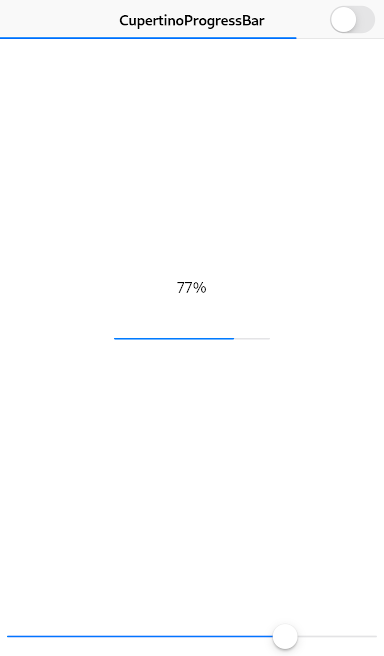
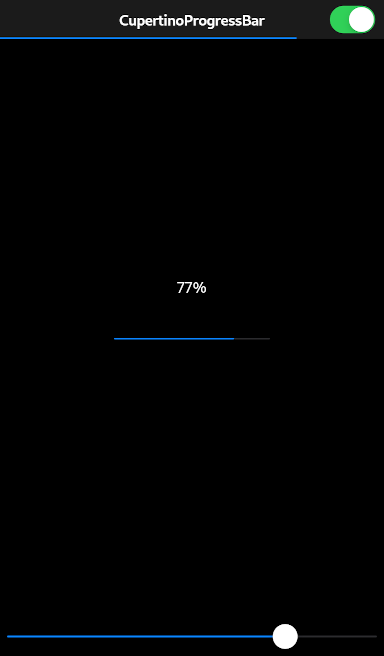
Screenshots
Light
Dark
Example
CupertinoProgressBar(
  value: 0.77,
)
Guidelines
Always report progress accurately. Don’t display inaccurate progress information just to make your
app appear busy. Only use progress bars for tasks that are quantifiable. Otherwise, use an activity
indicator.
Use progress bars for tasks with a well-defined duration. Progress bars are great for showing the
status of a task, especially when it helps convey how much longer the task needs to complete.
Hide the unfilled portion of track in navigation bars and toolbars. By default, a progress bar’s
track includes both filled and unfilled portions. When used in a navigation bar or toolbar, such as
to denote a page loading, a progress bar should be configured to hide the unfilled portion of the
track.
Consider customizing a progress bar’s appearance to match your app. A progress bar’s appearance can
be adjusted to match your app’s design. You can specify, for example, a custom color for both the
track and fill.



 v0.2.0