
 v1.1.3
pixel_perfect
Ferramenta de desenvolvimento que ajuda você a tornar seu aplicativo Flutter 'pixel perfeito'
225Curtidas 5,3 milDownloads em 30 dias150Pontos Pub
AndroidiOSWebmacOSWindowsLinux
Compare seu design e o layout atual do Flutter.
Texto original em inglês. Visite o GitHub para a versão atual.





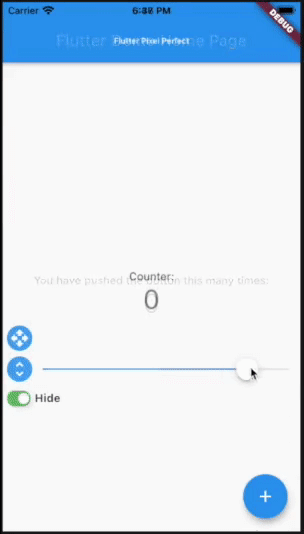
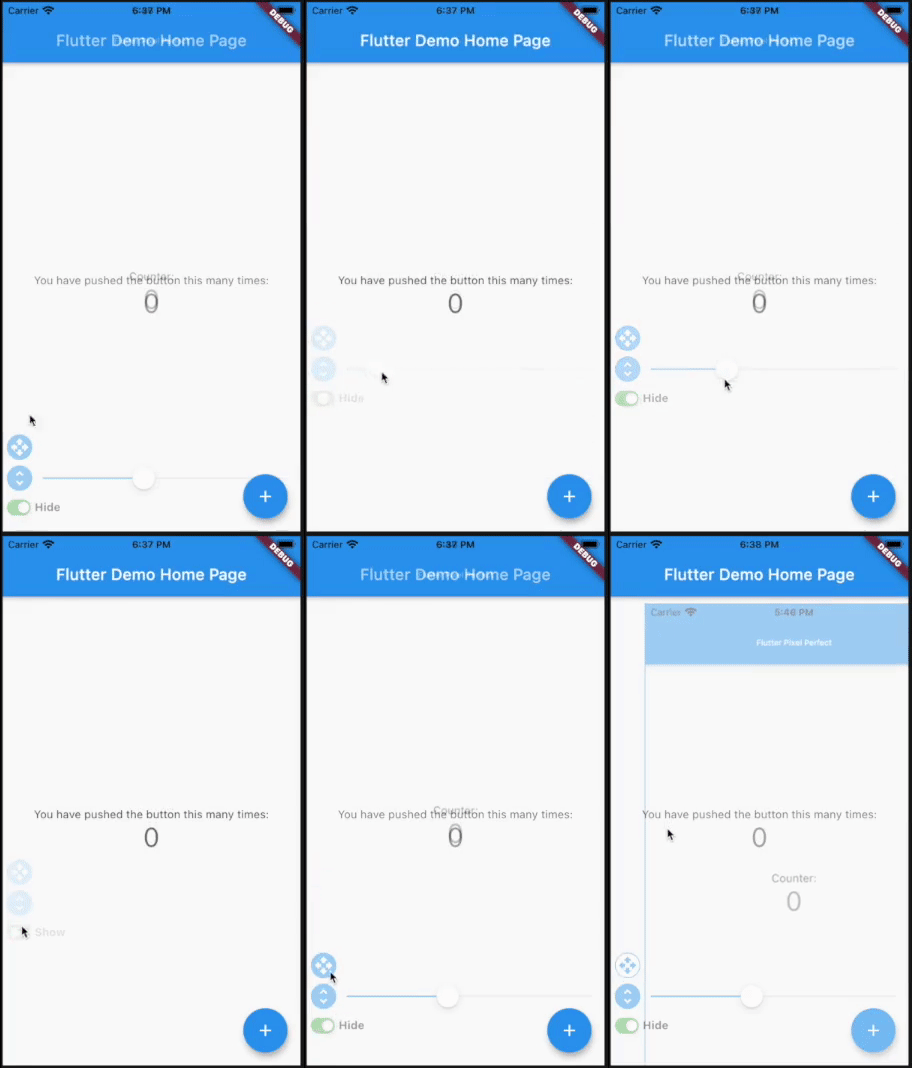
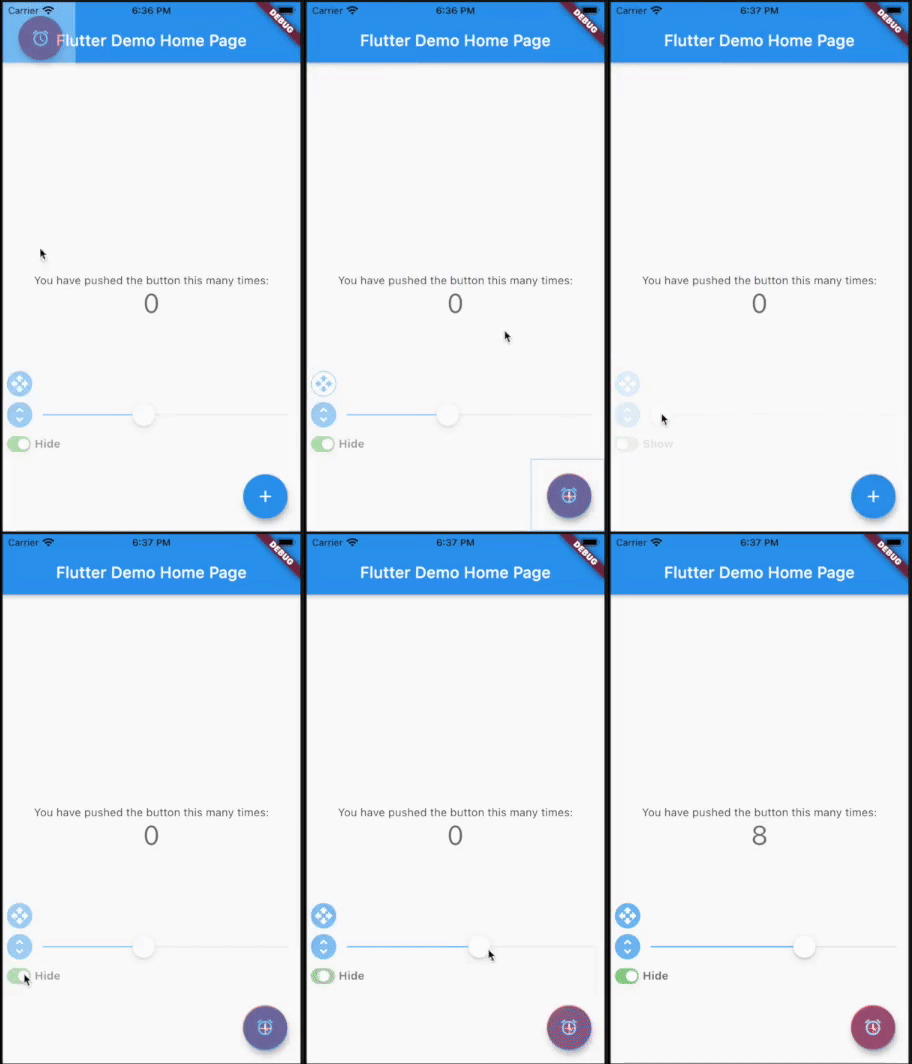
Put a semi-transparent image with the design over the top of the developed layout. It helps you to compare original design and current page.
Add pixel_perfect in your pubspec.yaml dependencies.
dependencies:
 pixel_perfect: any
Simple use
Add assets folder with images to your pubspec.yaml
  uses-material-design: true
  assets:
    - assets/
Import the following package in your dart file
import 'package:pixel_perfect/pixel_perfect.dart';
return PixelPerfect(
  assetPath: 'assets/design.png', // path to your asset image
  scale: 1, // scale value (optional)
  initBottom: 20, //  default bottom distance (optional)
  offset: Offset.zero, // default image offset (optional)
  initOpacity: 0.4, // init opacity value (optional)
  child: Scaffold(
    ..
  )
)
Extended use
return PixelPerfect.extended(
  image: Image.asset( // any image file
    'assets/element.png',
    scale: 2,
  ),
  initBottom: 20, //  default bottom distance (optional)
  offset: Offset.zero, // default image offset (optional)
  initOpacity: 0.4, // init opacity value (optional)
  child: Scaffold(
    ..
  )
)
Video tutorials by Learn App Code
How to Make Pixel Perfect Flutter Apps
How to Make Responsive Flutter Apps, Pixel Perfect

Lista de dependências 2 itens
{"sdk":"flutter"}{"sdk":"flutter"}Filtre pelo caso de uso, compare a atividade e confira o projeto original antes de adotá-lo.
“A repository is the most basic element of GitHub.”
GitHub Docs — About repositories ↗