 v2.0.0
pull_to_refresh
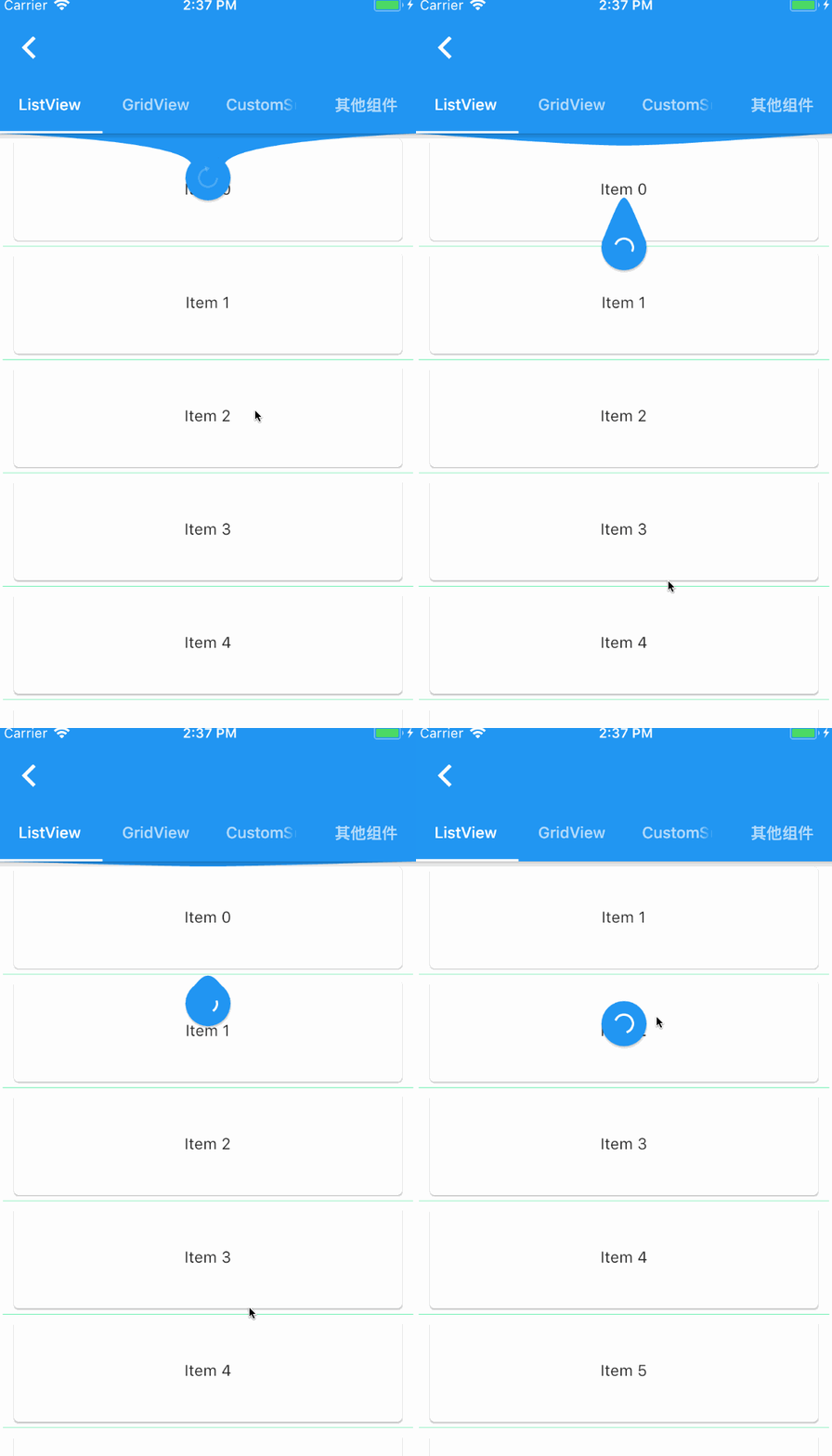
Um widget fornecido ao componente de rolagem do Flutter para atualização por deslize para baixo e carregamento por puxar para cima.
2,8 milCurtidas 166 milDownloads em 30 dias140Pontos Pub
AndroidiOSWebmacOSWindowsLinux
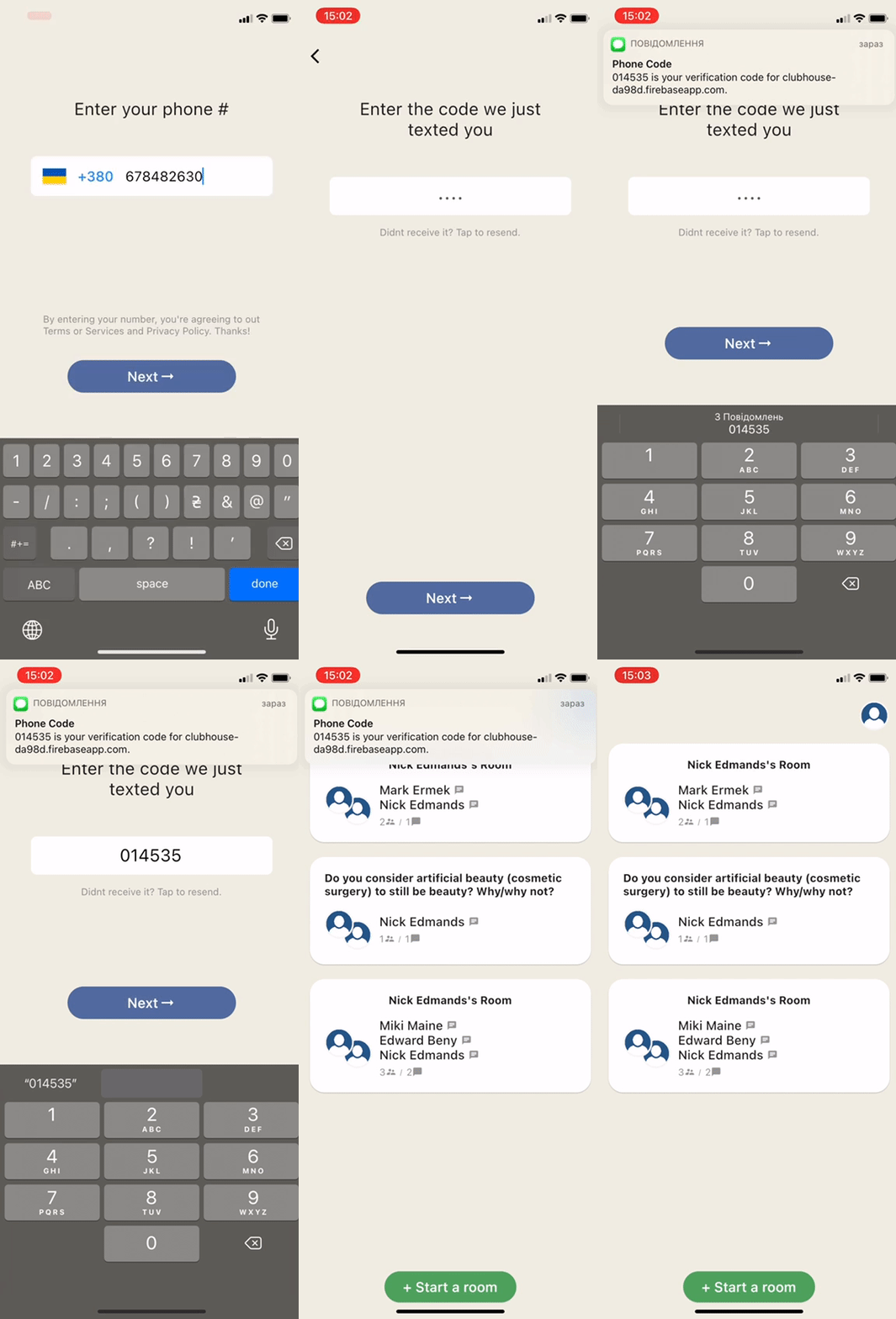
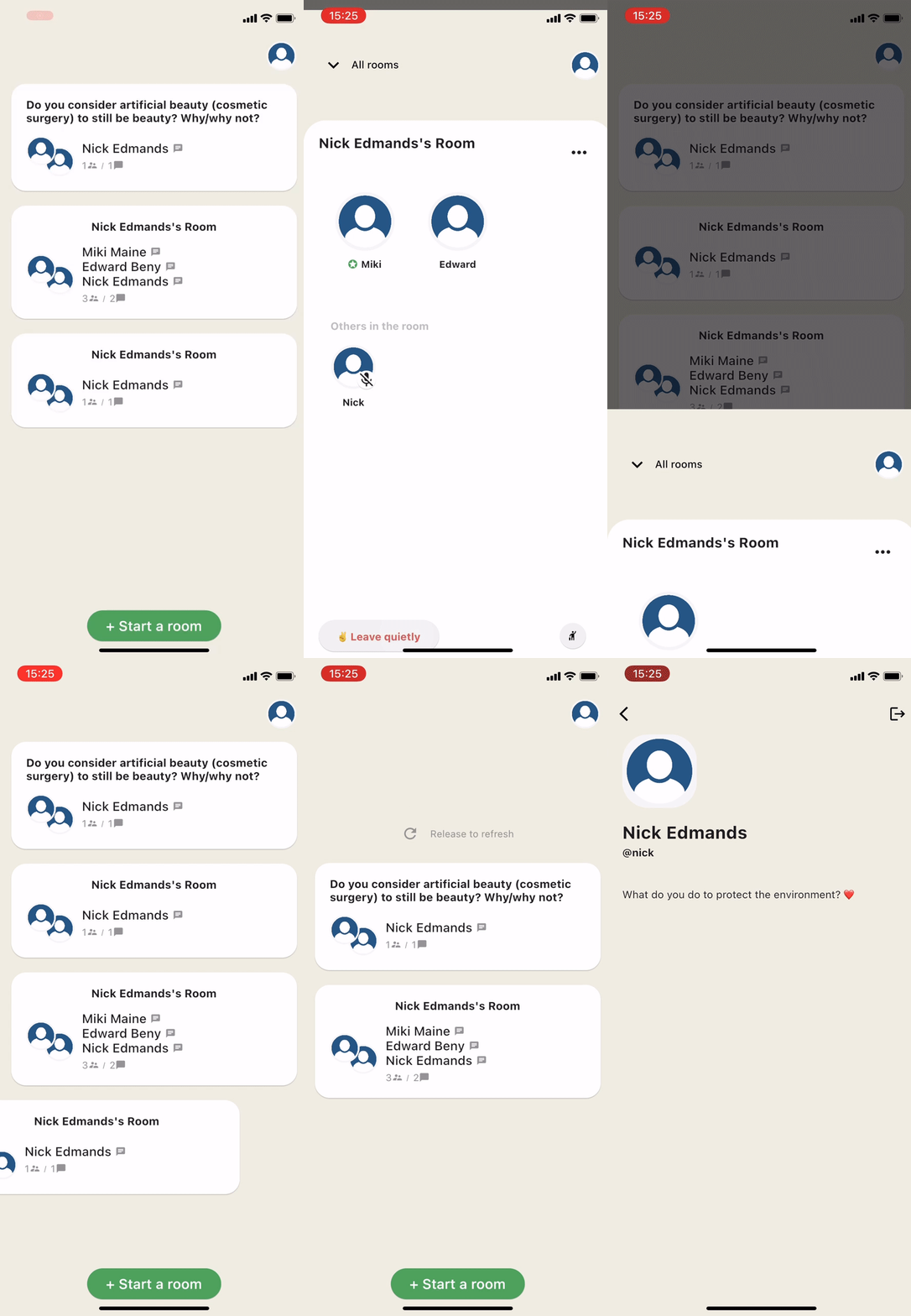
Clone do Clubhouse escrito em Flutter usando serviços Firebase/Firestore e Agora.

Texto original em inglês. Visite o GitHub para a versão atual.
Clubhouse clone written in Flutter using Firebase/Firestore and Agora services.
Part 1 - Setup Flutter project and create Clubhouse clone app UI
Part 2 - User login and registration with Firebase
Part 3 - Voice calling functionality with Agora
agora_rtc_engine: https://pub.dev/packages/agora_rtc_engine
permission_handler: https://pub.dev/packages/permission_handler
firebase_auth: https://pub.dev/packages/firebase_auth
cloud_firestore: https://pub.dev/packages/cloud_firestore
country_code_picker : https://pub.dev/packages/country_code_picker
pull_to_refresh : https://pub.dev/packages/pull_to_refresh
$ git clone https://github.com/perpetio/clubhouse.git
flutter pub get.Create your own Firebase project.
Once your Firebase instance is created, you'll need to enable Phone authentication.
const APP_ID = '';
const Token = '';
const channelName = '';
flutter run or using your IDE's tools.Um widget fornecido ao componente de rolagem do Flutter para atualização por deslize para baixo e carregamento por puxar para cima.
Plugin Flutter do SDK RTC da Agora, permitindo integrar chamadas de vídeo ou transmissão ao vivo com apenas algumas linhas de código.
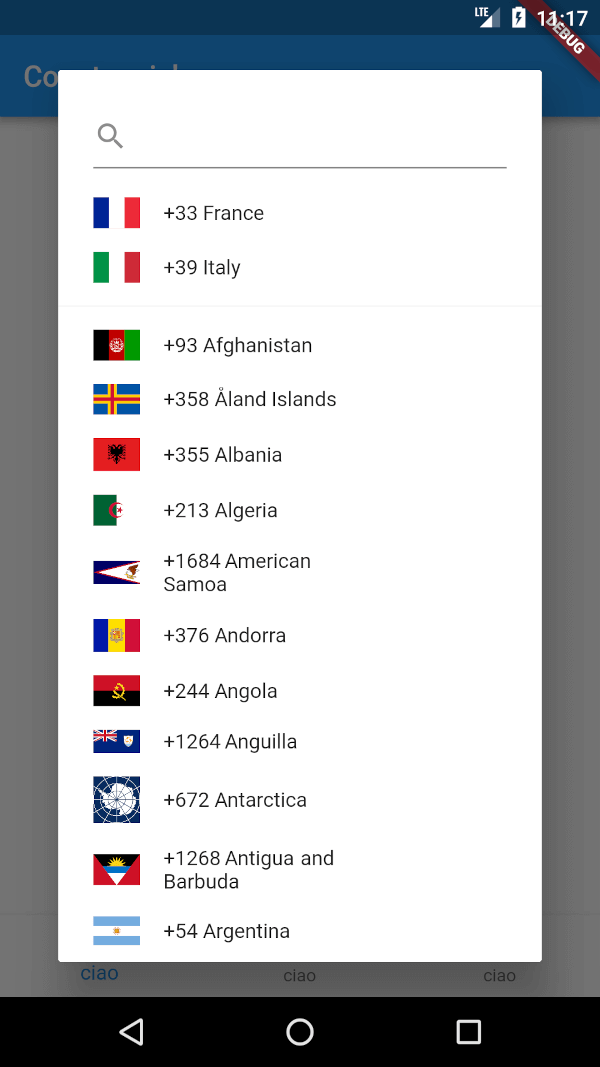
Um pacote Flutter para exibir um seletor de código do país. Além disso, permite selecionar uma lista de países favoritos, bem como pesquisar usando uma caixa de pesquisa simples.
Lista de dependências 10 itens
{"sdk":"flutter"}^1.0.0^3.2.1^5.0.0—^0.4.4^0.12.9^2.0.1^1.6.4{"sdk":"flutter"}Filtre pelo caso de uso, compare a atividade e confira o projeto original antes de adotá-lo.
“A repository is the most basic element of GitHub.”
GitHub Docs — About repositories ↗